Cursor vs GitHub Copilot 2026: Which AI Coding Tool Wins for Your Workflow?
Two years ago, GitHub Copilot was the default answer for AI-assisted coding. Today that answer is genuinely contested. Cursor has grown from a VS Code fork with good autocomplete into a full agentic development environment, and the April 2, 2026 launch of Cursor 3 raised the ceiling again. Meanwhile, GitHub Copilot has expanded its model roster to include Claude Opus 4.7, GPT-5.5, and Gemini 3.1 Pro, while building cloud-native agentic workflows directly into the GitHub platform.
The choice between them in April 2026 is not "which one does autocomplete better." Both tools do that well. The real question is whether you want a purpose-built coding environment with proprietary models and deep local agentic editing, or a platform-native extension that works across every IDE and integrates with every GitHub workflow you already run. One more factor: SpaceX disclosed an option to acquire Cursor's maker, Anysphere, for $60 billion on April 21, 2026. That development adds a legitimate long-term consideration to any decision about Cursor today.
This comparison covers pricing, model support, agent mode, IDE flexibility, codebase awareness, privacy, and the SpaceX situation. No affiliate relationship influences the verdict.
TL;DR Verdict
Choose Cursor if: you work primarily in VS Code, you want the deepest local agentic editing experience available, you want access to Cursor's own Composer 2 model (which benchmarks well against third-party alternatives), and you can absorb the $20/month Pro price. Heavy agentic users who run multi-file editing sessions daily will get more out of Cursor's architecture than Copilot's.
Choose GitHub Copilot if: you use JetBrains, Visual Studio, Neovim, or Xcode; you want native integration with GitHub PRs and issues; your team is already in the GitHub ecosystem; or you want a capable free tier before committing. At $10/month Pro versus Cursor's $20/month, Copilot is also the correct call for budget-sensitive individual developers who do not need the agentic depth Cursor offers.
The honest summary: Cursor is the better tool for agentic, context-heavy development work. Copilot is the better tool for IDE flexibility, platform integration, and cost at every tier. Neither is universally superior.
Quick Pricing Comparison
| Tier | Cursor | GitHub Copilot |
|---|---|---|
| Free | Hobby (limited agent requests, limited Tab) | $0/mo (2,000 completions, 50 chat messages) |
| Entry Pro | $20/mo | $10/mo |
| Mid Pro | $60/mo (Pro+) | $39/mo (Pro+) |
| Max/Ultra | $200/mo (Ultra) | $99/mo (Max) |
| Team/Business | $40/user/mo (Teams) | $19/user/mo (Business) |
| Enterprise | Custom | $39/user/mo |
Copilot is cheaper at every directly comparable tier. Cursor's price premium reflects Composer 2 (their own frontier model, included in plan quota) and the deeper local agentic architecture. The $10/month Pro difference is modest for individuals; at team scale, the $21/user/month gap between Cursor Teams ($40) and Copilot Business ($19) adds up fast.
Copilot's free tier is also materially more useful than Cursor's Hobby plan. Two thousand completions and 50 chat messages per month is enough for a real evaluation, or for light use on personal projects. Cursor's Hobby plan is more of a trial than a working free tier.
Which Models Each Tool Supports
Cursor runs Composer 2 as the default model on Pro and above. Composer 2 is Anysphere's own frontier coding model, launched March 19, 2026. It scores 61.3 on CursorBench (versus Composer 1.5 at 44.2) and 73.7% on SWE-bench Multilingual. Third-party model options on Cursor include Claude Sonnet 4.5, Claude Opus 4.7, GPT-4.1, GPT-5, Gemini Pro, and Kimi K2. Third-party models count against a monthly request quota; Composer 2 has higher usage limits within plan.
GitHub Copilot does not have a proprietary model. Its advantage is the width of the roster: Claude Haiku 4.5, Sonnet 4, Sonnet 4.5, Sonnet 4.6, Opus 4.5, Opus 4.6, Opus 4.7 (GA April 16), GPT-5 through GPT-5.5 (GA April 24), Gemini 2.5 Pro, Gemini 3 Flash (Preview), Gemini 3.1 Pro (Preview), Grok Code Fast 1, and o3-class models. Not all models are available on all plans; Opus 4.7 and GPT-5.5 are Max and Enterprise tier.
The model question does not resolve cleanly in either tool's favor. Cursor's Composer 2 is a real differentiator with strong benchmark results. Copilot's model breadth means you can switch between the newest Claude, GPT, and Gemini releases without leaving the tool. The practical difference for most developers: Cursor users are running a capable proprietary model by default, Copilot users are choosing from a larger menu of third-party models with plan-gated access.
Agent Mode: Local vs Platform
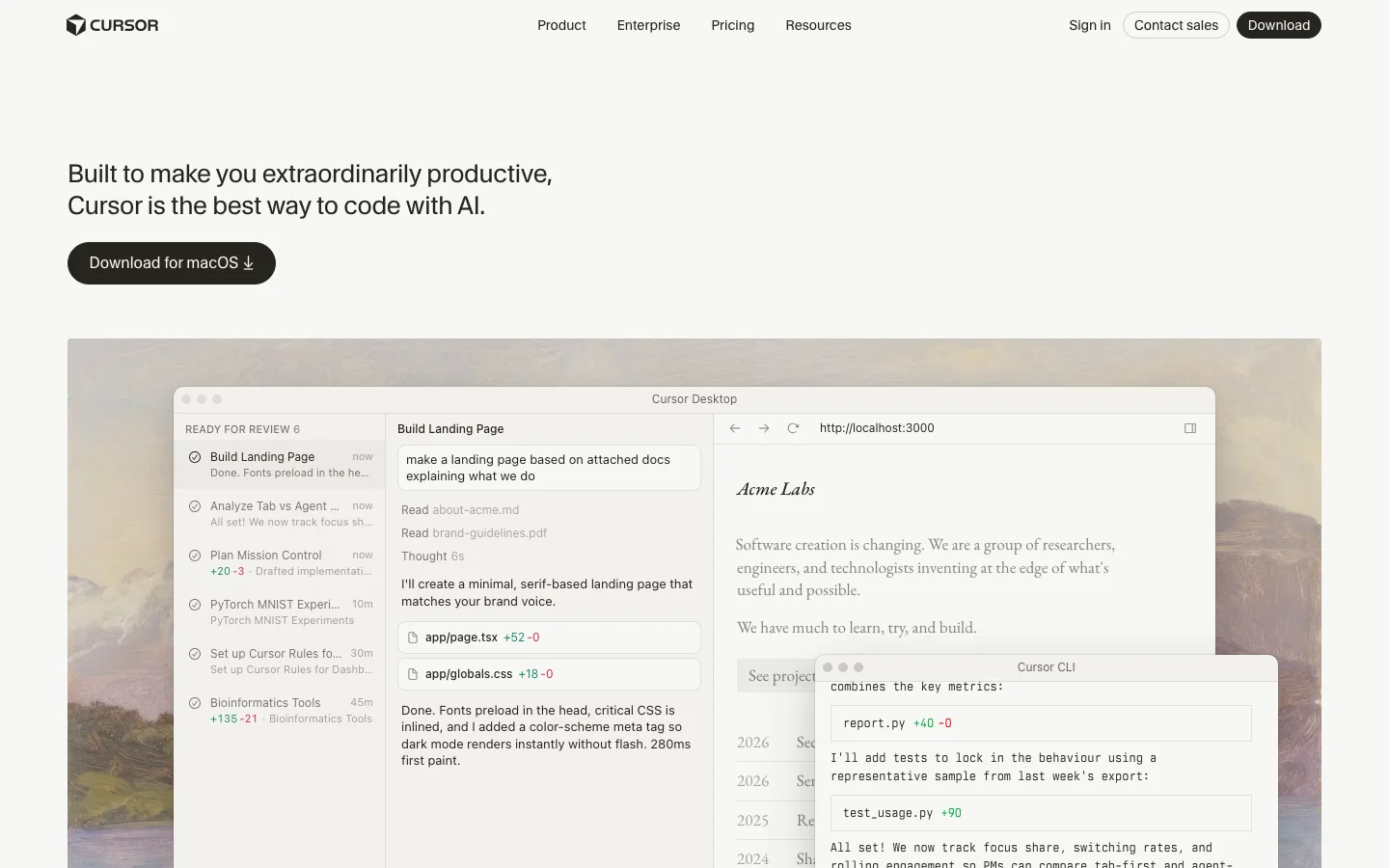
Cursor 3, launched April 2, 2026, is built around agents. The Agents Window replaces the old Composer sidebar with a from-scratch interface where multiple local and cloud agents run in parallel in a tiled layout. Cursor's Cloud Agents run in the cloud while you work locally or close your laptop, with smooth local/cloud handoff. Canvases, added April 15, let agents produce interactive visualizations and dashboards alongside code. The Cursor Marketplace offers hundreds of plugins extending agents with MCPs, skills, and subagents. The built-in browser lets agents open and navigate local web applications during a task.
The primary complaint about Cursor 3's agent mode: experienced users who relied on the old Composer find the new Agents Window more complex and less controllable. A Reddit thread titled "Cursor V3 is a significant regression" drew 216 upvotes and 118 comments from users who preferred the previous interface. This is worth weighing if you are upgrading from Cursor 2, less relevant for new users.
GitHub Copilot's agent architecture is split across two products. Copilot Coding Agent handles the full-cycle workflow: assign it a GitHub issue, it opens a branch, writes code, and submits a PR. It now supports multi-agent subagents (April 2026) and fix-merge-conflicts-in-three-clicks from the cloud agent. Copilot Spaces, now GA, provides persistent project context environments that remember files, instructions, and teammates across sessions. IDE agent mode (VS Code) handles multi-step code changes, terminal runs, and browser interaction inline. JetBrains inline agent mode launched in preview April 24.
The structural difference: Cursor's agents are primarily a local editing experience, running in your environment and giving you direct control over file changes. Copilot's agents are primarily a platform experience, living in GitHub's issue and PR workflow. If you want to say "fix this issue, open a PR, I'll review it," Copilot is the correct choice. If you want to run a multi-agent parallel editing session inside your IDE, Cursor is the correct choice.
IDE Support
Cursor is a VS Code fork. It is compatible with the full VS Code extension ecosystem, which is large and well-maintained. But it is only Cursor. If your primary IDE is JetBrains (IntelliJ, PyCharm, WebStorm, Rider, GoLand), Visual Studio, Neovim, or Xcode, Cursor does not run there. You would need to switch IDEs to use it.
GitHub Copilot runs as a plugin or extension across VS Code, the full JetBrains suite, Visual Studio, Neovim, Xcode (beta), and Eclipse (beta). If your team has developers on mixed IDEs, Copilot is the only option that does not require a full toolchain change. This is not a marginal advantage in enterprise contexts. Many backend teams run JetBrains exclusively. Asking them to switch to a VS Code fork is a significant workflow disruption Copilot avoids entirely.
For individual developers who already use VS Code: IDE support is a non-issue. For teams with mixed IDEs or for developers committed to JetBrains: this is a deciding factor in Copilot's favor, independent of every other comparison point.
Codebase Awareness
Cursor indexes the full repository, not just open files. This is a core architectural choice that informs autocomplete, agent tasks, and chat context. The indexing is real-time, fast via Instant Grep, and available across all file types in the workspace. When you ask Cursor to refactor a function that touches six files, it can actually see all six files and their relationships without manual context-adding.
GitHub Copilot's codebase context has improved in 2026, particularly in VS Code with the coding agent and Spaces. Copilot Spaces allows you to define files and instructions that persist across sessions, effectively giving the agent standing context for a project. However, the baseline autocomplete and chat experience in Copilot is more open-file focused than Cursor's full-repo indexing approach. Enterprise users can configure knowledge bases for fine-tuning context, which partially closes this gap at the Enterprise tier.
For large codebases where cross-file context matters: Cursor's indexing architecture is a concrete advantage. For smaller projects or for developers who manage context manually: the difference is less pronounced in practice.
Pricing Plans Side-by-Side 2026
| Plan | Cursor | GitHub Copilot |
|---|---|---|
| Free | Hobby: limited Agent requests, limited Tab completions | $0/mo: 2,000 completions/mo, 50 chat/mo, limited premium requests |
| Pro | $20/mo: extended Agent limits, frontier models, MCPs, Cloud Agents | $10/mo: unlimited completions, unlimited chat, 300 premium requests/mo |
| Pro+ | $60/mo: Pro + 3x usage on OpenAI, Claude, Gemini models | $39/mo: unlimited completions, unlimited chat, higher premium request quota |
| Max/Ultra | $200/mo (Ultra): Pro + 20x usage, priority access to new features | $99/mo (Max): 1,500 premium requests/mo, Opus 4.7, GPT-5.5 |
| Teams/Business | $40/user/mo: shared rules, SAML/OIDC SSO, RBAC, usage analytics | $19/user/mo: team admin, SSO, IP indemnification, 300 premium requests/user |
| Enterprise | Custom: pooled usage, SCIM, audit logs, AI code tracking API | $39/user/mo: fine-tuning, knowledge bases, audit logs, FedRAMP, 1,000 premium requests/user |
One note on Copilot's premium request system: agent mode, code review, CLI, and chat using frontier models all consume premium requests. On Copilot Pro ($10/mo), you get 300 per month. Running heavy agent sessions against Claude Opus or GPT-5.5 can exhaust that quota faster than you expect. The $39 Pro+ tier or higher is the practical tier for daily agentic use. On Cursor, Composer 2 (their own model) has higher usage limits than third-party models, which helps avoid hitting rate limits at the $20/mo tier.
Privacy and Code Training
Cursor offers Privacy Mode on all plans. With Privacy Mode enabled, code is not stored or used for model training. Business and Enterprise plans include organization-wide Privacy Mode enforcement, so admins can guarantee no code leaves the environment for training purposes. Cursor's privacy documentation has improved significantly in 2026 following earlier community concerns about data handling.
GitHub Copilot's default behavior for API-accessed features does not use code snippets for product improvement. Enterprise customers receive additional data handling commitments. IP indemnification on Business and Enterprise is a concrete legal protection Cursor does not currently offer: if Copilot-generated code is found to infringe a third-party copyright, GitHub provides legal coverage under defined terms. This matters specifically in regulated industries and for companies with formal IP risk management requirements.
For most individual developers, the privacy difference is not the deciding factor. For enterprise procurement, Copilot's IP indemnification, FedRAMP authorization (for US government contexts), and SOC 2 compliance documentation are structural advantages that Cursor has not yet matched.
The SpaceX Acquisition Factor
On April 21, 2026, SpaceX disclosed a partnership with Anysphere and an option to acquire the company for $60 billion later in 2026. An alternative path is $10 billion for joint development if the acquisition does not close. The deal timing is tied to SpaceX's planned IPO this summer.
The community reaction on r/cursor was immediate: concern about xAI/Grok model lock-in, questions about whether Claude, GPT, and Gemini access continues post-acquisition, worry about employee retention under Musk ownership, and statements from some developers that they would switch tools if the acquisition closes. No product changes have been announced by Anysphere as of April 25, 2026.
How much weight to give this: it is a real uncertainty. Cursor's current multi-model flexibility (Claude, GPT, Gemini, Kimi, Composer 2) is a key part of its value proposition. Whether that flexibility survives under SpaceX/Musk ownership is genuinely unknown. The technical partnership gives SpaceX access to Colossus supercomputer compute for future Composer model training, which could produce better models or could create proprietary lock-in depending on how ownership relationships evolve.
For individual developers choosing between tools today: Cursor still works as described. For organizations signing multi-year agreements or building internal tooling around Cursor's API: the acquisition uncertainty is a legitimate procurement risk to document. GitHub Copilot's ownership structure (Microsoft/GitHub) is stable and known, which is a real advantage in enterprise risk conversations regardless of which tool you prefer technically.
Who Should Choose Which Tool
Choose Cursor if you are a solo developer doing agentic work
If your daily workflow involves asking an AI to make multi-file changes, refactor across a codebase, run test suites, open browser tabs, and iterate on complex tasks: Cursor Pro at $20/month is built for you. The Agents Window, Composer 2's benchmark performance, full codebase indexing, and Cursor 3's parallel agent architecture are the best available stack for this kind of work. Copilot's agent mode is functional but designed around GitHub workflows, not local coding sessions.
Choose Copilot if you use JetBrains, Visual Studio, or Neovim
There is no version of this where Cursor is the right answer if you are not on VS Code. Copilot runs natively in JetBrains, Visual Studio, Neovim, and Xcode. Cursor does not. End of analysis for that use case.
Choose Copilot if your team is GitHub-centric
If your engineering workflow revolves around GitHub issues, PRs, code review, and the GitHub web interface: Copilot's platform integration is irreplaceable. No other tool gives you PR summaries, code review, issue-triggered cloud agents, and GitHub Mobile agentic coding in a single subscription. Cursor has no equivalent to this at any price.
Choose Copilot if you are evaluating before committing
Copilot's free tier (2,000 completions, 50 chat messages) is a real evaluation tool. Cursor's Hobby plan is limited enough that it does not give you an accurate picture of the Pro experience. If you are not sure which tool fits your workflow, start with Copilot Free, upgrade to Pro ($10/mo) if it clicks, and revisit Cursor if you find yourself wanting deeper agentic editing.
Verdict 2026
Cursor is the technically superior tool for agentic, context-heavy development work. Composer 2 is a genuine differentiator. The full-repo indexing, tiled parallel agent execution, and Cursor Marketplace put it ahead of Copilot for developers whose primary workflow is AI-assisted multi-file editing. If that description fits you and you are on VS Code, Cursor is the right call.
GitHub Copilot is the stronger choice for teams, for non-VS Code IDEs, for GitHub-integrated workflows, and for budget-sensitive developers. The $10/month Pro price, the free tier, the breadth of model selection, and the IP indemnification at Business/Enterprise tier represent real advantages. The platform integration is unique and not replicable by any other tool.
The SpaceX acquisition disclosure adds a legitimate caution on Cursor for anyone thinking beyond the next six months. It does not change the day-to-day product today, but it is not a question to dismiss in any serious procurement evaluation.
If you are an individual developer on VS Code who wants the best agentic editing available and can live with a $20/month price: Cursor. If you want the safest enterprise choice, multi-IDE support, or you are not sure where you fall: GitHub Copilot. Both are good. Neither is a mistake.
Always verify current pricing directly at each tool's website before purchasing. Both have changed their plans multiple times in the past year.
Not ready to pay for either?
If the $10-$20/month price point is the issue, Devin Desktop (formerly Windsurf, formerly Codeium) has a free tier with unlimited tab autocomplete and no credit card required. It is a VS Code fork with an agentic mode, putting it closer to Cursor than to Copilot in terms of what it does -- but the free autocomplete is available without any subscription.
Note that Devin Desktop is not currently in the Belreos catalog, so we have not independently reviewed it. It underwent an acquisition by Cognition in December 2025 and a rebrand in June 2026. If you want a reviewed coding tool that is free to start, Cursor has a limited free tier worth testing before committing to Pro.
Frequently Asked Questions
Is Cursor better than GitHub Copilot in 2026?
It depends on your workflow. Cursor is better for agentic, multi-file editing with deep codebase context: its Composer 2 model, Agents Window, and full-repo indexing are ahead of Copilot for that use case. Copilot is better for multi-IDE support, GitHub platform integration, enterprise compliance, and price. There is no universal answer.
What is cheaper: Cursor or GitHub Copilot?
GitHub Copilot is cheaper at every comparable tier. Pro is $10/month versus Cursor's $20/month. Pro+ is $39/month versus Cursor's $60/month. Business is $19/user/month versus Cursor Teams at $40/user/month. Copilot also has a genuine free tier. If price is the deciding factor, Copilot wins clearly.
Can I use both Cursor and GitHub Copilot at the same time?
Technically yes. Cursor is a standalone VS Code fork and Copilot is an extension you install in VS Code, JetBrains, etc. Some developers use Copilot for GitHub PR-level features (summaries, code review) and Cursor for local editing sessions. Running both is redundant for most people, but there is no technical block. You would be paying for both subscriptions.
Does the SpaceX acquisition affect Cursor today?
As of April 25, 2026: no product changes have been announced. Cursor still supports Claude, GPT, Gemini, Kimi, and Composer 2. The SpaceX option to acquire Anysphere for $60B was disclosed April 21; the deal has not closed and is contingent on SpaceX's IPO. The concern is about future model access if Musk-controlled. It is a real long-term uncertainty, not a current product problem.
Does Cursor work with JetBrains IDEs?
No. Cursor is a VS Code fork and only runs in that environment (including VS Code-compatible surfaces). If you use JetBrains (IntelliJ, PyCharm, WebStorm, Rider, GoLand), GitHub Copilot is currently the primary AI coding assistant that supports your IDE.
Which AI coding tool is best for enterprise teams in 2026?
GitHub Copilot Enterprise at $39/user/month is the stronger enterprise choice for most teams. It offers IP indemnification, FedRAMP authorization, SOC 2 compliance, fine-tuning on internal codebases, knowledge bases for context, data residency (US + EU), and the full GitHub platform integration that engineering teams already use. Cursor Enterprise offers pooled usage, SCIM, audit logs, and org-wide privacy mode, but lacks the compliance certifications and IP indemnification that enterprise procurement typically requires.