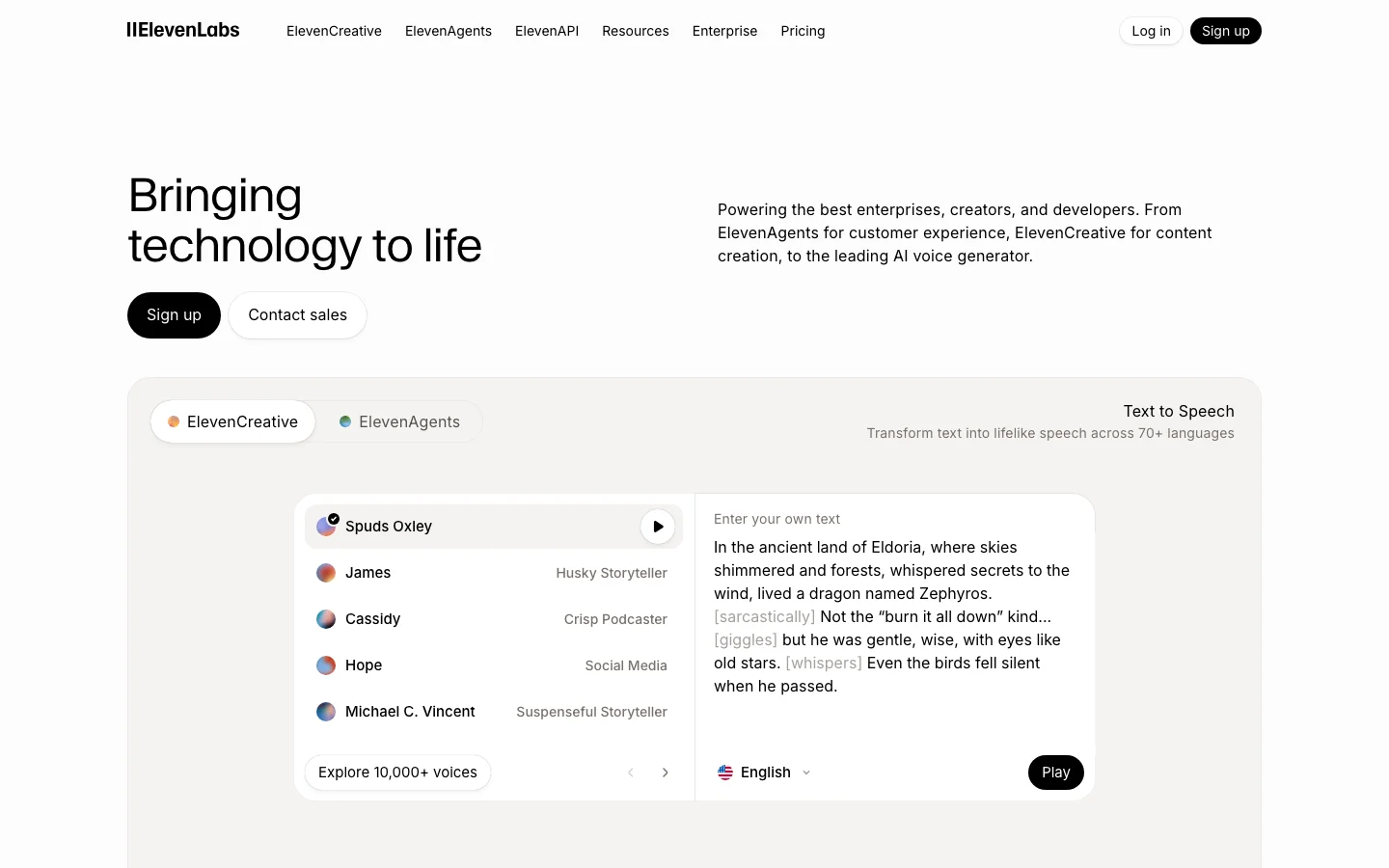

ElevenLabs is the quality benchmark for AI text-to-speech, and that sentence is not marketing copy -- it is just how the market is positioned. Every competitor in the AI voice generation category is defined by how close it gets to ElevenLabs. Not the other way around. We have tested a lot of voice tools across this category, and the gap at the top is real. The Eleven v3 model handles emotional range, accent control, multi-character dialogue, and symbol reading -- numbers, URLs, phone numbers -- at a level that nothing else in cloud TTS currently matches. An indie filmmaker cloned an actor's voice from 20 minutes of clean dialogue and used the output for ADR in a production film. A Skyrim modding community called the v3 upgrade "massive" for narrative emphasis and multi-character scenes. These are production users publishing results publicly, not beta testers praising a press release. One meaningful update entering 2026: ElevenLabs expanded the Creator plan character allowance from 110,000 to approximately 440,000 characters per month on Flash and Turbo models. That changes the value calculation for mid-volume creators who previously found Creator too limiting. The tool that was cost-competitive only for lower-output users is now viable for substantially higher monthly volumes. What Makes ElevenLabs Different Voice quality is the obvious answer, but it understates what is actually happening at the model level. The Eleven v3 model produces output that handles prosody -- the rhythm, stress, and intonation of natural speech -- in a way that other TTS systems approach but do not match. The practical effect: ElevenLabs narration holds listener attention longer because it does not sound like narration. It sounds like a person speaking with intent. The Voice Library marketplace is a differentiator with no direct equivalent in the category. Voice clone creators upload their voices, set a royalty rate, and earn passive income per 1,000 characters generated using their voice. Multiple creators have confirmed payouts exceeding $1,000 over five months from a portfolio of eight clones. This creates a revenue angle that makes ElevenLabs interesting not just as a tool but as a platform with network effects. The developer ecosystem is the third differentiator that matters. The full REST API on Creator plan and above gives programmatic access to voice generation, voice cloning, speech-to-speech, and conversational AI. No other TTS tool at this price point has the same API surface area. The MCP server integration -- which enables ElevenLabs voices to be called directly from Claude and other AI assistant workflows -- is something no competitor currently offers. ElevenCreative and ElevenAgents have expanded significantly through 2026. ElevenCreative now includes Music Generation alongside voice, positioning ElevenLabs as a broader audio platform. ElevenAgents supports production phone agent deployments with SIP trunking, batch calling, Pronunciation Dictionaries, and webhook-driven workflows -- a full conversational AI platform built on top of the TTS core. If you are building a voice-first product, ElevenLabs is the platform, not just the API. ElevenLabs Pricing 2026: Every Plan Explained ElevenLabs pricing in 2026 runs from $0 (Free) to $990/month (Business), with a custom Enterprise tier above that. Starter at $6/month is the entry point for commercial use. The Free plan covers non-commercial work only. Plan Monthly price Characters/mo Seats Key feature Free $0 10,000 1 Non-commercial only. No voice cloning. Hard cap at 10K chars. Starter $6/mo 30,000 1 Commercial license, Instant Voice Cloning, API access, 20 Studio projects. Creator $22/mo ($11 first month) 121,000 (standard models; ~440,000 on Flash/Turbo at 0.5 credits/char) 1 Professional Voice Cloning (1 slot), 192 kbps output, overage billing enabled. Pro $99/mo 600,000 1 44.1 kHz PCM output, priority processing, 160 custom voice slots. Scale $299/mo 1,800,000 3 3 workspace seats, 3 Pro Voice Clones, team collaboration features. Business $990/mo 6,000,000 10 Low-latency TTS endpoint, 10 Pro Voice Clones, 10 seats. Enterprise Custom Negotiated Custom HIPAA BAAs, custom SSO, SLAs, dedicated support. Credits roll over for up to 2 months (maximum balance: 3x your monthly quota). They are shared across all ElevenLabs products: TTS, speech-to-text, dubbing, and sound effects. Flash and Turbo models consume 0.5 to 1 credit per character; Multilingual v2 and v3 models consume 1 credit per character. That difference matters when planning your monthly usage. Annual billing discounts exist for Pro and Scale. Specific annual figures are not surfaced on the official pricing page, so those rates are not stated here. Check elevenlabs.io/pricing for current annual pricing before committing. What changed in November 2025 ElevenLabs went through three pricing restructurings in 2025, which explains the volume of "elevenlabs pricing" searches. In January 2025, credits were split by model, creating billing confusion. August 2025 reunified credits across models. The most significant change came in November 2025: Conversational AI / Agents minutes shifted from pure per-minute billing into the plan structure at each tier. If you use ElevenAgents for phone or voice chatbot applications, that change affects how your usage is billed. In December 2025, ElevenLabs also cut API and Agents pricing substantially, with Flash model costs dropping by roughly 55% for API usage. Which plan do you actually need? Free works for evaluation and non-monetized personal projects. The moment you put audio on a monetized YouTube channel, sell an audiobook, or use ElevenLabs output for client work, Starter at $6/month is the minimum. Creator at $22/month is the practical choice for most individual content creators: 121,000 characters per month at standard quality, Professional Voice Cloning (one slot), full API access, and commercial rights. The first month is available at 50% off ($11), making it low-risk to test. Pro at $99/month makes sense for high-volume producers, developers who need broadcast-quality 44.1 kHz PCM output, and production studios where processing speed matters. Scale at $299/month adds two extra seats and roughly 3x the character quota versus Pro. It is the first team tier. Hidden costs on ElevenLabs Four things the pricing page does not make obvious: Overage billing on Creator and above. Free and Starter plans hard-cap at their character limits. Creator, Pro, Scale, and Business allow overages. Rates vary by model. Variable production months create unpredictable bills. Model credit rates differ. Flash v2.5 uses half the credits of Multilingual v2. Using a higher-quality model by default can exhaust your monthly quota faster than expected. LLM costs on Agents are separate. When using ElevenAgents with GPT-4, Claude, or another LLM backbone, you pay the LLM provider separately through your own API keys. The ElevenLabs plan covers voice synthesis only. Professional Voice Cloning requires real recording time. Creator gives you one PVC slot. The quality that makes PVC worthwhile requires roughly 30 minutes of clean audio and multiple processing rounds. A 2-minute clip produces Instant Voice Cloning fidelity, not PVC fidelity. Switching from PlayHT to ElevenLabs? PlayHT discontinued data exports on December 31, 2025, with accounts locked in 2026. ElevenLabs is the most common migration target. For equivalent commercial functionality, Creator at $22/month covers the voice quality and cloning capability that PlayHT's paid tiers provided, with a more mature developer API and a larger voice library. Instant Voice Cloning means you can recreate a voice from a recording sample without waiting for the Professional Voice Cloning pipeline. ElevenLabs Pricing: Is It Worth It? A lot of people arrive here after searching for ElevenLabs alternatives. At $22/month for the Creator plan, ElevenLabs is not free and not cheap. One Reddit thread in r/ElevenLabs titled "ElevenLabs is killing my budget" collected 241 upvotes and 181 comments in the past year. The frustration is real and widely shared. Before writing it off on price, here is where the money actually goes. The v3 model produces voice output with prosody, emotional range, and accent control that no competing cloud TTS product currently matches at this price point. That gap matters most for two use cases: voice cloning and long-form narration where the output will face a real audience. If you are producing audiobooks, podcast episodes, YouTube narration, or documentary voiceover, listeners will notice the difference. If you are generating error messages for a software UI, they probably will not. The credit system is the legitimate source of frustration. Character-to-credit conversion varies by model, which creates planning friction. The v3 model is non-deterministic: the same input can produce noticeably different output on consecutive generations, so batch workflows for audiobooks or training series require QA time and regeneration budget. That is a real cost on top of the subscription fee. One update that changes the value calculation for mid-volume creators: ElevenLabs expanded the Creator plan to approximately 440,000 characters per month on Flash and Turbo models. That is enough for a full audiobook per month, a weekly podcast with room to spare, or consistent YouTube narration at volume. The first month is available at 50% off ($11 instead of $22), making evaluation low-risk. If the price does not work for your volume or budget, here are the alternatives worth your time: Murf AI ($19/month annual, or $29/month on monthly billing): cleaner billing model, predictable generation hours, no credit anxiety. The voice quality is below ElevenLabs but solid for corporate e-learning, training modules, and business narration. The right call if you need a team workflow and do not need expressive narration or voice cloning. Lovo AI (Genny) ($24/month, paid plans): TTS plus a built-in video editor, stock footage library, and AI scriptwriter under one subscription. The English naturalness ceiling is lower than ElevenLabs, but if you are currently paying for four separate tools to produce narrated video content, the consolidation saves money. Note the active class action lawsuit context in our full voice generator comparison. Vozo AI: aimed at video dubbing and translation workflows rather than standalone TTS. Worth evaluating if your use case is primarily video redubbing rather than original narration. For users who are not ready to pay at all, see our free AI voice generator guide. It covers what the free tiers of ElevenLabs and alternatives actually give you, including the limits you will hit within the first week of production use. The honest summary: ElevenLabs is the correct answer if voice quality matters and you produce content at $22/month scale or above. It is not the correct answer if you need predictable flat-rate billing, an all-in-one video tool, or a free tier that handles real production volume. The alternatives above cover those cases. See the full ElevenLabs vs Murf AI breakdown for a head-to-head comparison. ElevenLabs Pricing FAQ How much does ElevenLabs cost per month? ElevenLabs plans run from $0 (Free) to $990/month (Business), with custom Enterprise above that. Starter is $6/month and is the minimum tier for commercial use. Creator at $22/month (first month $11) is the most common choice for individual creators. Is ElevenLabs free? There is a permanent Free plan with 10,000 characters per month. The Free plan is non-commercial only. You cannot use free-tier output on monetized YouTube channels, for client work, or in products you sell. For commercial use, Starter at $6/month is the entry point. What is the cheapest ElevenLabs plan for commercial use? Starter at $6/month. It includes 30,000 characters per month, a commercial license, Instant Voice Cloning, and API access. What happened to ElevenLabs pricing in 2025? Three restructurings: January 2025 split credits by model and created billing confusion. August 2025 reunified credits across models. November 2025 moved Conversational AI / Agents from pure per-minute billing into the plan tier structure. December 2025 cut Flash model API costs by roughly 55% and introduced pay-as-you-go for the API. Is ElevenLabs worth it vs Murf AI on price? Murf AI charges $19/month on annual billing, or $29/month on monthly billing. ElevenLabs Starter is $6/month but covers lighter use; Creator at $22/month is the real comparison point for Murf Creator. The $3 gap between them is not the meaningful question. ElevenLabs charges by character with overage rates; Murf charges by generation hours, which is more predictable for steady-volume work. On voice quality, ElevenLabs wins. For L&D teams producing consistent batch training content, Murf's model is often more economical. For variable production or audience-facing content, ElevenLabs Creator is competitive. See the full ElevenLabs vs Murf AI breakdown. What happened to PlayHT? PlayHT discontinued data exports on December 31, 2025, and accounts were locked in 2026. ElevenLabs has become the default migration destination for former PlayHT users. Creator at $22/month covers equivalent voice cloning and commercial use capability. ElevenLabs vs Murf AI In head-to-head testing against Murf AI, ElevenLabs wins on voice quality and emotional range without contest. Murf wins on interface simplicity, predictable billing, and e-learning workflows. The quality gap is real and verifiable. Running the same narration scripts through both tools across corporate explainer, emotional narrative, and technical documentation categories, ElevenLabs won all three. The gap is most visible in emotional content -- ElevenLabs can hit genuine warmth, urgency, and authority in the same voice. Murf's voices are clean and consistent, but "corporate" is the word that appears constantly in community feedback for a reason. Where Murf makes a legitimate argument: L&D teams producing corporate training modules at steady monthly volume. Murf's $19/month pricing charges by audio hours generated rather than characters, which is more predictable for batch production. The built-in video editor means you can go from script to voiced video without a separate NLE. For that specific workflow, the case for Murf is real. Check Lovo AI if you want a middle-ground option with strong studio workflow features. For developer access, voice cloning, and expressive narration, ElevenLabs is not a close call. Our detailed breakdown is in the AI voice tools comparison. Against Vozo AI and other budget alternatives: Vozo targets the lower-cost segment with flat-rate pricing and no credit anxiety. For creators who need consistent monthly output without QA overhead and do not require voice cloning or developer API access, Vozo is worth evaluating. ElevenLabs wins on output quality; Vozo wins on billing simplicity at lower price points. Is ElevenLabs Worth It in 2026? For most users who need high-quality voice output commercially, yes -- and the case is stronger in 2026 than it was in 2025. The Creator plan at $22/month is the pivot point. At roughly 440,000 characters per month on Flash/Turbo models, you can produce a full-length audiobook per month, a weekly podcast series with room for experimentation. The first month at $11 makes evaluation nearly free. Commercial license is included at Creator and above. Instant Voice Cloning means you can have a custom voice on the platform in minutes. The criticisms are consistent and worth taking seriously before you subscribe. The v3 model is non-deterministic -- the same prompt can produce excellent output one generation and noticeably off output the next. For batch workflows producing 40 to 60 files for an audiobook or training series, that QA burden adds up. Budget time for regeneration and review cycles in long-form production. Voice drift in large batches is documented. ElevenReader's 2025 paywall rollout was poorly handled and damaged trust with power users. Open-source alternatives including Kokoro, F5-TTS, and Orpheus are closing the quality gap and are a credible long-term cost alternative for developers who can self-host. For podcasters, audiobook authors, content creators, and developers building voice-first products, ElevenLabs is the correct answer in 2026. For corporate e-learning teams that need predictable billing and do not require expressive narration or voice cloning, Murf AI is a legitimate alternative worth evaluating. For budget-sensitive creators who primarily need basic TTS without voice cloning, the Starter plan at $6/month or the expanded free tier may cover your needs. Frequently Asked Questions How much does ElevenLabs cost in 2026? Free plan includes 10,000 credits per month. Starter is $6/month (30,000 credits). Creator is $22/month (121,000 credits, approximately 440,000 characters on Flash/Turbo models). Pro is $99/month (600,000 credits). First Creator month is available at 50% off. Verify current pricing at elevenlabs.io/pricing. Is ElevenLabs worth $22 per month? For most creators doing commercial voice work, yes. The Creator plan at $22/month includes approximately 440,000 characters per month on Flash/Turbo models (up from 110,000 previously), commercial license, Instant Voice Cloning, and Voice Library marketplace access. The first month at $11 makes evaluation low-risk. If you need expressive narration, voice cloning, or developer API access, Creator is the correct starting point. How does ElevenLabs compare to Murf AI for podcasters? ElevenLabs is the better choice for podcasters who need expressive narration and voice cloning. The Creator plan's character allowance covers a full monthly podcast slate with room for experimentation. Murf is better for corporate e-learning teams that need predictable billing and built-in video editing. For narration quality that holds listener attention, ElevenLabs wins this comparison clearly. What are ElevenAgents and ElevenCreative? ElevenAgents is ElevenLabs' conversational AI and phone agent platform, supporting production deployments with SIP trunking, batch calling, Pronunciation Dictionaries, Guardrails 2.0, and webhook-driven workflows. ElevenCreative is the broader creative platform that now includes Music Generation alongside voice. Together they position ElevenLabs as a full audio AI platform, not just a TTS API. Is voice cloning legal and what are the consent requirements? ElevenLabs requires users to confirm they have the rights and consent to clone any voice before saving a clone to the platform. Cloning your own voice is straightforward. Cloning another person's voice without their consent violates ElevenLabs' terms of service. Celebrity voice licenses (Michael Caine, Matthew McConaughey, and others) are available through ElevenLabs' official partner program under commercial terms. For any professional application, read the Terms of Service and AI Safety guidance at elevenlabs.io.
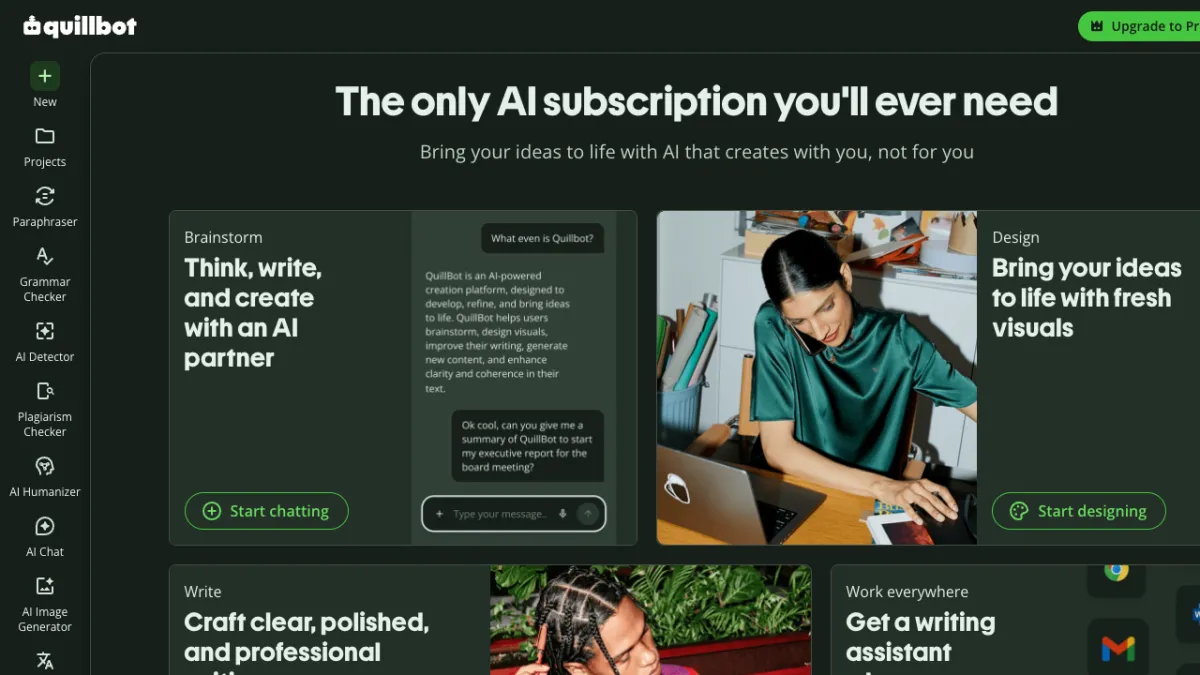
QuillBot is an AI writing assistant built around a paraphrasing tool, grammar checker, AI humanizer, plagiarism checker, and summarizer, and it now shares that same account with a real, working design workspace: an AI image generator, a background remover, and a Canva-style canvas with filters, effects, and in-canvas AI editing. It's owned by Learneo, the same company behind Course Hero and Scribbr, and it has one of the largest independent review bases of any AI writing tool: 4.4/5 on G2 across 113 reviews, 4.5/5 on Capterra across 155 reviews, and roughly 4.8/5 on Trustpilot across approximately 13,000 reviews. The short version: QuillBot's paraphraser and grammar checker are genuinely useful and back that up with real review volume, and its design canvas turned out to be a more legitimate, more connected tool than its thin third-party coverage would suggest, based on our own hands-on testing. Two problems show up often enough to matter on the writing side, and one honest seam exists on the image side. Some paraphrased output reads stiff or picks synonyms that don't quite fit the sentence, a recurring group of Trustpilot reviewers report being charged for an annual renewal they didn't expect, and moving a generated image into the design canvas still takes a manual download-and-reupload step rather than a one-click handoff. If you're considering an annual plan, read the pricing section below before you commit. Who QuillBot Is For Students are the dominant voice in every independent thread and review about QuillBot, using it to rephrase drafts, check grammar, and (with real anxiety) wonder whether their writing will get flagged by a school's AI detector. ESL and non-native English writers are a second consistent group, and Trustpilot reviews specifically praise QuillBot's grammar checking in languages other than English. Bloggers and content writers make up a smaller but visible third group on G2 and Capterra, using it for faster first drafts and grammar cleanup rather than academic work; if you need full long-form drafts generated from scratch rather than a paraphrasing and grammar layer, a dedicated AI writing platform like Jasper AI or Writesonic is a better fit than QuillBot. Content creators who already live inside QuillBot for writing and want a quick featured image or background cleanup without opening a second app are a newer, growing use case, since the design tools sit in the exact same account and navigation rail. If you need a tool that rewrites a paragraph quickly, cleans up grammar, and works in a browser or through the Chrome extension without much setup, QuillBot fits. If you need a tool that guarantees your writing will pass a specific school's AI-detection software, no tool on the market can honestly promise that, and QuillBot is no exception. QuillBot's Writing Suite: The Proven Core QuillBot's core product is five connected tools: Paraphraser: rewrites sentences or paragraphs in different tones (standard, fluency, formal, academic, and others). It's the feature every review site rates highest and the one users mention most. Grammar Checker: flags grammar, punctuation, and clarity issues. Reviewers who write in a second language rate this particularly highly. AI Humanizer: rewrites AI-generated text to sound less like an AI model wrote it. Plagiarism Checker: scans text against published sources. Summarizer and Co-Writer: condenses long text and offers writing assistance inside a longer document. The paraphraser is the strongest of the five by review consensus, and it's also the one with the clearest documented weakness: output can sound mechanical, or substitute a synonym that's technically close but doesn't sit right in the sentence. This isn't a one-off complaint. It shows up independently on Reddit, on G2 ("can occasionally alter the intended meaning, requiring manual adjustments"), and in Trustpilot review summaries, which is enough independent confirmation to call it a real, persistent limitation rather than an isolated bad experience. The whole writing suite, along with the image tools, sits behind a single left-hand navigation rail inside one account, alongside an AI Detector, AI Chat, and Translate. A "Quillbot for Chrome" browser extension puts the grammar checker, paraphraser, and translator directly into your browser, so you're not stuck opening a QuillBot tab to get grammar help while writing somewhere else. QuillBot's Design Workspace: What We Found Testing It Firsthand QuillBot expanded beyond text starting in October 2025 with an AI Image Generator and a Background Remover, and has kept adding to the image side since; a design canvas now sits alongside them, and QuillBot's own blog marked the Background Remover as "New" as recently as May 2026. Rather than take the marketing copy at face value, we tested it ourselves in a logged-in free account. The design canvas is real, and it's a genuine connected hub. At quillbot.com/designs/, QuillBot has built a full Canva-style editor: a left rail with Designs, Elements, Text, Uploads, and Projects; a top toolbar with Edit, BG Remover, Crop, Flip, Position, and a "Quillbot AI" button; an edit panel with Adjust, Filters (Sky veil, Morning dew, and others), and Effects (BG remover, Duotone, Shadows); and a multi-page canvas with Share and zoom controls. It even has in-canvas AI editing, an "Edit design with AI" button that lets you make AI-driven changes without leaving the canvas. That's a more legitimate, more integrated workspace than its sparse third-party coverage suggests. Background removal held up on a genuinely hard test case. We ran QuillBot's Background Remover on a sample image of a white sports car, complete with wheels, a spoiler, and side mirrors, all classic edge cases for background-removal tools. The result was a crisp, clean cutout with no obvious haloing or fringing around the complex edges. It requires no signup at all on the free tier, keeps uploads private, and accepts JPG, PNG, or WebP files up to 10MB. The AI Image Generator produced a genuinely convincing result. We prompted it with "a cozy independent coffee shop storefront at golden hour, warm cinematic lighting" and got back one coherent, believable image: legible faux signage, string lights, a cafe table, and warm golden-hour lighting, all in a single generation that took about 10-12 seconds. It's not going to out-render dedicated generators like Midjourney or Adobe Firefly, but it's a clear step up from the "pretty good but you can tell it's AI" verdict that's floated around in the one thin third-party review we could find. You get a style dropdown, an aspect-ratio dropdown, and a regenerate option, one image per generation rather than a grid of options. The honest seam: generator to canvas isn't one click. Here's where the connected-workflow pitch runs into a real limit. The generator's result screen offers only a download icon and an expand/fullscreen icon, nothing that sends the image directly into the design canvas or editor. To actually edit a generated image, you have to download it and then upload it into the canvas yourself. The canvas itself is genuinely well-built and connected; the specific gap is between the standalone generator and everything else. Call it a connected workspace with one rough handoff, not a single frictionless pipeline from idea to finished asset. A few smaller things worth knowing before you dive in: using the design tools for the first time requires accepting a separate Supplemental Terms agreement, QuillBot doesn't name the underlying image model anywhere on its site, and its own FAQ asks you to check your organization's policies before using generated images commercially, which is a softer statement than an outright guarantee of usage rights. QuillBot Pricing in 2026: Plans and Value QuillBot's free tier is a genuine free tier rather than a time-limited trial. The paraphraser and grammar checker work with daily word and usage limits, and the image tools are capped separately: 3 image-generation uses per day (signup required to view or download the results), 5 background removals per day with no signup required, and free access to the design canvas itself. Paid plans, verified live on quillbot.com/upgrade (2026-07-06): QuillBot pricing (as of July 2026) PlanPriceBillingYou save Free$0-Free tier, with limits Premium (Monthly)$9.95/moBilled monthly- Premium (Quarterly)$6.65/mo~$19.95 billed quarterly33% Premium (Annual)$4.17/mo$49.95 billed yearly58% - best value Team$3.75 to $2.91/mo per seatBilled annually10-30% (scales with seats) Premium includes 25,000 words per month and 300 images per month across the writing and design tools. Team pricing is per seat and billed annually, scaling down as seat count grows off the individual annual rate; larger orgs can contact sales for a custom quote. The annual plan is QuillBot's best per-month value by a wide margin: $4.17/month, marketed as "Best Value" and roughly 58% off the $9.95/month rate. It's also where the recurring Trustpilot complaint cluster sits: reviewers describe being charged for an annual renewal (the plan auto-renews at $49.95/yr) without a clear heads-up, then finding cancellation or refund harder than expected once the charge has already gone through. If you go annual, put a reminder on your calendar before the renewal date and confirm QuillBot's current cancellation window directly on their site, since companies change these terms without much notice. As of July 2026, quillbot.com/upgrade was also showing an extra 20% off with the code GOPREMIUM. Treat that as a time-limited promotion current as of this review, not a permanent price, and check the checkout page for the live offer before you buy. QuillBot Pain Points and What to Watch For Four issues come up often enough, across enough independent and firsthand sources, that they're worth stating plainly rather than burying in a features list: Paraphrase quality is inconsistent. Expect to edit the output, especially on longer or more technical passages. Treat QuillBot as a fast first pass, not a finished draft. Annual billing has a real complaint pattern. Unexpected renewal charges and cancellation friction show up repeatedly in Trustpilot reviews. This is a common SaaS subscription problem generally, not unique to QuillBot, but it's frequent enough here to flag before you subscribe annually. AI-detector anxiety is genuine and unresolved. Students report AI-detection tools like Turnitin flagging QuillBot-assisted (and even fully original) writing inconsistently. No paraphrasing or humanizing tool, QuillBot included, can guarantee it will get past a given detector, and treating detector scores as a precise measurement rather than a rough signal is a mistake worth avoiding. The generator-to-canvas handoff is manual. If your workflow depends on generating an image and immediately editing it in one continuous motion, budget the extra download-and-reupload step. It's a minor friction, not a dealbreaker, but it's not the one-click pipeline the "idea to publish-ready visual" pitch might imply. Is QuillBot Worth It in 2026? QuillBot earns its review scores on the writing side, and its design workspace turned out to be more real and more connected than the sparse third-party coverage suggested going in. The paraphraser and grammar checker solve a real problem for students, ESL writers, and content writers, and the design canvas is a legitimate, well-built Canva-style workspace with clean background removal and useful in-canvas AI editing, all inside the same account. Go in with clear eyes on three things: budget time to edit paraphrased output rather than trusting it wholesale, calendar your renewal date if you go annual, and expect a manual download-and-reupload step if you want to move a generated image into the canvas. Where QuillBot Is Heading (And Whether It Changes Your Decision) As of July 2026, QuillBot is repositioning itself beyond paraphrasing and grammar checking. A May 2026 brand relaunch introduced a new logo, a custom typeface, and "creativity platform" language, and the live homepage now runs a "Write, design, build" pitch alongside its older paraphraser-and-grammar messaging. We tested the design side of that pitch ourselves: the canvas at quillbot.com/designs is a real, working Canva-style editor, with a background remover, filters and effects, and in-canvas AI editing all sitting in the same account as the writing tools. That part is not marketing spin; it's a product we used firsthand. The Three-Tool Creative Workflow, As QuillBot Frames It (Updated July 2026) QuillBot's partnerships team describes the design side of the product as one connected path rather than three separate tools: an AI Image Generator that turns a text prompt into an original visual, an AI Image Editor that edits, replaces objects in, or refines that visual without leaving the canvas, and a Background Remover that strips the background to prep the asset for ecommerce listings, social posts, or marketing creative. The pitch is idea to publish-ready visual without switching tools. AI Image Generator: in our hands-on test, a simple prompt produced one coherent, believable image in about 10-12 seconds, with a style dropdown, an aspect-ratio dropdown, and a regenerate option. AI Image Editor: lives inside the design canvas rather than as a standalone app. An "Edit design with AI" button lets you make AI-driven changes in place, alongside a manual Adjust, Filters, and Effects panel for object-level and stylistic edits. Background Remover: held up on a genuinely hard test case (a white sports car with wheels, a spoiler, and side mirrors), producing a crisp cutout with no visible haloing. No signup is required, and it accepts JPG, PNG, or WebP files up to 10MB. Where the framing runs ahead of what we found testing it: the three tools live in the same account and the same left-hand navigation rail, but they aren't wired together end to end yet. Moving a generated image into the editor or the background remover still means downloading it and re-uploading it, the same manual handoff seam described earlier in this review. Treat "idea to publish-ready visual" as the direction QuillBot is building toward, not a finished one-click pipeline today. Here's the buyer question that actually matters: if you're paying for QuillBot's paraphraser and grammar checker today, is the company still investing in the tool you're using, or is its attention drifting toward becoming a design app? The honest answer right now is "both, so far, with the writing suite still fully intact." Nothing in the writing tools has been cut back or degraded to make room for the design push, and the paraphraser and grammar checker work exactly as described earlier in this review. What's not proven is how big a bet this is. There's no press release, funding announcement, or executive statement tying this to a company-wide strategic shift at QuillBot's parent, Learneo. The AI Image Generator itself is still early and beta-quality, with independent reviews and QuillBot's own site language reflecting inconsistent output. And the market hasn't caught up to the new framing either: outside reviewers and comparison articles still stack QuillBot against Grammarly on writing, not against Canva on design. Treat the "creative platform" pitch as a real direction the company is testing, not a proven transformation. For most people reading this review, the practical takeaway is simple: you're paying for the paraphraser and grammar checker, and that core product is solid and unaffected by any of this. The design-platform direction is worth knowing about and worth watching, especially if you'd value having image and design tools bundled into an account you already pay for, but it is not a reason to buy QuillBot and it is not a reason to avoid it. We'll re-check this section around early October 2026 to see whether the pivot has firmed up, stalled, or faded. Frequently Asked Questions Is QuillBot free to use? Yes. QuillBot's free tier includes the paraphraser and grammar checker with daily word and usage limits, plus its design tools: 3 image-generation uses per day (signup required to view and download results), 5 background removals per day with no signup required, and free access to the design canvas itself. Can QuillBot generate and edit images? Yes, and we tested both hands-on. The AI Image Generator produced a coherent, convincing image from a simple prompt in our test, and the design canvas at quillbot.com/designs is a genuine Canva-style editor with background removal, filters, effects, and in-canvas AI editing. The one catch: moving a generated image into the canvas isn't a single click. You download the generated image and upload it into the canvas yourself, since there's no direct "send to canvas" handoff yet. Does QuillBot's paraphraser sound robotic? Sometimes. Independent reviews on Reddit and G2 both describe QuillBot's paraphrased output as occasionally awkward or as choosing a synonym that's technically close but doesn't fit the sentence naturally. Treat it as a fast first draft that needs a manual edit pass, not a finished product. Can QuillBot get me flagged for AI-generated writing? It can, and students report this happening even on Premium plans. AI-detection tools like Turnitin are not consistently reliable, and no paraphrasing tool, including QuillBot, can guarantee its output or any humanized text will pass a given detector every time. Is QuillBot's annual plan a good deal? Financially, yes. At $4.17/month, billed as $49.95/year, it's QuillBot's cheapest per-month rate, well below the $9.95/month or $6.65/month quarterly options. Operationally, read the terms carefully first: the plan auto-renews at $49.95/yr, and Trustpilot reviews show a recurring pattern of surprise renewal charges and difficulty cancelling or getting a refund in time, so set a reminder before your renewal date. How does QuillBot compare to Grammarly? The market and reviewers generally frame QuillBot as the stronger paraphrasing tool and Grammarly as the stronger general grammar and style checker with broader platform integration. Grammarly reviewers separately report its own issues with over-suggesting edits and AI-detection false positives, so neither tool is a clean win across every category. See our full QuillBot vs Grammarly comparison for the complete breakdown.
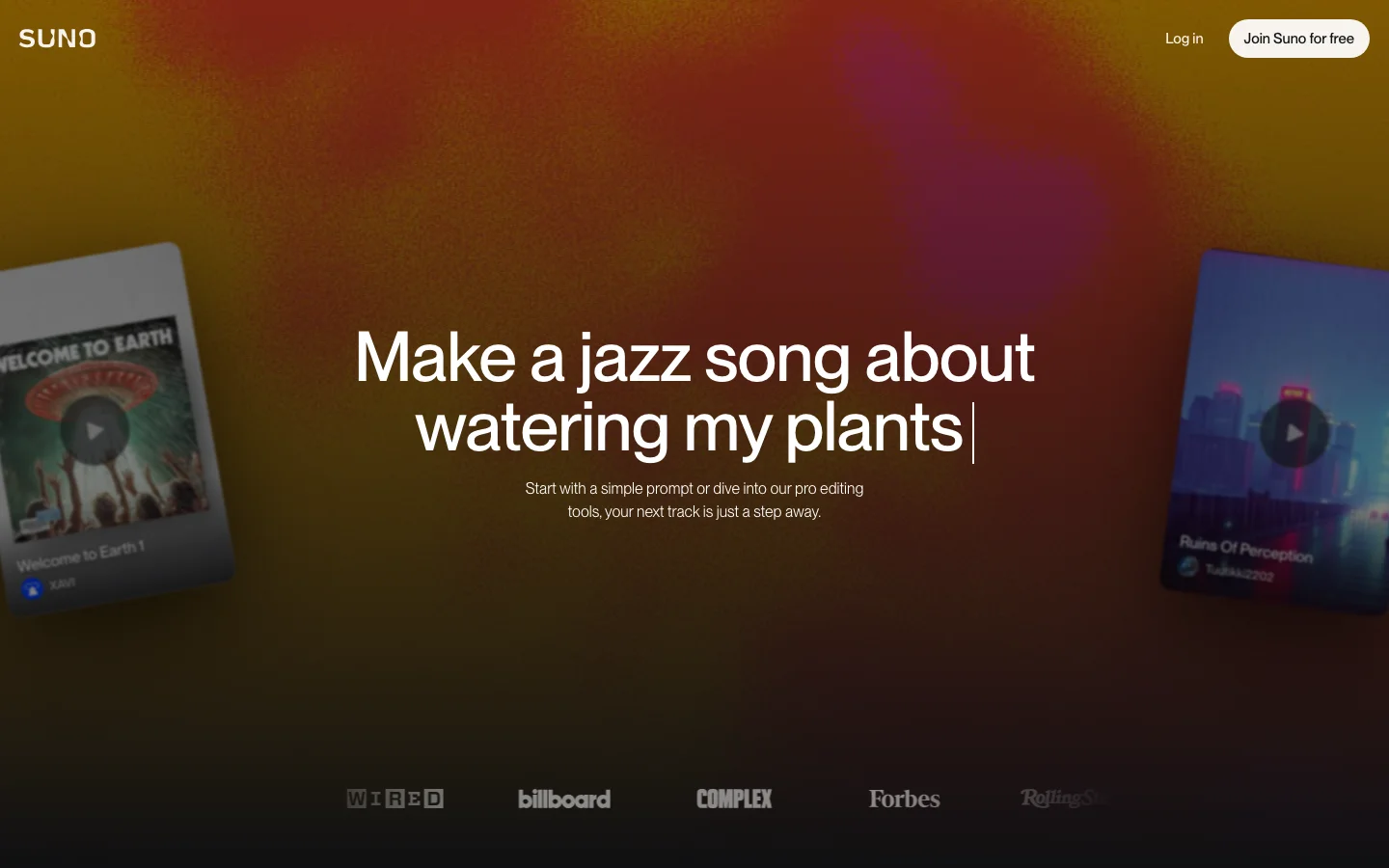

What Is Suno? Suno is an AI music generator that turns text descriptions into complete audio tracks, vocals included. You describe a song - a genre, a mood, a lyric, a reference point - and Suno produces a finished-sounding track with instrumentation, mixing, and a vocal performance, usually in under a minute. It launched publicly in 2023 and has become the dominant name in consumer AI music generation. The brand recognition is real: searches for "suno ai" run at 100k to 1 million monthly queries, up roughly 900% year-over-year as of early 2026. That does not happen for a product people are not actively using. The current model is v5.5, available to paid subscribers. Free users run on v4.5, which is the previous generation but still produces results that would have been impossible from any tool two years ago. Features Text-to-music generationDescribe what you want in plain language. "A melancholic indie folk song about driving at night" or "uptempo hip-hop with a sample-heavy production and boastful lyrics" both work. Suno interprets genre, mood, tempo, and lyrical tone from a single prompt. You do not need to know music theory or production vocabulary. Custom lyrics modeIn advanced mode, you supply the actual lyrics and Suno generates vocals for them. You can also provide genre tags, set the tempo, specify instrumental sections, and toggle vocals off entirely if you want a backing track without a singer. Song extensionAny generated track can be extended past its original endpoint. If Suno produced a 90-second intro that works but stops too early, you can continue it forward rather than regenerating from scratch. Stem separationPro plan includes two stem types; Premier plan includes all three (auto, split from mix, advanced split). This lets you pull individual elements of a generated track for use in a DAW or for remixing. Voice modelsUpload your own voice and Suno can generate tracks that sound like you singing. See the cons section for a significant privacy caveat on this feature. Audio uploadUpload reference audio of up to 8 minutes on the free plan, up to 30 minutes on paid plans. Suno can use the uploaded audio as a starting point or stylistic reference. Suno StudioAvailable on Premier only, Suno Studio is a beat and stem editing workspace launched in early 2026. It provides more granular control over the production elements of generated tracks rather than the generation-then-done workflow of the standard interface. Pricing Verified at suno.com/pricing on 2026-06-20. PlanMonthly priceAnnual priceCredits/periodSongs approx.Commercial rightsModel access Free$0$050/day~10/dayNov4.5 only Pro$8/mo$6.40/mo2,500/month~500/monthYes (new songs only)v5.5 + all earlier Premier$24/mo$19.20/mo10,000/month~2,000/monthYesv5.5 + all earlier + Suno Studio Free tier details: 50 credits renew daily (do not accumulate). Songs can be downloaded. No audio watermark. Shared generation queue (slower during peak hours). Audio upload limited to 8 minutes. Commercial use prohibited on free-generated tracks, even if you later upgrade. Credit consumption: Suno generates two track variations per prompt by default, consuming 10 credits per generation. This means 50 daily free credits produce roughly 5 generation runs, each yielding two options to choose from. Add-on credits are available on Pro and Premier plans. Credits do not carry over between periods. Pros Generous free tier for personal use. Ten songs per day, every day, with actual download access is a meaningful amount of free output. Most AI music tools on the free tier give you previews only. Suno gives you files you can keep. Speed. A full song with vocals typically generates in 30 to 60 seconds. The feedback loop is fast enough that you can iterate through several variations in a few minutes. Vocal quality at this price point. AI-generated vocals are still an uncanny valley situation for a lot of tools. Suno's output does not always clear the bar for professional release, but it is noticeably better than what the category produced a year ago, and the free tier quality is high enough to evaluate the tool without paying. $8/month Pro is priced reasonably. 500 songs per month with commercial rights, priority queue, and v5.5 access is a real value if you need the output volume. Well-funded and operationally stable. Suno raised $400 million at a $5.4 billion valuation in mid-2026. It has runway. A tool with this much funding and an active user base is not going away, which matters if you are building creative workflows around it. Cons No folder organization. The most consistent complaint in r/SunoAI, by a significant margin, is that there is no way to organize generated tracks into folders or collections. If you make music regularly, your library becomes a flat chronological dump. Suno's own subreddit has had folder management as the top community feature request for months. For light users this is an inconvenience; for anyone doing volume it becomes a real productivity problem. Generation consistency is unpredictable. A track can start strong and fall apart in the final third. The same prompt can produce outputs that vary significantly in quality between runs. Experienced Suno users report expecting to regenerate two to three times before landing on a track they are happy with, which eats into your credit budget faster than the headline numbers suggest. Commercial rights do not apply retroactively. Songs generated while on the free plan remain non-commercial even if you later upgrade. If you have been using the free tier to build a catalog you plan to monetize, those tracks stay unlicensed for commercial use. Voice model privacy concern. The Voice Model feature collects voice recordings and creates a model of your vocal characteristics. Per Suno's Terms of Service (verified June 2026), uploading your voice grants Suno a worldwide, perpetual, irrevocable, royalty-free license covering your voice recordings and the resulting voice model, including the right to use, reproduce, store, modify, and distribute that data. Suno notes that depending on your jurisdiction this may involve biometric data. If you are considering using the Voice Model feature, read the current ToS before uploading your voice. Legal situation carries ongoing uncertainty. Suno settled its copyright lawsuit with Warner Music Group in November 2025 by forming a licensing partnership with them. A separate lawsuit, filed by the RIAA on behalf of Sony Music and other labels, has a significant hearing scheduled in a Massachusetts federal court in July 2026. In Germany, a separate GEMA case against Suno is due for a ruling on July 31, 2026. These cases will not necessarily shut Suno down, but the outcome could affect how the platform operates, what content it can generate, or what rights users actually hold over the output. The WMG deal comes with caveats for users. The November 2025 Warner settlement included changes to how Suno defines music ownership for subscribers and outlines plans for new licensed AI models that will replace current versions. What those future models will or will not generate, and how ownership terms will read after the transition, is not yet fully defined. Who It's For Creative hobbyists and experimenters. If you want to make music and have no background in production or theory, Suno's free tier gives you a genuinely powerful sandbox. The results are real enough to share with people. Content creators who need original music. Podcasters, YouTubers, and video producers who need background tracks that are not stock library music and do not want to pay per-track sync licensing fees. You need the Pro plan for commercial use. Musicians and songwriters using AI as a starting point. Several posts in r/SunoAI describe the tool as a demo-generation or inspiration engine rather than a finished-product machine. Not ideal for: Anyone who needs guaranteed commercially safe music without legal complexity, anyone who requires stems and professional production formats on a budget, or anyone who needs to organize a large library of generated tracks. Verdict Suno is the best general-purpose AI music generator available in 2026 for most users. Nothing else at this price point produces complete songs with vocals from a text prompt and lets you download them on a free tier. The output quality has improved meaningfully with v5.5, the $8/month Pro plan is reasonably priced, and the company is well-funded enough that it will still be around next year. The real question with Suno is the legal and policy trajectory. The ongoing Sony/RIAA lawsuit and the German GEMA case are not existential in isolation, but the outcome of one or both could affect what Suno can do and what rights users hold. The voice model privacy terms are a legitimate concern for anyone considering that specific feature. And the WMG partnership, while good for Suno's stability, carries future uncertainty about what the post-settlement "licensed AI model" era will look like. For casual and semi-professional use today, those concerns are manageable. For anyone building a serious commercial music workflow around Suno's output, they are worth understanding before you commit. Rating: 4.1/5. Excellent output quality and free tier, dragged down by missing organizational tools, generation inconsistency, genuine legal uncertainty, and voice model privacy terms that are easy to miss. Frequently Asked Questions Is Suno free to use?Yes. The free plan gives you 50 credits per day, which works out to roughly 10 songs. You can download the audio, but commercial use requires a paid plan starting at $8/month. Free-tier credits reset daily and do not accumulate. Can I use Suno-generated music on YouTube?Not on the free plan. Commercial use, including YouTube channel monetization, requires a Pro or Premier subscription. Note that tracks generated while on the free plan do not become commercially licensed if you later upgrade. Each plan's commercial rights apply only to songs created while subscribed to that paid plan. What is Suno v5.5?Version 5.5 is the current generation model available to Pro and Premier subscribers. Free users have access to v4.5, the previous generation. The quality difference is noticeable in complex arrangements and vocal clarity; for casual use and experimentation, v4.5 is functional. Is Suno involved in any copyright lawsuits?Yes. Suno settled with Warner Music Group in November 2025 through a licensing partnership. A separate case filed by the RIAA on behalf of Sony Music and others is active in US federal court, with a significant hearing scheduled for July 2026. A German copyright case (GEMA vs. Suno) has a ruling scheduled for July 31, 2026. These cases may affect Suno's operations and users' rights over generated content. What is Suno's Voice Model feature and is it safe?The Voice Model feature lets you upload your own voice to generate tracks in your vocal style. Suno's Terms of Service grants them a perpetual, irrevocable license to your uploaded voice data and the resulting model. This data may qualify as biometric information depending on your jurisdiction. Read the current Terms of Service at suno.com/terms-of-service before using this feature. The rest of Suno does not require voice uploads. Does Suno add watermarks to free-tier tracks?Suno's pricing page does not mention audio watermarks, and community usage confirms no audible watermark on free-tier downloads. The restriction on free-tier output is a commercial rights limitation, not a watermark.Related reading: See how Suno compares to other top AI music generators in our Best AI Music Generators 2026 roundup.
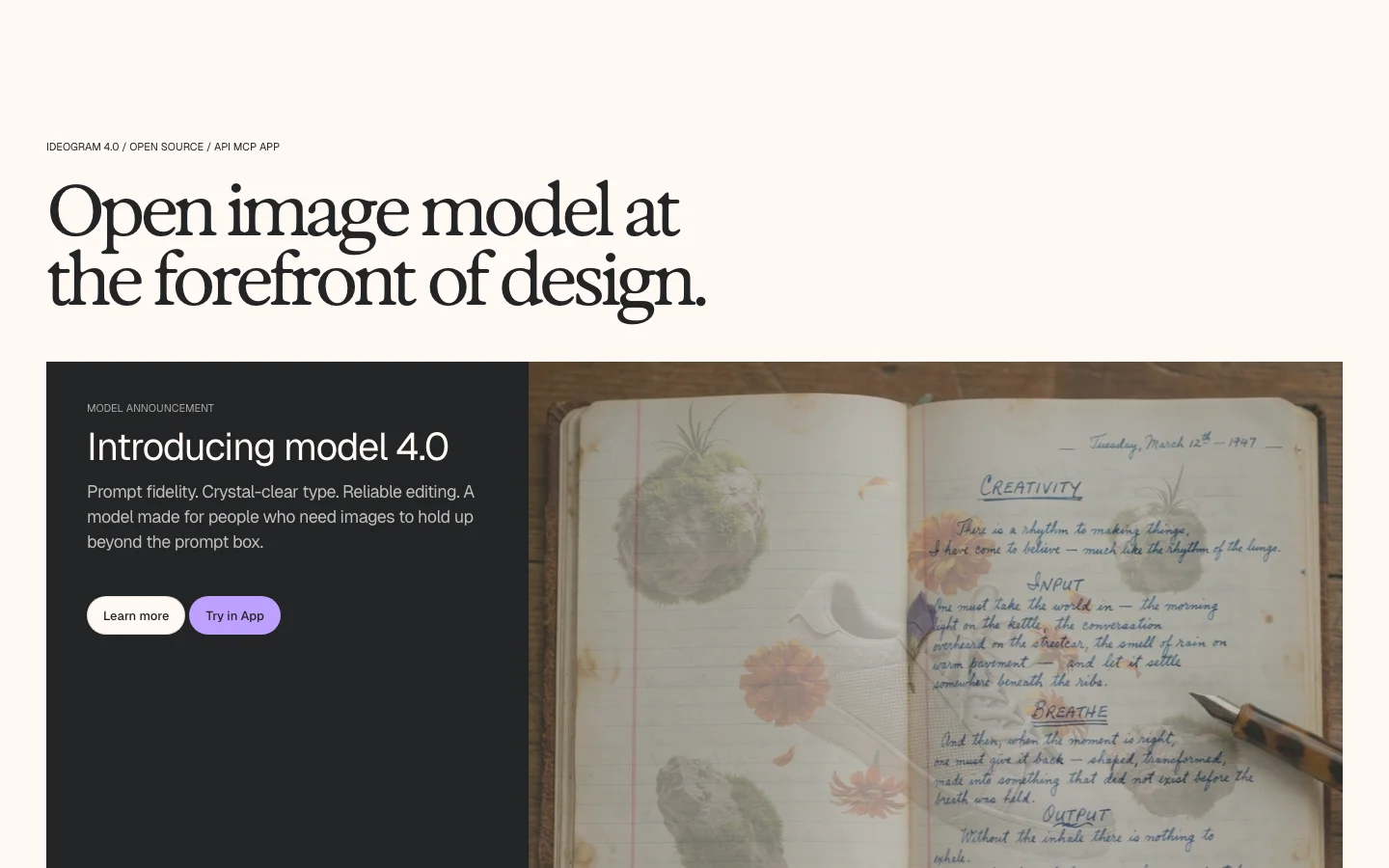

Ideogram is an AI image generator with one clear specialty: it produces text inside images that actually reads correctly. Where Midjourney or FLUX will mangle a logo headline into gibberish characters, Ideogram renders it legibly. That makes it the go-to tool for designers producing social banners, event posters, product mockups, and brand assets where copy has to land precisely. Version 4.0 (June 2026) pushes that further with a structured JSON prompting interface: you can specify bounding boxes, font color palettes, and per-element styling in the prompt itself, getting something closer to a repeatable design template than a one-off render. It generates natively at up to 2048 x 2048 pixels. The bigger story for 4.0 is that Ideogram released the weights publicly on Hugging Face. That makes it the first frontier-class open-weight text-to-image model, but the license terms are narrower than "open" implies. More on that below. Key Features In-image text renderingIdeogram scores 0.97 on the X-Omni English OCR benchmark, which measures how accurately generated images reproduce the text in the prompt. In practice: headlines, short body copy, and multi-word labels render correctly rather than drifting into garbled characters. The model handles multilingual text better than most alternatives. Structured JSON promptingYou can pass layout instructions as JSON: bounding box coordinates for text blocks, hex color palettes, and element-level style overrides. This is most useful for teams producing design templates at volume. It is a technical feature; casual users will use the standard text prompt interface. Native 2K outputImages generate at up to 2048 pixels per side with flexible aspect ratios, without an additional upscaling step. Practical for print work and large-format display. Open weights (quantized)Ideogram released two quantized checkpoints on Hugging Face: ideogram-4-nf4 (fits on a single 24 GB GPU) and ideogram-4-fp8. The model architecture is a 9.3B-parameter single-stream Diffusion Transformer trained from scratch. Inference code is Apache 2.0. API accessAvailable on Plus and higher plans, and separately via pay-per-image API pricing ($0.10 per image for Ideogram 4.0 Quality, $0.025 for 2a Turbo as of June 2026). Pricing (as of June 2026) PlanMonthly billingAnnual billingPriority credits/month Free$0$0~10/week (slow queue only) Plus$20/mo$15/mo1,000 Pro$60/mo$42/mo3,200 + API access EnterpriseCustomCustomCustom One Ideogram 4.0 Quality generation costs 6 priority credits. At Plus ($20/mo monthly), that is roughly 167 Quality-mode generations per month. Free-tier images are posted publicly to Ideogram's community gallery; you cannot keep them private on the free plan. Credits do not roll over. The Open-Weight License: Read This Before Downloading The weights on Hugging Face (ideogram-4-nf4 and ideogram-4-fp8) are governed by the Ideogram Non-Commercial Model Agreement, not an open-source license. The inference code is Apache 2.0 and you can use it freely. The model weights are a different matter. Under the Non-Commercial Model Agreement, commercial use requires a separate paid commercial license from Ideogram. There is no revenue threshold exemption and no small-business carve-out. How It Compares Ideogram sits in a different lane than most image generators. Midjourney produces better photorealism and atmospheric imagery but handles in-image text poorly and has no open weights. Leonardo AI offers more fine-tuning flexibility but is not purpose-built for design typography. OpenArt gives broader model access for power users. The closest direct comparison is Reve 2.0 (also released June 2026, also targeting the text-rendering gap). For a broader view of the category, see the best AI art generators roundup. Verdict Ideogram 4.0 is the strongest AI image generator for design work that includes readable text. If your output lives in social graphics, marketing templates, or any format where typography has to be accurate, it earns a serious look. The structured JSON prompting is genuinely useful for teams running at volume, not just a feature for the press release. Two real friction points: free-tier images are public (deal-breaker for client work), and credits expire monthly with no rollover. If those constraints fit your workflow, it is competitive at every tier. FAQ Is Ideogram 4.0 free to use?There is a free tier that gives you 10 slow-queue credits per week. Free-tier images are automatically posted to Ideogram's public community gallery; you cannot keep them private. Paid plans start at $15/month on annual billing ($20/month billed monthly). Can I use the Ideogram 4.0 open weights commercially?No, not without a separate paid commercial license. The weights on Hugging Face are under the Ideogram Non-Commercial Model Agreement, which prohibits commercial deployment. The Apache 2.0 license covers only the inference code, not the weights. How does Ideogram handle text in images?Ideogram 4.0 achieves a 0.97 OCR accuracy score on the X-Omni English benchmark, the highest of any current AI image generator. The structured JSON prompting interface lets you specify bounding box positions and color palettes for text elements, making templated design work repeatable. What GPU do I need to run Ideogram 4.0 locally?The nf4 quantized checkpoint fits on a single 24 GB GPU. The fp8 checkpoint supports broader hardware including Apple Silicon via MPS. Full-precision weights are not publicly available. Does Ideogram roll over unused credits?No. Unused priority credits expire at the end of your billing cycle. This is one of the most common complaints from subscribers who generate images irregularly.

Reve is a Palo Alto AI startup that launched its first public image model in late 2024 and released Reve 2.0 on June 3, 2026. The tool sits at app.reve.com and takes a different architectural path from most text-to-image generators: instead of mapping your prompt directly to pixels, it first builds a structured "layout" (objects, regions, text blocks, spatial relationships) and then renders from that plan. The practical result is a model that handles in-image typography and multi-element compositions noticeably better than most alternatives at a similar price point. As of June 2026 it ranks #2 on the Arena text-to-image leaderboard (1,280 ELO from 3,455+ votes), behind OpenAI's GPT Image 2. Reve 1.0 previously held #1 on the Artificial Analysis quality index before GPT Image 2 displaced it. The company raised $350 million in a Series B at a $1.9 billion valuation from Top Harvest Capital in November 2025, bringing total funding to ~$390 million. Key Features Native 4K outputReve renders at 4K x 4K (16 megapixels) natively, with no upscaling step. You get true 4K pixels without the soft edges and ringing artifacts that appear when smaller images are enlarged after the fact. This makes it one of the few models where you can generate a poster, billboard, or product mockup and immediately send it to print without a separate upscaling pass. Layout-first architectureThe model separates planning from rendering. It analyzes your prompt into a scene with discrete elements (subject, background, text blocks, lighting) before it touches a single pixel. You can then click into any element, rewrite a sign, swap a background, or reposition a subject without regenerating the whole image. The editor built into app.reve.com treats the image as structured rather than flat. In-image text renderingReadable text inside generated images has historically been one of the hardest problems in this space. Reve handles it better than most: reviews and hands-on tests consistently show legible multi-word signage, labels, posters, and logos in correct English (and in multilingual compositions). Competitors including Midjourney and older Stable Diffusion checkpoints still produce garbled letters on complex text. Reve and Ideogram are the two models where accurate in-image text is a design feature rather than an occasional lucky outcome. Lossless iterative editingBecause the underlying representation is structured, editing one element doesn't degrade the rest of the image. This differs from inpainting approaches in tools like Adobe Firefly or some OpenArt workflows, where repeated touch-ups can introduce softness or color drift across the full canvas. Broad content permissivenessReve accepts a wider range of creative briefs than Google or OpenAI's models, including violent imagery and suggestive content that those platforms decline. Whether this is a pro or a con depends entirely on what you're making. Pricing Reve uses an "energy" system rather than per-image credits. Each generation consumes a portion of your energy pool, which varies by resolution and complexity. Prices below are from June 20, 2026 research; verify current prices at app.reve.com/pricing before relying on these figures. PlanPriceEnergyBest For Free$0Daily-refreshing poolEvaluation, occasional use Lite$7.99/mo5x the free daily amountRegular personal use Pro$19.99/mo100x the free daily amountHeavy use, commercial work Free tier privacy caveat: Free-tier outputs can be shown publicly in Reve's Inspiration tab and can be used to train Reve's models. From the terms of service: "Output that you create using a Free Account may be made available to and/or searchable by other users, including on Reve's Inspiration page." Free users also grant Reve and other users a perpetual license to reproduce and create derivative works from their outputs. Paid users can opt out of training in account settings. Who It's For Reve works well if you're designing materials where readable text matters (posters, product packaging, event graphics, social media templates), need print-resolution output without a separate upscale step, or work iteratively across multiple editing rounds. It's probably not the right fit if you need API access for automation, rely on consistent artistic style across many generations, or prefer a dedicated mobile app. Verdict Reve 2.0 is a credible challenger in a crowded market. Its layout-first approach genuinely improves iterative editing, and its in-image text rendering puts it in a short list of tools (alongside Ideogram) where typography can actually be trusted. The native 4K output is a real differentiator for print and high-resolution workflows. The caveats are real too. It drops prompt details without warning, its style fidelity is inconsistent, and there's no API for teams that want to automate anything. The free tier's privacy terms are aggressive enough that you should know about them before generating anything you care about. At $7.99/month for Lite or $19.99/month for Pro, Reve sits at a price point where the risk of trying it is low. If you work with text-heavy designs or need 4K output without a separate upscaling step, it's worth a serious look. If you're chasing maximum photorealism, GPT Image 2 still benchmarks ahead. FAQ Is Reve free to use?Yes. Reve has a free tier with a daily-refreshing energy pool, enough to generate a handful of images per day. The catch is that free outputs can appear publicly in Reve's Inspiration tab and may be used to train its models. Paid plans (from $7.99/month) remove the public display and let you opt out of training. How does Reve compare to Midjourney?Reve and Midjourney target different use cases. Midjourney has a stronger aesthetic style and a larger community of preset styles to pull from. Reve's edge is in-image text rendering, native 4K resolution, and structured editing: areas where Midjourney is weaker. If you need readable text inside your images or print-resolution output without a separate upscale, Reve is the stronger pick. Does Reve have an API?No. As of June 2026, Reve does not offer a public API. All generation happens through the web interface at app.reve.com. Can I use Reve images commercially?Paid subscribers (Lite and Pro) retain rights to their outputs for commercial use under Reve's terms. Free tier users grant Reve a broad license to reuse their outputs. If you're creating commercial work, use a paid plan and review the current terms at app.reve.com/terms. What is "energy" in Reve?Energy is the resource you spend when generating or editing images. The free tier gets a daily pool that refreshes automatically. Lite gives you 5x that daily amount and Pro gives 100x. More complex generations and larger outputs typically cost more energy.
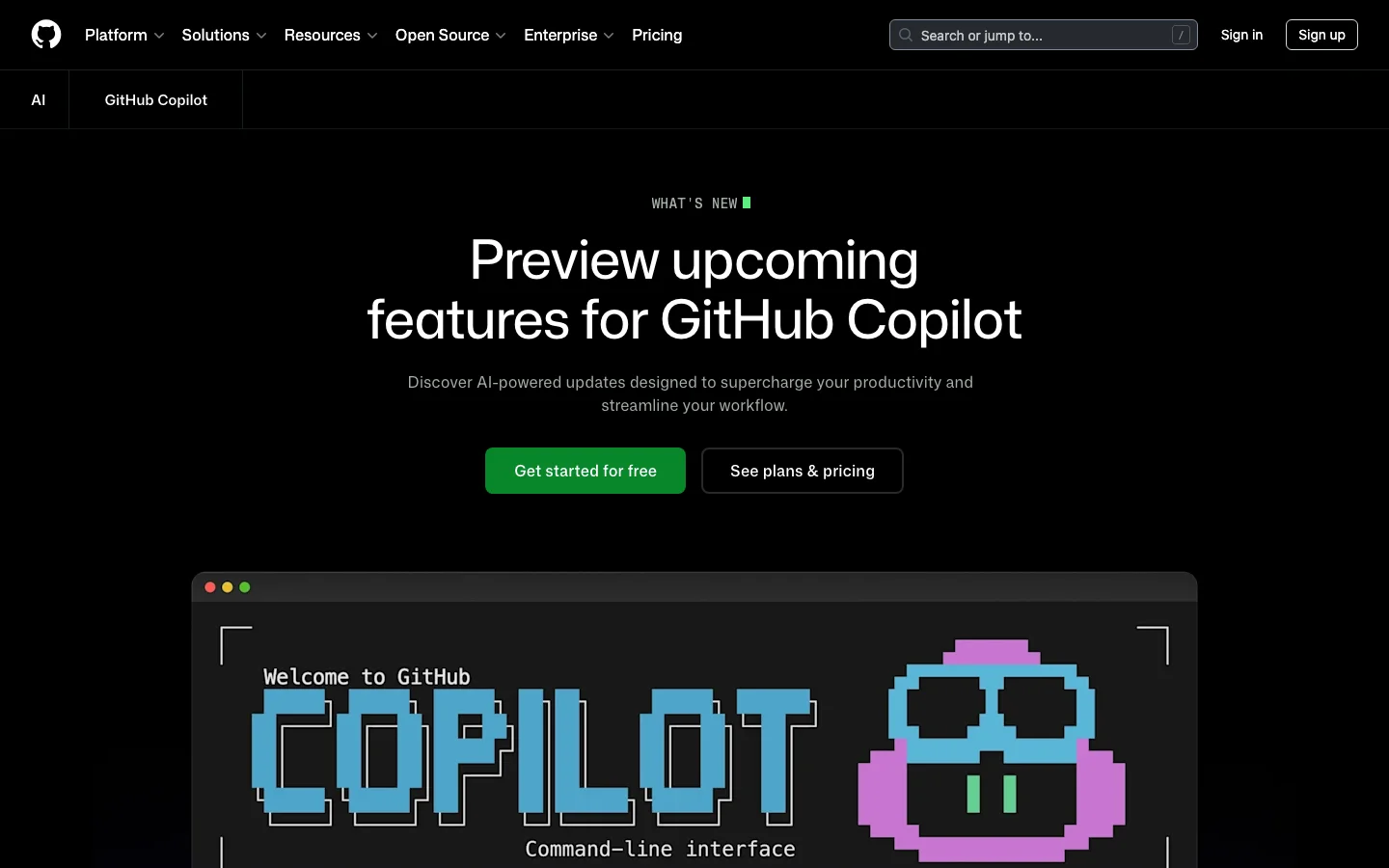

GitHub Copilot is Microsoft and GitHub's AI coding assistant, and it remains the incumbent enterprise tool with the largest installed base in 2026. Tested across VS Code, JetBrains, and the GitHub web UI, it faces a wave of AI-first competitors - but its platform integration remains a genuine moat. It provides inline code completions, chat assistance, PR summaries, code review, and a newer agentic coding mode (the Copilot Coding Agent) powered by top models from Anthropic, OpenAI, Google, and xAI. For teams already embedded in the GitHub ecosystem, Copilot offers integration depth that no competitor can replicate. The strongest case for Copilot is its GitHub platform integration. PR summaries, AI-assisted code review, issue assistance, and web UI chat are features baked directly into github.com. Multi-IDE support across VS Code, Visual Studio, JetBrains, Neovim, and Xcode (beta) is broader than any competitor. For enterprise buyers, IP indemnification, SOC 2 compliance, FedRAMP authorization, data residency options, and audit logs check every box that procurement teams require before signing off. The Coding Agent - which can autonomously take an issue, open a branch, write code, and submit a PR - is a meaningful capability upgrade that brings agentic development to the platform. The honest picture for individual developers is more complicated. Rate limit changes introduced in early 2026, pricing adjustments made without adequate communication, and a legal disclaimer calling Copilot "for entertainment purposes only" (a thread that hit 7,500+ upvotes on r/github) have eroded community trust. Pro trials were paused in April 2026. The r/GithubCopilot subreddit has become a venue for developers announcing their switch to Cursor. The product is improving, but the community experience has declined. What GitHub Copilot Does Differently GitHub Copilot is not just another AI plugin layered on top of a code editor. It is woven into the GitHub platform itself, which creates capabilities that standalone AI coding tools cannot match. The Copilot Coding Agent can be assigned directly from a GitHub issue. You open an issue, assign it to Copilot, and the agent opens a branch, writes code, runs validation tools, and submits a pull request - all without leaving github.com. As of April 2026, this flow supports multi-agent subagents for complex tasks, and you can manage and monitor agent sessions directly from issues and projects. Remote control of CLI sessions from the web and mobile went to public preview in April 2026, meaning you can monitor and steer running agent tasks from your phone. Copilot Spaces - now generally available - are persistent project context environments. A Space remembers your files, custom instructions, and teammates. Unlike a standard chat session that starts fresh every time, a Space accumulates context over weeks of work. This is particularly useful for teams with shared codebases and consistent conventions. Agent mode in the IDE handles multi-step code changes, terminal commands, and browser interactions. Edit mode lets Copilot make direct file changes without requiring manual confirmation for each step. Inline agent mode arrived in JetBrains IDEs in preview in April 2026, bringing parity with VS Code. VS Code users also get access to a bring-your-own-model-key option (GA April 2026), where you can route Copilot completions through your own API keys for OpenAI, Anthropic, or other providers. Model Context Protocol (MCP) support is available across VS Code, JetBrains, and the GitHub CLI. Business and Enterprise plans support custom registry-based MCP allowlists, giving administrators control over which external tools agents can call. As of April 2026, GPT-5.5 is generally available in Copilot, joining Claude Opus 4.7, Gemini 3.1 Pro, and Grok Code Fast 1 in a model lineup that is the broadest of any AI coding tool currently available. Copilot Coding Agent - assign issues directly on GitHub, agent branches, codes, and opens PRs autonomously Copilot Spaces - persistent project workspaces with shared context for teams (GA 2026) Agent mode and Edit mode - multi-step file changes in VS Code and JetBrains without per-step confirmation MCP server support - connect external tools to Copilot in IDE and CLI; allowlists for enterprise Model choice - GPT-5.5, Claude Opus 4.7, Gemini 3.1 Pro, Grok Code Fast 1, and more selectable per task Bring your own key - route Copilot through your own model API keys in VS Code Code review - AI-suggested review comments on pull requests; now includes PR merge metrics in usage API PR summaries - auto-generated descriptions directly on github.com GitHub CLI integration - auto model selection, MCP allowlists, C++ code intelligence (preview) FedRAMP and data residency - US and EU data residency available since April 2026 GitHub Copilot Pricing Plans 2026 GitHub Copilot has six pricing tiers as of April 2026. The structure has become more complex with the introduction of "premium requests" - a metered pool consumed by agent mode, code review, Copilot cloud agent, and chat using frontier models. Standard completions and basic chat remain unlimited on paid plans. Individual Plans Free ($0/mo) - 2,000 completions per month, 50 chat messages per month, limited premium requests. Genuinely usable for evaluation; covers light daily coding. Pro ($10/mo) - Unlimited completions, unlimited chat, 300 premium requests per month. Access to Claude Sonnet 4, GPT-5 mini, Gemini 2.5 Pro, and other mid-tier models. Claude and Codex on GitHub and in VS Code. This is the starting point for serious daily use. Pro+ ($39/mo) - All Pro features plus a higher premium request quota and access to a broader model selection. Rate multipliers apply - heavier models like Opus consume more premium request units per call. Max ($99/mo) - 1,500 premium requests per month, access to all available models including Claude Opus 4.7, GPT-5.5, and Gemini 3.1 Pro. Positioned for developers who run agent mode heavily or work with the largest frontier models. Team and Enterprise Plans Business ($19/user/mo) - All Pro+ features plus team administration, centralized billing, SSO, IP indemnification, and 300 premium requests per user per month. Note: new self-serve signups for Business were paused in April 2026 - contact GitHub sales. Enterprise ($39/user/mo) - All Business features plus fine-tuning on internal codebases, knowledge bases for organizational documentation, audit logs, SCIM provisioning, and 1,000 premium requests per user per month. FedRAMP-authorized models and data residency options available. Pricing note: GitHub periodically adjusts premium request allocations and model availability per plan without advance notice. Before committing to a plan, verify current quotas at github.com/features/copilot/plans. Annual subscriptions were removed at some point in 2025; all individual plans are currently month-to-month. GitHub Copilot vs Cursor The comparison between GitHub Copilot and Cursor is the dominant conversation in AI coding communities in 2026. Both support multiple frontier models, agentic coding flows, and VS Code-based workflows - but they optimize for different things. Cursor is a standalone VS Code fork designed around agentic editing from the ground up. Its Composer agent handles complex multi-file refactors with strong context awareness, and its community is evangelical. Cursor 3, launched in April 2026, introduced cloud agents, multi-agent parallel execution, and a dedicated agents window. Pricing starts at $20/mo for Pro and $40/user/mo for Teams - higher than Copilot at the individual level. Copilot is a plugin and platform service. Its strength is not the editor experience itself, but the GitHub ecosystem around it: PR summaries, issue-driven coding agent, code review suggestions, and web UI chat all live inside github.com. These are features Cursor cannot replicate because Cursor is not the platform hosting your code. For individual developers doing intensive agentic coding, Cursor's editing experience is generally rated higher in community comparisons. For enterprise teams embedded in GitHub with compliance requirements - IP indemnification, FedRAMP, audit logs, SSO - Copilot is the clearer choice. The $10/mo vs $20/mo Pro pricing also makes Copilot the lower-friction entry point for teams that just need capable completions and chat. Cursor wins: agentic editing depth, community sentiment, VS Code-native editing speed, model transparency Copilot wins: GitHub platform integration, IDE breadth, enterprise compliance, free tier, model variety Tied: model selection quality, MCP support, multi-file editing capability Is GitHub Copilot Worth It in 2026? For enterprise teams, the answer is still yes. The GitHub platform integration is real and unmatched. No other AI coding tool gives you autonomous PR submission from issues, AI code review built into your existing PR workflow, and fine-tuning on your internal codebase - all under one subscription with IP indemnification and audit logs. Enterprise procurement teams know and trust GitHub; the procurement cycle is shorter than for newer tools. For individual developers, the answer depends on your workflow. If most of your work happens inside GitHub - reviewing PRs, working from issues, using the GitHub web UI - Copilot at $10/mo is strong value. The Coding Agent, Copilot Spaces, and the model selection are genuinely capable. If you spend most of your time in the editor doing intensive multi-file coding work, Cursor's editing experience is rated higher by the community, despite the higher price. The main risk with Copilot in 2026 is trust. Rate limit changes, plan changes, and quota adjustments have happened without consistent advance communication. Developers who built their workflow around specific model access have found it removed or restricted. If pricing stability matters to you, read the changelog regularly and do not assume that what the plan offers today will be unchanged in three months. Frequently Asked Questions Is GitHub Copilot worth $10 per month? For most developers who already use GitHub for code hosting and PR workflows, yes. The Pro plan at $10/mo gives unlimited completions, 300 premium requests for agent mode and chat, and access to Claude Sonnet 4, GPT-5 mini, and Gemini 2.5 Pro. That model lineup at $10/mo is competitive with anything in the market. The main caveat: premium request quotas can run out mid-month if you use agent mode heavily, at which point you are limited to standard completions until the monthly reset. How does Copilot pricing compare to Cursor? Copilot Pro is $10/mo vs Cursor Pro at $20/mo. For teams, Copilot Business is $19/user/mo vs Cursor Teams at $40/user/mo. Copilot is cheaper at every tier. However, Cursor Pro includes more generous usage on frontier models relative to Copilot Pro's 300 premium request limit. If you use agent mode daily on complex tasks, the effective cost difference narrows. Both tools have higher tiers for heavier usage: Copilot Max at $99/mo and Cursor Ultra at $200/mo. Does GitHub Copilot work outside VS Code? Yes. GitHub Copilot has official support across VS Code, Visual Studio, JetBrains IDEs (IntelliJ, PyCharm, WebStorm, GoLand, etc.), Neovim, Xcode (beta), and Eclipse (beta). The GitHub CLI also supports Copilot completions and agent mode. This IDE breadth is a genuine differentiator over tools like Cursor, which is a standalone VS Code fork and does not natively support JetBrains or Visual Studio. What models does Copilot support in 2026? As of April 2026, Copilot supports models across four providers: Anthropic (Claude Haiku 4.5, Sonnet 4, Sonnet 4.5, Sonnet 4.6, Opus 4.5, Opus 4.6, Opus 4.7), OpenAI (GPT-5 mini, GPT-5.2, GPT-5.2-Codex, GPT-5.3-Codex, GPT-5.4, GPT-5.4 mini, GPT-5.5), Google (Gemini 2.5 Pro, Gemini 3 Flash preview, Gemini 3.1 Pro preview), and xAI (Grok Code Fast 1). Not all models are available on all plans. Opus 4.7 and GPT-5.5 require higher-tier plans. Model availability can change - GitHub retired Opus 4.6 Fast from Pro+ in April 2026 without advance notice. Is my code used to train future models? No, if you use a paid plan. GitHub's policy for paid Copilot plans (Pro, Business, Enterprise) explicitly excludes your code and prompts from being used to train the underlying models. The free tier has different telemetry settings. Business and Enterprise plans offer additional controls, including the ability to disable Copilot suggestions for specific file types or repositories. For regulated industries, the Enterprise plan adds audit logs and admin controls over data handling. Can Copilot handle multi-file refactors? Yes, with caveats. The Copilot Coding Agent can handle multi-step, multi-file tasks when assigned from a GitHub issue - it opens a branch, writes code across files, and submits a PR. In-IDE agent mode in VS Code and JetBrains also supports multi-file editing sequences. However, community comparisons consistently rate Cursor's Composer agent as more capable for complex refactors done directly in the editor, particularly for tasks where you need iterative back-and-forth. Copilot's agentic strength is in the GitHub platform workflow (issue to PR), not in the editor-native refactoring experience. If you want unlimited autocomplete for free GitHub Copilot's free plan caps completions at 2,000 per month -- enough for light use, but it runs out fast in an active project. Devin Desktop (formerly Windsurf, formerly Codeium) offers unlimited tab autocomplete on its free tier with no credit card required. It works as a standalone VS Code fork or as a plugin for VS Code and JetBrains. The agentic features are limited on the free plan, but for pure autocomplete it removes the monthly cap entirely. Before you switch: Devin Desktop went through an acquisition by Cognition in December 2025 and was rebranded from Windsurf to Devin Desktop in June 2026. The product is functional and the free autocomplete offer has stayed consistent through those changes, but it is a younger company with less stability track record than Copilot. There is no Belreos review yet -- Cursor is the catalog alternative if you want a reviewed agentic coding tool, though Cursor's free tier is trial-style rather than ongoing.

HeyGen competes directly with Synthesia in the AI avatar video category and has pulled ahead on the dimensions that matter most to creators: realism, multilingual dubbing, and the ability to build interactive avatar experiences. Synthesia built for enterprise L&D teams; HeyGen built for creators, UGC marketers, and developers who want avatar video that doesn't look like a corporate training module. Both generate talking-head video from scripts. The aesthetic output, community, and pricing model are distinct enough that choosing between them isn't really a close call once you know what you're making. Video Translation is the feature that put HeyGen on the map in creator communities. Upload a video in English, get a lip-synced Spanish, German, or Japanese version in minutes. YouTube creators publishing multilingual channel variants, personal brands reaching international audiences, companies localizing marketing video without re-shooting - this workflow is documented extensively and the speed is real: a 10-minute video dubbed in under 30 minutes including review is consistently reported. Quality varies by language pair; major European languages and Mandarin produce strong results, while less-resourced languages can drift into unnatural prosody that needs a human pass before publishing. The Streaming Avatar API is where HeyGen separates from the pack entirely. Real-time interactive avatar sessions - an AI avatar speaking live responses driven by a language model backend - are what developers are building for sales demos, customer service bots, and AI companions. Synthesia hasn't entered this category. In our view, this positions HeyGen as both a batch video generator and a real-time avatar infrastructure layer, which is a meaningfully broader surface. UGC pipelines pairing HeyGen lip sync with OpenArt Consistent Character and ElevenLabs voice cloning are explicitly documented in creator communities - HeyGen is the lip-sync layer in serious multi-tool AI character video workflows. For context on where HeyGen sits in the broader market, see our AI video generation roundup or the full AI video category. We'll be honest about the friction: custom avatar quality lives and dies by your recording conditions. Clean lighting, controlled audio, minimal background movement. A home office setup without prep will produce unusable results. Video Translation quality drops noticeably on less-resourced language pairs. The credit/time-limit model creates the same per-generation cost anxiety you'll find across most AI video tools - Creator at ~$29/month gets you 15 videos/month, which goes fast if you're actively producing. Enterprise institutional trust still defaults to Synthesia; if you're selling into procurement teams at Reuters-tier companies, that matters. HeyGen is the right tool for creators, social media teams, and developers building interactive avatar applications. Synthesia is still the better fit for enterprise L&D at scale. Pricing: Creator ~$29/month, Pro ~$89/month, Enterprise custom. Verify at heygen.com. Frequently Asked Questions Is HeyGen legit and safe to use? HeyGen is a legitimate, well-funded AI video company with a substantial creator and business user base. The platform has enterprise-grade privacy and security terms, and is used by creators and marketing teams globally. It is a real product with active development. Avatar 4.0, launched in 2025, represents a genuine quality leap that community reviewers have called difficult to distinguish from real footage. No major security incidents or data handling concerns appear in independent community coverage. How much does HeyGen cost in 2026? HeyGen's Creator plan runs approximately $29 per month with a 15-video monthly cap, making it more expensive than Synthesia at comparable video volumes for lower-tier plans. Higher tiers scale with video minutes rather than a fixed count. The credit and time-limit model can create per-generation cost anxiety for high-volume production teams. Custom avatar creation from a short recording is available on paid plans; the Streaming Avatar API requires developer integration on enterprise tiers. Verify current plan details at heygen.com. Is HeyGen worth the subscription? For multilingual video translation and creator-facing avatar content, HeyGen is the stronger choice over Synthesia. Video Translation into 40+ languages with lip-sync matching is the most-cited feature, and Avatar 4.0 leads in realism for social and creator contexts. The Streaming Avatar API opens interactive AI companion and demo use cases that no direct competitor offers. For enterprise L&D buyers who need institutional credibility (Reuters, BBC, Accenture-level trust signals), Synthesia has the stronger corporate pedigree. HeyGen wins on creator flexibility; Synthesia wins on enterprise trust. Does HeyGen have a free trial or free plan? HeyGen offers a free plan that allows users to generate a limited number of videos without a paid subscription. The free tier is sufficient to test avatar quality and video translation before committing to a Creator plan. Custom avatar creation and higher-resolution exports require a paid subscription. The free plan does not include the Streaming Avatar API access.

Kling AI is one of the top-three AI video generators by community mention volume and the tool the indie filmmaking community reaches for when physics accuracy and high-volume production economics matter more than camera control precision. Developed by Kuaishou, China's short-video platform competing with ByteDance, Kling iterated from version 1.0 to 3.0 within a single year, a release cadence that no Western competitor has matched. Kling 2.6 introduced native audio generation (the first major AI video tool to ship it), 1080p output, and motion control that applies physics-driven animation from a single reference image. Kling 3.0 added multi-shot sequences with spatial continuity, advanced camera tracking including macro close-ups, and character consistency across multiple camera angles. Community quality comparisons consistently place Kling in the top tier alongside Veo 3, Hailuo 2.0, and RunwayML Gen-4, with particular consensus on physics simulation superiority over RunwayML. Physics simulation is Kling's most concrete competitive differentiator. Cloth dynamics, liquid behavior, and realistic object physics consistently outperform RunwayML in published direct comparisons, not marginally but visibly. Users building production workflows report a division of labor: Kling handles action sequences and physics-heavy shots while Runway handles close-up editorial work requiring specific camera language. Character consistency across shots is among the strongest in the category, with the start-to-end frame feature enabling long-form cinematic sequences by chaining frames with maintained subject identity. Motion control in version 2.6 goes further: it can match movement from a reference video and apply it to a new character, a production feature that indie filmmakers are actively using for reference-based blocking. What Makes Kling AI Different Most AI video tools optimize for prompt-following fidelity. Kling optimizes for physical plausibility. That is a deliberate and consequential design choice that explains why the tool performs differently from RunwayML, Sora, and Luma Labs across different shot types. The physics engine handles cloth dynamics, liquid behavior, hair movement, and object weight in a way that nothing else in the consumer AI video space currently matches at this price point. When you generate a pouring liquid shot, the fluid behaves like fluid. When fabric moves, it wrinkles and flows with mass. This is not a marginal improvement over competing tools -- it is the difference between a shot that reads as real and one that reads as generated. Character consistency is the second major differentiator. The start-to-end frame feature, introduced in Kling 2.1, lets you specify both a starting frame and an ending frame. The model generates the sequence between them while maintaining subject identity throughout. For indie filmmakers cutting between shots, this eliminates the character drift that plagues every other AI video tool in the category. Native audio is the third. Kling 2.6 shipped audio generation built into the video pipeline, not as a post-production step. Competitors including RunwayML still require you to add audio after export. For solo creators without a separate audio workflow, this matters practically. RunwayML remains the stronger choice for directors who need precise camera control language: dolly, pan, orbit, and specific focal behavior. Kling's camera system is less expressive in that dimension. But for physics-heavy content, Kling is the correct answer and the community knows it. Kling AI Pricing Plans 2026 Kling operates on a credit-based model that is the source of both its pricing advantage and its most consistent criticism. Credits are the currency for every generation on the platform. The free plan provides a monthly allocation of credits with standard-quality output. The Standard plan (approximately $9/month) and the Pro plan (approximately $35/month) increase credit volume, add higher quality outputs, priority generation, and higher resolution. Kling 3.0 via the Higgsfield platform costs $15 to $50/month depending on tier and provides an alternative economics model for high-volume users. The credit math is the thing to understand before committing. A 5-second standard-quality clip costs approximately 80 credits. At $0.015 per credit through the official platform, that is roughly $1.20 per generation. At Pro quality, the per-clip cost is higher. The credit model punishes iterative experimentation -- users report pre-planning every generation rather than exploring freely, which is the opposite workflow of how video production actually develops. There is a meaningful workaround. Third-party access through Higgsfield or OpenArt provides substantially better credit economics for high-volume users because subscription tiers bundle credits differently than the per-credit purchase model on klingai.com. If you are a high-volume producer, price out both options before deciding where to run your pipeline. Kling 3.0's multi-shot sequences are exclusively on Higgsfield, so serious production workflows often use both platforms for different generation types. One specific caution for API developers: the cheapest API credit bundle is a buy-once offer with no renewal at that price. Minimum purchase requirements on subsequent buys jump significantly. This has no analogy in competing platforms and creates real planning problems for developers building production tools on Kling's API. Check the current API pricing page before designing a billing model around it. Always verify current credit pricing at klingai.com before committing. Prices have changed with each major model release and the direction has been upward. Kling AI vs RunwayML RunwayML is Kling's primary comparison target in community discussion, and the two tools have genuinely different strengths that make the choice straightforward once you know your use case. Kling wins on: physics accuracy across cloth, liquid, and object dynamics; character consistency across shots; native audio generation; per-generation cost for most shot types; and iteration speed at the model level (Kling 1.0 to 3.0 in one year versus RunwayML's slower cadence). RunwayML wins on: camera control language (dolly, pan, orbit, specific focal lengths); interface polish and workflow integration; enterprise procurement comfort (RunwayML is a US company, Kuaishou is Chinese, which matters for some procurement teams); and editorial close-up work where specific camera behavior drives the shot. The production workflow that emerges in community threads: Kling for action sequences, wide shots, physics-heavy content, and audio integration. RunwayML for close-up editorial work, camera-language-driven sequences, and enterprise contexts. Both tools appear in production pipelines of serious indie filmmakers more often than either alone. Against Sora, Kling is significantly cheaper per generation and more accessible (Sora is gated behind ChatGPT Plus or Pro tiers). Sora's prompt adherence is stronger, but Kling's physics are comparable and the economics favor Kling for anyone doing volume. Against Luma Labs Dream Machine, Kling outperforms on physics and character consistency; Luma's strength is camera movement quality and scene realism in nature and environment shots. See the full AI video tools comparison for a side-by-side of all major platforms. Is Kling AI Worth It in 2026? The answer depends almost entirely on what you are making and how you work. Kling is worth it for indie filmmakers and video producers who prioritize physics accuracy, native audio, and cost efficiency at scale over cinematographic camera control precision. It is particularly strong for action sequences, product animation, liquid and fabric dynamics, and character-consistent long-form sequences. The community consensus on Kling's physics quality is not contested -- this is the tool when physics matter. Kling is not worth it for narrative directors who need RunwayML's camera language system, for enterprise teams whose procurement policies exclude Chinese-origin software (Kuaishou is a Chinese company and this is a real procurement consideration for some teams), or for API developers who need predictable per-generation pricing without punitive minimum purchase requirements after the initial bundle. The credit system frustration is real and documented extensively. "KLING is amazing but exceptionally predatory with constant increase in costs and credit allocation" is a quote that circulates in review threads and reflects genuine community sentiment. If iterative experimentation is core to your creative process, the credit economics create friction that competing subscription-based tools do not. If you pre-plan your generations and execute efficiently, the per-generation cost is competitive. The Higgsfield alternative is worth considering seriously. For Kling 3.0 access and better credit economics, Higgsfield's subscription tiers ($15 to $50/month) often represent better value than the base klingai.com credit purchases. The catch is platform dependency on a third-party service, which adds risk if Higgsfield changes its terms or pricing. Frequently Asked Questions How much does Kling AI cost in 2026? Kling operates on credits. The free plan includes a monthly credit allocation with standard quality. Paid plans (approximately $9/month Standard, $35/month Pro) increase credit volume and quality. A 5-second standard-quality clip costs roughly 80 credits, approximately $1.20 at current rates. Kling 3.0 access via Higgsfield costs $15 to $50/month depending on tier. Verify current pricing at klingai.com as credit costs have changed with each major release. What is new in Kling 2.0 and Kling 3.0? Kling 2.1 introduced start-to-end frame chaining for character-consistent long-form sequences. Kling 2.6 shipped native audio generation (the first major AI video tool to include audio), 1080p output, and motion control that applies movement from a reference video to a new character. Kling 3.0, accessible via the Higgsfield platform, added multi-shot sequences with spatial continuity, advanced camera tracking including macro close-ups, and improved character consistency across complex multi-angle scenes. How does Kling compare to Sora and RunwayML? Against Sora: Kling is significantly cheaper per generation and more accessible without a ChatGPT subscription. Sora's prompt adherence is stronger; Kling's physics are comparable. Against RunwayML: Kling wins on physics accuracy, character consistency, native audio, and per-generation cost. RunwayML wins on camera control language, interface polish, and US-company procurement comfort. Many production workflows use both tools for different shot types. Can I use Kling AI commercially? Yes. Paid plan generations include commercial use rights. Free plan outputs have more restrictive terms. Check the current terms of service at klingai.com for specifics on permitted uses, particularly for broadcast or large-scale distribution. Content policy is restrictive relative to some Western competitors and is inconsistently applied. Does Kling AI have a free tier? Yes. The free plan provides a monthly credit allocation sufficient for limited experimentation. Standard quality output only. Priority generation is reserved for paid plans. The free tier is adequate for evaluating the tool's physics and quality before committing to a paid plan, but not sufficient for production volume.

Granola is an AI meeting notepad that enhances the notes you type instead of dropping a bot into your calls. No visible recorder joins the meeting. The desktop app listens in the background, and Granola cleans up and expands your shorthand into a full set of notes afterward. For sensitive one-on-ones and client calls where a recording bot on-screen would be awkward, that bot-free approach is the whole point. The result reads like you wrote it, because you did. Granola augments your own typed notes rather than dumping a generic transcript summary, so the output matches your voice and priorities. The interface is clean and fast to adopt, integrations are solid, and it now runs on Mac, Windows, and Android, after the Android app launched in July 2026. It earned SOC 2 Type 2 certification in July 2025. There is one structural catch that decides whether Granola is right for you: it enhances the notes you take, so if you do not type during meetings, you get very little back. This is a tool for active note-takers, not a hands-off bot recorder. Key Features Bot-free captureNo recorder appears in the call. Granola listens through the desktop app and works from what you type, which makes it usable in confidential meetings where a visible bot would be a problem. The meeting-notes category is trending toward bot-free in 2026, and Granola is the standout example. Notes that sound like youRather than producing a generic AI summary, Granola expands your own shorthand into complete notes. The output keeps your wording and your priorities, so you spend less time rewriting it into something usable. Clean interface and strong integrationsThe minimal UI and integrations get consistently positive marks in feature comparisons. It slots into an existing productivity stack quickly and does not demand a lot of setup ceremony. Mac, Windows, and Android, with SOC 2 Type 2Granola expanded past its Mac-only origins to Windows and, as of July 2026, Android. It holds a SOC 2 Type 2 certification from July 2025, meaning its data-handling controls were independently audited. Pricing (as of September 2026) PlanPriceKey inclusions Basic (Free)$0Rolling 30-day history window; AI-training opt-out included Business$14/user/mo (annual)Unlimited notes and history, core AI features Enterprisefrom $35/user/moOrg-wide AI-training opt-out by default, admin and security controls The pricing is a flat per-seat model with unlimited notes on paid plans, which is simpler than the credit and token schemes some rivals use. The free tier limits history access to a rolling 30-day window rather than a fixed note count: notes older than 30 days stay stored but become inaccessible until you upgrade. Third-party sites still cite an older 25-note lifetime cap, but Granola's own pricing and blog pages now describe the 30-day window instead. Separately, some review sites cite an $18/month figure, which is likely the month-to-month rate against the $14 annual price. Where Granola Falls Short The biggest limitation is the one built into the design. Granola improves the notes you type, so passive users who expected a hands-off recorder get almost nothing from it. Reviewers flag integration gaps where notes stay siloed instead of flowing into downstream tools and CRMs, and transcription accuracy slips on numbers, technical terms, and speaker identification. One privacy detail worth confirming directly: Granola lists the AI-training opt-out as a self-service toggle available on every plan, including the free Basic tier. The Enterprise tier's version of the same toggle is simply switched on org-wide by default, rather than being the only tier where the option exists. How It Compares Granola trades raw transcription depth for a cleaner, more personal note. Otter offers deeper live transcription and a searchable multi-month archive, but its bot joins the call. Fathom leads on free-tier generosity with unlimited recordings on Zoom and no card required. Fireflies focuses on conversation intelligence, pushing structured data into your CRM. tl;dv gives free unlimited recording but auto-deletes after three months. Granola's moat against all of them is the combination of bot-free capture and notes written in your own voice. For a deeper side-by-side of the alternatives named above, see our Fireflies vs. Fathom vs. Otter comparison. Verdict If you run a steady stream of one-on-ones and small-group calls and you already take notes during them, Granola is one of the best tools for the job. The bot-free capture is genuinely useful for sensitive conversations, and getting notes back in your own voice saves real cleanup time. Skip it if you wanted a passive recorder that does the work while you sit back. The free plan's 30-day rolling history window makes it more of an extended trial than a lasting free tier, so expect to hit the upgrade wall once notes start aging out. Granola raised a $125 million Series C in March 2026 at a $1.5 billion valuation and acquired the engineering-focused assistant Dimension in August 2026, so the strong early sentiment now comes with real funding and customer traction behind it rather than being an unproven bet. FAQ Does Granola record my meetings with a bot?No. Granola is bot-free. No recorder joins the call. The desktop app listens in the background and enhances the notes you type, which makes it a fit for sensitive one-on-ones and client calls where a visible bot would be awkward. Is Granola free?There is a free Basic plan, but it only keeps a rolling 30-day window of meeting history rather than an unlimited archive. Notes older than 30 days stay stored but become inaccessible until you upgrade. The Business plan is $14 per user per month on annual billing with unlimited notes and history. Does Granola work if I do not type during meetings?Not well. Granola enhances the notes you take, so passive users who expect a hands-off recorder get very little from it. It is built for people who actively take notes during calls. Is there a Granola Android app?Yes. Granola launched an Android app around July 2026, joining its existing Mac, Windows, and iOS apps. Is Granola secure and private?Granola earned SOC 2 Type 2 certification in July 2025, meaning its data-handling controls were independently audited. AI-training opt-out is available as a self-service toggle on every plan, including the free Basic tier; on Enterprise, that same toggle is set org-wide by default.

Grammarly is an AI writing assistant that checks grammar, spelling, clarity, and tone across your browser, Microsoft Word, Google Docs, Outlook, Slack, and dozens of other apps, and it now also generates AI-assisted rewrites and suggestions rather than just flagging errors. It holds a 4.7/5 rating on G2 across a large review base, making it one of the most reviewed writing tools on the market, and it remains the tool most people think of first when they picture an AI grammar checker. The short version: Grammarly's core grammar and clarity detection is still genuinely strong, but a real and cross-referenced "it got worse" narrative has built up around its newer AI-rewrite defaults. Writers on Reddit describe the tool smoothing their prose into something more generic, pushing suggestions harder than the older, quieter version of Grammarly did, and running laggier in the process. G2's own top complaint categories back this up independently: "Incorrect Corrections," "Inaccuracy," and "Poor" or "Irrelevant Suggestions" form one of the most-repeated complaint clusters in G2's con categories. If you're deciding whether Grammarly Pro is worth the money, that tension between "still accurate at the grammar level" and "increasingly pushy at the AI-suggestion level" is the thing to weigh, not the marketing pitch. Belreos ran its own hands-on test of Grammarly on the free plan rather than relying on marketing claims alone: we planted 12 deliberate grammar and spelling errors in a test document, and Grammarly's free tier caught all 12. We also fed it a clean, voice-y paragraph with zero grammar issues and ran it through Grammarly's AI rewrite feature to see what "Improve it" actually does to writing that isn't broken. The result, detailed below, is the clearest evidence we found for the voice-flattening complaint that shows up across Reddit and G2. Our hands-on testing was done on Grammarly's free plan, so the grammar-detection and AI-rewrite findings below are firsthand; the Pro-tier assessment reflects feature availability and published pricing rather than firsthand Pro use. Who Grammarly Is For Students are one of the most consistent groups asking about Grammarly, specifically whether Pro is worth paying for creative or academic writing and whether AI-assisted edits could be flagged as AI use by a school's detection software. Professionals who write across email, docs, and Slack all day are the other dominant group, using Grammarly mainly for its integration breadth rather than any single standout feature. ESL and non-native English writers are a smaller but consistent third group who value the grammar and clarity layer more than the AI-rewrite suggestions. If you want a grammar and clarity checker that follows you across the apps you already use without much setup, Grammarly fits. If you specifically want a tool that reliably preserves your own voice rather than nudging your writing toward a smoother, more generic version of itself, read the pain-points section below before you commit, since that's the exact complaint showing up most often right now. If what you actually need is heavy paraphrasing and rewriting with grammar checking as a secondary layer, rather than the reverse, QuillBot takes the opposite approach: paraphrase-first, with grammar built in, instead of Grammarly's grammar-first model with AI rewriting added on top. See our full QuillBot vs Grammarly comparison for the complete breakdown. Weighing Grammarly against the rest of the field? See our Best AI Writing Tools 2026 roundup for a wider comparison. What Grammarly Actually Does Grammar and spelling correction: the original core feature and still the best-reviewed part of the product, catching errors most spell-checkers miss. Clarity and tone detection: flags sentences that read as unclear, confusing, or mismatched in tone for the context you've selected (formal, casual, and others). AI writing prompts (GrammarlyGO / Superhuman Go): generates rewrites, replies, and full passages on request, scaling from 100 prompts a month on Free to 2,000 a month on Pro to unlimited on Enterprise. Plagiarism and citation support: available on paid plans, useful for students and anyone submitting original-work declarations. Browser extension and app integrations: Grammarly's biggest practical advantage is showing up wherever you're already typing, including Word, Google Docs, Outlook, and Slack, rather than requiring a dedicated tab. The complaint pattern worth taking seriously is specifically about the AI-rewrite layer, not the underlying grammar engine. Reddit threads describe the newer default behavior as trying to take over more of the writing than just correcting it, one reader put it as the tool smoothing writing "to the most mundane version of itself." That's a different complaint than "Grammarly misses errors," and it's the one to weigh most heavily if voice and tone matter to your writing. We tested this directly. We gave Grammarly a paragraph that scored 100% with zero suggestions, so there was nothing to correct, and asked its "Write with generative AI" feature to "Improve it." The original read: "Look, I'm not going to pretend this feature is perfect, because it isn't, and honestly? That's fine. We shipped the thing scrappy on purpose." The AI rewrite came back as: "I won't pretend that this feature is perfect because it isn't, and honestly, that's okay. We intentionally released it in a rough state." Every informal, personality-carrying word choice, "shipped scrappy on purpose" becoming "intentionally released in a rough state," the rhetorical "honestly?" losing its question mark and its edge, was swapped for a more neutral, corporate-safe equivalent. Nothing was grammatically wrong with the original; the rewrite didn't fix an error, it flattened a voice. Grammarly: before the AI rewrite (100% score, original voice) Grammarly does offer a mitigation for this: a "voice profile" setting inside the AI-rewrite panel meant to teach the tool your own style so its suggestions stay closer to how you actually write. It isn't configured by default and takes a multi-step setup most users skip, which is likely why the flattening complaint keeps showing up despite the feature existing to address it. Grammarly Pricing in 2026 Grammarly's public pricing page (grammarly.com/plans) currently shows exactly three tiers: Free, Pro, and Enterprise. The older standalone "Business" tier no longer appears as its own plan on the pricing page, effectively folded into Pro-tier language, though "Grammarly Business" still exists as a marketing name on a separate product page. Grammarly pricing (as of July 2026) PlanPriceWhat you get Free$0Grammar/spelling checks, tone detection, 100 AI prompts/month Pro$12 (headline; see billing note below)2,000 AI prompts/month, full clarity and tone suite, plagiarism checking on relevant plans EnterpriseCustom - contact salesUnlimited AI prompts, BYOK encryption, SAML SSO, SCIM, DLP, custom roles, audit log API, cost center visibility; built for 150+ seats One thing worth knowing before you subscribe: Grammarly's own public pricing page shows only a single "$12" figure for Pro, with no monthly-versus-annual toggle or billing breakdown anywhere in the visible page text. Checked directly on Grammarly's account and plan-selection pages, the standalone monthly (non-annual) price for Grammarly Pro is $30/month; the $12 figure shown on the marketing pricing page is the annual plan's monthly-equivalent rate, billed as $144 per year. If exact renewal terms matter to your decision, confirm them at checkout before entering payment details. Separately, some Trustpilot review summaries describe billing friction, including being charged on renewal without a clear heads-up and difficulty getting refunds after cancellation. That signal comes from secondary sources rather than a page Belreos could verify directly this pass, so treat it as a pattern worth watching rather than a confirmed fact, and if you go with an annual plan, calendar your renewal date as a precaution regardless. Worth knowing before you upgrade: the free tier flags clarity and wordiness problems, it just doesn't let you fix them. We fed Grammarly's free tier a wordy but grammatically clean paragraph, and it correctly underlined every bloated phrase in the Clarity tab, but the actual rewrite suggestion sat behind a blurred "Pro suggestion, Upgrade to view" card. The same applies to Grammarly's Goals settings: most "Domain" presets (Academic, Business, Email, Creative) are Pro-locked, with only "General" available for free. Grammarly Pain Points and What to Watch For The AI-rewrite layer is polarizing. This is the single most cross-referenced complaint: Reddit threads and G2's own con categories both describe suggestions that feel over-eager, inaccurate, or voice-flattening, and Belreos reproduced it directly in hands-on testing (see above). If you write fiction, opinion pieces, or anything where your specific voice matters, test the free tier and see how the suggestions feel before paying for Pro, or set up Grammarly's voice-profile feature to reduce the flattening. Free-tier clarity fixes are Pro-gated. The free tier will tell you a sentence is wordy or unclear, but the actual rewrite is locked behind Pro, and most Goals "Domain" presets are Pro-only too. Newer UI reports of lag. Multiple Reddit comments describe the current interface as slower and more intrusive with upsell prompts than the older, quieter version of the product. Billing transparency gap. The public pricing page doesn't show a monthly-vs-annual breakdown, and some Trustpilot summaries describe renewal and refund friction. Confirm your actual billing terms at checkout, not from a marketing headline. A long-running privacy narrative around the browser extension. Hacker News threads from 2018 and 2022 questioning whether the extension behaves like a keylogger or over-shares tokens with websites keep resurfacing in search results. These are old reports, not new findings, but they're still actively linked and discussed, and it's fair for a security-conscious user to factor that history in. The Superhuman Rebrand: What Actually Changed On October 29, 2025, Grammarly's parent company renamed itself from Grammarly Inc. to Superhuman, following its acquisitions of Coda and the Superhuman email client. The consumer product you'd sign up for is still called Grammarly; nothing about the product name, login, or day-to-day experience changed for existing users. The practical relevance for a buyer is limited: it signals the parent company is building a broader productivity suite (Grammarly for writing, Coda for workspace, Mail for email, and a new AI assistant called Superhuman Go), but the tool reviewed here is unchanged by the corporate rename itself. Is Grammarly Worth It in 2026? Grammarly still earns its reputation on raw grammar and clarity detection, firsthand testing caught 100% of the errors we planted, and its integration breadth across browsers, Word, Docs, Outlook, and Slack remains close to unmatched among writing assistants. The honest complication is the newer AI-rewrite layer: a real, cross-referenced group of users feels it pushes suggestions too hard and smooths writing toward something more generic, and we reproduced that exact flattening effect directly in testing, which is different from the tool simply getting worse at catching typos. If your main need is dependable grammar and clarity checking that follows you everywhere, Grammarly Pro is a reasonable $12-headline buy, confirm the actual billing terms at checkout first, and remember that the free tier's clarity fixes (not just AI prompts) are Pro-gated. If you're a fiction writer, essayist, or anyone who has felt Grammarly nudging your voice in a direction you didn't want, try the free tier's suggestion settings before paying, set up a voice profile to counter the flattening, and give ProWritingAid a look as the alternative most often named by writers who made that switch. Frequently Asked Questions Is Grammarly Pro worth it? Grammarly Pro is worth it if you write often enough that catching tone, clarity, and delivery issues (not just typos) saves you real editing time, and if you're comfortable with its AI-rewrite suggestions being on by default. If you only need basic spelling and grammar catches, the free tier or a lighter tool may cover you without the subscription. Is there a free version of Grammarly? Yes. Grammarly's free tier includes core grammar and spelling checks, tone detection, and 100 AI prompts per month, with no time limit on the free plan itself. Grammarly vs ProWritingAid: which should I use? Grammarly leads on integration breadth (browser, Word, Docs, Outlook, Slack) and raw grammar-detection accuracy. ProWritingAid is the tool Reddit writers most often name when they switch away from Grammarly, citing deeper style and prose-craft feedback for fiction and long-form writing without as much AI-rewrite pressure. Choose Grammarly for everyday correctness across many apps; choose ProWritingAid if you want a slower, more style-focused editing pass. Is Grammarly safe for academic writing? Grammarly can help with grammar, clarity, and citation-adjacent issues, but no writing assistant, Grammarly included, can guarantee your work will pass a specific school's AI-detection software, and some students report inconsistent flagging. Check your institution's specific policy on AI writing tools before relying on Grammarly for graded work, and treat any AI-detector score as a rough signal rather than a precise measurement. Did Grammarly get worse? There's a real, cross-referenced pattern of complaints on Reddit and in G2's own con categories about newer AI-rewrite defaults producing over-eager or flattening suggestions, alongside a laggier interface than the older, grammar-only version of the product. Belreos reproduced the flattening complaint directly: a clean, voice-y test paragraph with zero grammar issues came back from Grammarly's AI rewrite with every casual, personality-carrying word swapped for a more neutral, corporate-safe equivalent. Grammarly's core grammar-checking accuracy remains well-rated and firsthand-verified (G2: 4.7/5; Belreos caught 100% of planted test errors), so the honest read is that the underlying correction engine hasn't degraded, but the newer AI-suggestion layer is polarizing enough that it's worth testing on the free tier before you commit to Pro. Grammarly does offer an opt-in "voice profile" feature meant to reduce this flattening, but it's off by default and most users never set it up, which likely explains why the complaint keeps resurfacing.
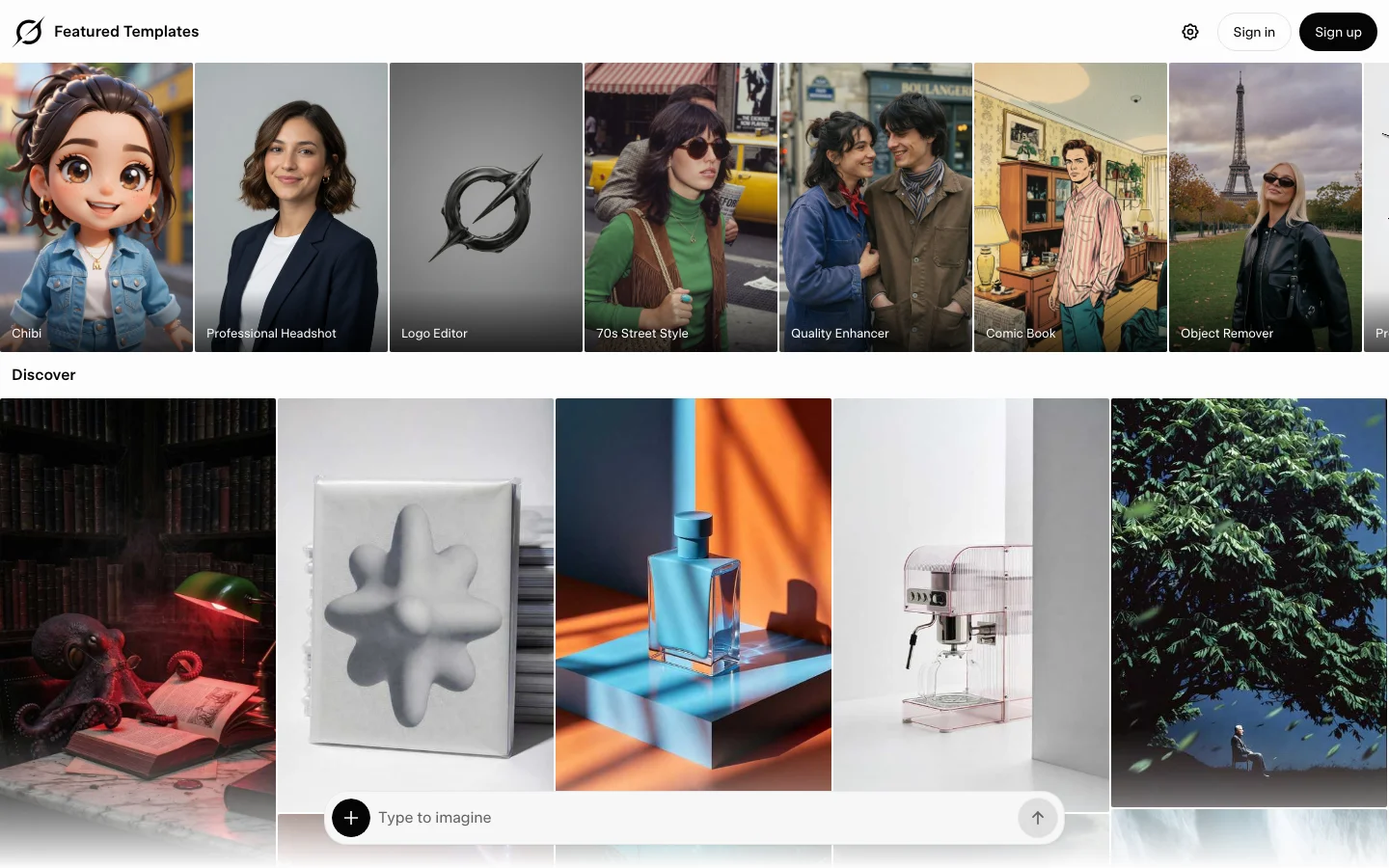

Overview Grok Imagine is xAI's image and video generation tool, accessible at grok.com/imagine and inside the Grok chat interface on web, iOS, and Android. Video 1.5 launched June 16, 2026, making this one of the most recently launched AI video models on the market. The tool takes a different position than standalone video platforms like RunwayML or Kling AI. You are not subscribing to a video tool - you are subscribing to Grok, xAI's AI assistant, and video generation comes bundled with that. That distinction matters for how you evaluate the pricing. What It Does Grok Imagine handles both image generation and video generation from a single interface: Image generation: The Aurora model generates images from text prompts. You can also use the Quality mode (grok-imagine-image-quality) for higher-resolution output at 1024x1024 or 2048x2048. Video generation (Video 1.5): Animates a still image into a clip with synchronized audio - sound effects, ambient layers, and lip-synced dialogue generated in the same pass, no separate audio step. Output is 720p at up to 15 seconds per clip. The model ranks first on the Image-to-Video Arena leaderboard as of its June 2026 launch, with a 52 Elo jump over its predecessor. Speed: A 6-second 720p video generates in approximately 25 seconds, down from 40-plus seconds with Video 1.0. For high-volume social content, this speed advantage is real. Spicy Mode: Grok Imagine includes an opt-in mode that removes standard content guardrails, unlike most competing platforms. Pricing Access routes through two paid tiers and a limited free option: PlanPriceGrok Imagine accessNotes Free (grok.com, logged in)$0/moImage generation requires a free account; logged-out visitors see a sign-in modal and cannot generateFree account sign-up at grok.com SuperGrok Lite$10/moImage + video (480p, 6-sec clips)Launched March 2026; daily caps apply SuperGrok$30/moFull Grok Imagine (image + Video 1.5)Rolling-window daily limits apply SuperGrok Heavy$300/moMaximum rate limitsFor power users and API-heavy workflows X Premium+$40/moSame Grok access as SuperGrokIncludes X platform perks API pricing (verified 2026-06-20 via docs.x.ai/developers/pricing): Image: $0.02/image (standard) / $0.05/image (1024x1024 quality) / $0.07/image (2048x2048) Video: $0.08/sec at 480p ($4.80/min) or $0.14/sec at 720p ($8.40/min) Quota reality check: The SuperGrok $30/month plan officially targets around 100 image generations per day and approximately 15-20 videos per day in 720p. In practice, xAI uses a rolling-window fair use throttle rather than a fixed daily reset. Users report hitting limits after 10-15 videos in 720p during peak hours, and failed generations (including moderation blocks) count against your quota. xAI quietly tightened these limits in May 2026 without a public announcement, changing subscription page copy from "near-unlimited" to "highest usage limits." If you only want video generation and not Grok chat, $30/month for 15-20 usable videos per day puts your cost per video at roughly $1-3, which is more expensive than paying per-video on Kling AI or Luma Labs on their API plans. Features Image-to-video pipeline: Upload or generate an image, describe the motion, get a 6-15 second 720p clip with synchronized audio in one pass Native audio: Scene-matched sound effects, ambient audio, and dialogue generated alongside video - no separate audio sourcing needed Aurora image model: Text-to-image generation with Quality mode option for higher resolution Projects: Organize your generations into folders (new in June 2026 update) Parallel agents: Run multiple prompts simultaneously within a session Spicy Mode: Optional NSFW content mode, unlike most competing platforms API access: Available via xAI API at documented per-image and per-second rates Cross-platform: Web, iOS, Android, and API Pros Native audio is a genuine differentiator. Most video tools require a separate step to add sound. Grok Imagine 1.5 generates dialogue, ambience, and sound effects in the same pass. When it works, it saves meaningful production time. Generation speed. 25 seconds for a 6-second 720p clip is fast relative to competitors. For social content creators running high volume, this adds up. API cost. $4.80/minute at 480p and $8.40/minute at 720p undercuts most standalone platforms. For developers building on top of video generation, this is a real advantage. Image-to-Video Arena #1 ranking (as of launch week, June 2026). Independent leaderboard validation that the quality improvement over 1.0 is real. Bundled value if you use Grok. If you already use Grok for chat, DeepSearch, or coding help, video generation comes in the same subscription. You are not paying twice. Conversational prompting. Because Grok Imagine is embedded in a chat interface, you can iterate on prompts conversationally - refine the image, describe the motion, adjust in plain language - without switching tools. Cons Quota throttling is unpredictable. xAI changed limits in May 2026 without announcement. At $30/month with rolling-window throttles, you may hit your ceiling mid-session with no clear reset time. Failed generations and moderation blocks both count against your quota. Image generation requires an account. You need a free xAI/X account to generate anything on grok.com. A logged-out visitor hits a sign-in modal and cannot generate. For unlimited or high-volume access, you need at minimum SuperGrok Lite ($10/month). 720p ceiling. Video 1.5 tops out at 720p. Kling AI 3.0 outputs native 4K at 60fps. Runway Gen-4.5 leads on cinematic physics. If output resolution matters for your workflow, Grok Imagine is not the right choice. Image-to-video only (for Video 1.5). Text-to-video in the traditional sense (no source image needed) is available but the primary strength is animating an existing image. Pure text-to-video workflows may get inconsistent results. Content moderation over-blocking. Following January 2026 deepfake controversies, xAI tightened filters significantly. Artistic or ambiguous prompts get flagged more often than on competing platforms, and false positives still consume quota. Not a standalone tool. Grok Imagine is built into the Grok ecosystem. If you want video generation without the Grok subscription, you are paying for features you may not use. Dedicated tools like Luma Labs or Kling AI give you more control over what you are buying. Early-stage quality consistency. Video 1.5 is a meaningful improvement, but it is days old at time of writing. Long-term quality consistency across varied prompts is not yet established. Who It Is For Good fit if: You already subscribe to SuperGrok for Grok chat and want video generation without a second subscription You build on the xAI API and need a cost-efficient image-to-video option You create high-volume short-form social content and value generation speed over 4K resolution You want native audio in video output without adding an audio production step Not a good fit if: You need 1080p or 4K output (use Kling AI or Runway instead) You want predictable, high-volume daily quotas (Kling AI's credit system is more transparent) You only want video generation and not the rest of the Grok subscription bundle You have straightforward text-to-video workflows with no source image (Luma Labs Ray3 or Kling AI handle this better) How It Compares Grok Imagine Video 1.5 occupies a specific lane: fast, audio-native, image-to-video at 720p, priced aggressively on the API. It is not trying to match Runway Gen-4.5's physics simulation or Kling 3.0's 4K fidelity. On the Image-to-Video Arena leaderboard, it ranked first at launch above Seedance 2.0 and Google Veo - a meaningful independent data point, though it has not held that position long enough to assess stability. The closest parallel to how it is priced and bundled is Sora, which shut down in April 2026. Grok Imagine effectively fills the "fast, consumer-friendly video generator from a large AI lab" position that Sora vacated, with the added integration of an AI assistant. For a broader look at the current video generation field, see the Best AI Video Generation Tools 2026 roundup. FAQ What is Grok Imagine?Grok Imagine is xAI's image and video generation tool, available at grok.com/imagine and within the Grok chat interface. It generates images from text prompts using the Aurora model and converts images to video with synchronized audio using the Video 1.5 model (released June 16, 2026). How much does Grok Imagine cost?Grok Imagine is included in the SuperGrok subscription at $30/month (or $300/year). A lighter tier, SuperGrok Lite, costs $10/month and includes video generation at 480p. Image generation on grok.com requires at minimum a free xAI/X account; a logged-out visitor cannot generate. API pricing is $0.08/sec ($4.80/min) at 480p or $0.14/sec ($8.40/min) at 720p for video, or $0.02-$0.07 per image depending on resolution. Is Grok Imagine free?Image generation on grok.com requires a free xAI/X account. If you visit without signing in, you hit a sign-in modal and cannot generate. Once you have a free account, access to image generation is limited; for high-volume or video generation you need at minimum a SuperGrok Lite plan ($10/month). What resolution does Grok Imagine Video 1.5 produce?Video 1.5 outputs at 720p. It does not currently support 1080p or 4K. Clips run up to 15 seconds per generation. Does Grok Imagine generate audio automatically?Yes. One of the core features of Video 1.5 is native audio generation in the same pass as video - scene-matched sound effects, ambient audio, and lip-synced dialogue. No separate audio tool is needed. How does Grok Imagine compare to Kling AI or Runway?Grok Imagine is faster (25 seconds per 6-second clip), less expensive via API ($4.80/min at 480p or $8.40/min at 720p), and includes native audio. Kling AI 3.0 outputs native 4K at 60fps and offers more granular creative control. Runway Gen-4.5 leads on physics simulation. Choose Grok Imagine for speed and cost on social content; choose Kling or Runway for high-fidelity cinematic work. What is Grok Imagine's Spicy Mode?Spicy Mode is an opt-in setting that disables standard content guardrails, allowing generation of adult or NSFW content. It is available on paid tiers and is one of Grok Imagine's distinguishing features compared to competing platforms.

Higgsfield Review: Bottom Line Higgsfield is an AI video and image platform where you pay in credits, built for people who make a lot of videos and images. It fits marketers and agencies running UGC ad campaigns (ads that look like a real person made them). It also fits teams that want the 30-plus AI models Higgsfield lists under one subscription instead of juggling separate accounts. It suits anyone comfortable with credit-based pricing and jobs that take several steps. It doesn't fit someone who wants occasional free clips, because the Free tier has no monthly credits. For this Higgsfield review, we tested on a complimentary Ultra plan that Higgsfield supplied for review. Higgsfield had no editorial input and did not see this review before publication. Links to Higgsfield on this page are affiliate links, and we may earn a commission if you buy through them. JobOur pickCredits~Cost Cheapest per clip (quality varies)Kling 3.0 (MCP connector, the plug-in that lets AI assistants like Claude run Higgsfield)6-7.5$0.30-0.38 Most consistent qualityWan 3.0 or Veo 3.1 Fast (MCP)7-16$0.35-0.80 Cinematic look (best in one run, not reproduced in a retest)Cinema Studio 3.0 (MCP)20-25$1.00-1.25 Branded promo / motion graphicsSupercomputer agent (web, Higgsfield's planning agent)43.42$2.17 Planned multi-take video (estimate ran low)AI Director (web, a planning chat agent)67.27$3.36 One-photo product ad (review the script)Marketing Studio (MCP)60$3.00 UGC / talking-head adWebsite-to-UGC-ad workflow (MCP)~182.6$9.13 Product imagesFlux 2 Pro or Nano Banana Pro1.5-2$0.08-0.10 2D to 3DImage to 3D (MCP)30$1.50 Editing an existing clipGenjutsu (video effects tool)112 (or free via toggle)$5.60 or $0 Dollar figures use Higgsfield's confirmed extra-pack price of about 5 cents per credit. The pricing section below has the exact rate at each extra-pack size and the lower rate on Ultra. How We Tested This We built this Higgsfield review on hands-on testing (see our methodology) through two access paths. One was a regular, logged-in browser session on higgsfield.ai. The other was the official Higgsfield MCP connector. A second round reran five video models under matched settings, to check how consistent results are from one generation to the next. A third round reran Cinema Studio 4.0 and four image models, to check timing, playback and brand-color accuracy. A last batch timed the five video models running at once, reran 3D and Genjutsu through MCP, and tried Marketing Studio, AI Director, Dubbing, Elements, Shorts Studio and several quick tools. Across every round, the test account's balance fell by about 1,350 credits. It started at about 3,000 and ended at about 1,660. That total covers setup images, re-runs, the matched retests and every job in this review, so it's far more than any single job costs. Render times for MCP jobs run from job creation to the moment the output file was uploaded to Higgsfield's servers, close to the real time but not stopwatch-exact. Every branded prompt named our real brand colors, deep forest green #1b4332, warm amber #e9b279 and burnt orange #c65d00, read from the code of the live belreos.com site, so results compare within each group. Limits of our testing Playback: both Cinema Studio 4.0 clips played in Higgsfield's own viewer, and both downloaded files opened in QuickTime on a Mac. We haven't tried other players or browsers. Colors: background colors on the image outputs are rough six-point edge samples. Judged at thumbnail scale: Elements likeness (the park video shows the presenter at mid-distance), dubbed lip movement and background-removal cutout edges. None was checked frame by frame. Not tested: the Free tier, Marketing Studio template and product-catalog modes, Soul ID, Kling AI's own app, and the camera presets, color palettes and DaVinci Resolve and Adobe plugins that Higgsfield advertises. Plan table: we read Basic, Pro and Max logged out, in both the Monthly and Annual toggle states, and Team and Scale in the Ultra test account's upgrade dialog, all on September 29, 2026. The Free row and the videos-at-once column come from the same pages and the compare table's video row. Team and Scale prices: Team's crossed-out monthly price matches the card's own "Save $168 compared to monthly" line. Scale's crossed-out price is marked "30% off". Its "Save $228 compared to monthly" line implies a smaller gap, so its monthly per-seat rate isn't confirmed. Plan limits: image limits differ by page (the Basic card says 2 images, the compare table 4), so we didn't tabulate them. The Pro annual and Max cards also advertise "Unlimited paid parallel generations", meaning several videos at the same time, which the table's counts don't reflect. Ultra's price comes from the billing panel of our Ultra test account, last confirmed September 28, 2026. It shows only an annual rate, with no separate monthly price, and the logged-out page and the upgrade dialog don't show Ultra at all. Not re-verified on September 29: Ultra's price and its limit of 8 videos at once, both read from the account billing panel on September 28. Higgsfield Pricing: What Each Job Actually Costs Higgsfield pricing is credit-based across Free, Basic, Pro, Max, Ultra, and Team tiers, plus a Scale tier for larger teams and custom Enterprise deals. Every plan and workflow on Higgsfield draws from the same credit balance, so the fastest way to answer "is Higgsfield worth it" is to look at what each job actually costs in credits and dollars. PlanPriceCredits/mo~$/creditVideos at once FreeFree0 (limited use; commercial use not included)-1 Basic$9/mo (same price billed monthly or annually)120 (fixed, no bonus credits)$0.0752 Pro$29/mo billed monthly; $23/mo billed annually (struck $29, 21% off). A 900-credit tier is $43/mo monthly or $34/mo annually600 (900 on the larger tier)$0.048 monthly, $0.038 annually (900-credit tier: $0.048 and $0.038)3 Max$79/mo billed monthly; $59/mo billed annually (struck $79, 25% off). Larger tiers: 3,600 credits at $158 monthly or $115 annually, 5,400 credits at $237 monthly or $165 annually1,800 (3,600 and 5,400 on the larger tiers)$0.044 monthly, $0.033 annually (larger annual tiers: $0.032 and $0.031)8 Ultra$99/mo billed annually ($129 before the current discount)3,000$0.0338 parallel video and image jobs Team$65/seat/mo billed annually ($79 crossed out); 2 to 9 seats2,000/mo pooled (1,000/seat)$0.065Not shown Scale$150/seat/mo billed annually ($215 crossed out, marked "30% off"); 5 to 15 seats12,500/mo pooled (2,500/seat)$0.060Not shown EnterpriseCustomCustom-Not shown Team and Scale upgrade dialog from the Ultra test account, the source of the Team and Scale figures in the plan table above. Pricing as of September 29, 2026, as shown on higgsfield.ai. Prices exclude VAT and local taxes, and promos change. Pro and Max also showed a time-limited bonus-credit promo, and the table counts base credits only. Check the Monthly/Annual toggle and the credit selector on the pricing page at higgsfield.ai directly before committing to a plan. Extra credit packs Extra credit packs get cheaper per credit as they grow, though the two largest cost the same. We read these prices from the account's own purchase panel on September 28, 2026. CreditsPriceCents per creditList priceDiscount 500$265.2$42.5039% 1,000$494.9$8542% 2,000$954.75$17044% 4,000$1904.75$34044% Higgsfield shows these packs as discounted from a list price of 8.5 cents per credit. Credits from these packs expire 90 days after purchase and don't roll over month to month. Set against those packs, Max on either billing period, Ultra and annual Pro all beat every extra-pack price. Monthly Pro, at about 5 cents a credit, sits inside the price range of the extra packs. Basic, Team and Scale all work out pricier than buying extra credit packs directly. Every dollar figure elsewhere in this review is computed at roughly 5 cents per credit, matching the confirmed extra-pack price. On Ultra's monthly allowance the effective rate drops to about 3.3 cents per credit, about level with Max billed annually. What each job costs Cheap clips cost cents and a finished UGC ad costs several dollars. The table prices the main jobs we ran, at the extra-pack rate and at Ultra's plan rate. JobCreditsAt the extra-pack rate (~5 cents/credit)At Ultra's plan rate (~3.3 cents/credit) Kling 3.0 clip (appears as Kling 3.0 Turbo), 4-5s (MCP)6-7.5$0.30-0.38$0.20-0.25 Wan 3.0 clip, 4-5s (MCP)7-8.75$0.35-0.44$0.23-0.29 Veo 3.1 Fast clip, 4s (MCP)16$0.80$0.53 Cinema Studio 3.0 clip, 4-5s (MCP)20-25$1.00-1.25$0.66-0.83 Seedance 2.5 clip, 4-5s (MCP)28-35$1.40-1.75$0.92-1.16 Cinema Studio 4.0 clip, 5s (web)60$3.00$1.98 Supercomputer branded promo (web)43.42$2.17$1.43 Website-to-UGC-ad workflow (MCP)~182.6$9.13$6.03 Genjutsu object swap, 15s source (MCP, charged by the credit)112$5.60$3.70 Genjutsu object swap, 15s source (web, free-generations switch)0 of 3 free (reset cadence not confirmed)$0$0 Image to 3D model with surface detail (MCP)30$1.50$0.99 Product image, Nano Banana Pro or Flux 2 Pro (MCP)1.5-2$0.08-0.10$0.05-0.07 AI Director, storyboard plus two 15s takes (web)67.27$3.36$2.22 Marketing Studio 12s ad from one photo (MCP)60$3.00$1.98 Dubbing English to Spanish, 15s (MCP)45$2.25$1.49 Elements: 3 images (2 credits each) and 2 five-second videos (22.5 each); creating the Element showed no charge51$2.55$1.68 For four of the video models, the price per second stayed the same at both clip lengths we tried, so cost rose in step with clip length. ModelCredits per secondAt the extra-pack rateAt Ultra's rate Kling 3.01.5$0.075/s$0.05/s Wan 3.01.75$0.088/s$0.058/s Cinema Studio 3.05$0.25/s$0.165/s Seedance 2.57$0.35/s$0.231/s Veo 3.1 Fast was tested at only one length, so we can't confirm a per-second rate for it. Kling 3.0 now appears in the connector as Kling 3.0 Turbo at the same price, and the model ID we used in the first round is no longer accepted. If you're picking a plan, we'd start on Pro billed annually. Its credits cost less than any extra pack, and the 600 it includes each month covers a few UGC ads or a lot of cheap clips. Basic's 120 can't cover even one run of the website-to-UGC-ad workflow, and we suspect anyone making video every week will outgrow it fast. Move up to Max billed annually once you keep using up Pro's credits. Higgsfield MCP Pricing Higgsfield's MCP connector bills every generation in credits from the same balance as the web app. It has no Unlimited tag and no free-generation option. Higgsfield's pricing page says so directly: "Unlimited models and Free Generations on plans are accessible only via higgsfield.ai and are not accessible on MCP/CLI, Canvas or Supercomputer." That is why every generation in our connector tests drew paid credits, even on an Ultra plan. Every price quote we checked before a job that then completed matched the exact amount charged, from a 0.6-credit voice line to the 180-credit video step inside the UGC ad job. The one exception was Shorts Studio, which quoted 45 credits, failed and was not billed. Background removal, video upscaling and dubbing showed no price quote, so we read their charges from the transaction list. The connector exposes Cinema Studio v2 and 3.0, not Cinema Studio 4.0, which is web-app only. Important: Higgsfield has restructured its pricing plans more than once since 2025, and its promos change often. The plan prices above are as of September 29, 2026, and the extra credit pack prices are as of September 28, 2026. The extra-pack discount has no posted end date. Check current prices and tier names on the pricing page at higgsfield.ai before subscribing. UGC and Talking-Head Ads Higgsfield's website-to-UGC-ad workflow is the closest thing here to an AI video ad maker, and it was the most convincing and the most expensive thing we ran. It's a built-in job with several steps, run through the MCP connector, that turns a URL into a finished talking-head ad. Our test generated a Soul 2 presenter and ran a realism pass to tone down plastic, AI-smooth skin. It then made a short vertical talking-head video with speech, overlaid real belreos.com screenshots timed to the spoken words, and added automatic captions. For about 180 credits it produced a human presenter narrating real content from our homepage and tool pages. Finished website-to-UGC-ad output: Soul 2 presenter narrating real belreos.com screenshots, captioned. About 180 credits total. Three steps inside Higgsfield's own workflow needed a hand. The step that stamps captions onto the video failed over a wrong setting and needed a manual fix. A caption quality check flagged "Ok" against the spoken "Okay", a good catch that still needed a manual nudge. Site captures needed a longer-running mode that works in the background, because the normal run timed out. If your brand name is uncommon, listen to the audio. Higgsfield's own transcription heard the AI voice say "Belria's" instead of "Belreos." A phonetic "Bel-RAY-ohss" in the script only partly fixed it, and the same tool then heard "Bell Rayos." Captions were correct both times because they come from the script, not the audio. Face, hair and build held across the cafe and park scenes we generated from a still of the presenter at a desk, for 25 credits in total. The one drift was a coat rendered olive instead of the requested forest green. A preset-voice line ("Ainsley") cost 0.6 credits. Expect technical work, because the job runs in a locked-down test environment, uploads files through temporary links and takes several steps in a row. Marketing Studio: one photo to a UGC-style ad Higgsfield's Marketing Studio, run through the connector in generic mode with no template or avatar, turned one photo of a Belreos mug into a 12-second vertical talking ad. The run cost 60 credits. It finished in about 8 minutes. It invented a presenter and script, and the mug's logo stayed legible in every frame we sampled. A speech-to-text check (OpenAI's Whisper) caught two problems. The voice said "bull rayos", the same failure as in the URL workflow, and the script added claims nobody supplied, "heavy ceramic" and "handle stays warm". Review and listen to every generated script. Marketing Studio, generic mode: one photo of a Belreos mug became this 12-second, 9:16 talking ad in about 8 minutes for 60 credits. The presenter and script were invented by the tool, and the script added claims nobody supplied. Dubbing Dubbing turned the English talking-head clip into Spanish for 45 credits. The job took about 3 minutes. Local Whisper transcripts of both files showed a faithful translation. The brand name came out as "Belrea", though the English source had also transcribed slightly off. Lip movement looked natural in the thumbnails we pulled. Dubbing: the 15-second English talking-head clip in Spanish, 45 credits, about 3 minutes. Elements: reusable characters Elements are reusable character references. One built from a single frame of an AI-generated presenter, not a real person, was ready instantly, with no credit charge shown. It carried through cafe, park and night-office images, then through cafe and park videos made with Seedance 2.0. The videos took 4 to 6 minutes to render. Face and hair matched in all five outputs. The grey sweater showed in the cafe and office outputs, and a jacket covers it in both park outputs, as prompted. In the park image that jacket reads olive rather than the dark green we asked for. The olive coat in the earlier consistency test came from a run without an Element and a different garment prompt, so this is one scene, not a like-for-like fix. The Element source frame (an AI-generated presenter), the cafe, park and night office images, and frames from the cafe and park videos. The grey sweater shows in the cafe and office frames, and the jacket appears only in the park scene, as prompted. In the park video she is at mid-distance, so likeness there is judged at thumbnail scale. Branded Promos and Motion Graphics Higgsfield's Supercomputer agent plans the job, picks several AI models and runs them from one request. Our test asked for a branded promo and got two moodboard images, which are style-reference pictures that set the look, followed by a finished video. The run cost about 43 credits, including small self-inspection fees. The result was a clean promo built from moving text with correct spelling and on-brand colors. It asks you to approve each step individually, with an "always allow" option, and it asked two useful multiple-choice questions along the way about style and number of takes, each with visual examples. Supercomputer agent's finished branded promo: about 43 credits, planned and executed from a single prompt with step-by-step approval. Supercomputer's approval card for the video step, 30 credits, with an "always allow" option. The agent asks and the human approves. Its own cost estimates were unreliable in our test, missing in both directions. It quoted about 2 credits per moodboard image and charged 6.5. It quoted about 65 to 70 credits for the video and charged 30. For agencies evaluating the Higgsfield Supercomputer, budget for these misses, not just the quoted estimate. AI Director AI Director is a chat agent inside the Higgsfield web app. We asked for a three-shot Belreos teaser in the brand colors and told it not to generate anything until we confirmed. It asked two multiple-choice questions, on visual treatment and aspect ratio, then returned a plan after about a minute and a half. The plan was a 15-second teaser with sound effects only and two takes. Every paid step needed a click on an approval card, so it respected the instruction. It made a storyboard sheet with GPT Image 2 for 6.5 credits. Then it made two MiniMax H3 takes, each at 2K. The takes cost 30 credits each. Each one took about 10 minutes to render. The end card, "Belreos" with "AI tools, reviewed and compared", was spelled correctly in both takes. AI Director storyboard sheet (GPT Image 2, 6.5 credits) for the 3-shot, 15-second Belreos teaser. AI Director, take 2 of 2: 15 seconds, 2K, MiniMax H3, 30 credits, about 10 minutes. The end card, "Belreos" with "AI tools, reviewed and compared", is spelled correctly. The estimate was another matter. It said about 12 to 30 credits, and the actual total was about 67. The estimate appears to have covered one take and left out the storyboard, which is our inference, not something the agent stated. The run took about 23 minutes end to end, including three approval clicks and two answers. For simpler motion work, Kling 3.0 can animate a still image into a short clip through the MCP connector. Our test turned a static branded banner into a short clip for 7.5 credits. The text stayed stable through the motion and the light streaks moved convincingly. Kling 3.0 animating a static branded banner: 7.5 credits, through the MCP connector. Cinematic Shorts Higgsfield Cinema Studio comes in three versions right now, and they aren't equally available. The MCP connector exposes Cinema Studio v2 and 3.0. Cinema Studio 4.0, the newest version, is web-app only. Cinema Studio 3.0, run through the connector, gave us the best clip of our first five-model round, with bold 3D lettering that had raised edges and shadows, light streaks landing on cue and a real push-in camera feel. It cost 25 credits at its default length. A same-prompt retest at a matched length came back noticeably softer and didn't reproduce that look. The Cheap, High-Volume Clips section has the full run-to-run comparison across all five models. Cinema Studio 4.0 won't repeat itself, so budget for several takes. We ran one prompt in the web app twice with identical settings, and the two clips had almost nothing in common beyond a correctly spelled "Belreos". Run one was solid white lettering with amber light rays and floating particles. Run two was glowing neon-outline letters with an orange light streak across a textured green wall. Both looked good to us, but run one is the one we'd use. Cinema Studio 4.0, run 1: solid white lettering, amber light rays, floating particles. 60 credits, render time about 5 minutes. Cinema Studio 4.0, run 2, same prompt: glowing neon-outline letters with an orange light streak on a textured green wall. 60 credits, render time about 5 minutes. Each take also means a wait and a bill. Each clip cost 60 credits, shown as a discount from 80. Both renders took about 5 minutes. That's well behind the MCP models, which finished in 40 seconds to under 4 minutes when we timed five at once. The clips came back with real sound, not silence. The files come down in HEVC, a video format some browsers can't play (10-bit, H.265 Main 10), which we confirmed by inspecting both downloaded files. We expect Firefox, and Chrome builds without built-in support for that format, to refuse it. Both clips did play in Higgsfield's own viewer, so the format hasn't broken playback for us there. If a downloaded clip won't start in your browser, open it in a desktop player that handles HEVC. On our Mac, both downloaded files opened and played in QuickTime. If you need the same look every time, upload a still frame as a reference image. We used a frame from the first run as the reference and ran the same prompt twice more. Both new clips matched each other and the reference, with near-identical white lettering, amber rays and end frame, and the price didn't change. The trade-off is less variety and a weaker reveal, because the logo is already on screen at half a second, so the model animates the still instead of building up to it. Run at the same time, the first job finished in about 9 minutes. The second took about 12, against about 5 minutes for one job alone. Frames at 0.5, 2.5, and 4.5 seconds. Top two rows: the two runs without a reference image, which differ from each other. Bottom two rows: the two runs with a still frame from run 1 as the reference, which look alike and resemble the reference, with the same white wordmark, amber rays and end frame. Cinema Studio v2's multi-shot mode, through the connector, built coherent shots from one prompt for 15 credits. They were a desk-and-laptop opening, a screen close-up, then a reveal of the brand name, with audio. The screen in the middle shot is an invented, generic app interface, because the prompt never supplied one. Cinema Studio v2 multi-shot mode: three coherent shots from one prompt, 15 credits, with audio. Cheap, High-Volume Clips Higgsfield's own web video generator doesn't always make the cheapest option obvious. It reopens on whatever model and settings you used last, not a fixed platform default. In one session it reopened on Kling 3.0 at a 30-credit setting. That's four times the cost of the 720p connector result. In a separate session it reopened on Seedance 2.0 for 36 credits. After we used Genjutsu, it reopened on Genjutsu. There's no fixed cheapest default to rely on. Check the model name and the exact credit cost the Generate button shows before clicking, or set resolution and duration explicitly through the MCP connector. We ran the same five video models in two rounds on one prompt. Round one used each model's own default length, which differed. Round two was a fairer retest with the length, resolution and audio setting matched. No single model should be crowned best from one run. ModelCredits (4s)Credits (5s)Per secondRun 1 resultRun 2 result (matched 4s retest) Kling 3.067.51.5 cr/sClean, flat light grey wordmark (the Belreos logo text) on a brand-matching greenWordmark rendered dark, off brief Wan 3.078.751.75 cr/sClose second on value; background skewed tealCream wordmark, forest green, on brand Veo 3.1 Fast16-Not confirmedSharpest motion; white wordmark (not cream) with gold speed lines on dark greenLargest, crispest wordmark; olive green background Cinema Studio 3.020255 cr/sBest video quality of the batch: raised edges, light streaks, push-in cameraSofter, peach-toned wordmark on dim teal; didn't reproduce run 1's look Seedance 2.528357 cr/sMost expensive and weakest: dim, low contrastWeakest again: peach wordmark, dim Spelling was correct in all ten clips across both rounds. Wan 3.0 and Veo 3.1 Fast held their quality in both rounds, though each drifted off the brand background in at least one run, and Seedance 2.5 was the weakest result both times. Kling 3.0 stayed the cheapest option in both rounds but swung from clean to off-brief. Don't treat Cinema Studio 3.0's first-run result as guaranteed, because it made the best clip in this review and a middling one from the same prompt in the retest. If we were picking for a campaign, we'd start with Wan 3.0 or Veo 3.1 Fast and reach for Kling 3.0 only where price matters most. Kling 3.0, run 1, 7.5 credits, cheapest of the five MCP video models tested. A same-prompt retest came back off-brief (see table above) Wan 3.0, run 1, 8.75 credits. The same-prompt retest came out cream on forest green, on brand (see table above) Veo 3.1 Fast, run 1, 16 credits, sharpest motion; also held up as one of the two consistent results on retest Seedance 2.5, run 1, 35 credits, most expensive and weakest result; weakest again on the run 2 retest A third pass reran the first-round prompt with all five models submitted at once through the connector, for about 92 credits in total. Wan 3.0 was the slowest and Seedance 2.5 finished mid-pack. We did not score this run's visuals. ModelClip lengthTime, all five at once Veo 3.1 Fast4 sAbout 40 s Kling 3.0 Turbo5 sAbout 49 s Seedance 2.55 sAbout 2 min 41 s Cinema Studio 3.05 sAbout 2 min 46 s Wan 3.05 sAbout 3 min 42 s Speed doesn't track price here, since Veo 3.1 Fast came back first and the cheaper Wan 3.0 came back last. Product Images and 3D We ran one Belreos banner prompt through four image models, twice each, at the same 2K, 16:9 settings as our first round. Flux 2 Pro was the cleanest and the most on brief, and GPT Image 2 was the one to avoid. Flux 2 Pro, at 1.5 credits an image, came closest to the brand green (#1b4332) and was the cleanest, with correct spelling in both runs, though one run added a few small invented interface buttons. Nano Banana Pro cost 2 credits an image and spelled the wordmark and tagline correctly both times, with a slightly darker green and decorative particles and network lines. In our first round Nano Banana Pro measured closest on color, so treat the two as near ties on brand accuracy. The Nano Banana Pro jobs are labeled "nano_banana_2" in Higgsfield's job list in both runs, though the charge matched the Pro price. Retest contact sheet, two runs per model, same banner prompt (rows: Nano Banana Pro, Flux 2 Pro, GPT Image 2, Soul 2). GPT Image 2 built a website mockup around the wordmark in both runs; Soul 2 garbled the tagline in both. GPT Image 2, at 2 credits an image, spelled the wordmark and tagline correctly, then built a fake website around them. We asked for a banner with a wordmark, a tagline and brand colors, and nothing else. Both retest runs came back with ratings, review counts and other companies' logos we never asked for, and run two alone added dollar prices. None of it is real. RunRatings shownReview countsPricesCompanies named First roundA "TOP RATED" star card, no numbersNoneNoneApp logos in a "COMPARE TOOLS" grid First round, repeat4.7, 4.6, 4.5, 4.3NoneTiers from $ to $$$ChatGPT, Claude, Perplexity, Notion AI Retest, run 14.8, 4.6, 4.7, 4.5, 4.6"4.7 Based on 200+ reviews" badgeTiers ("Freemium", "Paid"), no dollar amountsChatGPT, Notion AI, Midjourney, Canva AI, GitHub Copilot Retest, run 24.7, 4.5, 4.4, 4.3642, 512, 438, 389$39, $36, $19, $9 a monthJasper, Copy.ai, Writesonic, Rytr GPT Image 2, run 2 (crop): Jasper, Copy.ai, Writesonic, and Rytr logos with prices and star ratings, none of which the prompt supplied and none of which reflect a real Belreos comparison. Count all four runs and GPT Image 2 has invented content four times out of four, with other companies' logos or lookalikes in every one. Don't put its output on a brand banner until you've stripped out everything it added. None of it reflects a real Belreos rating, comparison or claim. It implies endorsements we never made, and the real logos add trademark exposure. Soul 2 spelled "Belreos" correctly both times but garbled the tagline both times ("reyhed reysred msvew t compated" in one run). It also put the wordmark on an orange lifestyle backdrop instead of the flat green in the prompt. At 0.12 credits an image it's the cheapest of the four, but don't use it for text-heavy graphics. The Belreos wordmark was spelled correctly in all nine branded outputs from our first round, five MCP videos and four MCP images. It was also right in both Cinema Studio 4.0 clips and all eight retest images. The only brand-name failure we found in testing was in the audio, a mispronunciation that showed up in the UGC ad workflow and again in Marketing Studio. Higgsfield's Ultra plan tags 8 image models "Unlimited", but generating on one of those models still costs credits unless you flip a separate toggle next to the Generate button, and that toggle defaults off. A real click on that toggle changed a 2-credit generation into a free one. The toggle doesn't exist through the connector, and every image we generated that way was billed, even on Unlimited-tagged models. For upscaling, we took an existing image from 2752x1536 to 4096x2294 with no re-generation. It cost 2 credits. For 3D, we converted a product image, a Belreos mug, into a 3D model with surface detail through the connector. The timed rerun took about 4 minutes. It cost 30 credits. The output was a 3.2MB file you can open in a 3D viewer (the GLB format). A model without surface detail was quoted at 20 credits. Our first-round log noted about 9 minutes for the same job, though the upload time of that run's output file puts it nearer 5 minutes. Upscale result: an existing banner image taken from 2752x1536 to 4096x2294 for 2 credits, no re-generation (shown scaled down) The Belreos mug product image we converted into a 3D model through the connector Quick edit tools Higgsfield's quick edit tools are cheap, with one exception. ToolResultCreditsTime 4K video upscale (Topaz)A 5 s 1080p clip became 3840x2160, audio kept5About 66 s Reframe to 9:16A 5 s clip, audio kept, green edges extended, logo intact48About 8 min 46 s Outpaint to 21:9Output came back fully filled to the new edges2Not timed Background removalAbout 81 percent of the image became transparent1Not timed Reframe is the one quick tool that stings. It cost far more and took far longer than the others for a very short clip. The rest were cheap and didn't throw a single error. Editing Existing Video (Genjutsu) Genjutsu is Higgsfield's video-to-video effects tool. It can swap an object in an existing clip or transfer motion from a reference clip into a new scene. We tested an object swap on a talking-head clip generated earlier in this same test, the UGC ad presenter clip, replacing a prop with a Belreos mug. What it costs depends on where you click. The default cost for our source clip is 112 credits, and a shorter source costs less. In the web app, a "Use free gens" switch beside the Prompt heading defaults off. Turning it on drops the same job to free, using one of the three free generations the switch listed. The MCP connector has no equivalent free option and bills every job, quoting 42 credits for a shorter source. The free queue runs slower and shows an offer to pay for faster processing. Default state: 112 credits for a 15-second source Free-generations toggle on: the 112 is crossed out and the button reads Free, so the same job costs $0 The swap worked. The plain desk mug in the source clip became a forest-green mug with a legible cream "Belreos" wordmark, while the presenter's face, lip movement, plant and lighting stayed unchanged. The pen holder that sat next to the mug disappeared. The free web run cost 0 credits, and the source came back shrunk to 720x1280 at the free tier's default quality. It took roughly 10 to 20 minutes on the free queue, an untimed estimate. Before and after: plain mug swapped for a forest-green Belreos mug, presenter face, lips, plant, and lighting unchanged Finished Genjutsu object-swap clip from the web run: free via the "Use free gens" toggle, 0 credits, 720x1280. The 10 to 20 minute free-queue wait was an untimed estimate. We reran the swap through the MCP connector, paid. It cost 112 credits. It took about 5 minutes and returned a clip with audio. The mug turned dark green in all three frames we sampled and the presenter and scene were otherwise unchanged, but the pen holder covers the last letters of the logo, so all that's readable in the 720p crop is "Belre". The connector run and the web run used different paths and queues, so they aren't a like-for-like speed comparison. Genjutsu rerun through the MCP connector, mug crops at 2, 8 and 13 seconds (source left, result right). The white mug became dark green with an orange stripe near the rim and a cream "Belre" wordmark, the last letters hidden by the pen holder in the footage. The hair, wall and pen holder look unchanged. 112 credits, about 5 minutes. Rough Edges Clicking Generate on Cinema Studio 4.0 auto-created a new project rather than asking which project to file the result in. A "2k" resolution request isn't a fixed pixel target across models. Our four "2k" image requests came back at four different actual sizes, from 1920x1088 up to 2752x1536. Resolution defaults can be sticky per browser session rather than fixed platform-wide. One session defaulted Nano Banana Pro to 1K; a separate session that had previously used 2K kept defaulting to 2K. Check the resolution dropdown before generating. The web video generator also carries this same last-used-session behavior for model choice, not just resolution: it reopens on whatever video model you generated with last, so always check the Generate button's model name and cost before clicking. Genjutsu through the MCP connector returned an error (code 422) until we set the resolution explicitly; with 720p passed, the job was accepted. Shorts Studio failed both clips on a 15-second source with the "Green Contrast" preset and produced no usable output, although the session status read "completed". The connector had quoted 45 credits, but nothing was charged, because the account balance fell by exactly the sum of the other logged charges, so a failed Shorts Studio job did not bill. Pros Higgsfield lists 30+ models, including Veo 3.1, Kling 3.0, and Seedance 2.0, under one subscription, so you don't need separate model accounts The MCP connector was dependable for almost every job we ran, including a lengthy UGC ad job that takes several steps (Shorts Studio failed): every price quote we checked before a completed job matched the exact charge The Belreos wordmark was spelled correctly in all nine first-round branded outputs (five videos, four images) and in every retest clip and image we checked Kling 3.0 was the cheapest video model we tested at 6-7.5 credits per clip, though its quality varied between test runs Wan 3.0 and Veo 3.1 Fast held their quality across two test rounds on the same prompt, the most reliable picks of the five video models tested Cinema Studio 3.0 produced the best single video result we saw in initial testing: bold 3D lettering, light streaks on cue, and a real push-in camera feel Cinema Studio 4.0 with a still frame as a reference image gave matching looks in 2 of 2 runs at the same 60 credits, a practical way to keep a brand look consistent, at the cost of less variety and a weaker reveal Face consistency held up across two new generated scenes from a still reference image, with only one minor color drift Supercomputer planned and executed a multi-model promo video from a single prompt with step-by-step approval Flux 2 Pro and Nano Banana Pro spelled every word correctly in every run and stayed close to the brand green, with no invented ratings or logos Ultra's $99/mo annual rate works out to about 3.3 cents per credit, cheaper than every extra credit pack and about level with Max billed annually Elements built a reusable character from one image instantly, and the same face, hair, and clothes held across 3 images and 2 videos, with clothing changing only when the prompt asked (likeness judged at thumbnail scale) AI Director asked before spending: every paid step needed an approval click, and the end card was spelled correctly in both 15-second takes The quick tools were cheap and ran without errors: 4K video upscale for 5 credits in about 66 seconds, background removal for 1 credit, outpaint for 2 Dubbing turned a 15-second English clip into a faithful Spanish version in about 3 minutes Fully cloud-based, no local GPU required Cons Video quality varied between test runs. With an identical prompt and settings, Cinema Studio 4.0 gave two very different styles. On the same prompt at a shorter matched length, Kling 3.0's wordmark rendered dark instead of cream and Cinema Studio 3.0's raised-edge, push-in look wasn't reproduced Cinema Studio 4.0 took about 5 minutes and 60 credits for each 5-second clip, and its 10-bit HEVC files may not play in some browsers, so download a clip if it won't play The Unlimited toggle on the generation panel defaults off, and generating on an "Unlimited"-tagged image model without switching it on still costs credits; it isn't accessible at all through MCP, CLI, Canvas, or Supercomputer, and no video model carries the tag GPT Image 2 invented content in all four of its runs across two rounds. Both of the retest runs added made-up ratings, review counts and other companies' logos around the banner, and one also added dollar prices. Not safe to publish verbatim Soul 2 garbled the banner tagline in both retest runs, so it isn't suited to text-heavy graphics The MCP connector only exposes Cinema Studio v2 and 3.0; Cinema Studio 4.0, the current version on the web app, isn't available through MCP at all Seedance 2.5 was the most expensive of the five video models we compared and also the weakest result in both a first test and a same-prompt retest: the dimmest colors and least accurate brand match each time The website-to-UGC-ad workflow needed manual fixes during our test: the step that stamps captions onto the video failed over a wrong setting, and a caption quality check flagged "Ok" against the spoken "Okay" The AI voice in that same workflow mispronounced "Belreos" on the first attempt, and Higgsfield's own transcription heard "Belria's". A phonetic spelling in the script only partly fixed it, so budget extra passes for any brand name that isn't a common word Genjutsu defaults to 112 credits for a 15-second edit; the free-generation toggle that drops it to $0 defaults off, and the MCP connector has no free option at all Supercomputer's own cost estimates missed in both directions in our test The Free tier includes 0 monthly credits and no commercial-use rights, so we expect it works as an account shell, not a way to try the tool for free Pricing has changed more than once since 2025, and Pro and Max show different prices by billing period and credit tier AI Director's estimate of about 12 to 30 credits missed the real total of about 67 credits, which included less than 1 credit in small fees for its own quality checks Marketing Studio invented a presenter, a script, and product claims ("heavy ceramic", "handle stays warm"), and the voice said "bull rayos", so every generated script needs a review Reframe cost 48 credits and about 9 minutes for a 5-second clip Shorts Studio failed both clips in our test and produced no usable output, though the session status still read "completed" Batch and parallel generation scales with plan: Free and Basic are capped at 1-2 video jobs at once, while Max and Ultra allow up to 8 About Higgsfield Higgsfield, founded in 2023 and launched in 2025, is an AI video and image platform led by co-founder and CEO Alex Mashrabov. The company reports 25 million users. It puts its valuation at over $1.3 billion. We rate it 3.5 out of 5. Frequently Asked Questions Is Higgsfield worth it for AI video and image work? Higgsfield is worth it if you produce AI video or images in volume and want the 30-plus models Higgsfield lists under one subscription instead of separate accounts. We found the MCP connector dependable for most jobs, though Shorts Studio failed. Ultra's per-credit rate beats every extra credit pack and sits about level with annual Max. It's a weaker fit if you want one free tool for occasional clips, because the Free tier includes no monthly credits and results changed between runs. How much does Higgsfield cost per video? It depends on the model and length, so there's no single price. These figures use the extra-pack rate of about 5 cents per credit. A short Kling 3.0 clip cost about $0.30. A Cinema Studio 3.0 clip cost $1.00 to $1.25. A Cinema Studio 4.0 clip on the web app cost $3.00. The full UGC ad job, which takes several steps, cost about $9. On the Ultra plan's own credit rate, every one of those figures drops by roughly a third. How much does Higgsfield cost per month? Higgsfield's cheapest paid plan, Basic, is $9 a month, the same price billed monthly or annually. Pro is $29 a month billed monthly or $23 a month billed annually. Max is $79 a month billed monthly or $59 a month billed annually. Ultra is $99 a month billed annually. Team and Scale are per-seat plans for groups, and Enterprise is custom. The Free tier includes 0 credits a month, so we expect it's a poor way to try video generation, though we didn't test it. Extra credit packs cost about 5 cents a credit. We read these prices on September 28 and 29, 2026, and promos change, so check the pricing page before you subscribe. How long does Higgsfield Cinema Studio 4.0 take to render? Higgsfield Cinema Studio 4.0 took about 5 minutes for one render. A second render of the same prompt also took about 5 minutes. Each cost 60 credits for a 1080p clip. The same prompt produced two very different styles. The files are 10-bit HEVC, which some browsers can't play, so you'll need to download a clip if it won't play in yours. A still frame used as a reference image made two further runs match each other and the reference at the same price, with a weaker reveal. How does Higgsfield MCP pricing work? Higgsfield's MCP connector bills every generation in credits from the same balance as the web app, with no Unlimited tag and no free-generation option. Higgsfield's pricing page says: "Unlimited models and Free Generations on plans are accessible only via higgsfield.ai and are not accessible on MCP/CLI, Canvas or Supercomputer." Every price quote we checked before a job that then completed matched the charge exactly, from a 0.6-credit voice line to the 180-credit video step inside the UGC ad job. Background removal, video upscaling and dubbing showed no price quote, so we read their charges from the transaction list. The connector exposes v2 and 3.0, not 4.0, because it's web-app only. Higgsfield vs Kling: which should I use? This compares Kling 3.0 used through Higgsfield, not Kling AI's own standalone app, which we haven't tested. Inside Higgsfield, Kling was the cheapest video model we ran at 6 to 7.5 credits per clip, but its quality wasn't consistent. A same-prompt retest came back with the wordmark rendered dark instead of cream. If you want Kling AI's own interface and pricing rather than Higgsfield's model bundle, see our Kling AI review. What are the best Higgsfield alternatives? We haven't tested these tools head-to-head against Higgsfield, but our separate reviews cover each one. RunwayML is a single-model alternative built around camera control rather than a multi-model bundle. Kling AI is the same video model Higgsfield bundles, available on its own if you don't need the rest of Higgsfield's catalog. Synthesia focuses narrowly on enterprise presenter and training video rather than Higgsfield's broader UGC-ad and cinematic range. Pollo AI is closest in shape, a multi-model aggregator bundling Kling, Veo, Wan and Seedream, though our own review found billing complaints there and recommends its free tier only. Can Higgsfield make UGC ads and talking-head videos? Yes. Higgsfield says it can make a UGC-style ad from a URL or from one product photo. We tested the website-to-UGC-ad workflow, which takes a URL and returns a captioned, talking-head ad. It cost about 180 credits and produced a convincing presenter narrating real site content, though a caption step needed a manual fix and the AI voice mispronounced the brand name. Marketing Studio in generic mode turned one product photo into a 12-second ad. It cost 60 credits, but its script invented product claims, so you'll want to review every generated script before publishing. Can Higgsfield turn an image into a video? Yes. Through Higgsfield's connector for AI assistants, Kling 3.0 turned a static branded banner into a short clip for 7.5 credits, with stable text and light streaks that moved convincingly. On the web app, Cinema Studio 4.0 accepts a still frame as a reference image, and two runs that used one matched each other and the reference at 60 credits each. The trade-off is that the model animates the still instead of building up to the logo. Elements, Higgsfield's reusable character feature, also carried one presenter image into two Seedance 2.0 videos with the same face, hair and sweater. Does Higgsfield have a free plan? Higgsfield's pricing page lists a Free tier, but it includes 0 credits per month and no commercial-use rights. Because every video model is charged by the credit, we expect that to make video generation impractical, and we didn't test the tier. The cheapest paid plan, Basic, is $9 per month, the same price billed monthly or annually. It includes 120 credits. What AI models does Higgsfield include? Higgsfield lists 30+ models. In our testing that included Veo 3.1, Kling 3.0, Seedance 2.0 and 2.5, Wan 3.0, Nano Banana Pro, Soul V2 and Flux.2 Pro. Sora wasn't available. Higgsfield's pricing page still listed Sora 2, but the video model picker and the MCP model search both returned nothing for it. What is Higgsfield AI Director? Higgsfield AI Director is a chat agent inside the Higgsfield web app that plans a video, then asks you to approve every paid step before it generates anything. In our test it asked two questions, returned a plan, then made a storyboard image and two 15-second MiniMax H3 takes at 2K, with the end card spelled correctly in both. It estimated about 12 to 30 credits, and the real total was about 67. The run took about 23 minutes. Does Higgsfield keep the same character across images and videos? Yes, with Elements. We created an Element from a single image of an AI-generated presenter, and it was ready instantly with no credit charge shown. The same face, hair and clothes appeared across three images and two videos, and the clothing changed only where the prompt asked for it. Higgsfield also offers Soul ID, a separate character-training option that we didn't test. Related Tools and Higgsfield Alternatives For a broader comparison of AI video generators, see Best AI Video Generation Tools 2026. If you want a single-model alternative built around camera control, read our RunwayML review. For more on Kling specifically, see our Kling AI review. For enterprise presenter and training video instead of UGC ads, see our Synthesia review. For another multi-model aggregator, see our Pollo AI review, though our own review found real billing complaints there. If you're after a simple, cheaper option for occasional clips instead of a volume workflow, see our free AI video generator roundup. Nano Banana Pro's image quality is covered in more depth in our Nano Banana explainer. Every video tool we cover is in the AI video category.