Reve is a Palo Alto AI startup that launched its first public image model in late 2024 and released Reve 2.0 on June 3, 2026. The tool sits at app.reve.com and takes a different architectural path from most text-to-image generators: instead of mapping your prompt directly to pixels, it first builds a structured "layout" (objects, regions, text blocks, spatial relationships) and then renders from that plan.
The practical result is a model that handles in-image typography and multi-element compositions noticeably better than most alternatives at a similar price point. As of June 2026 it ranks #2 on the Arena text-to-image leaderboard (1,280 ELO from 3,455+ votes), behind OpenAI's GPT Image 2. Reve 1.0 previously held #1 on the Artificial Analysis quality index before GPT Image 2 displaced it.
The company raised $350 million in a Series B at a $1.9 billion valuation from Top Harvest Capital in November 2025, bringing total funding to ~$390 million.
Key Features
Native 4K output
Reve renders at 4K x 4K (16 megapixels) natively, with no upscaling step. You get true 4K pixels without the soft edges and ringing artifacts that appear when smaller images are enlarged after the fact. This makes it one of the few models where you can generate a poster, billboard, or product mockup and immediately send it to print without a separate upscaling pass.
Layout-first architecture
The model separates planning from rendering. It analyzes your prompt into a scene with discrete elements (subject, background, text blocks, lighting) before it touches a single pixel. You can then click into any element, rewrite a sign, swap a background, or reposition a subject without regenerating the whole image. The editor built into app.reve.com treats the image as structured rather than flat.
In-image text rendering
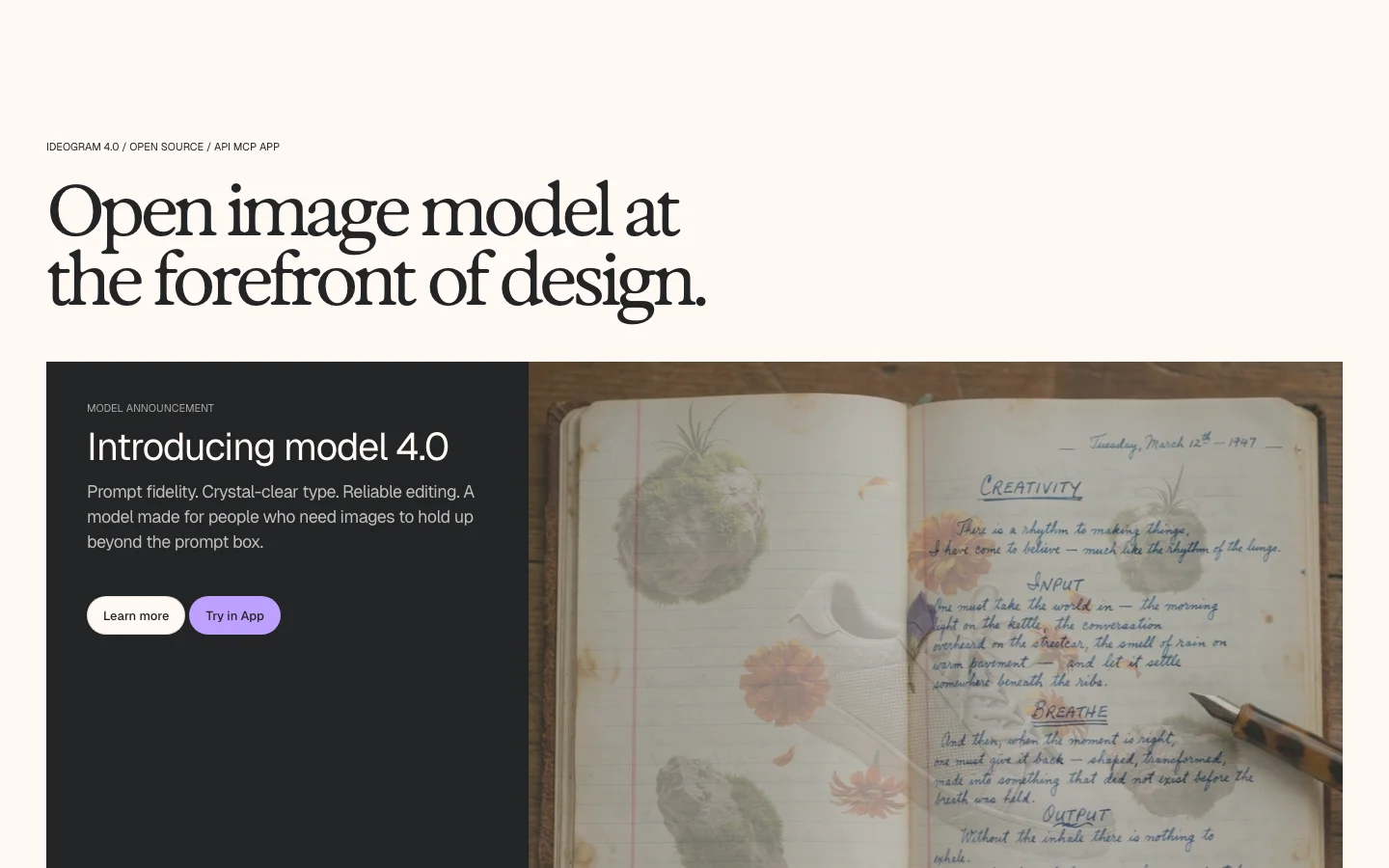
Readable text inside generated images has historically been one of the hardest problems in this space. Reve handles it better than most: reviews and hands-on tests consistently show legible multi-word signage, labels, posters, and logos in correct English (and in multilingual compositions). Competitors including Midjourney and older Stable Diffusion checkpoints still produce garbled letters on complex text. Reve and Ideogram are the two models where accurate in-image text is a design feature rather than an occasional lucky outcome.
Lossless iterative editing
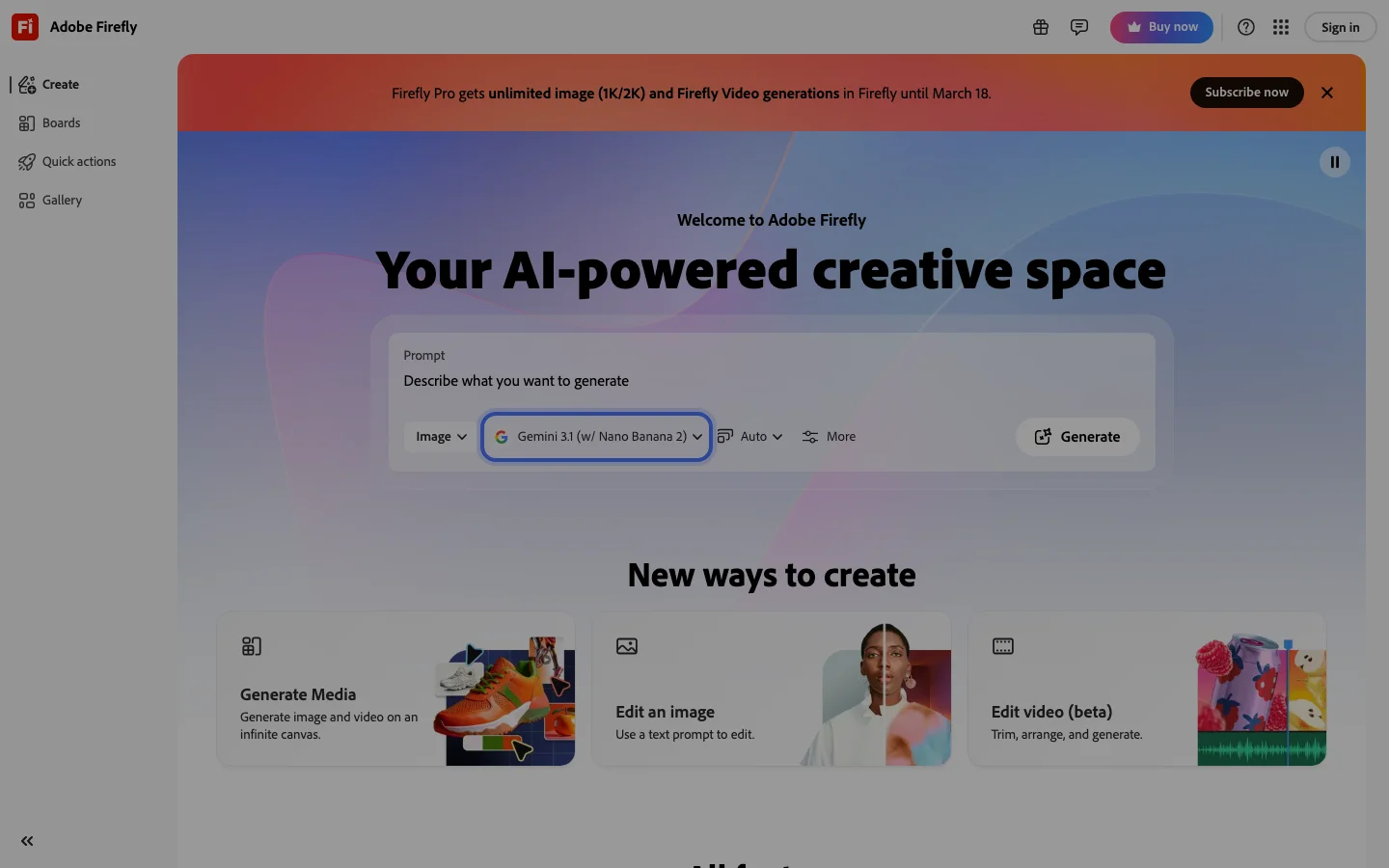
Because the underlying representation is structured, editing one element doesn't degrade the rest of the image. This differs from inpainting approaches in tools like Adobe Firefly or some OpenArt workflows, where repeated touch-ups can introduce softness or color drift across the full canvas.
Broad content permissiveness
Reve accepts a wider range of creative briefs than Google or OpenAI's models, including violent imagery and suggestive content that those platforms decline. Whether this is a pro or a con depends entirely on what you're making.
Pricing
Reve uses an "energy" system rather than per-image credits. Each generation consumes a portion of your energy pool, which varies by resolution and complexity. Prices below are from June 20, 2026 research; verify current prices at app.reve.com/pricing before relying on these figures.
| Plan | Price | Energy | Best For |
|---|---|---|---|
| Free | $0 | Daily-refreshing pool | Evaluation, occasional use |
| Lite | $7.99/mo | 5x the free daily amount | Regular personal use |
| Pro | $19.99/mo | 100x the free daily amount | Heavy use, commercial work |
Free tier privacy caveat: Free-tier outputs can be shown publicly in Reve's Inspiration tab and can be used to train Reve's models. From the terms of service: "Output that you create using a Free Account may be made available to and/or searchable by other users, including on Reve's Inspiration page." Free users also grant Reve and other users a perpetual license to reproduce and create derivative works from their outputs. Paid users can opt out of training in account settings.
Who It's For
Reve works well if you're designing materials where readable text matters (posters, product packaging, event graphics, social media templates), need print-resolution output without a separate upscale step, or work iteratively across multiple editing rounds. It's probably not the right fit if you need API access for automation, rely on consistent artistic style across many generations, or prefer a dedicated mobile app.
Verdict
Reve 2.0 is a credible challenger in a crowded market. Its layout-first approach genuinely improves iterative editing, and its in-image text rendering puts it in a short list of tools (alongside Ideogram) where typography can actually be trusted. The native 4K output is a real differentiator for print and high-resolution workflows.
The caveats are real too. It drops prompt details without warning, its style fidelity is inconsistent, and there's no API for teams that want to automate anything. The free tier's privacy terms are aggressive enough that you should know about them before generating anything you care about.
At $7.99/month for Lite or $19.99/month for Pro, Reve sits at a price point where the risk of trying it is low. If you work with text-heavy designs or need 4K output without a separate upscaling step, it's worth a serious look. If you're chasing maximum photorealism, GPT Image 2 still benchmarks ahead.
FAQ
Is Reve free to use?
Yes. Reve has a free tier with a daily-refreshing energy pool, enough to generate a handful of images per day. The catch is that free outputs can appear publicly in Reve's Inspiration tab and may be used to train its models. Paid plans (from $7.99/month) remove the public display and let you opt out of training.
How does Reve compare to Midjourney?
Reve and Midjourney target different use cases. Midjourney has a stronger aesthetic style and a larger community of preset styles to pull from. Reve's edge is in-image text rendering, native 4K resolution, and structured editing: areas where Midjourney is weaker. If you need readable text inside your images or print-resolution output without a separate upscale, Reve is the stronger pick.
Does Reve have an API?
No. As of June 2026, Reve does not offer a public API. All generation happens through the web interface at app.reve.com.
Can I use Reve images commercially?
Paid subscribers (Lite and Pro) retain rights to their outputs for commercial use under Reve's terms. Free tier users grant Reve a broad license to reuse their outputs. If you're creating commercial work, use a paid plan and review the current terms at app.reve.com/terms.
What is "energy" in Reve?
Energy is the resource you spend when generating or editing images. The free tier gets a daily pool that refreshes automatically. Lite gives you 5x that daily amount and Pro gives 100x. More complex generations and larger outputs typically cost more energy.
- Native 4K output, no upscaler artifacts, ready for print workflows
- In-image text is readable and accurately placed, including multi-line signs and labels
- Layout-first architecture makes selective editing genuinely useful, not just a marketing claim
- Free tier is functional enough to evaluate the model seriously before committing
- Competitively priced at $7.99-$19.99/month versus tools charging comparable or higher rates for lower resolution
- Reve 2.0 holds the #2 Arena ranking, confirming community-rated quality
- Prompt element dropping: Reve sometimes quietly omits details from your prompt without warning
- Style interpretation: ask for pen illustration with cross-hatching and you may get smooth photorealism
- Identity consistency in multi-subject edits: non-edited subjects can shift when editing one face or character
- Editor learning curve: stacking edits then typing in the active prompt box can override earlier changes
- No API: there is no public API as of June 2026; cannot integrate Reve into applications or automate bulk generation
- No mobile app: web-only, not optimized for mobile browsers
- Free tier outputs are not private: appear publicly in Inspiration tab and may be used for model training
- GPT Image 2 still leads on raw photorealism on the Arena leaderboard
Prompt element dropping: Reve sometimes quietly omits details from your prompt without warning. Style interpretation: ask for pen illustration with cross-hatching and you may get smooth photorealism.
Pricing
As of Sep 2026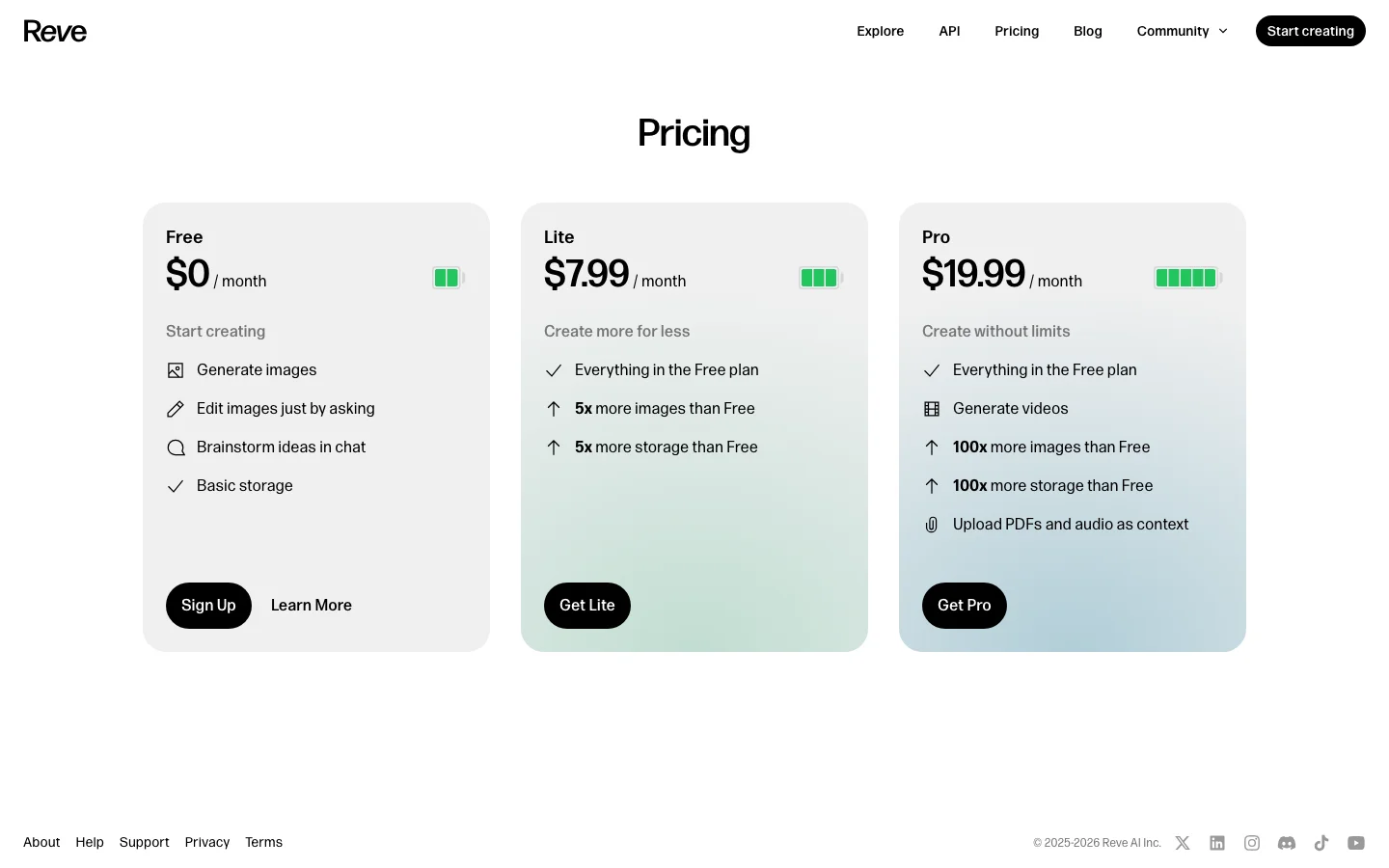
This review was produced independently by the Belreos editorial team. See how we score and test AI tools. Looking for more options? Browse all AI Art Generators tools on Belreos.