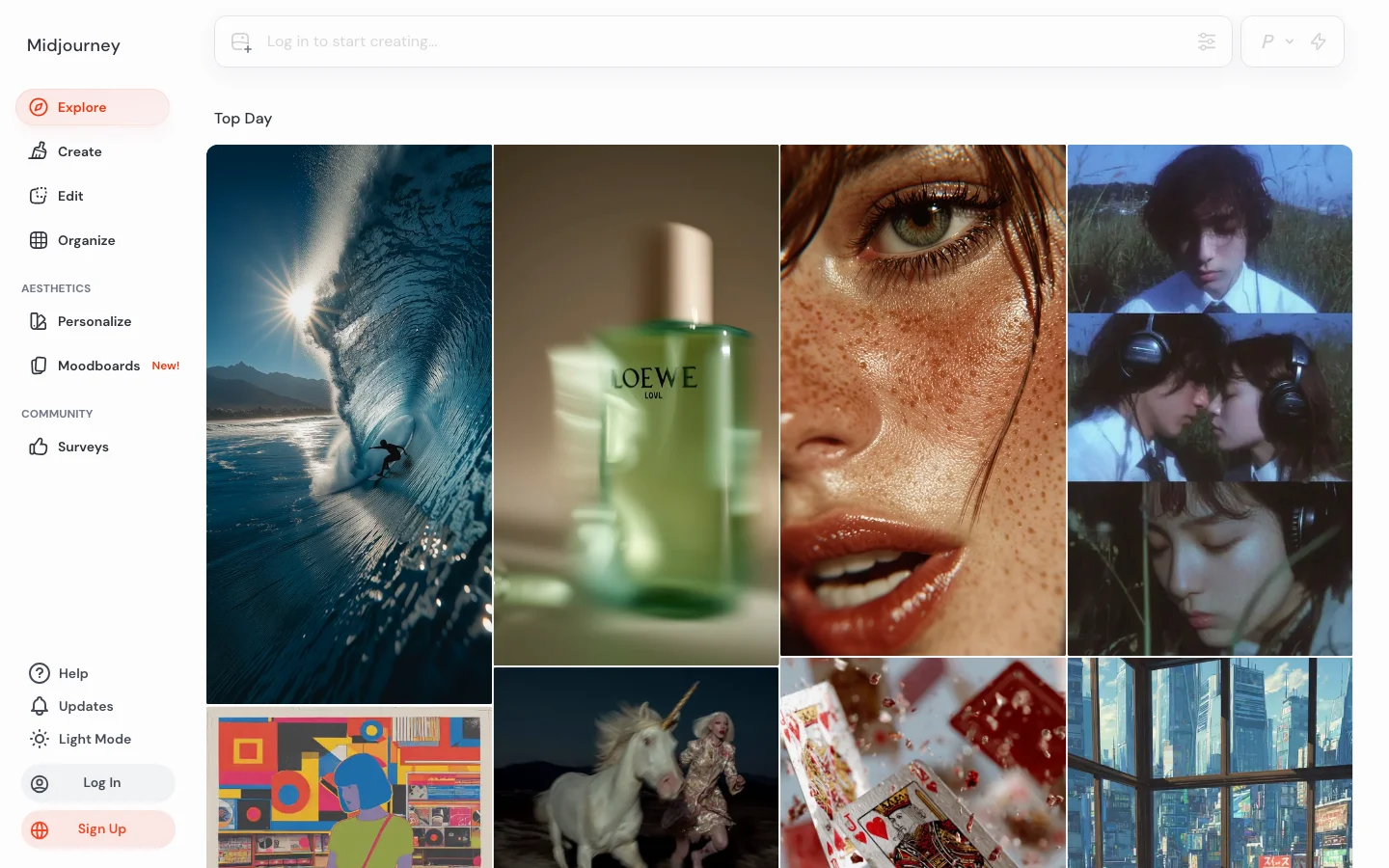
Midjourney is the aesthetic quality benchmark for AI image generation. In every community comparison thread across r/StableDiffusion, r/midjourney, and r/AIArt, the recurring verdict is consistent: no competitor definitively beats Midjourney on photorealism, painterly styles, and compositional sophistication for general-purpose creative work. V6.1 remains the stable workhorse that experienced users trust for predictable professional output. V7, released in early 2025, introduced personalization by default and meaningfully improved anatomical accuracy and hand rendering, though it received a split reception from veteran users who found it a regression for stylized work.
Brand recognition compounds the moat. Midjourney is the default name that non-technical buyers say when they mean AI art. Agencies and clients reference it by name in creative briefs, reducing friction for AI-generated work in proposals. The Image-to-Video feature generates 5-second clips extendable to 21 seconds, giving Midjourney a credible entry into motion content without leaving the platform.
What Makes Midjourney Different
The V7 personalization system is Midjourney's most significant competitive moat. After approximately five minutes of preference ranking, users get a personal style profile that shapes all subsequent outputs. The longer you use the platform, the more tuned your results become. This compounding advantage rewards consistent users in a way that erodes the argument for switching platforms on model quality alone. No competitor has replicated personalization at this platform level.
The Layers and Editor canvas feature extends Midjourney toward inpainting, outpainting, and compositing without leaving the interface. The community-driven Style Ranking system lets users shape the model's aesthetic direction, with the top 1,000 raters earning free fast GPU hours each month. Style Reference and Character Reference tools launched in 2024 have become standard workflow components for character consistency across a project.
Midjourney's web interface at midjourney.com now handles most generation workflows. Discord remains available and is still preferred by many power users for batch generation speed, but new users no longer need a Discord account to get started. The unified gallery, search, and prompt history tools in the web interface meaningfully reduce friction compared to the 2023 Discord-only era.
Midjourney Pricing Plans 2026
Midjourney uses a subscription model with fast GPU hours as the core resource. Plans as of 2026: Basic at $10/month (200 fast GPU minutes), Standard at $30/month (15 fast GPU hours plus unlimited relax mode), Pro at $60/month (30 fast GPU hours plus stealth mode for private generation), and Mega at $120/month (60 fast GPU hours). Annual billing reduces each plan by approximately 20 percent.
There is no confirmed free tier as of 2026. Midjourney ran a limited free trial in 2022 and briefly in 2023 before discontinuing it. Verify current access at midjourney.com before assuming a trial is available. The Basic plan at $10/month is one of the lower entry points for a premium AI image subscription, though 200 fast minutes goes quickly for active users who generate at volume.
Stealth mode on Pro and Mega plans keeps your generations private and out of the public community gallery. This matters for commercial work where clients or competitors should not see early creative exploration. Standard plan users generate publicly unless they explicitly set a job to private, which counts against fast hours at a higher rate.
Midjourney vs Adobe Firefly
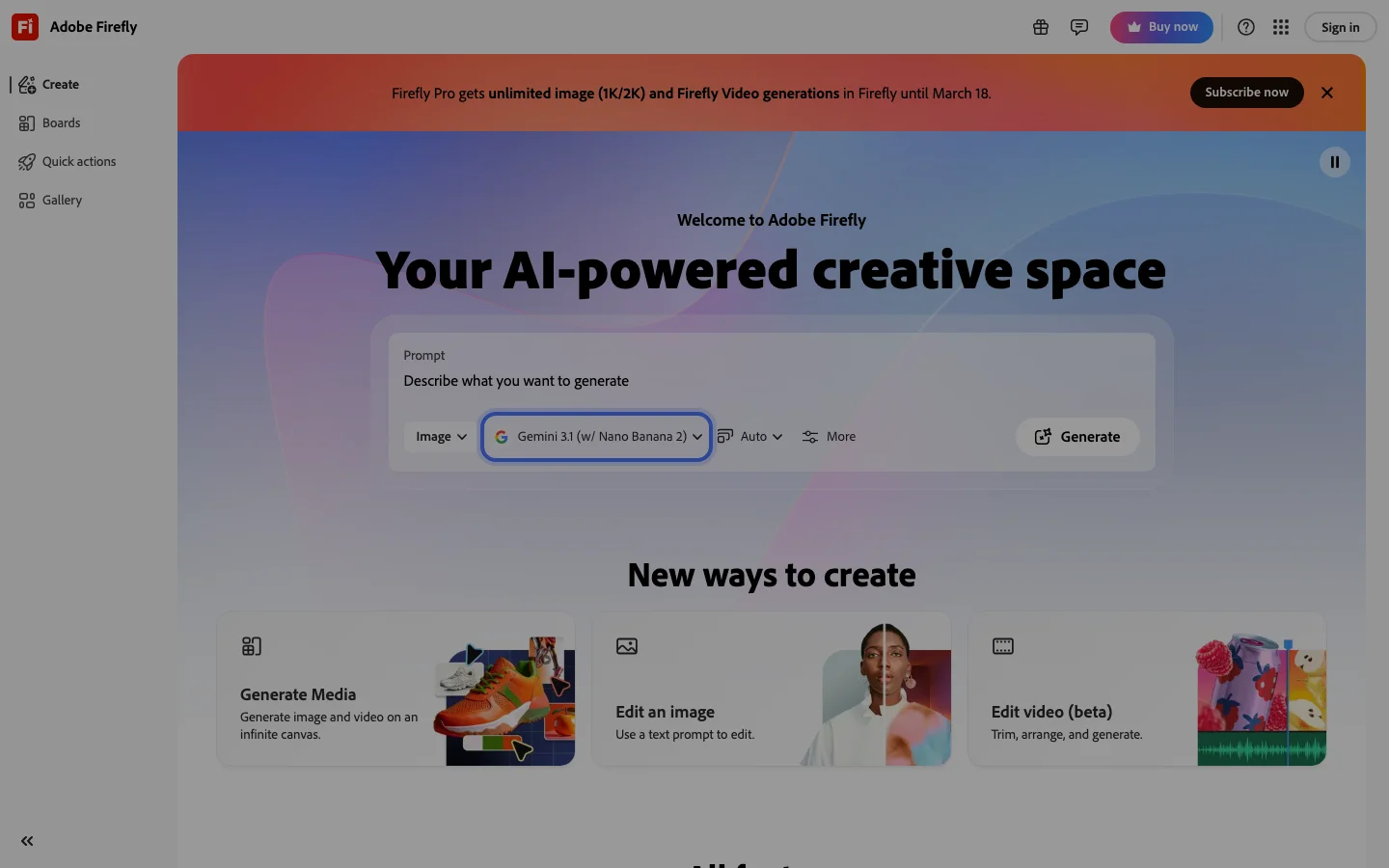
The comparison between Midjourney and Adobe Firefly reflects two fundamentally different product decisions. Midjourney optimizes for aesthetic quality and model power. Adobe Firefly optimizes for commercial safety and Creative Cloud integration. Firefly's training on licensed and public domain images means every output is commercially safe with legal indemnification. Midjourney's ongoing Disney and Universal copyright lawsuit, filed June 2025, is a material risk that IP-sensitive agencies are monitoring.
For output quality on photorealism, painterly styles, and cinematic composition, Midjourney leads by a margin that the Firefly team has not closed as of mid-2026. Firefly excels for in-context editing tasks inside Photoshop and Illustrator, where Generative Fill has become a genuinely useful part of professional design workflows. If your work is output-only generation, Midjourney wins on quality. If your work requires commercial IP indemnification or tight Creative Cloud integration, Firefly wins on safety and workflow fit.
For game asset generation and concept art depth, Leonardo AI is the stronger option over both, with purpose-trained models and a deeper fine-tuning system. For AI video at meaningful scale, see the AI video category rather than Midjourney's Image-to-Video feature.
Is Midjourney Worth It in 2026?
For creative professionals whose primary need is visual quality and aesthetic range, Midjourney is worth it. Illustrators, concept artists, marketing designers, and agencies producing campaigns where output fidelity is the brief will find no subscription that delivers comparable results at the $10-$60/month price range. The V7 personalization system creates a compounding return on investment that grows with platform tenure.
It is the wrong choice for several specific buyer profiles. Developers building AI generation into applications will hit the no-public-API wall immediately and should look at Flux, DALL-E 4, or Stable Diffusion. Teams needing commercial IP indemnification must use Adobe Firefly. Game studios requiring purpose-trained game asset models and LoRA fine-tuning get better results from Leonardo AI. Video production teams needing camera control and native audio should evaluate RunwayML or Kling AI instead.
The structural friction points have not resolved. No public API remains a deliberate product decision. The privacy gap (users cannot delete individual images from public gallery) has not been addressed despite repeated community requests. Content filtering on commercial fashion and lifestyle work remains aggressive and inconsistent. These are known tradeoffs, not bugs being fixed.
Browse the full AI art generators category to compare Midjourney against all major alternatives.
Frequently Asked Questions
Does Midjourney still require Discord in 2026?
No. Midjourney launched a full web interface at midjourney.com that handles image generation, gallery management, and billing without Discord. Discord remains available and many power users prefer it for speed and batch generation workflows, but new users can sign up and start generating entirely through the web app. Discord is no longer a prerequisite.
How much does Midjourney cost in 2026?
Plans run from $10/month (Basic, 200 fast GPU minutes) to $120/month (Mega, 60 fast GPU hours). The Standard plan at $30/month includes unlimited Relax mode generations for users who can tolerate queue wait times, making it the best value tier for moderate-volume users. Annual billing saves roughly 20 percent across all plans. There is no confirmed free tier as of 2026.
Can I use Midjourney commercially?
Paid subscribers on any plan can use Midjourney outputs commercially, including for client work and product sales. The key exception is the ongoing Disney and Universal copyright lawsuit filed June 2025, which introduces legal uncertainty about training data. Midjourney does not provide commercial IP indemnification. For client work requiring legal indemnification, Adobe Firefly's Generative AI terms include explicit commercial coverage that Midjourney does not offer. Verify the current Terms of Service at midjourney.com before using outputs in high-stakes commercial contexts.
Is Midjourney V7 worth the upgrade from V6.1?
It depends on your use case. V7's improved anatomical accuracy and hand rendering are genuine advances, and the personalization system is V7-native. For photorealism and character work, V7 is the better model. For stylized illustration and abstract work, many experienced users have stayed on V6.1, finding V7 pulls toward a naturalistic rendering style they do not want. Both versions are available on all plans, so you are not forced to choose. Run your standard prompts on both and compare outputs before committing to a workflow.
Midjourney vs DALL-E 4 vs Flux for creative work?
Midjourney leads on aesthetic quality and cinematic composition for general creative work. DALL-E 4, bundled in ChatGPT Plus, is convenient but positions below Midjourney on stylistic range. Flux (open weights from Black Forest Labs) is the leading alternative for developers who need API access or local inference. Flux 1.1 Pro approaches Midjourney quality in specific photography and realism tasks. For pure aesthetic output without API requirements, Midjourney remains the benchmark. For programmatic integration, Flux or DALL-E 4 are the practical choices.
If Midjourney's price puts you off
Midjourney starts at $10/month and has no free trial. If you want to test AI image generation before paying anything, two alternatives are worth knowing about.
Leonardo AI gives you 150 free tokens per day -- a daily reset, not a one-time trial. That works out to around 30 high-quality images daily on a free account with no credit card required.
OpenArt starts at $12/month and includes access to multiple generation models (Flux, SDXL, and others), so it costs less and gives you more model variety if you work across different styles.
Both have full reviews in the Belreos catalog.