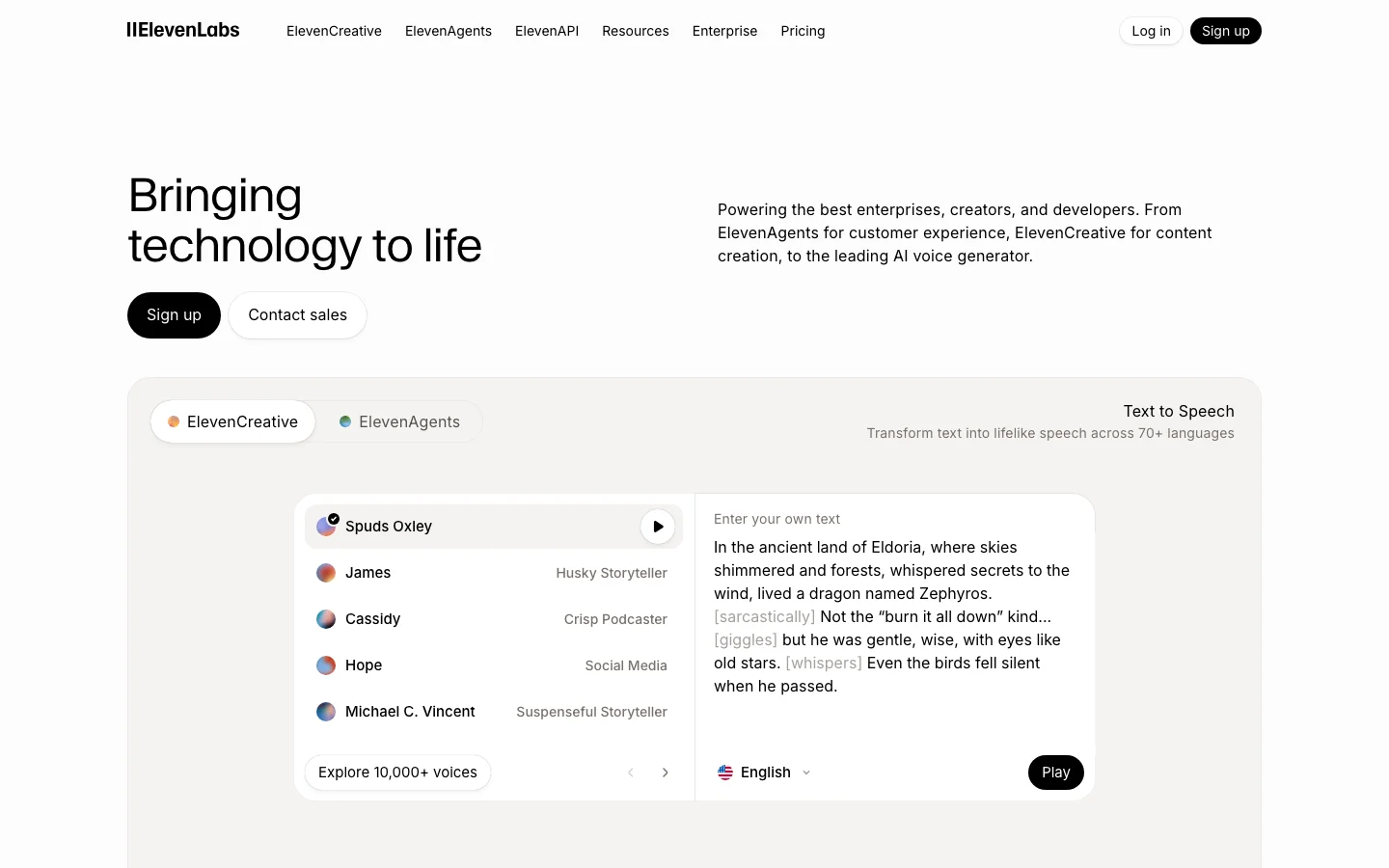

ElevenLabs is the quality benchmark for AI text-to-speech, and that sentence is not marketing copy -- it is just how the market is positioned. Every competitor in the AI voice generation category is defined by how close it gets to ElevenLabs. Not the other way around. We have tested a lot of voice tools across this category, and the gap at the top is real. The Eleven v3 model handles emotional range, accent control, multi-character dialogue, and symbol reading -- numbers, URLs, phone numbers -- at a level that nothing else in cloud TTS currently matches. An indie filmmaker cloned an actor's voice from 20 minutes of clean dialogue and used the output for ADR in a production film. A Skyrim modding community called the v3 upgrade "massive" for narrative emphasis and multi-character scenes. These are production users publishing results publicly, not beta testers praising a press release. One meaningful update entering 2026: ElevenLabs expanded the Creator plan character allowance from 110,000 to approximately 440,000 characters per month on Flash and Turbo models. That changes the value calculation for mid-volume creators who previously found Creator too limiting. The tool that was cost-competitive only for lower-output users is now viable for substantially higher monthly volumes. What Makes ElevenLabs Different Voice quality is the obvious answer, but it understates what is actually happening at the model level. The Eleven v3 model produces output that handles prosody -- the rhythm, stress, and intonation of natural speech -- in a way that other TTS systems approach but do not match. The practical effect: ElevenLabs narration holds listener attention longer because it does not sound like narration. It sounds like a person speaking with intent. The Voice Library marketplace is a differentiator with no direct equivalent in the category. Voice clone creators upload their voices, set a royalty rate, and earn passive income per 1,000 characters generated using their voice. Multiple creators have confirmed payouts exceeding $1,000 over five months from a portfolio of eight clones. This creates a revenue angle that makes ElevenLabs interesting not just as a tool but as a platform with network effects. The developer ecosystem is the third differentiator that matters. The full REST API on Creator plan and above gives programmatic access to voice generation, voice cloning, speech-to-speech, and conversational AI. No other TTS tool at this price point has the same API surface area. The MCP server integration -- which enables ElevenLabs voices to be called directly from Claude and other AI assistant workflows -- is something no competitor currently offers. ElevenCreative and ElevenAgents have expanded significantly through 2026. ElevenCreative now includes Music Generation alongside voice, positioning ElevenLabs as a broader audio platform. ElevenAgents supports production phone agent deployments with SIP trunking, batch calling, Pronunciation Dictionaries, and webhook-driven workflows -- a full conversational AI platform built on top of the TTS core. If you are building a voice-first product, ElevenLabs is the platform, not just the API. ElevenLabs Pricing 2026: Every Plan Explained ElevenLabs pricing in 2026 runs from $0 (Free) to $990/month (Business), with a custom Enterprise tier above that. Starter at $6/month is the entry point for commercial use. The Free plan covers non-commercial work only. Plan Monthly price Characters/mo Seats Key feature Free $0 10,000 1 Non-commercial only. No voice cloning. Hard cap at 10K chars. Starter $6/mo 30,000 1 Commercial license, Instant Voice Cloning, API access, 20 Studio projects. Creator $22/mo ($11 first month) 121,000 (standard models; ~440,000 on Flash/Turbo at 0.5 credits/char) 1 Professional Voice Cloning (1 slot), 192 kbps output, overage billing enabled. Pro $99/mo 600,000 1 44.1 kHz PCM output, priority processing, 160 custom voice slots. Scale $299/mo 1,800,000 3 3 workspace seats, 3 Pro Voice Clones, team collaboration features. Business $990/mo 6,000,000 10 Low-latency TTS endpoint, 10 Pro Voice Clones, 10 seats. Enterprise Custom Negotiated Custom HIPAA BAAs, custom SSO, SLAs, dedicated support. Credits roll over for up to 2 months (maximum balance: 3x your monthly quota). They are shared across all ElevenLabs products: TTS, speech-to-text, dubbing, and sound effects. Flash and Turbo models consume 0.5 to 1 credit per character; Multilingual v2 and v3 models consume 1 credit per character. That difference matters when planning your monthly usage. Annual billing discounts exist for Pro and Scale. Specific annual figures are not surfaced on the official pricing page, so those rates are not stated here. Check elevenlabs.io/pricing for current annual pricing before committing. What changed in November 2025 ElevenLabs went through three pricing restructurings in 2025, which explains the volume of "elevenlabs pricing" searches. In January 2025, credits were split by model, creating billing confusion. August 2025 reunified credits across models. The most significant change came in November 2025: Conversational AI / Agents minutes shifted from pure per-minute billing into the plan structure at each tier. If you use ElevenAgents for phone or voice chatbot applications, that change affects how your usage is billed. In December 2025, ElevenLabs also cut API and Agents pricing substantially, with Flash model costs dropping by roughly 55% for API usage. Which plan do you actually need? Free works for evaluation and non-monetized personal projects. The moment you put audio on a monetized YouTube channel, sell an audiobook, or use ElevenLabs output for client work, Starter at $6/month is the minimum. Creator at $22/month is the practical choice for most individual content creators: 121,000 characters per month at standard quality, Professional Voice Cloning (one slot), full API access, and commercial rights. The first month is available at 50% off ($11), making it low-risk to test. Pro at $99/month makes sense for high-volume producers, developers who need broadcast-quality 44.1 kHz PCM output, and production studios where processing speed matters. Scale at $299/month adds two extra seats and roughly 3x the character quota versus Pro. It is the first team tier. Hidden costs on ElevenLabs Four things the pricing page does not make obvious: Overage billing on Creator and above. Free and Starter plans hard-cap at their character limits. Creator, Pro, Scale, and Business allow overages. Rates vary by model. Variable production months create unpredictable bills. Model credit rates differ. Flash v2.5 uses half the credits of Multilingual v2. Using a higher-quality model by default can exhaust your monthly quota faster than expected. LLM costs on Agents are separate. When using ElevenAgents with GPT-4, Claude, or another LLM backbone, you pay the LLM provider separately through your own API keys. The ElevenLabs plan covers voice synthesis only. Professional Voice Cloning requires real recording time. Creator gives you one PVC slot. The quality that makes PVC worthwhile requires roughly 30 minutes of clean audio and multiple processing rounds. A 2-minute clip produces Instant Voice Cloning fidelity, not PVC fidelity. Switching from PlayHT to ElevenLabs? PlayHT discontinued data exports on December 31, 2025, with accounts locked in 2026. ElevenLabs is the most common migration target. For equivalent commercial functionality, Creator at $22/month covers the voice quality and cloning capability that PlayHT's paid tiers provided, with a more mature developer API and a larger voice library. Instant Voice Cloning means you can recreate a voice from a recording sample without waiting for the Professional Voice Cloning pipeline. ElevenLabs Pricing: Is It Worth It? A lot of people arrive here after searching for ElevenLabs alternatives. At $22/month for the Creator plan, ElevenLabs is not free and not cheap. One Reddit thread in r/ElevenLabs titled "ElevenLabs is killing my budget" collected 241 upvotes and 181 comments in the past year. The frustration is real and widely shared. Before writing it off on price, here is where the money actually goes. The v3 model produces voice output with prosody, emotional range, and accent control that no competing cloud TTS product currently matches at this price point. That gap matters most for two use cases: voice cloning and long-form narration where the output will face a real audience. If you are producing audiobooks, podcast episodes, YouTube narration, or documentary voiceover, listeners will notice the difference. If you are generating error messages for a software UI, they probably will not. The credit system is the legitimate source of frustration. Character-to-credit conversion varies by model, which creates planning friction. The v3 model is non-deterministic: the same input can produce noticeably different output on consecutive generations, so batch workflows for audiobooks or training series require QA time and regeneration budget. That is a real cost on top of the subscription fee. One update that changes the value calculation for mid-volume creators: ElevenLabs expanded the Creator plan to approximately 440,000 characters per month on Flash and Turbo models. That is enough for a full audiobook per month, a weekly podcast with room to spare, or consistent YouTube narration at volume. The first month is available at 50% off ($11 instead of $22), making evaluation low-risk. If the price does not work for your volume or budget, here are the alternatives worth your time: Murf AI ($19/month annual, or $29/month on monthly billing): cleaner billing model, predictable generation hours, no credit anxiety. The voice quality is below ElevenLabs but solid for corporate e-learning, training modules, and business narration. The right call if you need a team workflow and do not need expressive narration or voice cloning. Lovo AI (Genny) ($24/month, paid plans): TTS plus a built-in video editor, stock footage library, and AI scriptwriter under one subscription. The English naturalness ceiling is lower than ElevenLabs, but if you are currently paying for four separate tools to produce narrated video content, the consolidation saves money. Note the active class action lawsuit context in our full voice generator comparison. Vozo AI: aimed at video dubbing and translation workflows rather than standalone TTS. Worth evaluating if your use case is primarily video redubbing rather than original narration. For users who are not ready to pay at all, see our free AI voice generator guide. It covers what the free tiers of ElevenLabs and alternatives actually give you, including the limits you will hit within the first week of production use. The honest summary: ElevenLabs is the correct answer if voice quality matters and you produce content at $22/month scale or above. It is not the correct answer if you need predictable flat-rate billing, an all-in-one video tool, or a free tier that handles real production volume. The alternatives above cover those cases. See the full ElevenLabs vs Murf AI breakdown for a head-to-head comparison. ElevenLabs Pricing FAQ How much does ElevenLabs cost per month? ElevenLabs plans run from $0 (Free) to $990/month (Business), with custom Enterprise above that. Starter is $6/month and is the minimum tier for commercial use. Creator at $22/month (first month $11) is the most common choice for individual creators. Is ElevenLabs free? There is a permanent Free plan with 10,000 characters per month. The Free plan is non-commercial only. You cannot use free-tier output on monetized YouTube channels, for client work, or in products you sell. For commercial use, Starter at $6/month is the entry point. What is the cheapest ElevenLabs plan for commercial use? Starter at $6/month. It includes 30,000 characters per month, a commercial license, Instant Voice Cloning, and API access. What happened to ElevenLabs pricing in 2025? Three restructurings: January 2025 split credits by model and created billing confusion. August 2025 reunified credits across models. November 2025 moved Conversational AI / Agents from pure per-minute billing into the plan tier structure. December 2025 cut Flash model API costs by roughly 55% and introduced pay-as-you-go for the API. Is ElevenLabs worth it vs Murf AI on price? Murf AI charges $19/month on annual billing, or $29/month on monthly billing. ElevenLabs Starter is $6/month but covers lighter use; Creator at $22/month is the real comparison point for Murf Creator. The $3 gap between them is not the meaningful question. ElevenLabs charges by character with overage rates; Murf charges by generation hours, which is more predictable for steady-volume work. On voice quality, ElevenLabs wins. For L&D teams producing consistent batch training content, Murf's model is often more economical. For variable production or audience-facing content, ElevenLabs Creator is competitive. See the full ElevenLabs vs Murf AI breakdown. What happened to PlayHT? PlayHT discontinued data exports on December 31, 2025, and accounts were locked in 2026. ElevenLabs has become the default migration destination for former PlayHT users. Creator at $22/month covers equivalent voice cloning and commercial use capability. ElevenLabs vs Murf AI In head-to-head testing against Murf AI, ElevenLabs wins on voice quality and emotional range without contest. Murf wins on interface simplicity, predictable billing, and e-learning workflows. The quality gap is real and verifiable. Running the same narration scripts through both tools across corporate explainer, emotional narrative, and technical documentation categories, ElevenLabs won all three. The gap is most visible in emotional content -- ElevenLabs can hit genuine warmth, urgency, and authority in the same voice. Murf's voices are clean and consistent, but "corporate" is the word that appears constantly in community feedback for a reason. Where Murf makes a legitimate argument: L&D teams producing corporate training modules at steady monthly volume. Murf's $19/month pricing charges by audio hours generated rather than characters, which is more predictable for batch production. The built-in video editor means you can go from script to voiced video without a separate NLE. For that specific workflow, the case for Murf is real. Check Lovo AI if you want a middle-ground option with strong studio workflow features. For developer access, voice cloning, and expressive narration, ElevenLabs is not a close call. Our detailed breakdown is in the AI voice tools comparison. Against Vozo AI and other budget alternatives: Vozo targets the lower-cost segment with flat-rate pricing and no credit anxiety. For creators who need consistent monthly output without QA overhead and do not require voice cloning or developer API access, Vozo is worth evaluating. ElevenLabs wins on output quality; Vozo wins on billing simplicity at lower price points. Is ElevenLabs Worth It in 2026? For most users who need high-quality voice output commercially, yes -- and the case is stronger in 2026 than it was in 2025. The Creator plan at $22/month is the pivot point. At roughly 440,000 characters per month on Flash/Turbo models, you can produce a full-length audiobook per month, a weekly podcast series with room for experimentation. The first month at $11 makes evaluation nearly free. Commercial license is included at Creator and above. Instant Voice Cloning means you can have a custom voice on the platform in minutes. The criticisms are consistent and worth taking seriously before you subscribe. The v3 model is non-deterministic -- the same prompt can produce excellent output one generation and noticeably off output the next. For batch workflows producing 40 to 60 files for an audiobook or training series, that QA burden adds up. Budget time for regeneration and review cycles in long-form production. Voice drift in large batches is documented. ElevenReader's 2025 paywall rollout was poorly handled and damaged trust with power users. Open-source alternatives including Kokoro, F5-TTS, and Orpheus are closing the quality gap and are a credible long-term cost alternative for developers who can self-host. For podcasters, audiobook authors, content creators, and developers building voice-first products, ElevenLabs is the correct answer in 2026. For corporate e-learning teams that need predictable billing and do not require expressive narration or voice cloning, Murf AI is a legitimate alternative worth evaluating. For budget-sensitive creators who primarily need basic TTS without voice cloning, the Starter plan at $6/month or the expanded free tier may cover your needs. Frequently Asked Questions How much does ElevenLabs cost in 2026? Free plan includes 10,000 credits per month. Starter is $6/month (30,000 credits). Creator is $22/month (121,000 credits, approximately 440,000 characters on Flash/Turbo models). Pro is $99/month (600,000 credits). First Creator month is available at 50% off. Verify current pricing at elevenlabs.io/pricing. Is ElevenLabs worth $22 per month? For most creators doing commercial voice work, yes. The Creator plan at $22/month includes approximately 440,000 characters per month on Flash/Turbo models (up from 110,000 previously), commercial license, Instant Voice Cloning, and Voice Library marketplace access. The first month at $11 makes evaluation low-risk. If you need expressive narration, voice cloning, or developer API access, Creator is the correct starting point. How does ElevenLabs compare to Murf AI for podcasters? ElevenLabs is the better choice for podcasters who need expressive narration and voice cloning. The Creator plan's character allowance covers a full monthly podcast slate with room for experimentation. Murf is better for corporate e-learning teams that need predictable billing and built-in video editing. For narration quality that holds listener attention, ElevenLabs wins this comparison clearly. What are ElevenAgents and ElevenCreative? ElevenAgents is ElevenLabs' conversational AI and phone agent platform, supporting production deployments with SIP trunking, batch calling, Pronunciation Dictionaries, Guardrails 2.0, and webhook-driven workflows. ElevenCreative is the broader creative platform that now includes Music Generation alongside voice. Together they position ElevenLabs as a full audio AI platform, not just a TTS API. Is voice cloning legal and what are the consent requirements? ElevenLabs requires users to confirm they have the rights and consent to clone any voice before saving a clone to the platform. Cloning your own voice is straightforward. Cloning another person's voice without their consent violates ElevenLabs' terms of service. Celebrity voice licenses (Michael Caine, Matthew McConaughey, and others) are available through ElevenLabs' official partner program under commercial terms. For any professional application, read the Terms of Service and AI Safety guidance at elevenlabs.io.

Kling AI is one of the top-three AI video generators by community mention volume and the tool the indie filmmaking community reaches for when physics accuracy and high-volume production economics matter more than camera control precision. Developed by Kuaishou, China's short-video platform competing with ByteDance, Kling iterated from version 1.0 to 3.0 within a single year, a release cadence that no Western competitor has matched. Kling 2.6 introduced native audio generation (the first major AI video tool to ship it), 1080p output, and motion control that applies physics-driven animation from a single reference image. Kling 3.0 added multi-shot sequences with spatial continuity, advanced camera tracking including macro close-ups, and character consistency across multiple camera angles. Community quality comparisons consistently place Kling in the top tier alongside Veo 3, Hailuo 2.0, and RunwayML Gen-4, with particular consensus on physics simulation superiority over RunwayML. Physics simulation is Kling's most concrete competitive differentiator. Cloth dynamics, liquid behavior, and realistic object physics consistently outperform RunwayML in published direct comparisons, not marginally but visibly. Users building production workflows report a division of labor: Kling handles action sequences and physics-heavy shots while Runway handles close-up editorial work requiring specific camera language. Character consistency across shots is among the strongest in the category, with the start-to-end frame feature enabling long-form cinematic sequences by chaining frames with maintained subject identity. Motion control in version 2.6 goes further: it can match movement from a reference video and apply it to a new character, a production feature that indie filmmakers are actively using for reference-based blocking. What Makes Kling AI Different Most AI video tools optimize for prompt-following fidelity. Kling optimizes for physical plausibility. That is a deliberate and consequential design choice that explains why the tool performs differently from RunwayML, Sora, and Luma Labs across different shot types. The physics engine handles cloth dynamics, liquid behavior, hair movement, and object weight in a way that nothing else in the consumer AI video space currently matches at this price point. When you generate a pouring liquid shot, the fluid behaves like fluid. When fabric moves, it wrinkles and flows with mass. This is not a marginal improvement over competing tools -- it is the difference between a shot that reads as real and one that reads as generated. Character consistency is the second major differentiator. The start-to-end frame feature, introduced in Kling 2.1, lets you specify both a starting frame and an ending frame. The model generates the sequence between them while maintaining subject identity throughout. For indie filmmakers cutting between shots, this eliminates the character drift that plagues every other AI video tool in the category. Native audio is the third. Kling 2.6 shipped audio generation built into the video pipeline, not as a post-production step. Competitors including RunwayML still require you to add audio after export. For solo creators without a separate audio workflow, this matters practically. RunwayML remains the stronger choice for directors who need precise camera control language: dolly, pan, orbit, and specific focal behavior. Kling's camera system is less expressive in that dimension. But for physics-heavy content, Kling is the correct answer and the community knows it. Kling AI Pricing Plans 2026 Kling operates on a credit-based model that is the source of both its pricing advantage and its most consistent criticism. Credits are the currency for every generation on the platform. The free plan provides a monthly allocation of credits with standard-quality output. The Standard plan (approximately $9/month) and the Pro plan (approximately $35/month) increase credit volume, add higher quality outputs, priority generation, and higher resolution. Kling 3.0 via the Higgsfield platform costs $15 to $50/month depending on tier and provides an alternative economics model for high-volume users. The credit math is the thing to understand before committing. A 5-second standard-quality clip costs approximately 80 credits. At $0.015 per credit through the official platform, that is roughly $1.20 per generation. At Pro quality, the per-clip cost is higher. The credit model punishes iterative experimentation -- users report pre-planning every generation rather than exploring freely, which is the opposite workflow of how video production actually develops. There is a meaningful workaround. Third-party access through Higgsfield or OpenArt provides substantially better credit economics for high-volume users because subscription tiers bundle credits differently than the per-credit purchase model on klingai.com. If you are a high-volume producer, price out both options before deciding where to run your pipeline. Kling 3.0's multi-shot sequences are exclusively on Higgsfield, so serious production workflows often use both platforms for different generation types. One specific caution for API developers: the cheapest API credit bundle is a buy-once offer with no renewal at that price. Minimum purchase requirements on subsequent buys jump significantly. This has no analogy in competing platforms and creates real planning problems for developers building production tools on Kling's API. Check the current API pricing page before designing a billing model around it. Always verify current credit pricing at klingai.com before committing. Prices have changed with each major model release and the direction has been upward. Kling AI vs RunwayML RunwayML is Kling's primary comparison target in community discussion, and the two tools have genuinely different strengths that make the choice straightforward once you know your use case. Kling wins on: physics accuracy across cloth, liquid, and object dynamics; character consistency across shots; native audio generation; per-generation cost for most shot types; and iteration speed at the model level (Kling 1.0 to 3.0 in one year versus RunwayML's slower cadence). RunwayML wins on: camera control language (dolly, pan, orbit, specific focal lengths); interface polish and workflow integration; enterprise procurement comfort (RunwayML is a US company, Kuaishou is Chinese, which matters for some procurement teams); and editorial close-up work where specific camera behavior drives the shot. The production workflow that emerges in community threads: Kling for action sequences, wide shots, physics-heavy content, and audio integration. RunwayML for close-up editorial work, camera-language-driven sequences, and enterprise contexts. Both tools appear in production pipelines of serious indie filmmakers more often than either alone. Against Sora, Kling is significantly cheaper per generation and more accessible (Sora is gated behind ChatGPT Plus or Pro tiers). Sora's prompt adherence is stronger, but Kling's physics are comparable and the economics favor Kling for anyone doing volume. Against Luma Labs Dream Machine, Kling outperforms on physics and character consistency; Luma's strength is camera movement quality and scene realism in nature and environment shots. See the full AI video tools comparison for a side-by-side of all major platforms. Is Kling AI Worth It in 2026? The answer depends almost entirely on what you are making and how you work. Kling is worth it for indie filmmakers and video producers who prioritize physics accuracy, native audio, and cost efficiency at scale over cinematographic camera control precision. It is particularly strong for action sequences, product animation, liquid and fabric dynamics, and character-consistent long-form sequences. The community consensus on Kling's physics quality is not contested -- this is the tool when physics matter. Kling is not worth it for narrative directors who need RunwayML's camera language system, for enterprise teams whose procurement policies exclude Chinese-origin software (Kuaishou is a Chinese company and this is a real procurement consideration for some teams), or for API developers who need predictable per-generation pricing without punitive minimum purchase requirements after the initial bundle. The credit system frustration is real and documented extensively. "KLING is amazing but exceptionally predatory with constant increase in costs and credit allocation" is a quote that circulates in review threads and reflects genuine community sentiment. If iterative experimentation is core to your creative process, the credit economics create friction that competing subscription-based tools do not. If you pre-plan your generations and execute efficiently, the per-generation cost is competitive. The Higgsfield alternative is worth considering seriously. For Kling 3.0 access and better credit economics, Higgsfield's subscription tiers ($15 to $50/month) often represent better value than the base klingai.com credit purchases. The catch is platform dependency on a third-party service, which adds risk if Higgsfield changes its terms or pricing. Frequently Asked Questions How much does Kling AI cost in 2026? Kling operates on credits. The free plan includes a monthly credit allocation with standard quality. Paid plans (approximately $9/month Standard, $35/month Pro) increase credit volume and quality. A 5-second standard-quality clip costs roughly 80 credits, approximately $1.20 at current rates. Kling 3.0 access via Higgsfield costs $15 to $50/month depending on tier. Verify current pricing at klingai.com as credit costs have changed with each major release. What is new in Kling 2.0 and Kling 3.0? Kling 2.1 introduced start-to-end frame chaining for character-consistent long-form sequences. Kling 2.6 shipped native audio generation (the first major AI video tool to include audio), 1080p output, and motion control that applies movement from a reference video to a new character. Kling 3.0, accessible via the Higgsfield platform, added multi-shot sequences with spatial continuity, advanced camera tracking including macro close-ups, and improved character consistency across complex multi-angle scenes. How does Kling compare to Sora and RunwayML? Against Sora: Kling is significantly cheaper per generation and more accessible without a ChatGPT subscription. Sora's prompt adherence is stronger; Kling's physics are comparable. Against RunwayML: Kling wins on physics accuracy, character consistency, native audio, and per-generation cost. RunwayML wins on camera control language, interface polish, and US-company procurement comfort. Many production workflows use both tools for different shot types. Can I use Kling AI commercially? Yes. Paid plan generations include commercial use rights. Free plan outputs have more restrictive terms. Check the current terms of service at klingai.com for specifics on permitted uses, particularly for broadcast or large-scale distribution. Content policy is restrictive relative to some Western competitors and is inconsistently applied. Does Kling AI have a free tier? Yes. The free plan provides a monthly credit allocation sufficient for limited experimentation. Standard quality output only. Priority generation is reserved for paid plans. The free tier is adequate for evaluating the tool's physics and quality before committing to a paid plan, but not sufficient for production volume.

RunwayML is the filmmaker's tool of record for narrative video work. Where Kling AI and Luma Dream Machine generate video from prompts with limited directorial control, Runway gives you compositional intent encoded at generation time. The camera control system is the clearest competitive moat: specify dolly in, dolly out, pan left, pan right, tilt, zoom, orbit, or static at defined intensity, and the model applies that camera movement while maintaining subject coherence across the clip. This is not a post-generation filter; it is shot language specified before the model runs. Narrative filmmakers, music video directors, and commercial video teams use Runway for shots that require specific camera vocabulary in a way that pure text-to-video generators simply cannot deliver. No competitor in the hosted category matches this feature depth for cinematically intentional work. Gen-4 is the current stable model and the one most production workflows rely on. It introduced the References feature: upload reference images to lock character appearance or visual style across multiple shots, enabling narrative consistency that single-clip generators cannot provide. A reported workflow illustrates what the feature enables: a complete music video produced entirely in Gen-4 in two hours using References for character lock. Gen-4.5 added Image-to-Video with API support launching on the same day as the consumer release, a developer-first commitment that signals Runway's intent to be infrastructure, not just a consumer tool. Motion Brush (paint movement onto specific image regions), Director Mode (multi-shot sequence planning), and Inpainting are creative editing tools that exist in combination nowhere else in the category. The platform integrates cleanly into Adobe Premiere, DaVinci Resolve, and After Effects through official plugins, fitting directly into professional post-production pipelines. As a US-incorporated company, Runway carries no geopolitical friction in enterprise procurement, an explicit advantage over Kling (Kuaishou/China) in professional and government procurement contexts. The credit math is the primary friction and it is worth modeling before subscribing. Gen-4 costs approximately 50 credits per 5-second clip. The Pro plan at $35/month includes 2,250 credits, yielding roughly 45 Gen-4 clips per month before overage. A short-form content creator needing 100+ generations per month burns through Pro in the first week and faces either overage charges or an upgrade to the Unlimited plan at $95/month, which is labelled misleadingly, as throttling and fair-use caps apply and advanced features still consume credits even on Unlimited. For production pipelines with deadline pressure and unpredictable generation volume, this creates real budget uncertainty. The second material gap is audio: Gen-4.5 generates silent video. Kling 2.6 ships with native audio generation; Veo 3 ships with native audio. Runway requires separate audio post-production for every clip, adding a workflow step that competitors have eliminated. Generation length is currently capped at 10 seconds; Kling and Luma are pushing toward longer native clip lengths. Runway is the right platform for narrative filmmakers, commercial directors, and music video producers who need specific camera language, character consistency across shots, and clean integration into professional post-production software. It is not the right platform for high-volume social content creators who need cheap rapid iteration, developers building audio-visual pipelines who cannot absorb a separate audio step, or teams with restrictive enterprise procurement policies around Chinese-origin software who nevertheless need physics-heavy animation (Kling's actual strength). Pricing: Free (125 one-time credits), Standard $15/month, Pro $35/month, Unlimited $95/month. Verify current generation costs and credit allocations at runwayml.com as pricing has changed with each model release. RunwayML Director Mode Director Mode is RunwayML's multi-shot sequencing tool. It lets you plan a sequence of individual clips before generating anything, define camera movements for each shot, and assemble a narrative arc rather than a collection of unrelated generations. The practical result is that you can specify a push-in on shot one, a pan across on shot two, and a static close-up on shot three, and Runway treats them as a coherent sequence rather than three separate prompts. Gen-4.5 integrates directly with Director Mode, so the camera vocabulary you specify translates into the model's generation parameters at runtime. This is not a timeline editor applied after the fact; the directorial intent is encoded before the model runs. Combined with the References feature, which locks character appearance across shots using uploaded images, Director Mode makes RunwayML the only accessible tool that lets you work like a director rather than a prompt engineer. Filmmakers use it for music videos where character consistency matters across 20 to 30 shots. Commercial video teams use it to pre-visualize scene structure before committing to a full generation budget. If you have compared RunwayML to Sora, Kling AI, or Luma Labs and felt the others lack precision, Director Mode is the specific reason Runway is different. How Director Mode Works: Step by Step Director Mode operates as Runway's multi-shot pre-production interface. Here is how a typical session runs: Start a new sequence. From the Runway dashboard, open Director Mode and create a new project. Each project holds a series of shots you plan before any generation runs. Define each shot. For every clip in your sequence, you set the camera movement type: dolly in, dolly out, pan left, pan right, tilt up, tilt down, zoom, orbit, truck, or static. Each movement has an intensity slider, and the convention is to start conservative (0.5 to 1.0 range) and increase only if the motion reads as too subtle on playback. Add reference images for character lock. Upload reference images of your subject using the References feature before generating. Gen-4.5 uses these to lock character appearance across every shot in the sequence, so the same person or object reads consistently even when the camera angle and framing change between clips. Use Motion Brush for region-specific movement. On image-to-video shots where you want only part of the frame to move, Motion Brush 3.0 lets you paint the specific area and assign a direction vector and speed to that region. A character's hair moves; the background stays still. This is a separate tool from camera control and works at the object level rather than the shot level. Generate and chain. Each clip renders at 5 to 10 seconds. Director Mode treats the sequence as a unit rather than isolated generations, which keeps camera grammar consistent across cuts. Clips stitch in the in-browser timeline editor before export. The core difference between Director Mode and the camera controls in Kling 3.0 and Luma Dream Machine is where the control lives. Kling 3.0's storyboard tool and Luma's Camera Motion Concepts both work primarily through natural language at prompt time: you describe the camera move in text and the model interprets it. Runway's Director Mode encodes the camera instruction as a structured parameter before the model runs, which gives more predictable output when you need a specific move to land exactly right. Luma's 3D volumetric architecture produces excellent parallax on orbit and dolly shots, and Kling 3.0 added native lip-synced audio to its storyboard pipeline that Runway does not currently match. The practical advantage of Director Mode is precision and repeatability across a planned sequence rather than any single shot type. RunwayML Pricing Plans 2026 RunwayML offers five tiers. The Free plan provides 125 one-time credits with watermarked output, enough to test the interface but not enough for production work. Standard at $15/month adds roughly 625 credits per month, which covers about 12 to 15 Gen-4.5 clips, and is the minimum subscription tier for casual creators who generate infrequently. Pro at $35/month is the practical entry point for regular use. It includes around 2,250 credits monthly, yielding approximately 45 five-second Gen-4.5 clips before overage. Community consensus is that Standard burns through too quickly for anyone iterating seriously. Unlimited at $95/month removes the hard credit cap but applies fair-use throttling and lower generation priority, so the "unlimited" label is not literal under deadline conditions. Enterprise pricing is negotiated directly and covers dedicated capacity, custom data handling, and SLA commitments, primarily relevant for studios and post-production houses. For comparison, Kling AI charges roughly $0.12 per five-second clip on pay-as-you-go, which is more cost-efficient for high-volume work. Luma Labs offers a free tier with no watermark. Runway's pricing reflects its positioning as a professional tool rather than a high-volume generation engine. Verify current credit costs at runwayml.com before subscribing, as pricing has changed with each model release. Frequently Asked Questions What is RunwayML Director Mode? Director Mode is RunwayML's multi-shot planning tool that lets you design a sequence of camera movements before generation runs. Available in Gen-4.5, it lets you specify push-ins, pull-outs, pans, and tracking shots for each clip in a sequence, then generate them with consistent camera language and character appearance using the References feature. How much does RunwayML cost in 2026? RunwayML pricing in 2026: Free (125 one-time credits, watermarked), Standard at $15/month (~625 credits), Pro at $35/month (~2,250 credits, roughly 45 Gen-4.5 clips), Unlimited at $95/month (fair-use throttled), and Enterprise at custom pricing. Credits are consumed per generation; Gen-4.5 costs approximately 50 credits per five-second clip. Check runwayml.com for current rates. Is RunwayML worth it for solo creators? It depends on what you are making. If you need precise camera control for narrative or commercial video, the Pro plan at $35/month is hard to replace. If you primarily need high-volume social content or photorealistic generation without specific camera intent, Luma Labs or Kling offer better cost-per-clip ratios. RunwayML earns its price for creators who treat it like a cinematography tool, not a generation machine. Does RunwayML have a free trial? Yes. RunwayML's Free plan includes 125 one-time credits with watermarked output. That is enough for eight to ten test clips using Gen-4.5. There is no time limit on the free tier, but the credit pool does not replenish monthly. If you exhaust the 125 credits and want to continue, you need to subscribe to Standard or above.

DomoAI is an AI video generator specializing in anime and illustration-style transfer, a corner of the market that competitors RunwayML, Kling, and Luma Dream Machine do not seriously contest. The tool's top-scoring Reddit content tells you everything about where it excels. A "Bleach Reimagined" anime style transfer post reached 544 points on r/DomoAI. A Medusa character transfer hit 415. These aren't product announcements; they're organic creators sharing output from a tool that actually does what it says. The highest-signal real-world use case Vox found was a r/thesidehustle post (score 140, 10 comments) where a creator described downloading Instagram Reels, uploading them to DomoAI, converting them into anime or cartoon style, and selling the output through WHOP bounties: $2,039 in a single month. That is the DomoAI value proposition in its most concrete form: a production tool for content repurposers, anime creators, VTubers, and anyone who needs stylized video output at volume. The platform operates across a web app and a Discord bot. DomoAI began as Discord-native and retains that as a primary surface alongside a modern web dashboard. Style transfer covers 70+ models per DomoAI's own product page, including anime, Ukiyo-e, 3D cartoon, and realistic aesthetics. Image-to-Video animates static photos with smooth motion. Character Animation maps motion from any reference video onto a custom character. A lip sync tool and a video upscaler (to 4K) round out the suite. The upscaler launch on r/singularity scored 266 points, the strongest cross-community DomoAI signal found outside its dedicated subreddit. Paid plans include a Relax mode that enables unlimited generation at slower queue speeds. DomoAI is not competing with Runway Gen-4 for directorial camera control or with Luma for photorealism. Users who need professional cinematic output, frame-level precision, or enterprise-grade reliability should look elsewhere. Where DomoAI is positioned (budget-accessible, anime-first, social-content-native), it wins. The honest friction points are pricing transparency and the Discord model: the credit math is genuinely confusing (a Standard plan's "1,500 credits" can mean anywhere from 100 to 300 generations depending on which mode and model you use), and non-Discord users find the onboarding disorienting even with the web app available. DomoAI's Standard plan is $19.59/month (billed annually, 1,500 credits); verify current pricing at domoai.ai as tiers change frequently. Kaiber competes in the same style-transfer niche and may suit music-video creators more; Pika competes on budget editing; Kling goes broader at a comparable price point. DomoAI is reviewed alongside RunwayML and Kling in our AI video generation tools comparison. Browse the AI video generators category for a full market view. Frequently Asked Questions Is DomoAI legit and safe to use? DomoAI is a legitimate AI video platform with an active community on Discord and Reddit. It operates primarily through Discord, which some users find less familiar than web-based platforms, but the product is real and functional. One documented trust concern: a community complaint captured a "40% off all plans" banner that delivered only 10% off, described by users as misleading. Content moderation has also been flagged as inconsistent. For anime-style video creation, DomoAI is a working tool with genuine production users; for professional or enterprise use, the transparency gaps are worth factoring in. How much does DomoAI cost in 2026? DomoAI uses a credit-based pricing model where costs vary significantly by mode and model. Standard and Pro plans include Relax mode, which processes generations at slower queue speeds without consuming credits, making it effectively unlimited for users willing to wait. In Faster mode, a single looping video clip costs approximately 5 credits, and the Standard plan includes 1,500 credits (roughly 300 Faster-mode videos). Credit math gets complicated quickly when using higher-quality models at 15 credits per generation. Verify current plan pricing and credit allocations at domoai.app. Is DomoAI worth the subscription? For anime and illustration style transfer, DomoAI is the most specialized tool available. No competitor matches it for this specific output category, and the r/DomoAI community produces consistently strong organic results. The Relax mode on paid plans makes generation volume essentially unlimited for patient users, which is a meaningful value proposition. It is not worth it for cinematic control, professional filmmaking, or anyone who needs physics-stable long clips; those use cases belong to RunwayML or Kling AI. The credit system complexity and content moderation inconsistency are real friction points. Does DomoAI have a free trial or free plan? DomoAI offers a limited free tier that allows users to test style transfer and basic generation before purchasing a paid plan. Free tier credits are limited, and the platform's Discord-first interface means most evaluation happens within Discord. The 5-credit entry point for a looping video clip is among the lowest per-generation costs in the style-transfer category, making the paid tiers relatively accessible for experimentation.
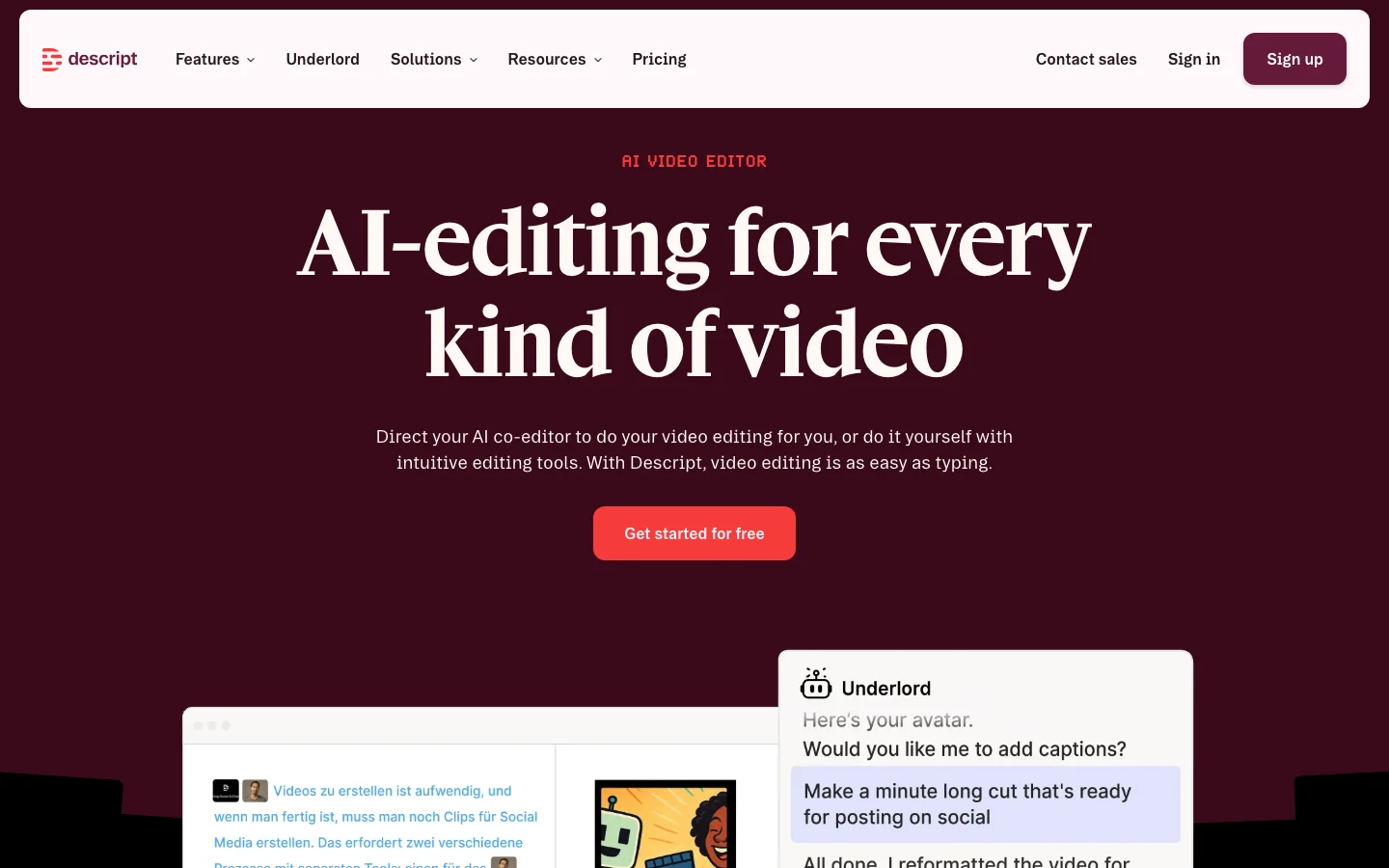

Descript is an AI-powered audio and video editor built around a simple idea: you edit media by editing the transcript. Instead of scrubbing through waveforms and timelines, you read the words, delete the ones you do not want, and the audio and video follow. After testing it across podcast editing and video content workflows, this core concept genuinely changes how you approach editing spoken content. For podcasters and video creators who work primarily with talking-head material, it removes most of the friction that makes traditional timeline-based editing slow. The feature set extends well beyond transcript editing. Overdub lets you clone your own voice with AI and fix audio mistakes without re-recording, a capability podcasters consistently cite as a primary reason they stay with Descript. Filler word removal ("um," "uh," "like") works with one click and is the single most praised feature across user reviews. Studio Sound handles noise removal and audio enhancement. Underlord, the AI assistant, automates tasks like creating highlight clips, writing show notes, and generating chapter markers. Descript Rooms, built on the SquadCast acquisition, handles remote guest recording. And an API now in early access opens automation through Zapier and Claude/MCP integration. Pricing restructured to a credit-based model in 2025 and the community reaction has been consistently negative. The free plan is too limited to finish a real project. Hobbyist starts at $16/month billed annually ($24 monthly), Creator at $24/month annually ($35 monthly), Business at $50/user/month annually ($65 monthly). Descript has no lifetime-deal option: every plan is a recurring subscription, billed monthly or annually. Credits get consumed by both successful and failed AI tasks, meaning Underlord can drain your budget on work it does not complete. One user reported a quote of over $1,200/month for heavy text-to-speech usage. For standard podcast editing the pricing is workable, but anyone relying heavily on AI features needs to track credit burn carefully. Descript pioneered transcript-based editing and that core innovation remains genuinely useful. The tool is best-in-class for the podcast and online course workflow it was designed for. Underlord is unreliable enough that users describe it bluntly in community threads, and the credit pricing has created real churn among long-term subscribers. Competitors including CapCut, Adobe Premiere with AI features, and Riverside.fm are absorbing some of that outflow. If you are evaluating AI video editing tools, compare Descript with Vozo AI for a different approach to AI-assisted editing, or explore ElevenLabs if voice generation quality is your primary concern. What Makes Descript Different Most video editors treat the timeline as the primary interface. You scrub through footage, find the section you want to cut, and mark in and out points. Descript inverts this: the transcript is the primary interface, and the timeline is secondary. You read the transcript like a document, select the words or sentences you want to remove, hit delete, and both the audio and video are cut. For anyone who edits spoken content, this is a fundamentally faster workflow. The practical impact is significant for podcasters and course creators. A 60-minute recording might generate 9,000 words of transcript. Finding a rambling section by skimming text takes seconds. Finding the same section by scrubbing a waveform takes minutes. Multiply that across every edit in a 60-minute episode and the time savings compound. This is why Descript retains loyal users even as they complain loudly about pricing: the editing paradigm is genuinely better for spoken content than anything else on the market. Beyond the transcript core, several features distinguish Descript from other AI video editors: Overdub (AI Voice Cloning): You train a voice model on 10 minutes of your own audio. After that, you can type corrections directly into the transcript and Overdub generates audio in your voice. No re-recording, no audio mismatches, no retakes. For podcasters who record alone and catch mistakes in post, this is genuinely useful. No close competitor offers this natively at the same quality level. Studio Sound: One-click noise removal and audio enhancement powered by AI. Upload a recording from a noisy home office and Studio Sound strips the background, normalizes levels, and improves clarity. The known limitation is that it adds subtle reverb artifacts when applied to very short sections, which some users find worse than the original problem. Eye Contact Correction: Available on Creator and above, this feature uses AI to adjust your gaze in recorded video so you appear to be looking at the camera even when reading notes or looking at a second screen. It is imperfect at extreme angles but works well for standard webcam recordings. Underlord AI Agent: Underlord is meant to automate the tedious parts of editing: removing filler words, shortening silences, generating highlight clips for social media, writing show notes, and building chapter markers. In practice it is less reliable than the marketing suggests. The community reaction is split: some users get consistent value from filler removal and silence shortening; others report Underlord failing tasks without warning and consuming credits for incomplete work. AI Speakers (Text-to-Speech): Descript offers a library of AI-generated voices for narration, voiceovers, and commentary. Useful for adding narration to screen recordings without recording audio yourself. The credit cost becomes a serious concern at production scale. Descript Rooms: Remote recording for podcast guests, built on the SquadCast infrastructure Descript acquired. Records each participant on separate tracks, at high quality, in-browser. The integration means you can go from remote recording to finished edit without leaving Descript. API Access: An API opened in early access in 2026 allows importing files, triggering Underlord workflows, and integrating with Zapier or Claude/MCP for automated production pipelines. The developer community has responded positively, though the API is early and feature coverage is limited. The result is a tool that covers the full podcast and online course production workflow: remote recording, transcription, editing, filler removal, noise cleanup, captions, social clips, and publishing, without switching between applications. For the right use case, replacing five separate tools with one is a meaningful operational simplification. Descript Pricing Plans 2026 Descript switched to a credit-based pricing model in 2025. Each AI action, including transcription, Overdub, Underlord tasks, and AI Speakers, consumes credits from your monthly allocation. The shift away from simple minute-based plans created significant frustration because credits are less predictable than minutes, and because failed Underlord tasks still consume credits even when they produce no usable output. Free Plan The free tier gives you access to Descript with very limited AI credits. It is realistic as a trial window to test the transcript editing interface, but there is not enough credit allocation to complete a full podcast episode or course module from recording to publish. If you want to genuinely evaluate Descript, you will need at least a Hobbyist subscription. Hobbyist: $16/month billed annually ($24 monthly) The entry paid tier. Includes transcript editing, basic Underlord access, captions, and screen recording. AI credit allocation is limited. Suitable for occasional content creators publishing one or two pieces per month who do not rely heavily on AI automation. Overdub voice cloning is not included at this tier. Creator: $24/month billed annually ($35 monthly) The tier where Descript becomes a serious production tool. Creator adds Overdub voice cloning, expanded Underlord credit allocation, AI clip generation, Eye Contact correction, and Green Screen background removal. This is the recommended tier for podcasters publishing weekly and YouTube creators with regular upload schedules. The $24/month price is comparable to a single Riverside.fm subscription, a single Otter.ai subscription, and a Canva Pro subscription combined, which gives context to the "all-in-one" value proposition. Business: $50/user/month billed annually ($65 monthly) Business adds a larger AI credit pool, team collaboration features, priority support, and API access. At $50/user/month billed annually ($65 monthly) it is meaningfully more expensive than Creator for solo operators. The tier makes sense for production agencies or marketing teams where multiple editors need access and the credit volume justifies the per-seat cost. If you are a solo podcaster or solo YouTuber, Creator is almost certainly enough. Enterprise: Custom pricing Enterprise provides volume credit allocations, SLA guarantees, dedicated onboarding, and compliance documentation. Aimed at media companies and large marketing operations with high-volume production requirements. Get a quote from Descript's sales team for specifics. What to Watch for with Credits The credit model has practical implications worth understanding before you subscribe. Underlord tasks that fail mid-process still consume credits. AI Speakers (text-to-speech) burns credits at a rate that becomes expensive for high-volume narration work: users with production-scale TTS workflows report quotes exceeding $1,200/month when using Descript for this purpose. If text-to-speech is central to your use case, evaluate Murf AI or ElevenLabs as dedicated alternatives with predictable pricing. For editing podcasts and videos where TTS is occasional, the Creator tier credit allocation is workable. Descript vs Traditional Video Editors The honest comparison between Descript and traditional NLEs (non-linear editors) is not "Descript is better." It is "Descript is better for specific workflows and worse for others." Descript vs Adobe Premiere Pro Premiere Pro is a professional production environment for highly produced video: multicam with complex color grading, visual effects, advanced audio mixing, and broadcast output. If your workflow involves multiple camera angles, motion graphics, significant color work, or cinematic production values, Premiere is the right tool and Descript is not a replacement. Where Descript wins is the editing speed for spoken content. A podcast episode that takes 90 minutes to rough cut in Premiere might take 30 minutes in Descript if the edit is primarily dialogue-based. Premiere has added AI features (auto-transcription, remix, enhance speech) but they are additions to a complex interface, not the primary interface. Descript vs Final Cut Pro Final Cut is Mac-only, one-time purchase ($299), and faster for timeline-heavy workflows on Apple hardware. Similar comparison to Premiere: better for visually complex production, slower for transcript-based dialogue editing. The one-time pricing is an advantage over Descript's subscription for low-volume creators. Descript vs CapCut CapCut is the strongest competitive threat to Descript in the short-form content space. CapCut is free for most features, mobile-native, has a large template library, and produces social-ready content quickly. For YouTube Shorts, TikTok, and Instagram Reels, CapCut is faster and cheaper. Descript is stronger for long-form content (full podcast episodes, 30+ minute YouTube videos, online courses) where transcript editing provides real advantage. If your primary output is short-form social content, CapCut is the more practical choice. For long-form spoken content, Descript wins. Descript vs Vozo AI For AI-first video editing within the Belreos catalog, Vozo AI takes a different approach, focusing on AI-generated video and short-form content rather than transcript-driven editing of recorded footage. They serve different primary use cases: Descript for editing real recordings, Vozo for generating and assembling AI-native video content. The bottom line: if your content is primarily dialogue-based (podcast episodes, online courses, talking-head YouTube videos, webinar recordings), Descript outperforms traditional NLEs on editing speed by a significant margin. If your content is visually complex or short-form social-first, the traditional tools or CapCut are likely better fits. Is Descript Worth It in 2026? It depends on which tier you are evaluating and how you use AI features. For podcasters publishing weekly, the Creator tier at $24/month delivers real value. Transcript editing is faster than waveform editing for dialogue. Filler word removal works consistently and is the feature users cite most often as genuinely useful. Overdub handles the "I need to re-record this sentence but I am already at the edit stage" problem that every podcaster eventually hits. If you publish one episode per week, the time savings over a year likely exceed the subscription cost by a meaningful margin. For online course creators, the value calculation is similar. Transcript editing, captions, and Overdub for correcting narration errors are genuinely useful. Eye Contact correction helps if you are reading from notes while recording. Studio Sound cleans up audio from home office environments. Where the value calculation gets complicated is with Underlord. If you are subscribing primarily for AI automation, specifically for automated social clip generation and AI-written show notes, the reality is more frustrating than the marketing. Underlord's clip generation still requires significant manual curation, and failed Underlord tasks consume credits. Several users report feeling the AI layer is "mostly useless" in its current state, with the transcript editing and Overdub carrying the actual value. The 2025 pricing restructure also shifted the value calculation for legacy users. Former plan holders who migrated reported paying roughly 26% more for equivalent access. That sting is real, and it explains the churn discussion in the community. For new subscribers evaluating Descript fresh, the Creator tier at $24/month is priced reasonably against the combination of tools it replaces. For users who joined at lower legacy rates, the comparison is less favorable. If Descript is on your shortlist, start with the free tier to confirm the transcript editing interface works for your content type, then trial Creator for one billing cycle before committing. The interface is either a revelation or a frustration depending on your workflow, and it is worth verifying before committing annually. Frequently Asked Questions Is Descript worth the Creator tier price? For podcasters and course creators publishing at least twice a month, yes. The $24/month Creator tier includes transcript editing, Overdub voice cloning, filler word removal, captions, and expanded Underlord credits. The combined time savings on a regular publishing schedule typically exceed the subscription cost. For occasional creators publishing once a month or less, the Hobbyist tier at $16/month billed annually ($24 monthly) or a free trial cycle is a better starting point. How does Descript pricing compare to CapCut? CapCut is free for most features, which makes it difficult to compare directly. CapCut wins on price for short-form social content where its template library and mobile workflow are strongest. Descript wins on editing speed for long-form spoken content where transcript editing provides advantage CapCut does not offer. If you are primarily making YouTube Shorts or TikToks, CapCut is the more cost-effective choice. If you are primarily editing full podcast episodes or online course modules, Descript's paid tiers are justified by the time savings. Does Descript work for long-form videos? Yes, transcript editing actually scales better with longer content than traditional timeline editing does. A 90-minute interview is faster to rough cut in Descript than in Premiere because you can read through the transcript and make selections in text rather than scrubbing 90 minutes of waveform. The known limitation for long-form content is that Underlord's automated clip generation for social media still requires substantial manual curation: the AI suggestions are a starting point, not a finished output. Plan for manual review of any AI-generated clips. What AI voices does Descript offer in 2026? Descript offers AI Speakers, a text-to-speech library of AI-generated voices for narration and voiceover work. The more distinctive feature is Overdub: you can create an AI model of your own voice by training on roughly 10 minutes of your existing recordings. Overdub lets you type transcript corrections that are then synthesized in your voice, useful for fixing errors in recorded audio without re-recording. For broader AI voice generation needs, dedicated tools like ElevenLabs offer more voice variety and higher output quality, though Overdub's personal voice cloning remains a unique offering for the editing use case. Can I export broadcast-quality video from Descript? Descript exports standard video formats at resolutions up to 4K on paid tiers. For podcast video content (talking head, screen recordings, multi-track remote interviews), the export quality is suitable for YouTube and social platforms. Where Descript is not a replacement for Premiere or Final Cut is in the post-production layer: color grading, visual effects, complex audio mixing, and broadcast master file delivery. If your output requires those capabilities, Descript fits earlier in the workflow (recording, transcript editing, rough cut) and you hand off to a traditional NLE for finishing. Does Descript replace traditional video editors? For podcast and online course workflows, it replaces most of what creators actually do in traditional NLEs: rough cutting, filler removal, silence shortening, caption generation, and basic audio cleanup. For cinematic video production requiring color grading, visual effects, advanced audio design, or broadcast output specifications, it does not. Many professional video creators use Descript for the transcript-based rough cut stage and finish in Premiere or Final Cut for color and audio polish. The two tools serve different parts of the production workflow rather than being direct replacements.
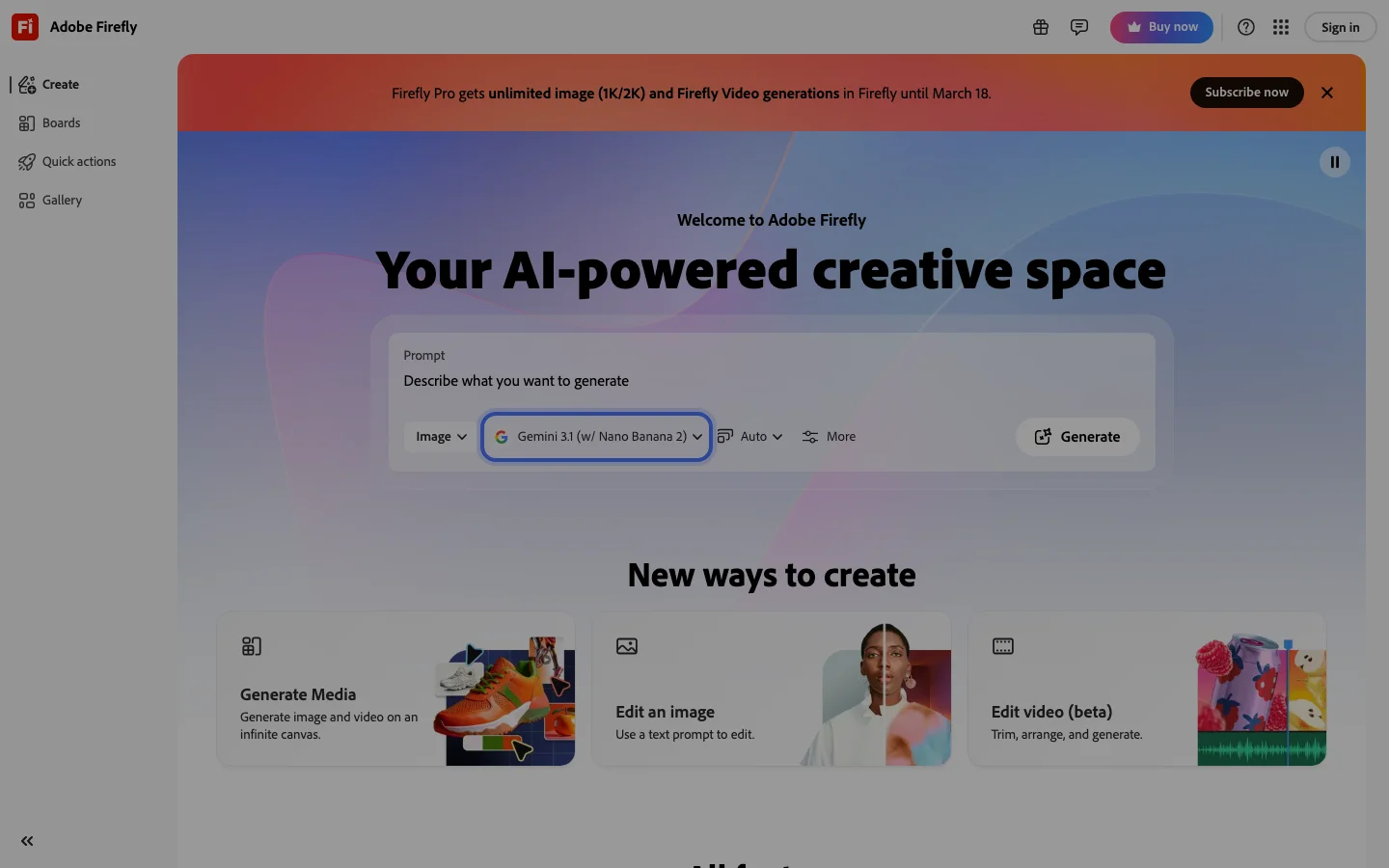

Adobe Firefly is the commercially safe AI image generation platform for professional designers and agencies, and that specific value proposition is the only reason it belongs in a serious tool comparison. Every other major AI image generator (Midjourney, DALL-E 3, Flux, Stable Diffusion) was trained on web-scraped content with unresolved copyright exposure. Firefly was trained exclusively on licensed Adobe Stock imagery and public domain material. More importantly, Adobe backs that training with IP indemnification: if Firefly output is used in client work and a copyright claim arises, Adobe covers the legal liability. No other major AI image tool offers this. For agencies running client campaigns, packaging designers, and marketing teams producing commercial assets at scale, this indemnification removes a genuine legal risk that every competitor carries unacknowledged. The integration argument is equally concrete. Generative Fill lives inside Photoshop and Illustrator as a native panel: no export, no tab-switch, no friction against deadline-driven client workflows. A designer already in Photoshop can select a region, type a prompt, and iterate without leaving the application. The Harmonize feature (launched Adobe MAX 2025) automatically matches lighting and color between composite layers, removing a manual step that previously required Color Match adjustments or manual masking. Custom Firefly Models (also Adobe MAX 2025) let teams upload their own visual work to generate assets in their established house style. The most significant 2026 development: Adobe integrated Gemini 2.5 Flash Image and FLUX.1 Kontext as selectable partner models inside Photoshop Generative Fill in March 2026; users now choose between Firefly, a Google model, or a Black Forest Labs model in the same panel. Adobe's strategy has shifted from competing on model quality to providing a commercially safe platform wrapper around best-in-class partner models. The quality gap is honest and documented. Community verdict on standalone Firefly output is consistently harsh: prompt adherence is poor ("the more you prompt the worse it gets"), resolution is insufficient for print at standard output sizes, and the model has not received the meaningful quality improvements that Midjourney and DALL-E 3 have shipped. Firefly does not appear in AI generation leaderboards. The credit system enforcement was tightened in 2025 to block all generative features after credit exhaustion with no warning, including for paid subscribers mid-session. The "Unlimited Generative Fill" plan tier still generates throttling messages in practice, which is a misleading plan name that has generated sustained community complaint. Heavy Firefly users have documented workarounds including switching to partner models (Gemini, Flux) when Firefly credits exhaust. Firefly makes sense as an embedded layer in an existing Creative Cloud workflow where legal compliance and client-work indemnification are non-negotiable requirements. It does not make sense as a standalone AI image generator for users prioritizing output quality, prompt control, or cost efficiency. The right buyer is a Creative Cloud subscriber at an agency or brand with active client work who needs to document that their AI-generated assets are commercially safe. The wrong buyer is a freelancer, content creator, or developer who wants the best visual output per dollar. Firefly is primarily bundled with Creative Cloud subscriptions (~$75/month for All Apps); standalone Firefly plans exist at lower price points. Verify current pricing at firefly.adobe.com. Frequently Asked Questions Is Adobe Firefly legit and safe to use? Adobe Firefly is a legitimate product from Adobe Inc., a publicly traded company with over 40 years in the creative software industry. It is one of the most commercially safe AI image generators available: Adobe trained Firefly exclusively on licensed Adobe Stock content and public domain material, and provides legal indemnification for output used in client work. Your data is handled under Adobe's enterprise privacy terms, which are among the most scrutinized in the software industry. How much does Adobe Firefly cost in 2026? Firefly is primarily bundled with Adobe Creative Cloud subscriptions. All Apps runs approximately $75 per month, which is the highest entry cost in the AI image generation category. Standalone Firefly plans exist at lower price points for users who do not need the full Creative Cloud suite. All plans include a monthly generative credit allowance; credits reset each billing cycle and unused credits do not roll over. Verify current plan pricing at firefly.adobe.com as Adobe has adjusted credit allocations multiple times. Is Adobe Firefly worth the subscription? For Creative Cloud subscribers at agencies or brands producing client work, yes. The IP indemnification alone justifies the cost. Adobe legally covers liability if Firefly output generates a copyright claim in commercial work, which no other accessible AI image tool provides. For anyone outside that specific context (freelancers, content creators, developers who want raw image quality), Firefly is not worth the premium. Output quality lags behind Midjourney and DALL-E 3, and community consensus on prompt adherence is consistently harsh. It earns its seat at the table only through legal safety, not visual capability. Does Adobe Firefly have a free trial or free plan? Yes. Adobe offers a free tier for Firefly that includes a limited monthly generative credit allowance, accessible at firefly.adobe.com without a Creative Cloud subscription. Existing Creative Cloud subscribers also receive Firefly credits included in their plan. The free tier is functional for testing but credit exhaustion blocks all generative features mid-session with no warning. Evaluate how quickly you burn through credits before committing to a paid plan.

Midjourney is the aesthetic quality benchmark for AI image generation. In every community comparison thread across r/StableDiffusion, r/midjourney, and r/AIArt, the recurring verdict is consistent: no competitor definitively beats Midjourney on photorealism, painterly styles, and compositional sophistication for general-purpose creative work. V6.1 remains the stable workhorse that experienced users trust for predictable professional output. V7, released in early 2025, introduced personalization by default and meaningfully improved anatomical accuracy and hand rendering, though it received a split reception from veteran users who found it a regression for stylized work. Brand recognition compounds the moat. Midjourney is the default name that non-technical buyers say when they mean AI art. Agencies and clients reference it by name in creative briefs, reducing friction for AI-generated work in proposals. The Image-to-Video feature generates 5-second clips extendable to 21 seconds, giving Midjourney a credible entry into motion content without leaving the platform. What Makes Midjourney Different The V7 personalization system is Midjourney's most significant competitive moat. After approximately five minutes of preference ranking, users get a personal style profile that shapes all subsequent outputs. The longer you use the platform, the more tuned your results become. This compounding advantage rewards consistent users in a way that erodes the argument for switching platforms on model quality alone. No competitor has replicated personalization at this platform level. The Layers and Editor canvas feature extends Midjourney toward inpainting, outpainting, and compositing without leaving the interface. The community-driven Style Ranking system lets users shape the model's aesthetic direction, with the top 1,000 raters earning free fast GPU hours each month. Style Reference and Character Reference tools launched in 2024 have become standard workflow components for character consistency across a project. Midjourney's web interface at midjourney.com now handles most generation workflows. Discord remains available and is still preferred by many power users for batch generation speed, but new users no longer need a Discord account to get started. The unified gallery, search, and prompt history tools in the web interface meaningfully reduce friction compared to the 2023 Discord-only era. Midjourney Pricing Plans 2026 Midjourney uses a subscription model with fast GPU hours as the core resource. Plans as of 2026: Basic at $10/month (200 fast GPU minutes), Standard at $30/month (15 fast GPU hours plus unlimited relax mode), Pro at $60/month (30 fast GPU hours plus stealth mode for private generation), and Mega at $120/month (60 fast GPU hours). Annual billing reduces each plan by approximately 20 percent. There is no confirmed free tier as of 2026. Midjourney ran a limited free trial in 2022 and briefly in 2023 before discontinuing it. Verify current access at midjourney.com before assuming a trial is available. The Basic plan at $10/month is one of the lower entry points for a premium AI image subscription, though 200 fast minutes goes quickly for active users who generate at volume. Stealth mode on Pro and Mega plans keeps your generations private and out of the public community gallery. This matters for commercial work where clients or competitors should not see early creative exploration. Standard plan users generate publicly unless they explicitly set a job to private, which counts against fast hours at a higher rate. Midjourney vs Adobe Firefly The comparison between Midjourney and Adobe Firefly reflects two fundamentally different product decisions. Midjourney optimizes for aesthetic quality and model power. Adobe Firefly optimizes for commercial safety and Creative Cloud integration. Firefly's training on licensed and public domain images means every output is commercially safe with legal indemnification. Midjourney's ongoing Disney and Universal copyright lawsuit, filed June 2025, is a material risk that IP-sensitive agencies are monitoring. For output quality on photorealism, painterly styles, and cinematic composition, Midjourney leads by a margin that the Firefly team has not closed as of mid-2026. Firefly excels for in-context editing tasks inside Photoshop and Illustrator, where Generative Fill has become a genuinely useful part of professional design workflows. If your work is output-only generation, Midjourney wins on quality. If your work requires commercial IP indemnification or tight Creative Cloud integration, Firefly wins on safety and workflow fit. For game asset generation and concept art depth, Leonardo AI is the stronger option over both, with purpose-trained models and a deeper fine-tuning system. For AI video at meaningful scale, see the AI video category rather than Midjourney's Image-to-Video feature. Is Midjourney Worth It in 2026? For creative professionals whose primary need is visual quality and aesthetic range, Midjourney is worth it. Illustrators, concept artists, marketing designers, and agencies producing campaigns where output fidelity is the brief will find no subscription that delivers comparable results at the $10-$60/month price range. The V7 personalization system creates a compounding return on investment that grows with platform tenure. It is the wrong choice for several specific buyer profiles. Developers building AI generation into applications will hit the no-public-API wall immediately and should look at Flux, DALL-E 4, or Stable Diffusion. Teams needing commercial IP indemnification must use Adobe Firefly. Game studios requiring purpose-trained game asset models and LoRA fine-tuning get better results from Leonardo AI. Video production teams needing camera control and native audio should evaluate RunwayML or Kling AI instead. The structural friction points have not resolved. No public API remains a deliberate product decision. The privacy gap (users cannot delete individual images from public gallery) has not been addressed despite repeated community requests. Content filtering on commercial fashion and lifestyle work remains aggressive and inconsistent. These are known tradeoffs, not bugs being fixed. Browse the full AI art generators category to compare Midjourney against all major alternatives. Frequently Asked Questions Does Midjourney still require Discord in 2026? No. Midjourney launched a full web interface at midjourney.com that handles image generation, gallery management, and billing without Discord. Discord remains available and many power users prefer it for speed and batch generation workflows, but new users can sign up and start generating entirely through the web app. Discord is no longer a prerequisite. How much does Midjourney cost in 2026? Plans run from $10/month (Basic, 200 fast GPU minutes) to $120/month (Mega, 60 fast GPU hours). The Standard plan at $30/month includes unlimited Relax mode generations for users who can tolerate queue wait times, making it the best value tier for moderate-volume users. Annual billing saves roughly 20 percent across all plans. There is no confirmed free tier as of 2026. Can I use Midjourney commercially? Paid subscribers on any plan can use Midjourney outputs commercially, including for client work and product sales. The key exception is the ongoing Disney and Universal copyright lawsuit filed June 2025, which introduces legal uncertainty about training data. Midjourney does not provide commercial IP indemnification. For client work requiring legal indemnification, Adobe Firefly's Generative AI terms include explicit commercial coverage that Midjourney does not offer. Verify the current Terms of Service at midjourney.com before using outputs in high-stakes commercial contexts. Is Midjourney V7 worth the upgrade from V6.1? It depends on your use case. V7's improved anatomical accuracy and hand rendering are genuine advances, and the personalization system is V7-native. For photorealism and character work, V7 is the better model. For stylized illustration and abstract work, many experienced users have stayed on V6.1, finding V7 pulls toward a naturalistic rendering style they do not want. Both versions are available on all plans, so you are not forced to choose. Run your standard prompts on both and compare outputs before committing to a workflow. Midjourney vs DALL-E 4 vs Flux for creative work? Midjourney leads on aesthetic quality and cinematic composition for general creative work. DALL-E 4, bundled in ChatGPT Plus, is convenient but positions below Midjourney on stylistic range. Flux (open weights from Black Forest Labs) is the leading alternative for developers who need API access or local inference. Flux 1.1 Pro approaches Midjourney quality in specific photography and realism tasks. For pure aesthetic output without API requirements, Midjourney remains the benchmark. For programmatic integration, Flux or DALL-E 4 are the practical choices. If Midjourney's price puts you off Midjourney starts at $10/month and has no free trial. If you want to test AI image generation before paying anything, two alternatives are worth knowing about. Leonardo AI gives you 150 free tokens per day -- a daily reset, not a one-time trial. That works out to around 30 high-quality images daily on a free account with no credit card required. OpenArt starts at $12/month and includes access to multiple generation models (Flux, SDXL, and others), so it costs less and gives you more model variety if you work across different styles. Both have full reviews in the Belreos catalog.

Luma Labs (Dream Machine) is not just an AI video generator. It is a 3D computer vision company that learned to generate video. The team built its reputation on NeRF photogrammetry and Gaussian splatting: iPhone-based 3D scene capture that the technical community on HackerNews received with 69+ points and genuine interest in 2023. That spatial understanding heritage is the reason Dream Machine's output looks different from what Runway, Kling, and Pika produce: materials behave like materials, depth reads as depth, and physical motion in natural environments carries a photorealism that users in r/midjourney and r/AIToolTesting consistently describe as the best in class. When Luma published "Beyond Diffusion: Inductive Moment Matching" on HackerNews in 2025 (202 points, 31 comments). The ML community took it seriously as original research, not a product announcement. This is what a 3D-native model lineage looks like from the outside. Dream Machine (currently on the Ray3 model, following Dream Machine → Ray2 → Ray3) generates 5- and 10-second clips from text prompts or reference images, with start/end keyframe controls that gave creators meaningful new workflow options when Luma shipped them in 2025. Luma no longer offers a free tier: individual plans start at Plus ($30/month, 10,000 credits), rising to Pro ($90/month, 40,000 credits) and Ultra ($300/month, 150,000 credits); commercial API tiers (Build and Scale) are available for developer integrations. In a Luma Labs vs RunwayML comparison, Luma is the value play at volume, which users consistently flag as expensive at scale. In the most-cited 18-tool best AI video generator comparison on r/aipromptprogramming, Luma ranks 6th, behind Google Veo 3.1, Sora 2, Higgsfield, Runway Gen-4.5, and Kling 2.6, and solidly ahead of Pika, Hailuo, and Minimax. Luma's primary users are visual artists animating Midjourney images, music video creators, and marketing teams producing high-volume social content, not filmmakers who need frame-precise camera direction. A separate but important note: dream-machine-ai.com is a scam copycat of Luma Dream Machine. Always access the real platform at lumalabs.ai. The product's honest limitation is camera control. Where RunwayML lets you specify push-ins, pull-outs, pans, and tracking shots with meaningful adherence, Luma's model has a creative instinct that runs parallel to yours. The output is often beautiful. It is rarely exactly what you directed. In 2026, Luma sits in a well-defined competitive niche: fastest photorealistic generation, weakest camera control of the serious mid-tier tools. That is a stable position worth knowing before you buy. Luma Dream Machine is benchmarked in our AI video generation tools roundup. Compare every serious option in the AI video generators category. Frequently Asked Questions Is Luma Labs legit and safe to use? Luma Labs is a legitimate AI research and product company. The team behind the Dream Machine video generator originally built Luma AI, the NeRF-based 3D capture platform used by professional filmmakers and developers. Their technical research ("Beyond Diffusion: Inductive Moment Matching") was received seriously on Hacker News (202 points), which signals a company doing original ML work rather than wrapping existing models. One significant safety note: a scam copycat domain (dream-machine-ai.com) has deceived users. Always access the platform through lumalabs.ai directly. How much does Luma Labs cost in 2026? Luma Labs does not currently offer a free tier. Individual plans start at Plus ($30/month, 10,000 credits), then Pro ($90/month, 40,000 credits) and Ultra ($300/month, 150,000 credits). A developer API with separate Build and Scale pricing covers Ray2, Ray3, and Photon model access. Verify current plan pricing at lumalabs.ai. Is Luma Labs worth the subscription? For users who want photorealistic AI video output and are comfortable with the model choosing camera movement, Luma Labs is worth it. Ray3 produces materials, lighting, and physical motion that consistently rank as the most photorealistic of any accessible tool. The fastest generation speed in its class and genuine start/end keyframe control add real utility. The key limitation is structural: you do not have meaningful camera control. If directorial camera movement is important to your project, RunwayML is the more appropriate choice. Luma rewards creative latitude; it does not reward compositional precision. Does Luma Labs have a free trial or free plan? No, Luma Labs does not currently offer a free tier or free trial. Individual plans start at Plus ($30/month, 10,000 credits). Access the real platform at lumalabs.ai, not through any third-party or lookalike domain.

Lovo AI (sold as Genny editor) is a text-to-speech and AI voice generator platform that bundles AI voice generation, video editing, a ChatGPT-powered scriptwriter, AI image generation, and stock footage into one subscription. The voice library covers 500+ voices across 140+ languages with 30+ emotional styles, and users can apply pitch, emphasis, and pause controls at the word level. Voice cloning lets you create a custom voice from a short audio sample. The platform has real paying users: an e-learning company (Bookoora.com) confirmed six months of production use for audiobooks, and a developer community thread documented stable API integration in a FileMaker-to-After Effects automation pipeline. Genny shareable audio links (genny.lovo.ai/share/...) appear organically in fiction writing communities, where authors use them to distribute narrated stories. Lovo carries a significant trust problem that any buyer should evaluate before subscribing. A class action lawsuit (Lehrman v. LOVO, Inc., filed in Manhattan federal court) alleges that LOVO hired voice actors on Fiverr under the pretense of a "secret research project with no commercial use," paid them around $1,200, and then commercialized those recordings as AI voice clones without consent. The amended complaint added a second plaintiff class: paying Lovo customers who unknowingly used those voices. LOVO has not engaged publicly on Reddit in any of the lawsuit-related threads. Separately, despite the 140+ language claim, users testing non-English production found the output inadequate. There is also a documented bug where numbered list items (text starting with a digit) fail to generate correctly, with no fix or official response found. Lovo AI pricing includes monthly generation time limits as a hard cap, a primary subscription friction point: the platform caps voice output per billing cycle, which drives high-volume users away. In the current TTS market, ElevenLabs is the default recommendation whenever naturalness matters. In any Lovo AI vs ElevenLabs comparison, ElevenLabs consistently wins for English voice quality. Murf AI and Play.ht sit in the same tier as Lovo AI and appear in the same comparison threads. For developers who need conversational AI voice quality, tools like Inflection AI's Pi set a ceiling neither Lovo nor ElevenLabs has reached. Open-source options (Bark, OpenVoice) are suggested for technical users who want no generation limits at all. Lovo's real advantage is the all-in-one argument: content creators who would otherwise pay separately for a TTS tool, a video editor, and a scriptwriter can consolidate into one Genny subscription. For non-English content in smaller language markets (Eastern European, South Asian, LATAM), Lovo's language breadth is mentioned as an advantage over ElevenLabs. The target user is a solo creator producing e-learning, training videos, or narrated content at moderate volume. They want fewer subscriptions and are not prioritizing the best available English voice naturalness. Lovo is featured in our AI voice generator comparison alongside ElevenLabs and PlayHT. Browse every option in the AI voice generators category. Frequently Asked Questions Is Lovo AI legit and safe to use? Lovo AI is a real product with documented production use in e-learning and API integrations, but it is currently facing an active class action lawsuit (Lehrman v. LOVO) that alleges deceptive voice harvesting. Voice actors were allegedly hired under false pretenses with their recordings commercialized without consent. Paying customers are named as a second plaintiff class in the suit. This is not a resolved matter and represents a meaningful risk to both the ethical standing and potential continuity of the platform. The company has not engaged publicly on Reddit threads covering the lawsuit. How much does Lovo AI cost in 2026? Lovo AI uses a freemium model with a free tier and paid plans that scale by monthly generation time. High-volume users hit the hard monthly cap and look for alternatives, which is a limitation worth understanding before committing to a production workflow. Paid plans include access to the Genny all-in-one editor, voice cloning, batch processing, and API access on higher tiers. Verify current plan pricing and monthly generation limits at lovo.ai. The tier structure has evolved alongside the product. Is Lovo AI worth the subscription? For solo creators who want TTS, video editing, AI scripting, and stock media in one subscription, Lovo's Genny editor bundles meaningful functionality that would otherwise require separate tools. The 140+ language coverage is broader than ElevenLabs, making it practical for multilingual content in smaller language markets. However: English voice quality is consistently ranked below ElevenLabs in independent comparisons, the active lawsuit creates both ethical and platform-continuity risk, and the developer community engagement is thin. If voice quality in English is the priority, ElevenLabs is the clearer choice despite higher cost. Does Lovo AI have a free trial or free plan? Yes, Lovo AI has a free tier accessible without a credit card. The free plan allows limited voice generation and access to the Genny editor with restrictions on generation time and feature access. It is sufficient to evaluate voice quality for your use case. Upload a script and generate a few samples in the languages and styles you need before purchasing. Given the active lawsuit context, evaluating the free tier thoroughly before any subscription commitment is especially worth the time.
Fotor is a browser-based AI photo editor that has existed since 2012, which gives it name recognition, a large template library, and a feature set that genuinely covers the basics: sliders for brightness and contrast, AI background remover, batch crop editor, collage builder, and Canva-style social media templates. The interface is clean enough that users with no editing experience can produce a presentable image without reading a manual. In a Fotor vs Canva or Fotor vs Adobe Express comparison, the editing feature set is roughly even. No tool in this tier dramatically outperforms the others on core editing, and Fotor's web-first design means nothing to install and access from any machine. The AI features are where the story gets complicated. Fotor has pivoted hard toward AI gimmicks: dance video generators, cartoon filters, viral template effects aimed at TikTok and Instagram creators, which leaves its original photo-editing audience in an awkward product fit. Users who want AI enhancement for old family photos find the results mixed at best: one user described the free-tier AI as "honestly a lot cleaner than I expected" on an old scan, while another called Fotor's paid enhancer "junk - very plasticy" and switched to ComfyUI and SeedVR2 for quality upscaling. The credit system creates a secondary frustration: there are not enough credits on a free trial to properly evaluate the AI features, so the evaluation loop is broken by design. For AI-quality enhancement, Let's Enhance or Luminar AI are more serious options. The dominant Reddit narrative for Fotor is not about photo editing at all. It is about billing. A 1,721-upvote r/assholedesign post documents why canceling a Fotor subscription is blocked by design, with top comments advising users to replace their payment method with a disposable card and then cancel that card. Be aware that a chargeback will result in a permanent account ban. This is the trade-off to understand before pursuing that route. Multiple independent r/Scams threads confirm the same playbook: charges fire after stated cancellation, "network error" excuses are given for cancellation failures, and refunds are refused. A 2020 data breach reportedly exposed 13 million user records. If you try Fotor, use PayPal or a virtual card you control. Do not give them a real credit card without an independent cancellation mechanism. Fotor is listed in the AI photo editor category alongside stronger alternatives. It also appears in our best AI tools for small business roundup for teams that need basic image editing on a tight budget. Frequently Asked Questions Is Fotor legit and safe to use? Fotor is a real photo editing product with a large user base, but it carries documented safety concerns that are worth understanding before signing up. A 2020 data breach reportedly exposed 13 million user records. More immediately relevant: cancellation is technically blocked on the platform. A 1,721-upvote Reddit thread documents this, and the top community advice is to use a disposable payment method. Unauthorized charges after stated cancellation have been confirmed in multiple independent reports, and attempting a chargeback results in a permanent account ban. The tool works, but the billing practices are a significant red flag. How much does Fotor cost in 2026? Fotor operates on a freemium model with a free tier and paid Pro and Pro+ plans. The free tier provides access to basic editing tools; AI-powered features require a paid subscription. Pricing has varied over time. Verify current rates at fotor.com. Given the documented cancellation issues, if you do purchase a subscription, the community strongly recommends using a virtual card or disposable payment method rather than a primary credit card, so you can cancel payment-side if the in-app cancellation flow does not work. Is Fotor worth the subscription? For casual, one-off photo touchups and social media template creation, Fotor's editing tools do the job well enough. The AI portrait enhancement and background removal work reliably for standard use cases, and the browser-based interface means no installation required. However, the combination of billing misconduct, a past data breach, and AI upscaling quality that users describe as "very plasticy" compared to alternatives like ComfyUI means the subscription is hard to recommend confidently. If you proceed, use a virtual card and treat it as a month-to-month experiment. Does Fotor have a free trial or free plan? Yes, Fotor has a free plan with access to basic photo editing, templates, and some AI tools. The free tier credit system is intentionally restrictive. The evaluation loop is designed to push you toward purchase before you can fully test the AI features. Fotor is browser-based with no download required, so testing the free tier costs nothing but time. Given the billing concerns, fully exploring the free tier before any payment is the recommended approach.

OpenArt is an AI image and video generation platform built by former Googlers. It started as a Stable Diffusion prompt discovery tool before expanding into a 100+ model creative suite. The SD Prompt Book (1,400+ upvotes on r/StableDiffusion) and a LoRA training guide that landed on HackerNews established the platform's credibility among serious AI artists before it sold a single subscription. The users who are now the loudest critics are not newcomers who misunderstood the product. They are the users who were there first, who built their workflows on OpenArt over years, and who expected better than a UI overhaul that buried 120 folders of organized work overnight. The platform's technical value proposition is real. OpenArt aggregates 100+ models: Stable Diffusion variants, Flux, Kling, Veo3, Seedream, Nano Banana, under one account, which is a genuine differentiator against single-model tools like Midjourney. For Kling AI video generation at the ~$30/month tier, OpenArt delivers 125 Kling 2.6 (1080p, 5s) videos and 168 Kling o1 credits per month, more than Higgsfield (120), Freepik (82), or Krea (37). For buyers specifically researching Kling credit volume, OpenArt is the best-value entry point. The Consistent Character feature (upload a reference image and generate the same character identity across scenes) is actively used in UGC creator and social media content pipelines. Paired with HeyGen for lip sync, it forms a complete AI character video workflow. LoRA custom model training is also available on mid-tier plans. For creators who want to generate, train, edit, and export in one place, no other platform at this price aggregates all four under one login. Competitor Leonardo.ai offers a more stable UI; Higgsfield offers more image credits at the same price; ComfyUI and RunPod offer self-hosted freedom with no UX rug-pulls. The execution problems are structural enough to shape the recommendation. Character Creator 2.0 launched to immediate backlash: users documented that the new version delivers generic outputs regardless of reference input, doubled the credit cost, and required users to pay to upgrade existing characters just to use them in video generation, affecting anyone with large existing character libraries. The credit loss bug is independently documented across multiple subreddits: credits deducted for failed generations, no refund on email contact, and a recurring pattern where the platform works well on the free tier and starts malfunctioning after payment. OpenArt's annual plan pricing creates compounding risk. The 40 one-time free trial credits are insufficient to evaluate a multi-generation workflow, and annual commitments of $700-$800/year are generating public buyer regret at a high enough rate that it has become a visible Reddit thread type. The platform is not a scam; it is a capable tool that is currently burning through its community goodwill faster than it is earning it back. OpenArt is featured in our best AI art generators comparison. Browse all tools in the AI art generators category or compare it directly with Leonardo AI. ## Is OpenArt AI Legit and Safe? OpenArt is a legitimate company, not a scam. It was founded in 2022 by a team of former Google engineers, including co-founders Zhen Li and Zongyi Li, and is headquartered in San Francisco. The platform launched publicly as a Stable Diffusion prompt discovery tool and grew organically within the AI art community before moving into paid subscriptions. Its SD Prompt Book reached over 1,400 upvotes on r/StableDiffusion, and its LoRA training content was featured on HackerNews, both signals of genuine community credibility. On data handling: OpenArt's terms of service state that users retain ownership of the images they generate. The platform uses uploaded reference images to run the Consistent Character and LoRA training features, but does not claim rights to your output or source images for redistribution. Generated images on paid plans are not used to train the model without consent. The legitimate concern is not fraud, it is execution. Credit loss bugs after payment, support response times measured in weeks, and the Character Creator 2.0 rollout that retroactively gated existing work behind new costs, these are documented patterns across independent Reddit threads. OpenArt is a real product that has earned real community frustration. The trust assessment: safe to use on a monthly plan, risky to commit to annually until the platform stabilizes. Compare alternatives at Leonardo AI and Adobe Firefly before making an annual commitment. ## OpenArt Pricing and Subscription Plans 2026 OpenArt uses a credit-based subscription model across four tiers. Pricing as of April 2026: **Free** ($0/month): 40 one-time credits on signup. Suitable for testing only, insufficient for evaluating multi-step workflows. **Starter** (~$12/month billed monthly, ~$8/month billed annually): Basic credit allocation covering standard Stable Diffusion and Flux image generation. Does not include Kling video credits or LoRA training. **Hobbyist** (~$30/month billed monthly, ~$20/month billed annually): The main tier for serious users. Includes Kling 2.6 video credits (approximately 125 clips at 1080p/5s per month), access to 100+ models, and LoRA custom model training. Commercial use is permitted on this tier. **Pro** (~$67/month billed monthly, ~$45/month billed annually): Higher credit volume, priority generation queue, and expanded model access including newer video models like Veo3 and Seedream as they are added. The credit system means actual generation counts vary by model. A single Kling 2.6 video costs more credits than a standard image. The free trial (40 credits) is not enough to meaningfully test video workflows before committing. Monthly plans are the lower-risk entry point given the documented annual plan regret on Reddit at the $700-$800/year price point. Verify current pricing at openart.ai before purchasing, as credit allocations have changed with each model addition. ## Frequently Asked Questions **Is OpenArt AI legit?** Yes. Founded in 2022 by former Google engineers in San Francisco, with an established Reddit and HackerNews community presence. User complaints center on execution quality (credit bugs, UI changes), not legitimacy. **Is openart.ai safe to use?** The platform itself is safe and follows standard data practices - you retain image ownership. The risk is financial: credit-loss bugs and slow support mean lost credits can go unresolved. Stick to monthly billing to limit exposure. **What are OpenArt's subscription plans in 2026?** Four tiers: Free (40 one-time credits), Starter (~$12/month), Hobbyist (~$30/month), and Pro (~$67/month). Annual billing cuts prices by roughly 30-35%. The Hobbyist tier is where most paid users land because it includes Kling video credits and LoRA training. **How much does OpenArt cost?** $12 to $67 per month depending on tier, with annual billing dropping to $8-$45/month. Annual plans run $700-$800 upfront, which has generated significant buyer regret on Reddit. Start monthly. **Do I need an OpenArt account to try it?** Yes, there is no guest mode. Signup is free and gives you 40 one-time credits, enough for basic image tests but not for evaluating video generation or LoRA training.

Pollo AI is a multi-model AI video generator that bundles Kling 2.1, Google Veo 3, Wan, and Seedream into a single interface, competing in a market alongside RunwayML, Sora, and standalone Kling subscriptions. Instead of maintaining separate accounts across video model providers, you get one dashboard to run text-to-video, image-to-video, face swaps, and AI avatar generation from the same prompt box. The UX is clean and the model-switching is fast. It genuinely delivers on the "Greatest Hits wrapper" promise that draws users in. For social media creators who want to audition multiple AI video engines without committing to individual subscriptions, the concept is sound and the output quality on Kling-powered generations is smooth enough to drop directly into an editor. The credit model is where the platform falls apart. The $15/month Lite plan provides 300 credits, which sounds substantial until you do the math: a single 5-to-10 second video runs 30-37 credits, yielding roughly 8-10 videos before you hit the wall. Users across multiple Reddit threads report canceling after the first billing cycle. The most-cited Pollo AI alternative is OpenArt at $7/month (annual) for approximately 50 videos, a price-per-video gap that is simply not defensible. Credit top-up packs exist but are hidden behind the upgrade modal's sidebar navigation, meaning users who would pay for more credits are leaving instead of finding the option. The billing trust crisis is the more serious problem. In late 2025, multiple subscribers reported unauthorized recurring charges continuing months after cancellation, with support completely unresponsive from October 4 onward: no Discord replies, no email acknowledgment. Formal complaints were filed with the FTC and ACCC, with payment disputes escalated through Stripe and Apple. Separately, 15 or more Creator Partner Program members reported that September and October 2025 credit distributions were never issued; the company acknowledged the credits were "naturally not issued." These are not isolated support tickets. They are documented regulatory complaints and a contract breach. The platform is well-funded (¥2 billion seed, 20M+ users reported) and is not going away, but the business model behavior documented in 2025 represents a material risk for any paying subscriber. Pollo AI is covered in our AI video generation tools comparison. See the full lineup in the AI video generators category. Frequently Asked Questions Is Pollo AI legit and safe to use? Pollo AI is a functioning video generation platform, but it has serious documented billing and trust concerns as of late 2025. Unauthorized recurring charges after stated cancellation have been reported by multiple users, with regulatory complaints filed with the FTC and ACCC, and disputes escalated through Stripe and Apple. A Creator Partner Program contract breach affected 15+ affiliates who never received promised payments. Support was completely unresponsive for months. These are not isolated complaints. They represent a pattern of operational failures that prospective subscribers should weigh seriously before providing payment information. How much does Pollo AI cost in 2026? Pollo AI's Lite plan is priced at approximately $15 per month, but the value equation is poor: 300 credits yields only 8 to 10 videos at 30-37 credits per video. By comparison, OpenArt at approximately $8 per month (annual billing) delivers roughly 50 videos, making Pollo significantly more expensive per output than its credit price suggests. The credit top-up option is hidden in the upgrade modal sidebar, which creates confusion for users trying to manage costs. No PayPal support has been specifically cited as a trust barrier by users reluctant to provide credit card data. Is Pollo AI worth the subscription? No, not at the Lite tier, and not given the documented billing conduct. The multi-model aggregation concept (Kling 2.1, Google Veo 3, Wan, Seedream in one dashboard) is genuinely useful, and image-to-video quality on Kling-powered generations is strong. But the credit value is poor, WAN 2.5 and "Banana" model access were removed from paying subscribers without notice, and the FTC and ACCC complaints represent a level of billing misconduct that is disqualifying for a subscription recommendation. The free tier is useful for model comparison before any purchase; stop there. Does Pollo AI have a free trial or free plan? Yes, Pollo AI has a free tier that allows access to multiple AI video models without a subscription. The free tier rate-limiting is aggressive enough that many users cycle through new accounts to continue testing rather than converting, which tells you something about the conversion experience. The free tier is the safest way to evaluate model quality comparison across Kling, Veo 3, and Wan without financial risk, especially given the billing concerns associated with paid plans.

Leonardo AI is a browser-based AI image and art generation platform acquired by Canva in July 2024. It remains the leading hosted tool for game developers, concept artists, and creative teams needing depth beyond what single-model tools provide. The founding team and CEO JJ Fiasson continue running Leonardo as an independent product while Canva integrates the underlying technology into Magic Studio. The honest assessment is that nothing has broken post-acquisition, and the product roadmap has continued shipping at pace. The Phoenix AI model, Leonardo's in-house flagship, handles multi-subject prompt adherence and functional in-image text generation at a level that Midjourney cannot reliably match. Logos, banners, and posters where legible text is the point are practical use cases in Leonardo that remain unreliable in most competing tools. The Real-time Canvas updates as you type, which compresses iteration time for concept development. What Makes Leonardo AI Different Leonardo AI is the deepest hosted creative suite in the AI image generation market. Where Midjourney gives you a prompt box and Adobe Firefly gives you commercial safety, Leonardo gives you a multi-model library spanning Phoenix, KinoXL, anime presets, and purpose-trained game asset models. On top of that base sits a full canvas with inpainting, outpainting, and compositing; ControlNet-style pose and depth guidance; a fine-tuning system for training custom LoRA models on your own reference images without touching code; and the Real-time Canvas. The game developer community has converged on Leonardo AI as the category leader for game asset generation: textures, character sheets, tilesets, and concept art. No competitor offers purpose-trained game asset models at this depth for a hosted subscription. Game studios that would otherwise run local Stable Diffusion pipelines use Leonardo for the hosted LoRA library, fine-tuning system, and API access that integrates into production asset pipelines. The Phoenix model's text-in-image generation is genuinely useful for branded content creation. Generating a product banner where the brand name renders legibly is a repeatable workflow in Leonardo that requires significant prompt engineering workarounds in Midjourney and is hit-or-miss in DALL-E 4. For design teams generating marketing assets at scale, this is a practical workflow advantage rather than a niche capability. Leonardo AI Pricing Plans 2026 Leonardo AI uses a token-based pricing model where generation costs vary by model, resolution, and features enabled. This makes spend less predictable than a flat monthly fee, which is the most consistent documented community complaint. The free tier provides approximately 150 tokens per day, giving real access to most models and features for evaluation. Paid plans as of 2026: Essential at $12/month (8,500 tokens), Premium at $30/month (25,000 tokens), and Ultimate at $60/month (60,000 tokens). Token consumption varies by model. Standard Phoenix generations cost around 1.5 tokens per image at base settings. Premium models and high-resolution outputs consume significantly more. Advanced features like Alchemy upscaling and image-to-image with high strength consume additional tokens per operation. For power users running high volumes across multiple models, the token math adds up quickly. A grey market of token resellers pricing at "90% off retail" has emerged on Reddit, which signals the official pricing is unsustainable for some user segments. The API is available on paid plans and is one of the key reasons game studios and content operations choose Leonardo over Midjourney. Programmatic access to fine-tuned custom models through the Leonardo API is a capability that Midjourney does not offer on any plan. Verify current token allocations and pricing at leonardo.ai/pricing as these have been adjusted multiple times. Leonardo AI vs Midjourney for Creative Work The choice between Leonardo AI and Midjourney depends almost entirely on your primary use case. For general-purpose photorealism, painterly styles, and cinematic composition, Midjourney leads on aesthetic quality. For game asset generation, concept art with reference consistency, branded text-in-image work, and programmatic API integration, Leonardo leads on depth and flexibility. Midjourney's V7 personalization system is a compounding moat that Leonardo has not replicated. The longer you use Midjourney, the more tuned your results become. Leonardo's LoRA fine-tuning system is the closer equivalent, requiring more upfront investment (uploading reference images, configuring training runs) but delivering model-level customization rather than a preference ranking system. For commercial use, both tools have copyright uncertainty. Midjourney has an active Disney and Universal lawsuit. Leonardo's Canva acquisition introduces its own IP questions as Canva integrates Leonardo's training data into its commercial suite. For commercial safety with legal indemnification, Adobe Firefly is the only major tool that covers client work explicitly. Browse the full AI art generators category for a complete comparison. Is Leonardo AI Worth It in 2026? For game developers and concept artists, Leonardo AI is worth it. The purpose-trained game asset and character art models are a genuine moat. Phoenix's multi-subject prompt adherence and functional text-in-image generation make it practically useful for logos and banners. The Real-time Canvas and browser-based fine-tuning system are compelling for studios that want LoRA training without GPU infrastructure investment. For casual users who want the best-looking image per prompt with minimal learning curve, Midjourney produces better aesthetic results with less tuning. Leonardo rewards users who take time to learn the model library and fine-tuning system. The depth that makes it valuable for professionals also makes it more complex to onboard for non-technical users. The content filter behavior is the one area where the honest assessment is negative. The loudest sustained complaint in r/leonardoai is paid Artisan-tier users blocked on words like "city," "nightmare," and "sheer gown." This is not occasional friction. It is "censorship out of control," per the community's own language, and some experienced users have left over it. If content filter unpredictability is a dealbreaker for your workflow, test the free tier against your specific use cases before committing to a paid plan. Frequently Asked Questions Is Leonardo AI free in 2026? Yes, Leonardo AI has a free tier that provides approximately 150 tokens per day. The free tier gives real access to most models and features, including the Real-time Canvas and Phoenix model, making it genuinely useful for evaluation rather than just a demo. Some advanced features like Alchemy upscaling and certain fine-tuning capabilities are gated to paid plans. Sign up at leonardo.ai to test the current free allocation against your actual use case before subscribing. What is the Leonardo Phoenix model upgrade? Phoenix is Leonardo's in-house flagship model, replacing earlier models as the primary recommendation for most generation tasks. The key advances are multi-subject prompt adherence (following complex prompts with multiple characters, objects, and settings more accurately) and functional text-in-image generation (rendering legible text like logos, signs, and banners inside generated images). For game asset work, KinoXL and the purpose-trained game asset models remain strong alternatives to Phoenix for specific tasks. Phoenix is the starting point for new users; explore the model library from there. Leonardo vs Midjourney for commercial use Both tools allow commercial use on paid plans, but neither provides legal indemnification for copyright claims on generated outputs. Midjourney has an active copyright lawsuit from Disney and Universal filed June 2025. Leonardo's Canva acquisition introduces additional questions about training data and IP as the platforms integrate. For client work requiring explicit commercial coverage, Adobe Firefly's terms include legal indemnification that neither Leonardo nor Midjourney provides. Verify current terms at leonardo.ai/terms before using outputs in high-stakes commercial contexts. Does Leonardo AI train on user images? By default, images you generate on Leonardo may be used to improve the platform's models unless you opt out or are on a plan that includes privacy settings. The fine-tuning datasets you upload for LoRA training are treated separately and are not shared publicly. The Canva acquisition has prompted community concern about data practices as Canva integrates Leonardo into Magic Studio. Review the current privacy policy at leonardo.ai and check your account settings for privacy and training opt-out options before uploading sensitive reference material. Leonardo AI pricing tiers explained Leonardo uses tokens as the billing unit, with consumption varying by model, resolution, and features. The free tier provides roughly 150 tokens per day. Paid tiers as of 2026: Essential at $12/month (8,500 tokens), Premium at $30/month (25,000 tokens), and Ultimate at $60/month (60,000 tokens). Token usage is the unpredictable variable: a standard Phoenix generation at base settings costs around 1.5 tokens, but premium models and Alchemy upscaling consume significantly more. Test your typical workflow on the free tier to understand your actual token consumption before selecting a plan.