OpenArt is an AI image and video generation platform built by former Googlers. It started as a Stable Diffusion prompt discovery tool before expanding into a 100+ model creative suite. The SD Prompt Book (1,400+ upvotes on r/StableDiffusion) and a LoRA training guide that landed on HackerNews established the platform's credibility among serious AI artists before it sold a single subscription. The users who are now the loudest critics are not newcomers who misunderstood the product. They are the users who were there first, who built their workflows on OpenArt over years, and who expected better than a UI overhaul that buried 120 folders of organized work overnight.
The platform's technical value proposition is real. OpenArt aggregates 100+ models: Stable Diffusion variants, Flux, Kling, Veo3, Seedream, Nano Banana, under one account, which is a genuine differentiator against single-model tools like Midjourney. For Kling AI video generation at the ~$30/month tier, OpenArt delivers 125 Kling 2.6 (1080p, 5s) videos and 168 Kling o1 credits per month, more than Higgsfield (120), Freepik (82), or Krea (37). For buyers specifically researching Kling credit volume, OpenArt is the best-value entry point. The Consistent Character feature (upload a reference image and generate the same character identity across scenes) is actively used in UGC creator and social media content pipelines. Paired with HeyGen for lip sync, it forms a complete AI character video workflow. LoRA custom model training is also available on mid-tier plans. For creators who want to generate, train, edit, and export in one place, no other platform at this price aggregates all four under one login. Competitor Leonardo.ai offers a more stable UI; Higgsfield offers more image credits at the same price; ComfyUI and RunPod offer self-hosted freedom with no UX rug-pulls.
The execution problems are structural enough to shape the recommendation. Character Creator 2.0 launched to immediate backlash: users documented that the new version delivers generic outputs regardless of reference input, doubled the credit cost, and required users to pay to upgrade existing characters just to use them in video generation, affecting anyone with large existing character libraries. The credit loss bug is independently documented across multiple subreddits: credits deducted for failed generations, no refund on email contact, and a recurring pattern where the platform works well on the free tier and starts malfunctioning after payment. OpenArt's annual plan pricing creates compounding risk. The 40 one-time free trial credits are insufficient to evaluate a multi-generation workflow, and annual commitments of $700-$800/year are generating public buyer regret at a high enough rate that it has become a visible Reddit thread type. The platform is not a scam; it is a capable tool that is currently burning through its community goodwill faster than it is earning it back.
OpenArt is featured in our best AI art generators comparison. Browse all tools in the AI art generators category or compare it directly with Leonardo AI.
## Is OpenArt AI Legit and Safe?
OpenArt is a legitimate company, not a scam. It was founded in 2022 by a team of former Google engineers, including co-founders Zhen Li and Zongyi Li, and is headquartered in San Francisco. The platform launched publicly as a Stable Diffusion prompt discovery tool and grew organically within the AI art community before moving into paid subscriptions. Its SD Prompt Book reached over 1,400 upvotes on r/StableDiffusion, and its LoRA training content was featured on HackerNews, both signals of genuine community credibility.
On data handling: OpenArt's terms of service state that users retain ownership of the images they generate. The platform uses uploaded reference images to run the Consistent Character and LoRA training features, but does not claim rights to your output or source images for redistribution. Generated images on paid plans are not used to train the model without consent.
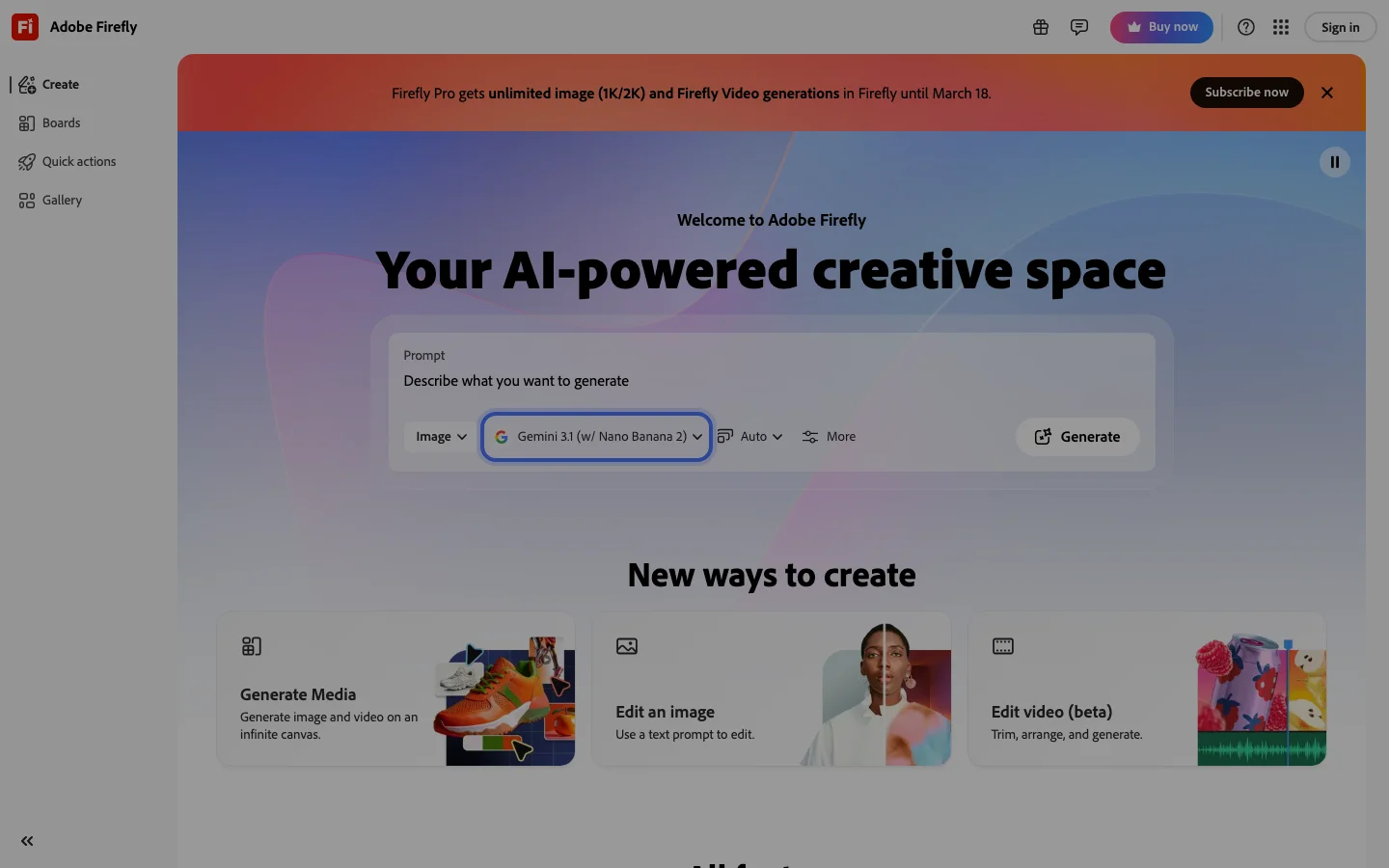
The legitimate concern is not fraud, it is execution. Credit loss bugs after payment, support response times measured in weeks, and the Character Creator 2.0 rollout that retroactively gated existing work behind new costs, these are documented patterns across independent Reddit threads. OpenArt is a real product that has earned real community frustration. The trust assessment: safe to use on a monthly plan, risky to commit to annually until the platform stabilizes. Compare alternatives at Leonardo AI and Adobe Firefly before making an annual commitment.
## OpenArt Pricing and Subscription Plans 2026
OpenArt uses a credit-based subscription model across four tiers. Pricing as of April 2026:
**Free** ($0): a trial of 40 credits over 7 days, with no card needed, per OpenArt's own blog. It isn't an ongoing plan, so it suits testing only, not evaluating jobs that take several steps.
**Starter** (~$12/month billed monthly, ~$8/month billed annually): Basic credit allocation covering standard Stable Diffusion and Flux image generation. Does not include Kling video credits or LoRA training.
**Hobbyist** (~$30/month billed monthly, ~$20/month billed annually): The main tier for serious users. Includes Kling 2.6 video credits (approximately 125 clips at 1080p/5s per month), access to 100+ models, and LoRA custom model training. Commercial use is permitted on this tier.
**Pro** (~$67/month billed monthly, ~$45/month billed annually): Higher credit volume, priority generation queue, and expanded model access including newer video models like Veo3 and Seedream as they are added.
The credit system means actual generation counts vary by model. A single Kling 2.6 video costs more credits than a standard image. The free trial (40 credits) is not enough to meaningfully test video workflows before committing. Monthly plans are the lower-risk entry point given the documented annual plan regret on Reddit at the $700-$800/year price point. Verify current pricing at openart.ai before purchasing, as credit allocations have changed with each model addition.
## Frequently Asked Questions
**Is OpenArt AI legit?** Yes. Founded in 2022 by former Google engineers in San Francisco, with an established Reddit and HackerNews community presence. User complaints center on execution quality (credit bugs, UI changes), not legitimacy.
**Is openart.ai safe to use?** The platform itself is safe and follows standard data practices - you retain image ownership. The risk is financial: credit-loss bugs and slow support mean lost credits can go unresolved. Stick to monthly billing to limit exposure.
**What are OpenArt's subscription plans in 2026?** Four tiers: Free (a 40-credit, 7-day trial), Starter (~$12/month), Hobbyist (~$30/month), and Pro (~$67/month). Annual billing cuts prices by roughly 30-35%. The Hobbyist tier is where most paid users land because it includes Kling video credits and LoRA training.
**How much does OpenArt cost?** $12 to $67 per month depending on tier, with annual billing dropping to $8-$45/month. Annual plans run $700-$800 upfront, which has generated significant buyer regret on Reddit. Start monthly.
**Do I need an OpenArt account to try it?** Yes, there is no guest mode. Signup is free and gives you 40 one-time credits, enough for basic image tests but not for evaluating video generation or LoRA training.
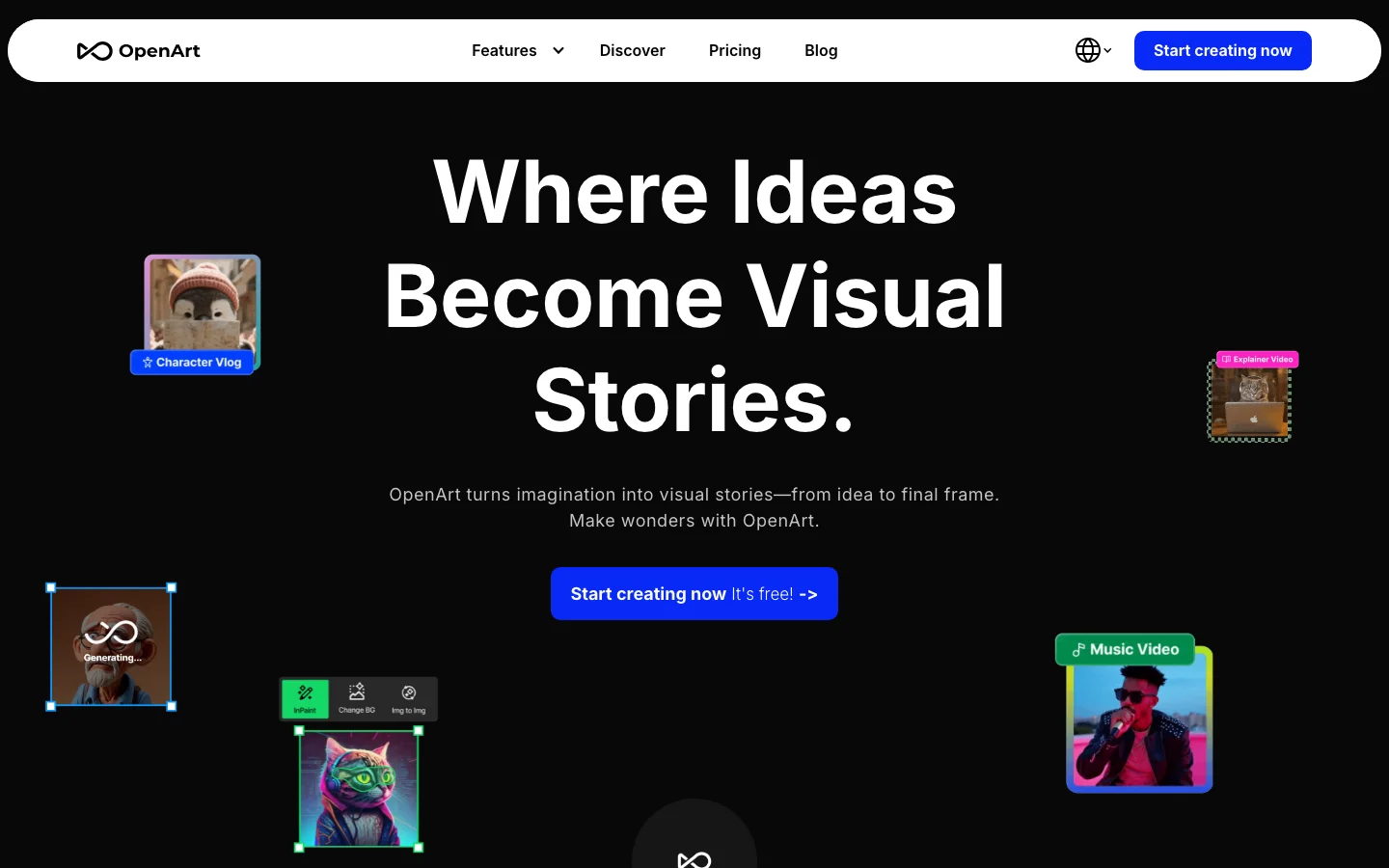
- All-in-one creative suite: text-to-image, image-to-video, upscaling, inpainting, background removal, and character generation all inside one account
- Custom LoRA model training available from the $7/month Essential plan - one of the lowest entry points for LoRA training in the AI art category
- Large public ComfyUI workflow library with thousands of community-built pipelines for advanced users who want fine-grained control
- Consistent character creation system lets you generate the same character across multiple scenes from a single reference image or description
- Access to 100+ premium models including Stable Diffusion XL, Flux, and specialized anime and photorealistic models across all paid plans
- Credit-based system allows granular pay-per-use across 100+ models without committing to a single provider
- The free trial is only 40 credits over 7 days, not renewable daily or monthly, which is insufficient for meaningful testing of the platform
- Credit economy is aggressive: video generation and multi-step editing tasks drain credits fast, and credits expire at renewal with no rollover
- Subscription upgrade flow has generated multiple billing complaints on Trustpilot (329 reviews, 3.0/5), including accidental annual plan charges and difficult refund processes
- Video and audio generation quality is inconsistent - user reviews cite broken renders, wrong on-screen text in music videos, and unusable outputs that still consume credits
Multi-model AI art with high Kling video volume
The free trial is only 40 credits over 7 days, not renewable daily or monthly, which is insufficient for meaningful testing of the platform. Credit economy is aggressive: video generation and multi-step editing tasks drain credits fast, and credits expire at renewal with no rollover.
Pricing
As of Oct 2026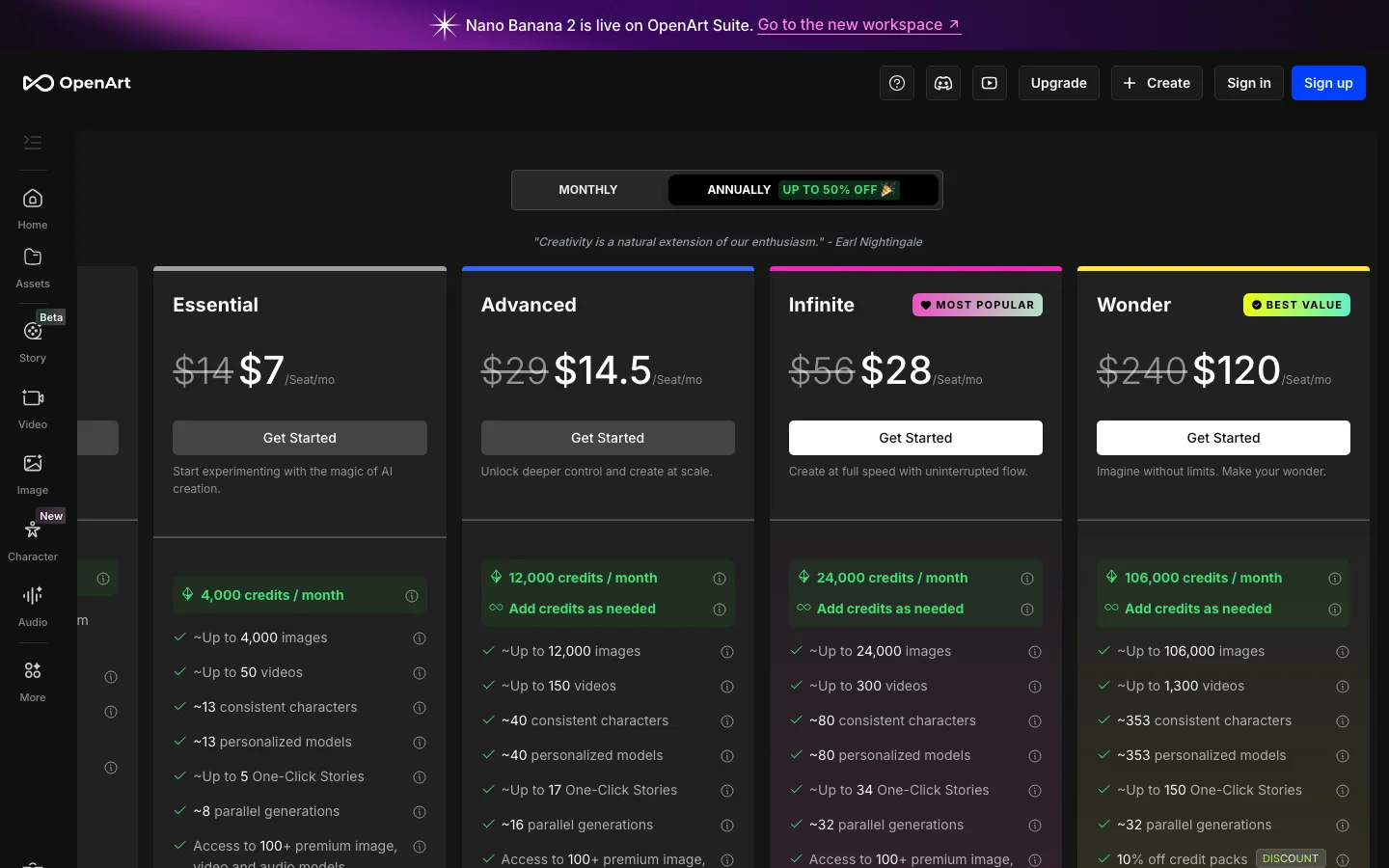
This review was produced independently by the Belreos editorial team. See how we score and test AI tools. Looking for more options? Browse all AI Art Generators tools on Belreos.