AI Video Generators
AI video tools split into two jobs: generating clips from text or images, and editing footage you already have. In 2026, search interest is dominated by a handful of frontier text-to-video models, Google's Veo 3.1, Kling, ByteDance's Seedance, and MiniMax's video model, all competing on realism, motion coherence, and native audio. Not every model people ask about has a standalone Belreos review yet. Among the tools rated below, Kling AI is the closest match to that frontier tier, while RunwayML, Luma Labs, HeyGen, and Synthesia cover professional editing, speed, and avatar-driven use cases respectively.
verdict
AI video tools split into two jobs: generating clips from text or images, and editing footage you already have. In 2026, search interest is dominated by a handful of frontier text-to-video models, Google's Veo 3.1, Kling, ByteDance's Seedance, and MiniMax's video model, all competing on realism, motion coherence, and native audio. Not every model people ask about has a standalone Belreos review yet. Among the tools rated below, Kling AI is the closest match to that frontier tier, while RunwayML, Luma Labs, HeyGen, and Synthesia cover professional editing, speed, and avatar-driven use cases respectively.
The three we'd actually pay for.

RunwayML is the filmmaker's tool of record for narrative video work. Where Kling AI and Luma Dream Machine generate video from prompts with limited directorial control, Runway gives you compositional intent encoded at ge…

HeyGen competes directly with Synthesia in the AI avatar video category and has pulled ahead on the dimensions that matter most to creators: realism, multilingual dubbing, and the ability to build interactive avatar expe…

Kling AI is one of the top-three AI video generators by community mention volume and the tool the indie filmmaking community reaches for when physics accuracy and high-volume production economics matter more than camera …
Top in AI Video Generators
 3.5/5
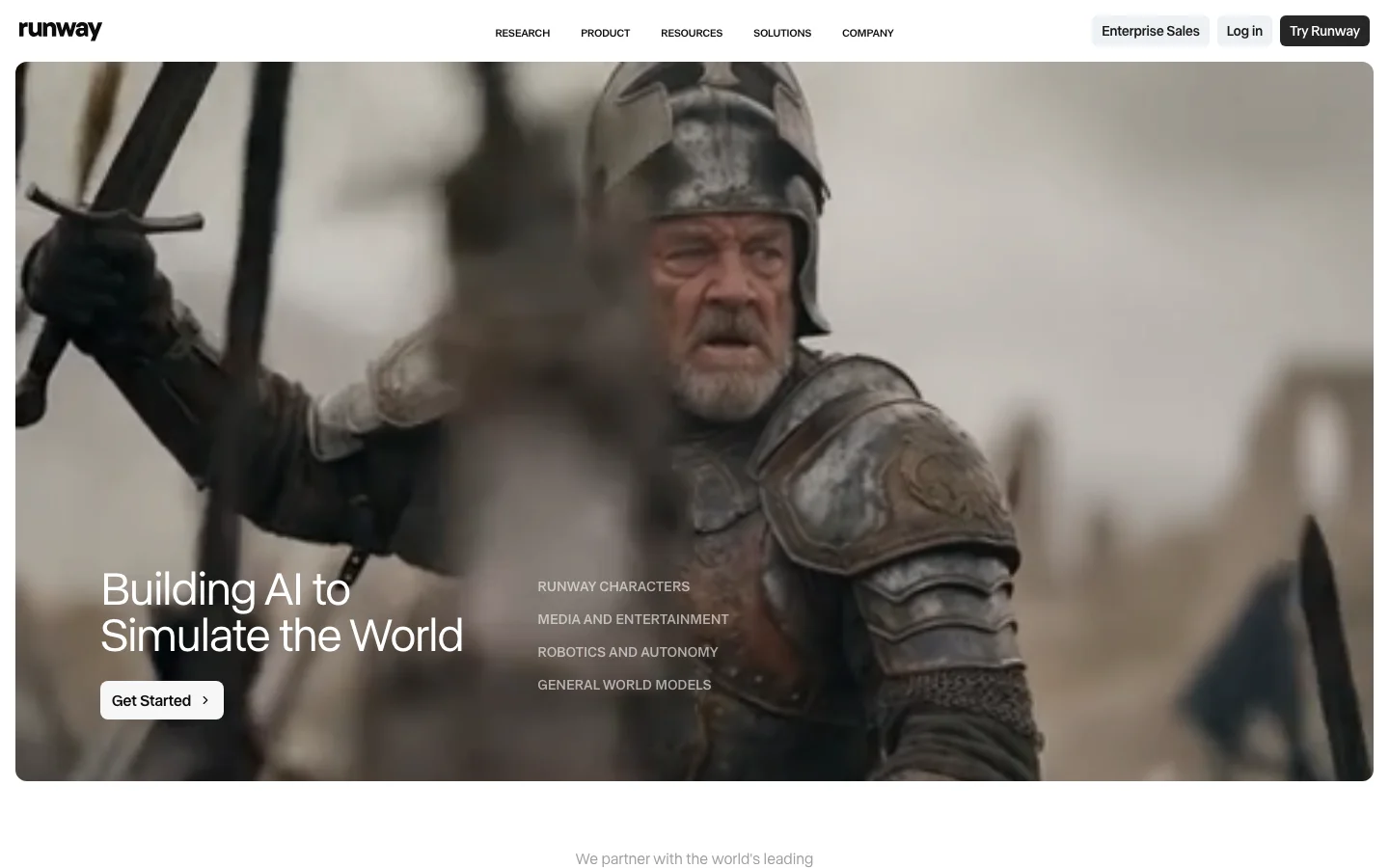
3.5/5RunwayML is the filmmaker's tool of record for narrative video work. Where Kling AI and Luma Dream Machine generate video from prompts with limited directorial control, Runway gives you compositional intent encoded at generation time. The camera control system is the clearest competitive moat: specify dolly in, dolly out, pan left, pan right, tilt, zoom, orbit, or static at defined intensity, and the model applies that camera movement while maintaining subject coherence across the clip. This is not a post-generation filter; it is shot language specified before the model runs. Narrative filmmakers, music video directors, and commercial video teams use Runway for shots that require specific camera vocabulary in a way that pure text-to-video generators simply cannot deliver. No competitor in the hosted category matches this feature depth for cinematically intentional work. Gen-4 is the current stable model and the one most production workflows rely on. It introduced the References feature: upload reference images to lock character appearance or visual style across multiple shots, enabling narrative consistency that single-clip generators cannot provide. A reported workflow illustrates what the feature enables: a complete music video produced entirely in Gen-4 in two hours using References for character lock. Gen-4.5 added Image-to-Video with API support launching on the same day as the consumer release, a developer-first commitment that signals Runway's intent to be infrastructure, not just a consumer tool. Motion Brush (paint movement onto specific image regions), Director Mode (multi-shot sequence planning), and Inpainting are creative editing tools that exist in combination nowhere else in the category. The platform integrates cleanly into Adobe Premiere, DaVinci Resolve, and After Effects through official plugins, fitting directly into professional post-production pipelines. As a US-incorporated company, Runway carries no geopolitical friction in enterprise procurement, an explicit advantage over Kling (Kuaishou/China) in professional and government procurement contexts. The credit math is the primary friction and it is worth modeling before subscribing. Gen-4 costs approximately 50 credits per 5-second clip. The Pro plan at $35/month includes 2,250 credits, yielding roughly 45 Gen-4 clips per month before overage. A short-form content creator needing 100+ generations per month burns through Pro in the first week and faces either overage charges or an upgrade to the Unlimited plan at $95/month, which is labelled misleadingly, as throttling and fair-use caps apply and advanced features still consume credits even on Unlimited. For production pipelines with deadline pressure and unpredictable generation volume, this creates real budget uncertainty. The second material gap is audio: Gen-4.5 generates silent video. Kling 2.6 ships with native audio generation; Veo 3 ships with native audio. Runway requires separate audio post-production for every clip, adding a workflow step that competitors have eliminated. Generation length is currently capped at 10 seconds; Kling and Luma are pushing toward longer native clip lengths. Runway is the right platform for narrative filmmakers, commercial directors, and music video producers who need specific camera language, character consistency across shots, and clean integration into professional post-production software. It is not the right platform for high-volume social content creators who need cheap rapid iteration, developers building audio-visual pipelines who cannot absorb a separate audio step, or teams with restrictive enterprise procurement policies around Chinese-origin software who nevertheless need physics-heavy animation (Kling's actual strength). Pricing: Free (125 one-time credits), Standard $15/month, Pro $35/month, Unlimited $95/month. Verify current generation costs and credit allocations at runwayml.com as pricing has changed with each model release. RunwayML Director Mode Director Mode is RunwayML's multi-shot sequencing tool. It lets you plan a sequence of individual clips before generating anything, define camera movements for each shot, and assemble a narrative arc rather than a collection of unrelated generations. The practical result is that you can specify a push-in on shot one, a pan across on shot two, and a static close-up on shot three, and Runway treats them as a coherent sequence rather than three separate prompts. Gen-4.5 integrates directly with Director Mode, so the camera vocabulary you specify translates into the model's generation parameters at runtime. This is not a timeline editor applied after the fact; the directorial intent is encoded before the model runs. Combined with the References feature, which locks character appearance across shots using uploaded images, Director Mode makes RunwayML the only accessible tool that lets you work like a director rather than a prompt engineer. Filmmakers use it for music videos where character consistency matters across 20 to 30 shots. Commercial video teams use it to pre-visualize scene structure before committing to a full generation budget. If you have compared RunwayML to Sora, Kling AI, or Luma Labs and felt the others lack precision, Director Mode is the specific reason Runway is different. How Director Mode Works: Step by Step Director Mode operates as Runway's multi-shot pre-production interface. Here is how a typical session runs: Start a new sequence. From the Runway dashboard, open Director Mode and create a new project. Each project holds a series of shots you plan before any generation runs. Define each shot. For every clip in your sequence, you set the camera movement type: dolly in, dolly out, pan left, pan right, tilt up, tilt down, zoom, orbit, truck, or static. Each movement has an intensity slider, and the convention is to start conservative (0.5 to 1.0 range) and increase only if the motion reads as too subtle on playback. Add reference images for character lock. Upload reference images of your subject using the References feature before generating. Gen-4.5 uses these to lock character appearance across every shot in the sequence, so the same person or object reads consistently even when the camera angle and framing change between clips. Use Motion Brush for region-specific movement. On image-to-video shots where you want only part of the frame to move, Motion Brush 3.0 lets you paint the specific area and assign a direction vector and speed to that region. A character's hair moves; the background stays still. This is a separate tool from camera control and works at the object level rather than the shot level. Generate and chain. Each clip renders at 5 to 10 seconds. Director Mode treats the sequence as a unit rather than isolated generations, which keeps camera grammar consistent across cuts. Clips stitch in the in-browser timeline editor before export. The core difference between Director Mode and the camera controls in Kling 3.0 and Luma Dream Machine is where the control lives. Kling 3.0's storyboard tool and Luma's Camera Motion Concepts both work primarily through natural language at prompt time: you describe the camera move in text and the model interprets it. Runway's Director Mode encodes the camera instruction as a structured parameter before the model runs, which gives more predictable output when you need a specific move to land exactly right. Luma's 3D volumetric architecture produces excellent parallax on orbit and dolly shots, and Kling 3.0 added native lip-synced audio to its storyboard pipeline that Runway does not currently match. The practical advantage of Director Mode is precision and repeatability across a planned sequence rather than any single shot type. RunwayML Pricing Plans 2026 RunwayML offers five tiers. The Free plan provides 125 one-time credits with watermarked output, enough to test the interface but not enough for production work. Standard at $15/month adds roughly 625 credits per month, which covers about 12 to 15 Gen-4.5 clips, and is the minimum subscription tier for casual creators who generate infrequently. Pro at $35/month is the practical entry point for regular use. It includes around 2,250 credits monthly, yielding approximately 45 five-second Gen-4.5 clips before overage. Community consensus is that Standard burns through too quickly for anyone iterating seriously. Unlimited at $95/month removes the hard credit cap but applies fair-use throttling and lower generation priority, so the "unlimited" label is not literal under deadline conditions. Enterprise pricing is negotiated directly and covers dedicated capacity, custom data handling, and SLA commitments, primarily relevant for studios and post-production houses. For comparison, Kling AI charges roughly $0.12 per five-second clip on pay-as-you-go, which is more cost-efficient for high-volume work. Luma Labs offers a free tier with no watermark. Runway's pricing reflects its positioning as a professional tool rather than a high-volume generation engine. Verify current credit costs at runwayml.com before subscribing, as pricing has changed with each model release. Frequently Asked Questions What is RunwayML Director Mode? Director Mode is RunwayML's multi-shot planning tool that lets you design a sequence of camera movements before generation runs. Available in Gen-4.5, it lets you specify push-ins, pull-outs, pans, and tracking shots for each clip in a sequence, then generate them with consistent camera language and character appearance using the References feature. How much does RunwayML cost in 2026? RunwayML pricing in 2026: Free (125 one-time credits, watermarked), Standard at $15/month (~625 credits), Pro at $35/month (~2,250 credits, roughly 45 Gen-4.5 clips), Unlimited at $95/month (fair-use throttled), and Enterprise at custom pricing. Credits are consumed per generation; Gen-4.5 costs approximately 50 credits per five-second clip. Check runwayml.com for current rates. Is RunwayML worth it for solo creators? It depends on what you are making. If you need precise camera control for narrative or commercial video, the Pro plan at $35/month is hard to replace. If you primarily need high-volume social content or photorealistic generation without specific camera intent, Luma Labs or Kling offer better cost-per-clip ratios. RunwayML earns its price for creators who treat it like a cinematography tool, not a generation machine. Does RunwayML have a free trial? Yes. RunwayML's Free plan includes 125 one-time credits with watermarked output. That is enough for eight to ten test clips using Gen-4.5. There is no time limit on the free tier, but the credit pool does not replenish monthly. If you exhaust the 125 credits and want to continue, you need to subscribe to Standard or above.
 4.0/5
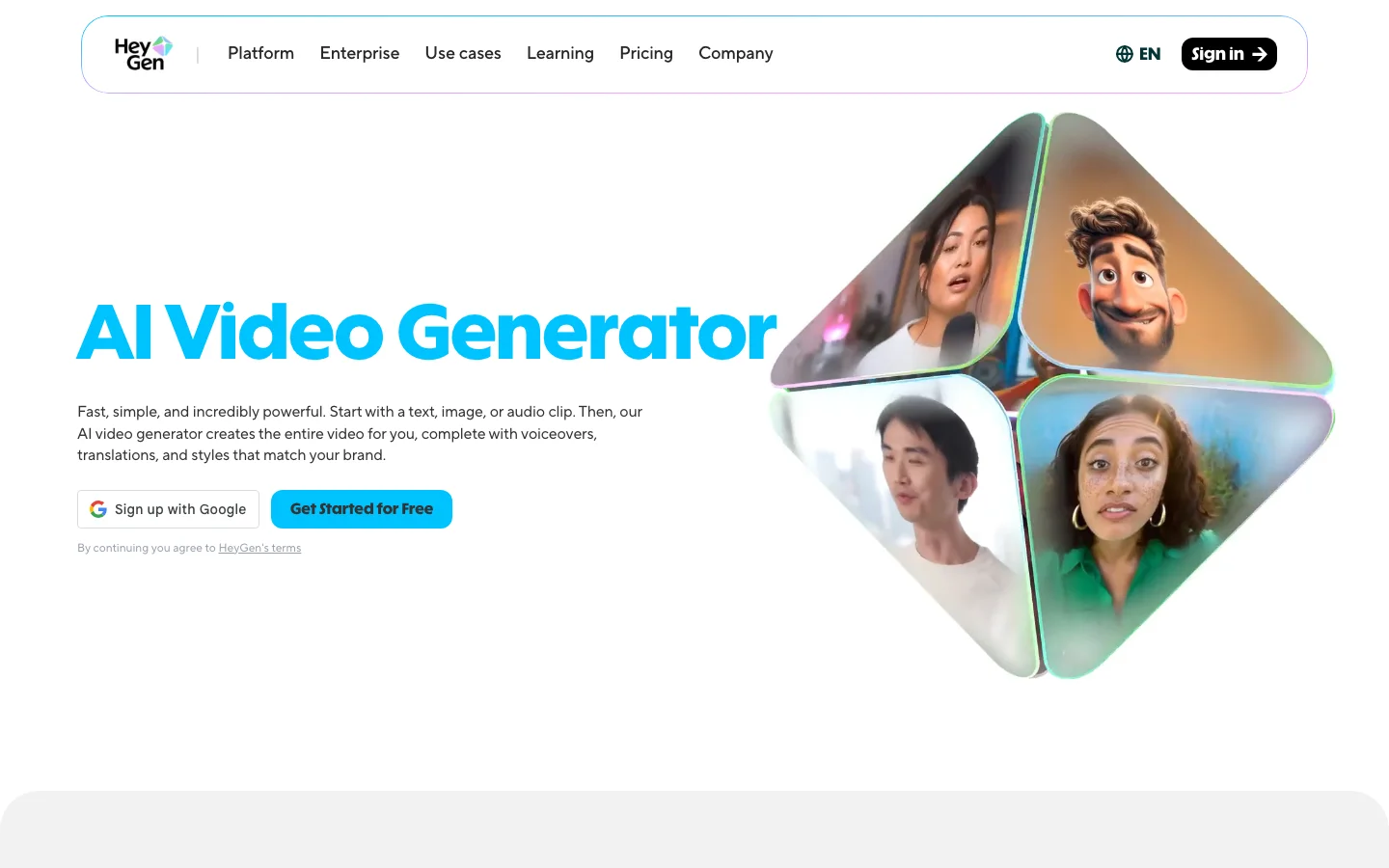
4.0/5HeyGen competes directly with Synthesia in the AI avatar video category and has pulled ahead on the dimensions that matter most to creators: realism, multilingual dubbing, and the ability to build interactive avatar experiences. Synthesia built for enterprise L&D teams; HeyGen built for creators, UGC marketers, and developers who want avatar video that doesn't look like a corporate training module. Both generate talking-head video from scripts. The aesthetic output, community, and pricing model are distinct enough that choosing between them isn't really a close call once you know what you're making. Video Translation is the feature that put HeyGen on the map in creator communities. Upload a video in English, get a lip-synced Spanish, German, or Japanese version in minutes. YouTube creators publishing multilingual channel variants, personal brands reaching international audiences, companies localizing marketing video without re-shooting - this workflow is documented extensively and the speed is real: a 10-minute video dubbed in under 30 minutes including review is consistently reported. Quality varies by language pair; major European languages and Mandarin produce strong results, while less-resourced languages can drift into unnatural prosody that needs a human pass before publishing. The Streaming Avatar API is where HeyGen separates from the pack entirely. Real-time interactive avatar sessions - an AI avatar speaking live responses driven by a language model backend - are what developers are building for sales demos, customer service bots, and AI companions. Synthesia hasn't entered this category. In our view, this positions HeyGen as both a batch video generator and a real-time avatar infrastructure layer, which is a meaningfully broader surface. UGC pipelines pairing HeyGen lip sync with OpenArt Consistent Character and ElevenLabs voice cloning are explicitly documented in creator communities - HeyGen is the lip-sync layer in serious multi-tool AI character video workflows. For context on where HeyGen sits in the broader market, see our AI video generation roundup or the full AI video category. We'll be honest about the friction: custom avatar quality lives and dies by your recording conditions. Clean lighting, controlled audio, minimal background movement. A home office setup without prep will produce unusable results. Video Translation quality drops noticeably on less-resourced language pairs. The credit/time-limit model creates the same per-generation cost anxiety you'll find across most AI video tools - Creator at ~$29/month gets you 15 videos/month, which goes fast if you're actively producing. Enterprise institutional trust still defaults to Synthesia; if you're selling into procurement teams at Reuters-tier companies, that matters. HeyGen is the right tool for creators, social media teams, and developers building interactive avatar applications. Synthesia is still the better fit for enterprise L&D at scale. Pricing: Creator ~$29/month, Pro ~$89/month, Enterprise custom. Verify at heygen.com. Frequently Asked Questions Is HeyGen legit and safe to use? HeyGen is a legitimate, well-funded AI video company with a substantial creator and business user base. The platform has enterprise-grade privacy and security terms, and is used by creators and marketing teams globally. It is a real product with active development. Avatar 4.0, launched in 2025, represents a genuine quality leap that community reviewers have called difficult to distinguish from real footage. No major security incidents or data handling concerns appear in independent community coverage. How much does HeyGen cost in 2026? HeyGen's Creator plan runs approximately $29 per month with a 15-video monthly cap, making it more expensive than Synthesia at comparable video volumes for lower-tier plans. Higher tiers scale with video minutes rather than a fixed count. The credit and time-limit model can create per-generation cost anxiety for high-volume production teams. Custom avatar creation from a short recording is available on paid plans; the Streaming Avatar API requires developer integration on enterprise tiers. Verify current plan details at heygen.com. Is HeyGen worth the subscription? For multilingual video translation and creator-facing avatar content, HeyGen is the stronger choice over Synthesia. Video Translation into 40+ languages with lip-sync matching is the most-cited feature, and Avatar 4.0 leads in realism for social and creator contexts. The Streaming Avatar API opens interactive AI companion and demo use cases that no direct competitor offers. For enterprise L&D buyers who need institutional credibility (Reuters, BBC, Accenture-level trust signals), Synthesia has the stronger corporate pedigree. HeyGen wins on creator flexibility; Synthesia wins on enterprise trust. Does HeyGen have a free trial or free plan? HeyGen offers a free plan that allows users to generate a limited number of videos without a paid subscription. The free tier is sufficient to test avatar quality and video translation before committing to a Creator plan. Custom avatar creation and higher-resolution exports require a paid subscription. The free plan does not include the Streaming Avatar API access.
 4.0/5
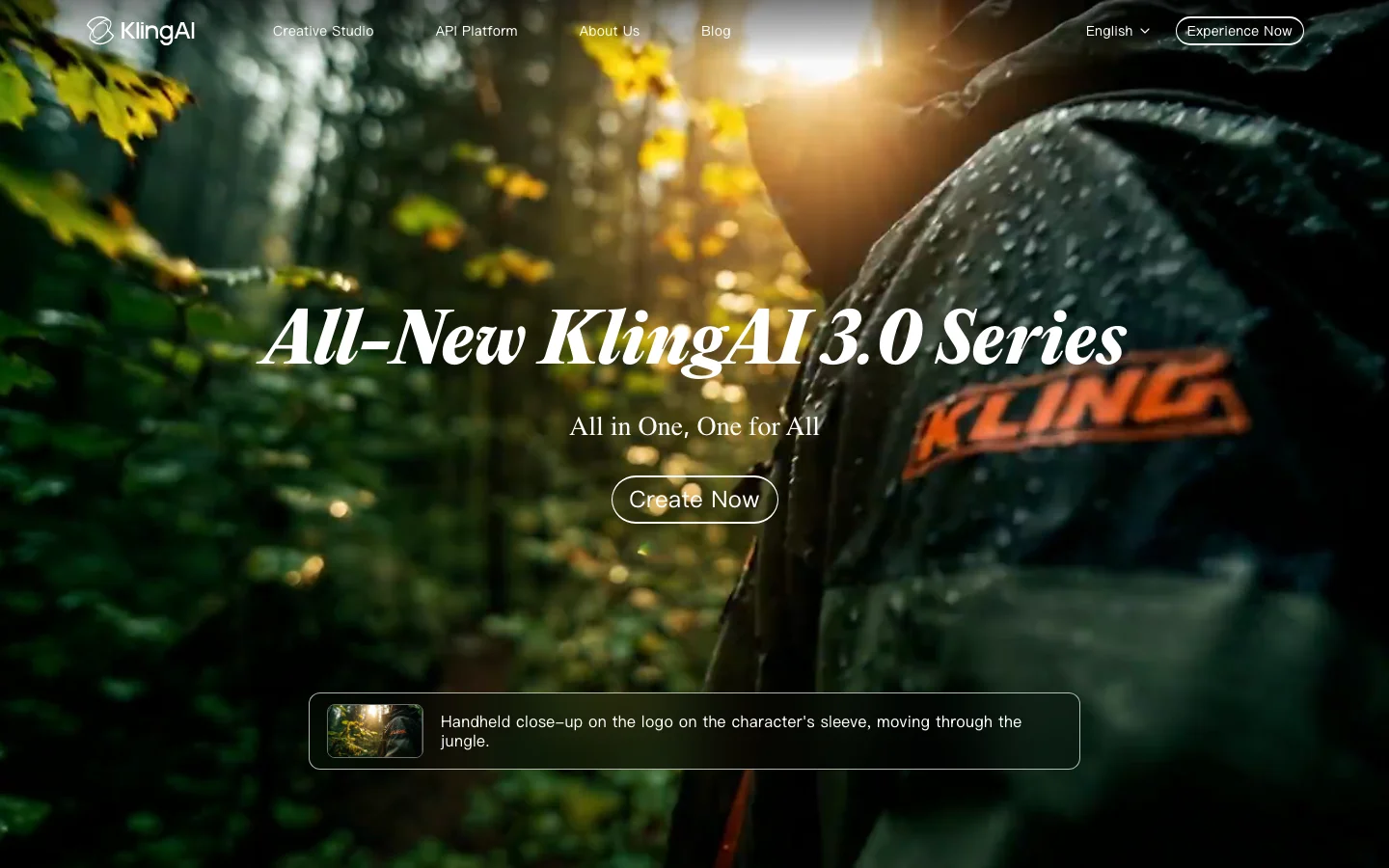
4.0/5Kling AI is one of the top-three AI video generators by community mention volume and the tool the indie filmmaking community reaches for when physics accuracy and high-volume production economics matter more than camera control precision. Developed by Kuaishou, China's short-video platform competing with ByteDance, Kling iterated from version 1.0 to 3.0 within a single year, a release cadence that no Western competitor has matched. Kling 2.6 introduced native audio generation (the first major AI video tool to ship it), 1080p output, and motion control that applies physics-driven animation from a single reference image. Kling 3.0 added multi-shot sequences with spatial continuity, advanced camera tracking including macro close-ups, and character consistency across multiple camera angles. Community quality comparisons consistently place Kling in the top tier alongside Veo 3, Hailuo 2.0, and RunwayML Gen-4, with particular consensus on physics simulation superiority over RunwayML. Physics simulation is Kling's most concrete competitive differentiator. Cloth dynamics, liquid behavior, and realistic object physics consistently outperform RunwayML in published direct comparisons, not marginally but visibly. Users building production workflows report a division of labor: Kling handles action sequences and physics-heavy shots while Runway handles close-up editorial work requiring specific camera language. Character consistency across shots is among the strongest in the category, with the start-to-end frame feature enabling long-form cinematic sequences by chaining frames with maintained subject identity. Motion control in version 2.6 goes further: it can match movement from a reference video and apply it to a new character, a production feature that indie filmmakers are actively using for reference-based blocking. What Makes Kling AI Different Most AI video tools optimize for prompt-following fidelity. Kling optimizes for physical plausibility. That is a deliberate and consequential design choice that explains why the tool performs differently from RunwayML, Sora, and Luma Labs across different shot types. The physics engine handles cloth dynamics, liquid behavior, hair movement, and object weight in a way that nothing else in the consumer AI video space currently matches at this price point. When you generate a pouring liquid shot, the fluid behaves like fluid. When fabric moves, it wrinkles and flows with mass. This is not a marginal improvement over competing tools -- it is the difference between a shot that reads as real and one that reads as generated. Character consistency is the second major differentiator. The start-to-end frame feature, introduced in Kling 2.1, lets you specify both a starting frame and an ending frame. The model generates the sequence between them while maintaining subject identity throughout. For indie filmmakers cutting between shots, this eliminates the character drift that plagues every other AI video tool in the category. Native audio is the third. Kling 2.6 shipped audio generation built into the video pipeline, not as a post-production step. Competitors including RunwayML still require you to add audio after export. For solo creators without a separate audio workflow, this matters practically. RunwayML remains the stronger choice for directors who need precise camera control language: dolly, pan, orbit, and specific focal behavior. Kling's camera system is less expressive in that dimension. But for physics-heavy content, Kling is the correct answer and the community knows it. Kling AI Pricing Plans 2026 Kling operates on a credit-based model that is the source of both its pricing advantage and its most consistent criticism. Credits are the currency for every generation on the platform. The free plan provides a monthly allocation of credits with standard-quality output. The Standard plan (approximately $9/month) and the Pro plan (approximately $35/month) increase credit volume, add higher quality outputs, priority generation, and higher resolution. Kling 3.0 via the Higgsfield platform costs $15 to $50/month depending on tier and provides an alternative economics model for high-volume users. The credit math is the thing to understand before committing. A 5-second standard-quality clip costs approximately 80 credits. At $0.015 per credit through the official platform, that is roughly $1.20 per generation. At Pro quality, the per-clip cost is higher. The credit model punishes iterative experimentation -- users report pre-planning every generation rather than exploring freely, which is the opposite workflow of how video production actually develops. There is a meaningful workaround. Third-party access through Higgsfield or OpenArt provides substantially better credit economics for high-volume users because subscription tiers bundle credits differently than the per-credit purchase model on klingai.com. If you are a high-volume producer, price out both options before deciding where to run your pipeline. Kling 3.0's multi-shot sequences are exclusively on Higgsfield, so serious production workflows often use both platforms for different generation types. One specific caution for API developers: the cheapest API credit bundle is a buy-once offer with no renewal at that price. Minimum purchase requirements on subsequent buys jump significantly. This has no analogy in competing platforms and creates real planning problems for developers building production tools on Kling's API. Check the current API pricing page before designing a billing model around it. Always verify current credit pricing at klingai.com before committing. Prices have changed with each major model release and the direction has been upward. Kling AI vs RunwayML RunwayML is Kling's primary comparison target in community discussion, and the two tools have genuinely different strengths that make the choice straightforward once you know your use case. Kling wins on: physics accuracy across cloth, liquid, and object dynamics; character consistency across shots; native audio generation; per-generation cost for most shot types; and iteration speed at the model level (Kling 1.0 to 3.0 in one year versus RunwayML's slower cadence). RunwayML wins on: camera control language (dolly, pan, orbit, specific focal lengths); interface polish and workflow integration; enterprise procurement comfort (RunwayML is a US company, Kuaishou is Chinese, which matters for some procurement teams); and editorial close-up work where specific camera behavior drives the shot. The production workflow that emerges in community threads: Kling for action sequences, wide shots, physics-heavy content, and audio integration. RunwayML for close-up editorial work, camera-language-driven sequences, and enterprise contexts. Both tools appear in production pipelines of serious indie filmmakers more often than either alone. Against Sora, Kling is significantly cheaper per generation and more accessible (Sora is gated behind ChatGPT Plus or Pro tiers). Sora's prompt adherence is stronger, but Kling's physics are comparable and the economics favor Kling for anyone doing volume. Against Luma Labs Dream Machine, Kling outperforms on physics and character consistency; Luma's strength is camera movement quality and scene realism in nature and environment shots. See the full AI video tools comparison for a side-by-side of all major platforms. Is Kling AI Worth It in 2026? The answer depends almost entirely on what you are making and how you work. Kling is worth it for indie filmmakers and video producers who prioritize physics accuracy, native audio, and cost efficiency at scale over cinematographic camera control precision. It is particularly strong for action sequences, product animation, liquid and fabric dynamics, and character-consistent long-form sequences. The community consensus on Kling's physics quality is not contested -- this is the tool when physics matter. Kling is not worth it for narrative directors who need RunwayML's camera language system, for enterprise teams whose procurement policies exclude Chinese-origin software (Kuaishou is a Chinese company and this is a real procurement consideration for some teams), or for API developers who need predictable per-generation pricing without punitive minimum purchase requirements after the initial bundle. The credit system frustration is real and documented extensively. "KLING is amazing but exceptionally predatory with constant increase in costs and credit allocation" is a quote that circulates in review threads and reflects genuine community sentiment. If iterative experimentation is core to your creative process, the credit economics create friction that competing subscription-based tools do not. If you pre-plan your generations and execute efficiently, the per-generation cost is competitive. The Higgsfield alternative is worth considering seriously. For Kling 3.0 access and better credit economics, Higgsfield's subscription tiers ($15 to $50/month) often represent better value than the base klingai.com credit purchases. The catch is platform dependency on a third-party service, which adds risk if Higgsfield changes its terms or pricing. Frequently Asked Questions How much does Kling AI cost in 2026? Kling operates on credits. The free plan includes a monthly credit allocation with standard quality. Paid plans (approximately $9/month Standard, $35/month Pro) increase credit volume and quality. A 5-second standard-quality clip costs roughly 80 credits, approximately $1.20 at current rates. Kling 3.0 access via Higgsfield costs $15 to $50/month depending on tier. Verify current pricing at klingai.com as credit costs have changed with each major release. What is new in Kling 2.0 and Kling 3.0? Kling 2.1 introduced start-to-end frame chaining for character-consistent long-form sequences. Kling 2.6 shipped native audio generation (the first major AI video tool to include audio), 1080p output, and motion control that applies movement from a reference video to a new character. Kling 3.0, accessible via the Higgsfield platform, added multi-shot sequences with spatial continuity, advanced camera tracking including macro close-ups, and improved character consistency across complex multi-angle scenes. How does Kling compare to Sora and RunwayML? Against Sora: Kling is significantly cheaper per generation and more accessible without a ChatGPT subscription. Sora's prompt adherence is stronger; Kling's physics are comparable. Against RunwayML: Kling wins on physics accuracy, character consistency, native audio, and per-generation cost. RunwayML wins on camera control language, interface polish, and US-company procurement comfort. Many production workflows use both tools for different shot types. Can I use Kling AI commercially? Yes. Paid plan generations include commercial use rights. Free plan outputs have more restrictive terms. Check the current terms of service at klingai.com for specifics on permitted uses, particularly for broadcast or large-scale distribution. Content policy is restrictive relative to some Western competitors and is inconsistently applied. Does Kling AI have a free tier? Yes. The free plan provides a monthly credit allocation sufficient for limited experimentation. Standard quality output only. Priority generation is reserved for paid plans. The free tier is adequate for evaluating the tool's physics and quality before committing to a paid plan, but not sufficient for production volume.
 3.5/5
3.5/5
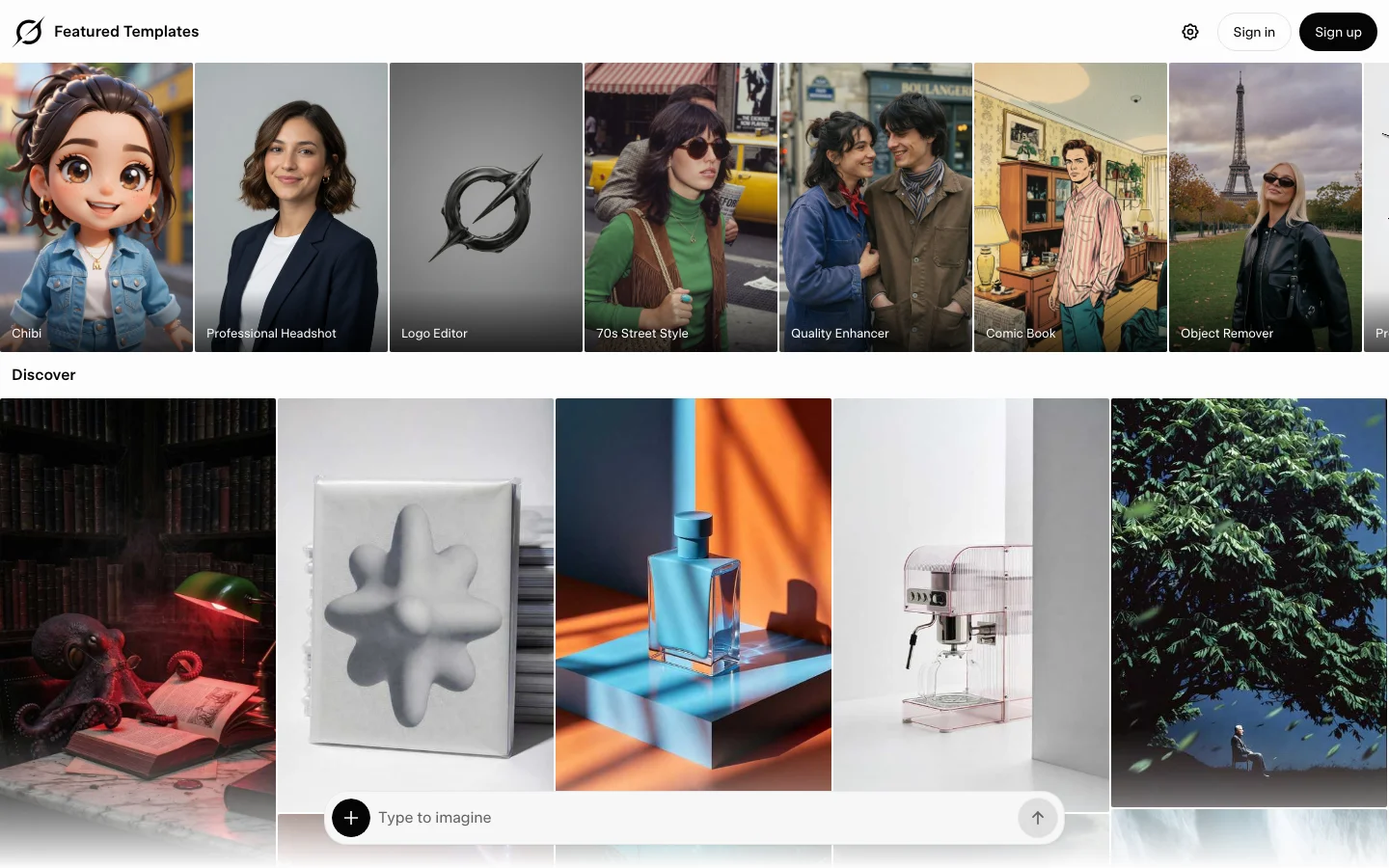
Overview Grok Imagine is xAI's image and video generation tool, accessible at grok.com/imagine and inside the Grok chat interface on web, iOS, and Android. Video 1.5 launched June 16, 2026, making this one of the most recently launched AI video models on the market. The tool takes a different position than standalone video platforms like RunwayML or Kling AI. You are not subscribing to a video tool - you are subscribing to Grok, xAI's AI assistant, and video generation comes bundled with that. That distinction matters for how you evaluate the pricing. What It Does Grok Imagine handles both image generation and video generation from a single interface: Image generation: The Aurora model generates images from text prompts. You can also use the Quality mode (grok-imagine-image-quality) for higher-resolution output at 1024x1024 or 2048x2048. Video generation (Video 1.5): Animates a still image into a clip with synchronized audio - sound effects, ambient layers, and lip-synced dialogue generated in the same pass, no separate audio step. Output is 720p at up to 15 seconds per clip. The model ranks first on the Image-to-Video Arena leaderboard as of its June 2026 launch, with a 52 Elo jump over its predecessor. Speed: A 6-second 720p video generates in approximately 25 seconds, down from 40-plus seconds with Video 1.0. For high-volume social content, this speed advantage is real. Spicy Mode: Grok Imagine includes an opt-in mode that removes standard content guardrails, unlike most competing platforms. Pricing Access routes through two paid tiers and a limited free option: PlanPriceGrok Imagine accessNotes Free (grok.com, logged in)$0/moImage generation requires a free account; logged-out visitors see a sign-in modal and cannot generateFree account sign-up at grok.com SuperGrok Lite$10/moImage + video (480p, 6-sec clips)Launched March 2026; daily caps apply SuperGrok$30/moFull Grok Imagine (image + Video 1.5)Rolling-window daily limits apply SuperGrok Heavy$300/moMaximum rate limitsFor power users and API-heavy workflows X Premium+$40/moSame Grok access as SuperGrokIncludes X platform perks API pricing (verified 2026-06-20 via docs.x.ai/developers/pricing): Image: $0.02/image (standard) / $0.05/image (1024x1024 quality) / $0.07/image (2048x2048) Video: $0.08/sec at 480p ($4.80/min) or $0.14/sec at 720p ($8.40/min) Quota reality check: The SuperGrok $30/month plan officially targets around 100 image generations per day and approximately 15-20 videos per day in 720p. In practice, xAI uses a rolling-window fair use throttle rather than a fixed daily reset. Users report hitting limits after 10-15 videos in 720p during peak hours, and failed generations (including moderation blocks) count against your quota. xAI quietly tightened these limits in May 2026 without a public announcement, changing subscription page copy from "near-unlimited" to "highest usage limits." If you only want video generation and not Grok chat, $30/month for 15-20 usable videos per day puts your cost per video at roughly $1-3, which is more expensive than paying per-video on Kling AI or Luma Labs on their API plans. Features Image-to-video pipeline: Upload or generate an image, describe the motion, get a 6-15 second 720p clip with synchronized audio in one pass Native audio: Scene-matched sound effects, ambient audio, and dialogue generated alongside video - no separate audio sourcing needed Aurora image model: Text-to-image generation with Quality mode option for higher resolution Projects: Organize your generations into folders (new in June 2026 update) Parallel agents: Run multiple prompts simultaneously within a session Spicy Mode: Optional NSFW content mode, unlike most competing platforms API access: Available via xAI API at documented per-image and per-second rates Cross-platform: Web, iOS, Android, and API Pros Native audio is a genuine differentiator. Most video tools require a separate step to add sound. Grok Imagine 1.5 generates dialogue, ambience, and sound effects in the same pass. When it works, it saves meaningful production time. Generation speed. 25 seconds for a 6-second 720p clip is fast relative to competitors. For social content creators running high volume, this adds up. API cost. $4.80/minute at 480p and $8.40/minute at 720p undercuts most standalone platforms. For developers building on top of video generation, this is a real advantage. Image-to-Video Arena #1 ranking (as of launch week, June 2026). Independent leaderboard validation that the quality improvement over 1.0 is real. Bundled value if you use Grok. If you already use Grok for chat, DeepSearch, or coding help, video generation comes in the same subscription. You are not paying twice. Conversational prompting. Because Grok Imagine is embedded in a chat interface, you can iterate on prompts conversationally - refine the image, describe the motion, adjust in plain language - without switching tools. Cons Quota throttling is unpredictable. xAI changed limits in May 2026 without announcement. At $30/month with rolling-window throttles, you may hit your ceiling mid-session with no clear reset time. Failed generations and moderation blocks both count against your quota. Image generation requires an account. You need a free xAI/X account to generate anything on grok.com. A logged-out visitor hits a sign-in modal and cannot generate. For unlimited or high-volume access, you need at minimum SuperGrok Lite ($10/month). 720p ceiling. Video 1.5 tops out at 720p. Kling AI 3.0 outputs native 4K at 60fps. Runway Gen-4.5 leads on cinematic physics. If output resolution matters for your workflow, Grok Imagine is not the right choice. Image-to-video only (for Video 1.5). Text-to-video in the traditional sense (no source image needed) is available but the primary strength is animating an existing image. Pure text-to-video workflows may get inconsistent results. Content moderation over-blocking. Following January 2026 deepfake controversies, xAI tightened filters significantly. Artistic or ambiguous prompts get flagged more often than on competing platforms, and false positives still consume quota. Not a standalone tool. Grok Imagine is built into the Grok ecosystem. If you want video generation without the Grok subscription, you are paying for features you may not use. Dedicated tools like Luma Labs or Kling AI give you more control over what you are buying. Early-stage quality consistency. Video 1.5 is a meaningful improvement, but it is days old at time of writing. Long-term quality consistency across varied prompts is not yet established. Who It Is For Good fit if: You already subscribe to SuperGrok for Grok chat and want video generation without a second subscription You build on the xAI API and need a cost-efficient image-to-video option You create high-volume short-form social content and value generation speed over 4K resolution You want native audio in video output without adding an audio production step Not a good fit if: You need 1080p or 4K output (use Kling AI or Runway instead) You want predictable, high-volume daily quotas (Kling AI's credit system is more transparent) You only want video generation and not the rest of the Grok subscription bundle You have straightforward text-to-video workflows with no source image (Luma Labs Ray3 or Kling AI handle this better) How It Compares Grok Imagine Video 1.5 occupies a specific lane: fast, audio-native, image-to-video at 720p, priced aggressively on the API. It is not trying to match Runway Gen-4.5's physics simulation or Kling 3.0's 4K fidelity. On the Image-to-Video Arena leaderboard, it ranked first at launch above Seedance 2.0 and Google Veo - a meaningful independent data point, though it has not held that position long enough to assess stability. The closest parallel to how it is priced and bundled is Sora, which shut down in April 2026. Grok Imagine effectively fills the "fast, consumer-friendly video generator from a large AI lab" position that Sora vacated, with the added integration of an AI assistant. For a broader look at the current video generation field, see the Best AI Video Generation Tools 2026 roundup. FAQ What is Grok Imagine?Grok Imagine is xAI's image and video generation tool, available at grok.com/imagine and within the Grok chat interface. It generates images from text prompts using the Aurora model and converts images to video with synchronized audio using the Video 1.5 model (released June 16, 2026). How much does Grok Imagine cost?Grok Imagine is included in the SuperGrok subscription at $30/month (or $300/year). A lighter tier, SuperGrok Lite, costs $10/month and includes video generation at 480p. Image generation on grok.com requires at minimum a free xAI/X account; a logged-out visitor cannot generate. API pricing is $0.08/sec ($4.80/min) at 480p or $0.14/sec ($8.40/min) at 720p for video, or $0.02-$0.07 per image depending on resolution. Is Grok Imagine free?Image generation on grok.com requires a free xAI/X account. If you visit without signing in, you hit a sign-in modal and cannot generate. Once you have a free account, access to image generation is limited; for high-volume or video generation you need at minimum a SuperGrok Lite plan ($10/month). What resolution does Grok Imagine Video 1.5 produce?Video 1.5 outputs at 720p. It does not currently support 1080p or 4K. Clips run up to 15 seconds per generation. Does Grok Imagine generate audio automatically?Yes. One of the core features of Video 1.5 is native audio generation in the same pass as video - scene-matched sound effects, ambient audio, and lip-synced dialogue. No separate audio tool is needed. How does Grok Imagine compare to Kling AI or Runway?Grok Imagine is faster (25 seconds per 6-second clip), less expensive via API ($4.80/min at 480p or $8.40/min at 720p), and includes native audio. Kling AI 3.0 outputs native 4K at 60fps and offers more granular creative control. Runway Gen-4.5 leads on physics simulation. Choose Grok Imagine for speed and cost on social content; choose Kling or Runway for high-fidelity cinematic work. What is Grok Imagine's Spicy Mode?Spicy Mode is an opt-in setting that disables standard content guardrails, allowing generation of adult or NSFW content. It is available on paid tiers and is one of Grok Imagine's distinguishing features compared to competing platforms.
 3.5/5
3.5/5
Higgsfield Review: Bottom Line Higgsfield is an AI video and image platform where you pay in credits, built for people who make a lot of videos and images. It fits marketers and agencies running UGC ad campaigns (ads that look like a real person made them). It also fits teams that want the 30-plus AI models Higgsfield lists under one subscription instead of juggling separate accounts. It suits anyone comfortable with credit-based pricing and jobs that take several steps. It doesn't fit someone who wants occasional free clips, because the Free tier has no monthly credits. For this Higgsfield review, we tested on a complimentary Ultra plan that Higgsfield supplied for review. Higgsfield had no editorial input and did not see this review before publication. Links to Higgsfield on this page are affiliate links, and we may earn a commission if you buy through them. JobOur pickCredits~Cost Cheapest per clip (quality varies)Kling 3.0 (MCP connector, the plug-in that lets AI assistants like Claude run Higgsfield)6-7.5$0.30-0.38 Most consistent qualityWan 3.0 or Veo 3.1 Fast (MCP)7-16$0.35-0.80 Cinematic look (best in one run, not reproduced in a retest)Cinema Studio 3.0 (MCP)20-25$1.00-1.25 Branded promo / motion graphicsSupercomputer agent (web, Higgsfield's planning agent)43.42$2.17 Planned multi-take video (estimate ran low)AI Director (web, a planning chat agent)67.27$3.36 One-photo product ad (review the script)Marketing Studio (MCP)60$3.00 UGC / talking-head adWebsite-to-UGC-ad workflow (MCP)~182.6$9.13 Product imagesFlux 2 Pro or Nano Banana Pro1.5-2$0.08-0.10 2D to 3DImage to 3D (MCP)30$1.50 Editing an existing clipGenjutsu (video effects tool)112 (or free via toggle)$5.60 or $0 Dollar figures use Higgsfield's confirmed extra-pack price of about 5 cents per credit. The pricing section below has the exact rate at each extra-pack size and the lower rate on Ultra. How We Tested This We built this Higgsfield review on hands-on testing (see our methodology) through two access paths. One was a regular, logged-in browser session on higgsfield.ai. The other was the official Higgsfield MCP connector. A second round reran five video models under matched settings, to check how consistent results are from one generation to the next. A third round reran Cinema Studio 4.0 and four image models, to check timing, playback and brand-color accuracy. A last batch timed the five video models running at once, reran 3D and Genjutsu through MCP, and tried Marketing Studio, AI Director, Dubbing, Elements, Shorts Studio and several quick tools. Across every round, the test account's balance fell by about 1,350 credits. It started at about 3,000 and ended at about 1,660. That total covers setup images, re-runs, the matched retests and every job in this review, so it's far more than any single job costs. Render times for MCP jobs run from job creation to the moment the output file was uploaded to Higgsfield's servers, close to the real time but not stopwatch-exact. Every branded prompt named our real brand colors, deep forest green #1b4332, warm amber #e9b279 and burnt orange #c65d00, read from the code of the live belreos.com site, so results compare within each group. Limits of our testing Playback: both Cinema Studio 4.0 clips played in Higgsfield's own viewer, and both downloaded files opened in QuickTime on a Mac. We haven't tried other players or browsers. Colors: background colors on the image outputs are rough six-point edge samples. Judged at thumbnail scale: Elements likeness (the park video shows the presenter at mid-distance), dubbed lip movement and background-removal cutout edges. None was checked frame by frame. Not tested: the Free tier, Marketing Studio template and product-catalog modes, Soul ID, Kling AI's own app, and the camera presets, color palettes and DaVinci Resolve and Adobe plugins that Higgsfield advertises. Plan table: we read Basic, Pro and Max logged out, in both the Monthly and Annual toggle states, and Team and Scale in the Ultra test account's upgrade dialog, all on September 29, 2026. The Free row and the videos-at-once column come from the same pages and the compare table's video row. Team and Scale prices: Team's crossed-out monthly price matches the card's own "Save $168 compared to monthly" line. Scale's crossed-out price is marked "30% off". Its "Save $228 compared to monthly" line implies a smaller gap, so its monthly per-seat rate isn't confirmed. Plan limits: image limits differ by page (the Basic card says 2 images, the compare table 4), so we didn't tabulate them. The Pro annual and Max cards also advertise "Unlimited paid parallel generations", meaning several videos at the same time, which the table's counts don't reflect. Ultra's price comes from the billing panel of our Ultra test account, last confirmed September 28, 2026. It shows only an annual rate, with no separate monthly price, and the logged-out page and the upgrade dialog don't show Ultra at all. Not re-verified on September 29: Ultra's price and its limit of 8 videos at once, both read from the account billing panel on September 28. Higgsfield Pricing: What Each Job Actually Costs Higgsfield pricing is credit-based across Free, Basic, Pro, Max, Ultra, and Team tiers, plus a Scale tier for larger teams and custom Enterprise deals. Every plan and workflow on Higgsfield draws from the same credit balance, so the fastest way to answer "is Higgsfield worth it" is to look at what each job actually costs in credits and dollars. PlanPriceCredits/mo~$/creditVideos at once FreeFree0 (limited use; commercial use not included)-1 Basic$9/mo (same price billed monthly or annually)120 (fixed, no bonus credits)$0.0752 Pro$29/mo billed monthly; $23/mo billed annually (struck $29, 21% off). A 900-credit tier is $43/mo monthly or $34/mo annually600 (900 on the larger tier)$0.048 monthly, $0.038 annually (900-credit tier: $0.048 and $0.038)3 Max$79/mo billed monthly; $59/mo billed annually (struck $79, 25% off). Larger tiers: 3,600 credits at $158 monthly or $115 annually, 5,400 credits at $237 monthly or $165 annually1,800 (3,600 and 5,400 on the larger tiers)$0.044 monthly, $0.033 annually (larger annual tiers: $0.032 and $0.031)8 Ultra$99/mo billed annually ($129 before the current discount)3,000$0.0338 parallel video and image jobs Team$65/seat/mo billed annually ($79 crossed out); 2 to 9 seats2,000/mo pooled (1,000/seat)$0.065Not shown Scale$150/seat/mo billed annually ($215 crossed out, marked "30% off"); 5 to 15 seats12,500/mo pooled (2,500/seat)$0.060Not shown EnterpriseCustomCustom-Not shown Pricing as of September 29, 2026, as shown on higgsfield.ai. Prices exclude VAT and local taxes, and promos change. Pro and Max also showed a time-limited bonus-credit promo, and the table counts base credits only. Check the Monthly/Annual toggle and the credit selector on the pricing page at higgsfield.ai directly before committing to a plan. Extra credit packs Extra credit packs get cheaper per credit as they grow, though the two largest cost the same. We read these prices from the account's own purchase panel on September 28, 2026. CreditsPriceCents per creditList priceDiscount 500$265.2$42.5039% 1,000$494.9$8542% 2,000$954.75$17044% 4,000$1904.75$34044% Higgsfield shows these packs as discounted from a list price of 8.5 cents per credit. Credits from these packs expire 90 days after purchase and don't roll over month to month. Set against those packs, Max on either billing period, Ultra and annual Pro all beat every extra-pack price. Monthly Pro, at about 5 cents a credit, sits inside the price range of the extra packs. Basic, Team and Scale all work out pricier than buying extra credit packs directly. Every dollar figure elsewhere in this review is computed at roughly 5 cents per credit, matching the confirmed extra-pack price. On Ultra's monthly allowance the effective rate drops to about 3.3 cents per credit, about level with Max billed annually. What each job costs Cheap clips cost cents and a finished UGC ad costs several dollars. The table prices the main jobs we ran, at the extra-pack rate and at Ultra's plan rate. JobCreditsAt the extra-pack rate (~5 cents/credit)At Ultra's plan rate (~3.3 cents/credit) Kling 3.0 clip (appears as Kling 3.0 Turbo), 4-5s (MCP)6-7.5$0.30-0.38$0.20-0.25 Wan 3.0 clip, 4-5s (MCP)7-8.75$0.35-0.44$0.23-0.29 Veo 3.1 Fast clip, 4s (MCP)16$0.80$0.53 Cinema Studio 3.0 clip, 4-5s (MCP)20-25$1.00-1.25$0.66-0.83 Seedance 2.5 clip, 4-5s (MCP)28-35$1.40-1.75$0.92-1.16 Cinema Studio 4.0 clip, 5s (web)60$3.00$1.98 Supercomputer branded promo (web)43.42$2.17$1.43 Website-to-UGC-ad workflow (MCP)~182.6$9.13$6.03 Genjutsu object swap, 15s source (MCP, charged by the credit)112$5.60$3.70 Genjutsu object swap, 15s source (web, free-generations switch)0 of 3 free (reset cadence not confirmed)$0$0 Image to 3D model with surface detail (MCP)30$1.50$0.99 Product image, Nano Banana Pro or Flux 2 Pro (MCP)1.5-2$0.08-0.10$0.05-0.07 AI Director, storyboard plus two 15s takes (web)67.27$3.36$2.22 Marketing Studio 12s ad from one photo (MCP)60$3.00$1.98 Dubbing English to Spanish, 15s (MCP)45$2.25$1.49 Elements: 3 images (2 credits each) and 2 five-second videos (22.5 each); creating the Element showed no charge51$2.55$1.68 For four of the video models, the price per second stayed the same at both clip lengths we tried, so cost rose in step with clip length. ModelCredits per secondAt the extra-pack rateAt Ultra's rate Kling 3.01.5$0.075/s$0.05/s Wan 3.01.75$0.088/s$0.058/s Cinema Studio 3.05$0.25/s$0.165/s Seedance 2.57$0.35/s$0.231/s Veo 3.1 Fast was tested at only one length, so we can't confirm a per-second rate for it. Kling 3.0 now appears in the connector as Kling 3.0 Turbo at the same price, and the model ID we used in the first round is no longer accepted. If you're picking a plan, we'd start on Pro billed annually. Its credits cost less than any extra pack, and the 600 it includes each month covers a few UGC ads or a lot of cheap clips. Basic's 120 can't cover even one run of the website-to-UGC-ad workflow, and we suspect anyone making video every week will outgrow it fast. Move up to Max billed annually once you keep using up Pro's credits. Higgsfield MCP Pricing Higgsfield's MCP connector bills every generation in credits from the same balance as the web app. It has no Unlimited tag and no free-generation option. Higgsfield's pricing page says so directly: "Unlimited models and Free Generations on plans are accessible only via higgsfield.ai and are not accessible on MCP/CLI, Canvas or Supercomputer." That is why every generation in our connector tests drew paid credits, even on an Ultra plan. Every price quote we checked before a job that then completed matched the exact amount charged, from a 0.6-credit voice line to the 180-credit video step inside the UGC ad job. The one exception was Shorts Studio, which quoted 45 credits, failed and was not billed. Background removal, video upscaling and dubbing showed no price quote, so we read their charges from the transaction list. The connector exposes Cinema Studio v2 and 3.0, not Cinema Studio 4.0, which is web-app only. Important: Higgsfield has restructured its pricing plans more than once since 2025, and its promos change often. The plan prices above are as of September 29, 2026, and the extra credit pack prices are as of September 28, 2026. The extra-pack discount has no posted end date. Check current prices and tier names on the pricing page at higgsfield.ai before subscribing. UGC and Talking-Head Ads Higgsfield's website-to-UGC-ad workflow is the closest thing here to an AI video ad maker, and it was the most convincing and the most expensive thing we ran. It's a built-in job with several steps, run through the MCP connector, that turns a URL into a finished talking-head ad. Our test generated a Soul 2 presenter and ran a realism pass to tone down plastic, AI-smooth skin. It then made a short vertical talking-head video with speech, overlaid real belreos.com screenshots timed to the spoken words, and added automatic captions. For about 180 credits it produced a human presenter narrating real content from our homepage and tool pages. Three steps inside Higgsfield's own workflow needed a hand. The step that stamps captions onto the video failed over a wrong setting and needed a manual fix. A caption quality check flagged "Ok" against the spoken "Okay", a good catch that still needed a manual nudge. Site captures needed a longer-running mode that works in the background, because the normal run timed out. If your brand name is uncommon, listen to the audio. Higgsfield's own transcription heard the AI voice say "Belria's" instead of "Belreos." A phonetic "Bel-RAY-ohss" in the script only partly fixed it, and the same tool then heard "Bell Rayos." Captions were correct both times because they come from the script, not the audio. Face, hair and build held across the cafe and park scenes we generated from a still of the presenter at a desk, for 25 credits in total. The one drift was a coat rendered olive instead of the requested forest green. A preset-voice line ("Ainsley") cost 0.6 credits. Expect technical work, because the job runs in a locked-down test environment, uploads files through temporary links and takes several steps in a row. Marketing Studio: one photo to a UGC-style ad Higgsfield's Marketing Studio, run through the connector in generic mode with no template or avatar, turned one photo of a Belreos mug into a 12-second vertical talking ad. The run cost 60 credits. It finished in about 8 minutes. It invented a presenter and script, and the mug's logo stayed legible in every frame we sampled. A speech-to-text check (OpenAI's Whisper) caught two problems. The voice said "bull rayos", the same failure as in the URL workflow, and the script added claims nobody supplied, "heavy ceramic" and "handle stays warm". Review and listen to every generated script. Dubbing Dubbing turned the English talking-head clip into Spanish for 45 credits. The job took about 3 minutes. Local Whisper transcripts of both files showed a faithful translation. The brand name came out as "Belrea", though the English source had also transcribed slightly off. Lip movement looked natural in the thumbnails we pulled. Elements: reusable characters Elements are reusable character references. One built from a single frame of an AI-generated presenter, not a real person, was ready instantly, with no credit charge shown. It carried through cafe, park and night-office images, then through cafe and park videos made with Seedance 2.0. The videos took 4 to 6 minutes to render. Face, hair and grey sweater matched in all five outputs, and a dark green jacket appeared only in the park scene, as prompted. The olive coat in the earlier consistency test came from a run without an Element and a different garment prompt, so this is one scene, not a like-for-like fix. Branded Promos and Motion Graphics Higgsfield's Supercomputer agent plans the job, picks several AI models and runs them from one request. Our test asked for a branded promo and got two moodboard images, which are style-reference pictures that set the look, followed by a finished video. The run cost about 43 credits, including small self-inspection fees. The result was a clean promo built from moving text with correct spelling and on-brand colors. It asks you to approve each step individually, with an "always allow" option, and it asked two useful multiple-choice questions along the way about style and number of takes, each with visual examples. Its own cost estimates were unreliable in our test, missing in both directions. It quoted about 2 credits per moodboard image and charged 6.5. It quoted about 65 to 70 credits for the video and charged 30. For agencies evaluating the Higgsfield Supercomputer, budget for these misses, not just the quoted estimate. AI Director AI Director is a chat agent inside the Higgsfield web app. We asked for a three-shot Belreos teaser in the brand colors and told it not to generate anything until we confirmed. It asked two multiple-choice questions, on visual treatment and aspect ratio, then returned a plan after about a minute and a half. The plan was a 15-second teaser with sound effects only and two takes. Every paid step needed a click on an approval card, so it respected the instruction. It made a storyboard sheet with GPT Image 2 for 6.5 credits. Then it made two MiniMax H3 takes, each at 2K. The takes cost 30 credits each. Each one took about 10 minutes to render. The end card, "Belreos" with "AI tools, reviewed and compared", was spelled correctly in both takes. The estimate was another matter. It said about 12 to 30 credits, and the actual total was about 67. The estimate appears to have covered one take and left out the storyboard, which is our inference, not something the agent stated. The run took about 23 minutes end to end, including three approval clicks and two answers. For simpler motion work, Kling 3.0 can animate a still image into a short clip through the MCP connector. Our test turned a static branded banner into a short clip for 7.5 credits. The text stayed stable through the motion and the light streaks moved convincingly. Cinematic Shorts Higgsfield Cinema Studio comes in three versions right now, and they aren't equally available. The MCP connector exposes Cinema Studio v2 and 3.0. Cinema Studio 4.0, the newest version, is web-app only. Cinema Studio 3.0, run through the connector, gave us the best clip of our first five-model round, with bold 3D lettering that had raised edges and shadows, light streaks landing on cue and a real push-in camera feel. It cost 25 credits at its default length. A same-prompt retest at a matched length came back noticeably softer and didn't reproduce that look. The Cheap, High-Volume Clips section has the full run-to-run comparison across all five models. Cinema Studio 4.0 won't repeat itself, so budget for several takes. We ran one prompt in the web app twice with identical settings, and the two clips had almost nothing in common beyond a correctly spelled "Belreos". Run one was solid white lettering with amber light rays and floating particles. Run two was glowing neon-outline letters with an orange light streak across a textured green wall. Both looked good to us, but run one is the one we'd use. Each take also means a wait and a bill. Each clip cost 60 credits, shown as a discount from 80. Both renders took about 5 minutes. That's well behind the MCP models, which finished in 40 seconds to under 4 minutes when we timed five at once. The clips came back with real sound, not silence. The files come down in HEVC, a video format some browsers can't play (10-bit, H.265 Main 10), which we confirmed by inspecting both downloaded files. We expect Firefox, and Chrome builds without built-in support for that format, to refuse it. Both clips did play in Higgsfield's own viewer, so the format hasn't broken playback for us there. If a downloaded clip won't start in your browser, open it in a desktop player that handles HEVC. On our Mac, both downloaded files opened and played in QuickTime. If you need the same look every time, upload a still frame as a reference image. We used a frame from the first run as the reference and ran the same prompt twice more. Both new clips matched each other and the reference, with near-identical white lettering, amber rays and end frame, and the price didn't change. The trade-off is less variety and a weaker reveal, because the logo is already on screen at half a second, so the model animates the still instead of building up to it. Run at the same time, the first job finished in about 9 minutes. The second took about 12, against about 5 minutes for one job alone. Cinema Studio v2's multi-shot mode, through the connector, built coherent shots from one prompt for 15 credits. They were a desk-and-laptop opening, a screen close-up, then a reveal of the brand name, with audio. The screen in the middle shot is an invented, generic app interface, because the prompt never supplied one. Cheap, High-Volume Clips Higgsfield's own web video generator doesn't always make the cheapest option obvious. It reopens on whatever model and settings you used last, not a fixed platform default. In one session it reopened on Kling 3.0 at a 30-credit setting. That's four times the cost of the 720p connector result. In a separate session it reopened on Seedance 2.0 for 36 credits. After we used Genjutsu, it reopened on Genjutsu. There's no fixed cheapest default to rely on. Check the model name and the exact credit cost the Generate button shows before clicking, or set resolution and duration explicitly through the MCP connector. We ran the same five video models in two rounds on one prompt. Round one used each model's own default length, which differed. Round two was a fairer retest with the length, resolution and audio setting matched. No single model should be crowned best from one run. ModelCredits (4s)Credits (5s)Per secondRun 1 resultRun 2 result (matched 4s retest) Kling 3.067.51.5 cr/sCream wordmark (the Belreos logo text), clean, on brandWordmark rendered dark, off brief Wan 3.078.751.75 cr/sClose second on value; background skewed tealCream wordmark, forest green, on brand Veo 3.1 Fast16-Not confirmedSharpest motion; background drifted white goldLargest, crispest wordmark; olive green background Cinema Studio 3.020255 cr/sBest video quality of the batch: raised edges, light streaks, push-in cameraSofter, peach-toned wordmark on dim teal; didn't reproduce run 1's look Seedance 2.528357 cr/sMost expensive and weakest: dim, low contrastWeakest again: peach wordmark, dim Spelling was correct in all ten clips across both rounds. Wan 3.0 and Veo 3.1 Fast held their quality in both rounds, though each drifted off the brand background in at least one run, and Seedance 2.5 was the weakest result both times. Kling 3.0 stayed the cheapest option in both rounds but swung from clean to off-brief. Don't treat Cinema Studio 3.0's first-run result as guaranteed, because it made the best clip in this review and a middling one from the same prompt in the retest. If we were picking for a campaign, we'd start with Wan 3.0 or Veo 3.1 Fast and reach for Kling 3.0 only where price matters most. A third pass reran the first-round prompt with all five models submitted at once through the connector, for about 92 credits in total. Wan 3.0 was the slowest and Seedance 2.5 finished mid-pack. We did not score this run's visuals. ModelClip lengthTime, all five at once Veo 3.1 Fast4 sAbout 40 s Kling 3.0 Turbo5 sAbout 49 s Seedance 2.55 sAbout 2 min 41 s Cinema Studio 3.05 sAbout 2 min 46 s Wan 3.05 sAbout 3 min 42 s Speed doesn't track price here, since Veo 3.1 Fast came back first and the cheaper Wan 3.0 came back last. Product Images and 3D We ran one Belreos banner prompt through four image models, twice each, at the same 2K, 16:9 settings as our first round. Flux 2 Pro was the cleanest and the most on brief, and GPT Image 2 was the one to avoid. Flux 2 Pro, at 1.5 credits an image, came closest to the brand green (#1b4332) and was the cleanest, with correct spelling in both runs, though one run added a few small invented interface buttons. Nano Banana Pro cost 2 credits an image and spelled the wordmark and tagline correctly both times, with a slightly darker green and decorative particles and network lines. In our first round Nano Banana Pro measured closest on color, so treat the two as near ties on brand accuracy. The Nano Banana Pro jobs are labeled "nano_banana_2" in Higgsfield's job list in both runs, though the charge matched the Pro price. GPT Image 2, at 2 credits an image, spelled the wordmark and tagline correctly, then built a fake website around them. We asked for a banner with a wordmark, a tagline and brand colors, and nothing else. Both retest runs came back with ratings, review counts and other companies' logos we never asked for, and run two alone added dollar prices. None of it is real. RunRatings shownReview countsPricesCompanies named First roundA "TOP RATED" star card, no numbersNoneNoneApp logos in a "COMPARE TOOLS" grid First round, repeat4.7, 4.6, 4.5, 4.3NoneTiers from $ to $$$ChatGPT, Claude, Perplexity, Notion AI Retest, run 14.8, 4.6, 4.7, 4.5, 4.6"4.7 Based on 200+ reviews" badgeTiers ("Freemium", "Paid"), no dollar amountsChatGPT, Notion AI, Midjourney, Canva AI, GitHub Copilot Retest, run 24.7, 4.5, 4.4, 4.3642, 512, 438, 389$39, $36, $19, $9 a monthJasper, Copy.ai, Writesonic, Rytr Count all four runs and GPT Image 2 has invented content four times out of four, with other companies' logos or lookalikes in every one. Don't put its output on a brand banner until you've stripped out everything it added. None of it reflects a real Belreos rating, comparison or claim. It implies endorsements we never made, and the real logos add trademark exposure. Soul 2 spelled "Belreos" correctly both times but garbled the tagline both times ("reyhed reysred msvew t compated" in one run). It also put the wordmark on an orange lifestyle backdrop instead of the flat green in the prompt. At 0.12 credits an image it's the cheapest of the four, but don't use it for text-heavy graphics. The Belreos wordmark was spelled correctly in all nine branded outputs from our first round, five MCP videos and four MCP images. It was also right in both Cinema Studio 4.0 clips and all eight retest images. The only brand-name failure we found in testing was in the audio, a mispronunciation that showed up in the UGC ad workflow and again in Marketing Studio. Higgsfield's Ultra plan tags 8 image models "Unlimited", but generating on one of those models still costs credits unless you flip a separate toggle next to the Generate button, and that toggle defaults off. A real click on that toggle changed a 2-credit generation into a free one. The toggle doesn't exist through the connector, and every image we generated that way was billed, even on Unlimited-tagged models. For upscaling, we took an existing image from 2752x1536 to 4096x2294 with no re-generation. It cost 2 credits. For 3D, we converted a product image, a Belreos mug, into a 3D model with surface detail through the connector. The timed rerun took about 4 minutes. It cost 30 credits. The output was a 3.2MB file you can open in a 3D viewer (the GLB format). A model without surface detail was quoted at 20 credits. Our first-round log noted about 9 minutes for the same job, though the upload time of that run's output file puts it nearer 5 minutes. Quick edit tools Higgsfield's quick edit tools are cheap, with one exception. ToolResultCreditsTime 4K video upscale (Topaz)A 5 s 1080p clip became 3840x2160, audio kept5About 66 s Reframe to 9:16A 5 s clip, audio kept, green edges extended, logo intact48About 8 min 46 s Outpaint to 21:9Output came back fully filled to the new edges2Not timed Background removalAbout 81 percent of the image became transparent1Not timed Reframe is the one quick tool that stings. It cost far more and took far longer than the others for a very short clip. The rest were cheap and didn't throw a single error. Editing Existing Video (Genjutsu) Genjutsu is Higgsfield's video-to-video effects tool. It can swap an object in an existing clip or transfer motion from a reference clip into a new scene. We tested an object swap on a talking-head clip generated earlier in this same test, the UGC ad presenter clip, replacing a prop with a Belreos mug. What it costs depends on where you click. The default cost for our source clip is 112 credits, and a shorter source costs less. In the web app, a "Use free gens" switch next to the Generate button defaults off. Turning it on drops the same job to free, using one of the three free generations the switch listed. The MCP connector has no equivalent free option and bills every job, quoting 42 credits for a shorter source. The free queue runs slower and shows an offer to pay for faster processing. The swap worked. The plain desk mug in the source clip became a forest-green mug with a legible cream "Belreos" wordmark, while the presenter's face, lip movement, plant, pens and lighting stayed unchanged. The free web run cost 0 credits, and the source came back shrunk to 720x1280 at the free tier's default quality. It took roughly 10 to 20 minutes on the free queue, an untimed estimate. We reran the swap through the MCP connector, paid. It cost 112 credits. It took about 5 minutes and returned a clip with audio. The mug turned dark green in all three frames we sampled and the presenter and scene were otherwise unchanged, but the logo on the mug wasn't legible in the 720p crop. The connector run and the web run used different paths and queues, so they aren't a like-for-like speed comparison. Rough Edges Clicking Generate on Cinema Studio 4.0 auto-created a new project rather than asking which project to file the result in. A "2k" resolution request isn't a fixed pixel target across models. Our four "2k" image requests came back at four different actual sizes, from 1920x1088 up to 2752x1536. Resolution defaults can be sticky per browser session rather than fixed platform-wide. One session defaulted Nano Banana Pro to 1K; a separate session that had previously used 2K kept defaulting to 2K. Check the resolution dropdown before generating. The web video generator also carries this same last-used-session behavior for model choice, not just resolution: it reopens on whatever video model you generated with last, so always check the Generate button's model name and cost before clicking. Genjutsu through the MCP connector returned an error (code 422) until we set the resolution explicitly; with 720p passed, the job was accepted. Shorts Studio failed both clips on a 15-second source with the "Green Contrast" preset and produced no usable output, although the session status read "completed". The connector had quoted 45 credits, but nothing was charged, because the account balance fell by exactly the sum of the other logged charges, so a failed Shorts Studio job did not bill. Pros Higgsfield lists 30+ models, including Veo 3.1, Kling 3.0, and Seedance 2.0, under one subscription, so you don't need separate model accounts The MCP connector was dependable for almost every job we ran, including a lengthy UGC ad job that takes several steps (Shorts Studio failed): every price quote we checked before a completed job matched the exact charge The Belreos wordmark was spelled correctly in all nine first-round branded outputs (five videos, four images) and in every retest clip and image we checked Kling 3.0 was the cheapest video model we tested at 6-7.5 credits per clip, though its quality varied between test runs Wan 3.0 and Veo 3.1 Fast held their quality across two test rounds on the same prompt, the most reliable picks of the five video models tested Cinema Studio 3.0 produced the best single video result we saw in initial testing: bold 3D lettering, light streaks on cue, and a real push-in camera feel Cinema Studio 4.0 with a still frame as a reference image gave matching looks in 2 of 2 runs at the same 60 credits, a practical way to keep a brand look consistent, at the cost of less variety and a weaker reveal Face consistency held up across two new generated scenes from a still reference image, with only one minor color drift Supercomputer planned and executed a multi-model promo video from a single prompt with step-by-step approval Flux 2 Pro and Nano Banana Pro spelled every word correctly in every run and stayed close to the brand green, with no invented ratings or logos Ultra's $99/mo annual rate works out to about 3.3 cents per credit, cheaper than every extra credit pack and about level with Max billed annually Elements built a reusable character from one image instantly, and the same face, hair, and clothes held across 3 images and 2 videos, with clothing changing only when the prompt asked (likeness judged at thumbnail scale) AI Director asked before spending: every paid step needed an approval click, and the end card was spelled correctly in both 15-second takes The quick tools were cheap and ran without errors: 4K video upscale for 5 credits in about 66 seconds, background removal for 1 credit, outpaint for 2 Dubbing turned a 15-second English clip into a faithful Spanish version in about 3 minutes Fully cloud-based, no local GPU required Cons Video quality varied between test runs. With an identical prompt and settings, Cinema Studio 4.0 gave two very different styles. On the same prompt at a shorter matched length, Kling 3.0's wordmark rendered dark instead of cream and Cinema Studio 3.0's raised-edge, push-in look wasn't reproduced Cinema Studio 4.0 took about 5 minutes and 60 credits for each 5-second clip, and its 10-bit HEVC files may not play in some browsers, so download a clip if it won't play The Unlimited toggle on the generation panel defaults off, and generating on an "Unlimited"-tagged image model without switching it on still costs credits; it isn't accessible at all through MCP, CLI, Canvas, or Supercomputer, and no video model carries the tag GPT Image 2 invented content in all four of its runs across two rounds. Both of the retest runs added made-up ratings, review counts and other companies' logos around the banner, and one also added dollar prices. Not safe to publish verbatim Soul 2 garbled the banner tagline in both retest runs, so it isn't suited to text-heavy graphics The MCP connector only exposes Cinema Studio v2 and 3.0; Cinema Studio 4.0, the current version on the web app, isn't available through MCP at all Seedance 2.5 was the most expensive of the five video models we compared and also the weakest result in both a first test and a same-prompt retest: the dimmest colors and least accurate brand match each time The website-to-UGC-ad workflow needed manual fixes during our test: the step that stamps captions onto the video failed over a wrong setting, and a caption quality check flagged "Ok" against the spoken "Okay" The AI voice in that same workflow mispronounced "Belreos" on the first attempt, and Higgsfield's own transcription heard "Belria's". A phonetic spelling in the script only partly fixed it, so budget extra passes for any brand name that isn't a common word Genjutsu defaults to 112 credits for a 15-second edit; the free-generation toggle that drops it to $0 defaults off, and the MCP connector has no free option at all Supercomputer's own cost estimates missed in both directions in our test The Free tier includes 0 monthly credits and no commercial-use rights, so we expect it works as an account shell, not a way to try the tool for free Pricing has changed more than once since 2025, and Pro and Max show different prices by billing period and credit tier AI Director's estimate of about 12 to 30 credits missed the real total of about 67 credits, which included less than 1 credit in small fees for its own quality checks Marketing Studio invented a presenter, a script, and product claims ("heavy ceramic", "handle stays warm"), and the voice said "bull rayos", so every generated script needs a review Reframe cost 48 credits and about 9 minutes for a 5-second clip Shorts Studio failed both clips in our test and produced no usable output, though the session status still read "completed" Batch and parallel generation scales with plan: Free and Basic are capped at 1-2 video jobs at once, while Max and Ultra allow up to 8 About Higgsfield Higgsfield, founded in 2023 and launched in 2025, is an AI video and image platform led by co-founder and CEO Alex Mashrabov. The company reports 25 million users. It puts its valuation at over $1.3 billion. We rate it 3.5 out of 5. Frequently Asked Questions Is Higgsfield worth it for AI video and image work? Higgsfield is worth it if you produce AI video or images in volume and want the 30-plus models Higgsfield lists under one subscription instead of separate accounts. We found the MCP connector dependable for most jobs, though Shorts Studio failed. Ultra's per-credit rate beats every extra credit pack and sits about level with annual Max. It's a weaker fit if you want one free tool for occasional clips, because the Free tier includes no monthly credits and results changed between runs. How much does Higgsfield cost per video? It depends on the model and length, so there's no single price. These figures use the extra-pack rate of about 5 cents per credit. A short Kling 3.0 clip cost about $0.30. A Cinema Studio 3.0 clip cost $1.00 to $1.25. A Cinema Studio 4.0 clip on the web app cost $3.00. The full UGC ad job, which takes several steps, cost about $9. On the Ultra plan's own credit rate, every one of those figures drops by roughly a third. How much does Higgsfield cost per month? Higgsfield's cheapest paid plan, Basic, is $9 a month, the same price billed monthly or annually. Pro is $29 a month billed monthly or $23 a month billed annually. Max is $79 a month billed monthly or $59 a month billed annually. Ultra is $99 a month billed annually. Team and Scale are per-seat plans for groups, and Enterprise is custom. The Free tier includes 0 credits a month, so we expect it's a poor way to try video generation, though we didn't test it. Extra credit packs cost about 5 cents a credit. We read these prices on September 28 and 29, 2026, and promos change, so check the pricing page before you subscribe. How long does Higgsfield Cinema Studio 4.0 take to render? Higgsfield Cinema Studio 4.0 took about 5 minutes for one render. A second render of the same prompt also took about 5 minutes. Each cost 60 credits for a 1080p clip. The same prompt produced two very different styles. The files are 10-bit HEVC, which some browsers can't play, so you'll need to download a clip if it won't play in yours. A still frame used as a reference image made two further runs match each other and the reference at the same price, with a weaker reveal. How does Higgsfield MCP pricing work? Higgsfield's MCP connector bills every generation in credits from the same balance as the web app, with no Unlimited tag and no free-generation option. Higgsfield's pricing page says: "Unlimited models and Free Generations on plans are accessible only via higgsfield.ai and are not accessible on MCP/CLI, Canvas or Supercomputer." Every price quote we checked before a job that then completed matched the charge exactly, from a 0.6-credit voice line to the 180-credit video step inside the UGC ad job. Background removal, video upscaling and dubbing showed no price quote, so we read their charges from the transaction list. The connector exposes v2 and 3.0, not 4.0, because it's web-app only. Higgsfield vs Kling: which should I use? This compares Kling 3.0 used through Higgsfield, not Kling AI's own standalone app, which we haven't tested. Inside Higgsfield, Kling was the cheapest video model we ran at 6 to 7.5 credits per clip, but its quality wasn't consistent. A same-prompt retest came back with the wordmark rendered dark instead of cream. If you want Kling AI's own interface and pricing rather than Higgsfield's model bundle, see our Kling AI review. What are the best Higgsfield alternatives? We haven't tested these tools head-to-head against Higgsfield, but our separate reviews cover each one. RunwayML is a single-model alternative built around camera control rather than a multi-model bundle. Kling AI is the same video model Higgsfield bundles, available on its own if you don't need the rest of Higgsfield's catalog. Synthesia focuses narrowly on enterprise presenter and training video rather than Higgsfield's broader UGC-ad and cinematic range. Pollo AI is closest in shape, a multi-model aggregator bundling Kling, Veo, Wan and Seedream, though our own review found billing complaints there and recommends its free tier only. Can Higgsfield make UGC ads and talking-head videos? Yes. Higgsfield says it can make a UGC-style ad from a URL or from one product photo. We tested the website-to-UGC-ad workflow, which takes a URL and returns a captioned, talking-head ad. It cost about 180 credits and produced a convincing presenter narrating real site content, though a caption step needed a manual fix and the AI voice mispronounced the brand name. Marketing Studio in generic mode turned one product photo into a 12-second ad. It cost 60 credits, but its script invented product claims, so you'll want to review every generated script before publishing. Can Higgsfield turn an image into a video? Yes. Through Higgsfield's connector for AI assistants, Kling 3.0 turned a static branded banner into a short clip for 7.5 credits, with stable text and light streaks that moved convincingly. On the web app, Cinema Studio 4.0 accepts a still frame as a reference image, and two runs that used one matched each other and the reference at 60 credits each. The trade-off is that the model animates the still instead of building up to the logo. Elements, Higgsfield's reusable character feature, also carried one presenter image into two Seedance 2.0 videos with the same face, hair and sweater. Does Higgsfield have a free plan? Higgsfield's pricing page lists a Free tier, but it includes 0 credits per month and no commercial-use rights. Because every video model is charged by the credit, we expect that to make video generation impractical, and we didn't test the tier. The cheapest paid plan, Basic, is $9 per month, the same price billed monthly or annually. It includes 120 credits. What AI models does Higgsfield include? Higgsfield lists 30+ models. In our testing that included Veo 3.1, Kling 3.0, Seedance 2.0 and 2.5, Wan 3.0, Nano Banana Pro, Soul V2 and Flux.2 Pro. Sora wasn't available. Higgsfield's pricing page still listed Sora 2, but the video model picker and the MCP model search both returned nothing for it. What is Higgsfield AI Director? Higgsfield AI Director is a chat agent inside the Higgsfield web app that plans a video, then asks you to approve every paid step before it generates anything. In our test it asked two questions, returned a plan, then made a storyboard image and two 15-second MiniMax H3 takes at 2K, with the end card spelled correctly in both. It estimated about 12 to 30 credits, and the real total was about 67. The run took about 23 minutes. Does Higgsfield keep the same character across images and videos? Yes, with Elements. We created an Element from a single image of an AI-generated presenter, and it was ready instantly with no credit charge shown. The same face, hair and clothes appeared across three images and two videos, and the clothing changed only where the prompt asked for it. Higgsfield also offers Soul ID, a separate character-training option that we didn't test. Related Tools and Higgsfield Alternatives For a broader comparison of AI video generators, see Best AI Video Generation Tools 2026. If you want a single-model alternative built around camera control, read our RunwayML review. For more on Kling specifically, see our Kling AI review. For enterprise presenter and training video instead of UGC ads, see our Synthesia review. For another multi-model aggregator, see our Pollo AI review, though our own review found real billing complaints there. If you're after a simple, cheaper option for occasional clips instead of a volume workflow, see our free AI video generator roundup. Nano Banana Pro's image quality is covered in more depth in our Nano Banana explainer. Every video tool we cover is in the AI video category.
 3.5/5
3.5/5
Synthesia is the enterprise standard for AI avatar video, and it earned that position the hard way - Reuters, BBC, and Accenture are documented users, and 50,000+ companies have deployed it for training content. When an L&D team needs to update 50 course modules because a regulation changed, Synthesia is what they reach for. Not because it's the flashiest tool in the category, but because it's reliable, the output is polished in corporate contexts, and a text edit plus regeneration beats re-booking voice talent and studio time every time. The core workflow is direct: write your script, pick from 230+ stock avatars or create a custom one from a 15-minute recording session, and the platform generates a lip-synced, professionally presented video in minutes. Multilingual dubbing in 140+ languages - same avatar, same script, different language - is where the ROI gets obvious for global teams who would otherwise run separate recording sessions per market. The platform is self-contained enough to handle full production: screen recording, slide-to-video converter, brand kit, media library. The AI voices are among the more natural-sounding in the category, which matters more than people admit - unnatural prosody in training video creates friction that kills retention. We want to be direct about where Synthesia stops working: this is a corporate presentation tool, not a creative one. The stock avatars are credible in a boardroom slide deck and look conspicuously artificial the moment you need emotional range or anything resembling storytelling. For creators, social media teams, or anyone producing content where realism matters, HeyGen's Avatar 4.0 has pulled ahead on output quality and has a far more active creator community. If you need cinematic generation, scene composition, or camera control, you're in RunwayML territory entirely - Synthesia doesn't touch that use case. Browse the full AI video category to orient yourself if you're still deciding which direction fits, or read our AI video generation roundup for a direct comparison across tools. The platform is cloud-only with no API on lower tiers, which is a real constraint for teams wanting to integrate video generation into custom content pipelines. Custom avatar recording requires controlled conditions - poor lighting or background movement produces unusable results, so don't try it in a home office without prep. Synthesia is the right call for enterprise and mid-market teams producing training, onboarding, internal communications, and multilingual corporate video at scale. It's the wrong call for everything else. Pricing: Starter ~$29/month with restricted video minutes; Pro ~$89/month; Enterprise custom. Free demo video available without payment at synthesia.io. Frequently Asked Questions Is Synthesia legit and safe to use? Synthesia is one of the most credentialed AI video companies in the market. Its enterprise customer list includes Reuters, BBC, and Accenture, institutions whose procurement processes include serious security and data handling review. The platform operates under enterprise-grade privacy terms with SOC 2 compliance and data residency options for regulated industries. No significant security incidents or trust concerns appear in independent community coverage. For enterprise L&D buyers doing vendor due diligence, Synthesia has the strongest institutional trust signal in the AI avatar video category. How much does Synthesia cost in 2026? Synthesia's Starter plan runs approximately $29 per month with strict video time limits. Per-minute charges apply above the included allowance. This makes it relatively expensive for individual creators compared to HeyGen's Creator plan at a similar price point with a 15-video cap. Enterprise pricing is custom and includes SCORM export, SSO, and additional data governance controls that justify the premium for large-scale corporate L&D deployment. The higher-tier plans are where Synthesia's value proposition is strongest. The per-video cost becomes more defensible at volume. Verify current pricing at synthesia.io. Is Synthesia worth the subscription? For enterprise L&D teams producing multilingual training content at scale, Synthesia is the category standard and worth the subscription. The ability to update a script and regenerate video instantly, without re-booking talent or re-editing footage, delivering real ROI for organizations that produce regulatory, compliance, and product training content regularly. The 140-language dubbing capability eliminates separate recording sessions for global teams. For creators wanting realistic, emotional, or social-media-facing avatar content, HeyGen's Avatar 4.0 is more appropriate. Synthesia is built for the boardroom; HeyGen is built for the creator economy. Does Synthesia have a free trial or free plan? Synthesia offers a free plan that allows you to create a limited number of AI videos to evaluate the platform before purchasing. The free tier includes access to a subset of the avatar library and basic scripting features, which is sufficient to assess video quality and workflow fit for your use case. Custom avatar creation, SCORM export, and enterprise controls require a paid plan. Try the free tier at synthesia.io to test a specific avatar and script before committing to a Starter subscription.
 3.5/5
3.5/5
DomoAI is an AI video generator specializing in anime and illustration-style transfer, a corner of the market that competitors RunwayML, Kling, and Luma Dream Machine do not seriously contest. The tool's top-scoring Reddit content tells you everything about where it excels. A "Bleach Reimagined" anime style transfer post reached 544 points on r/DomoAI. A Medusa character transfer hit 415. These aren't product announcements; they're organic creators sharing output from a tool that actually does what it says. The highest-signal real-world use case Vox found was a r/thesidehustle post (score 140, 10 comments) where a creator described downloading Instagram Reels, uploading them to DomoAI, converting them into anime or cartoon style, and selling the output through WHOP bounties: $2,039 in a single month. That is the DomoAI value proposition in its most concrete form: a production tool for content repurposers, anime creators, VTubers, and anyone who needs stylized video output at volume. The platform operates across a web app and a Discord bot. DomoAI began as Discord-native and retains that as a primary surface alongside a modern web dashboard. Style transfer covers 70+ models per DomoAI's own product page, including anime, Ukiyo-e, 3D cartoon, and realistic aesthetics. Image-to-Video animates static photos with smooth motion. Character Animation maps motion from any reference video onto a custom character. A lip sync tool and a video upscaler (to 4K) round out the suite. The upscaler launch on r/singularity scored 266 points, the strongest cross-community DomoAI signal found outside its dedicated subreddit. Paid plans include a Relax mode that enables unlimited generation at slower queue speeds. DomoAI is not competing with Runway Gen-4 for directorial camera control or with Luma for photorealism. Users who need professional cinematic output, frame-level precision, or enterprise-grade reliability should look elsewhere. Where DomoAI is positioned (budget-accessible, anime-first, social-content-native), it wins. The honest friction points are pricing transparency and the Discord model: the credit math is genuinely confusing (a Standard plan's "1,500 credits" can mean anywhere from 100 to 300 generations depending on which mode and model you use), and non-Discord users find the onboarding disorienting even with the web app available. DomoAI's Standard plan is $19.59/month (billed annually, 1,500 credits); verify current pricing at domoai.ai as tiers change frequently. Kaiber competes in the same style-transfer niche and may suit music-video creators more; Pika competes on budget editing; Kling goes broader at a comparable price point. DomoAI is reviewed alongside RunwayML and Kling in our AI video generation tools comparison. Browse the AI video generators category for a full market view. Frequently Asked Questions Is DomoAI legit and safe to use? DomoAI is a legitimate AI video platform with an active community on Discord and Reddit. It operates primarily through Discord, which some users find less familiar than web-based platforms, but the product is real and functional. One documented trust concern: a community complaint captured a "40% off all plans" banner that delivered only 10% off, described by users as misleading. Content moderation has also been flagged as inconsistent. For anime-style video creation, DomoAI is a working tool with genuine production users; for professional or enterprise use, the transparency gaps are worth factoring in. How much does DomoAI cost in 2026? DomoAI uses a credit-based pricing model where costs vary significantly by mode and model. Standard and Pro plans include Relax mode, which processes generations at slower queue speeds without consuming credits, making it effectively unlimited for users willing to wait. In Faster mode, a single looping video clip costs approximately 5 credits, and the Standard plan includes 1,500 credits (roughly 300 Faster-mode videos). Credit math gets complicated quickly when using higher-quality models at 15 credits per generation. Verify current plan pricing and credit allocations at domoai.app. Is DomoAI worth the subscription? For anime and illustration style transfer, DomoAI is the most specialized tool available. No competitor matches it for this specific output category, and the r/DomoAI community produces consistently strong organic results. The Relax mode on paid plans makes generation volume essentially unlimited for patient users, which is a meaningful value proposition. It is not worth it for cinematic control, professional filmmaking, or anyone who needs physics-stable long clips; those use cases belong to RunwayML or Kling AI. The credit system complexity and content moderation inconsistency are real friction points. Does DomoAI have a free trial or free plan? DomoAI offers a limited free tier that allows users to test style transfer and basic generation before purchasing a paid plan. Free tier credits are limited, and the platform's Discord-first interface means most evaluation happens within Discord. The 5-credit entry point for a looping video clip is among the lowest per-generation costs in the style-transfer category, making the paid tiers relatively accessible for experimentation.
 3.0/5
3.0/5
Luma Labs (Dream Machine) is not just an AI video generator. It is a 3D computer vision company that learned to generate video. The team built its reputation on NeRF photogrammetry and Gaussian splatting: iPhone-based 3D scene capture that the technical community on HackerNews received with 69+ points and genuine interest in 2023. That spatial understanding heritage is the reason Dream Machine's output looks different from what Runway, Kling, and Pika produce: materials behave like materials, depth reads as depth, and physical motion in natural environments carries a photorealism that users in r/midjourney and r/AIToolTesting consistently describe as the best in class. When Luma published "Beyond Diffusion: Inductive Moment Matching" on HackerNews in 2025 (202 points, 31 comments). The ML community took it seriously as original research, not a product announcement. This is what a 3D-native model lineage looks like from the outside. Dream Machine (currently on the Ray3 model, following Dream Machine → Ray2 → Ray3) generates 5- and 10-second clips from text prompts or reference images, with start/end keyframe controls that gave creators meaningful new workflow options when Luma shipped them in 2025. Luma no longer offers a free tier: individual plans start at Plus ($30/month, 10,000 credits), rising to Pro ($90/month, 40,000 credits) and Ultra ($300/month, 150,000 credits); commercial API tiers (Build and Scale) are available for developer integrations. In a Luma Labs vs RunwayML comparison, Luma is the value play at volume, which users consistently flag as expensive at scale. In the most-cited 18-tool best AI video generator comparison on r/aipromptprogramming, Luma ranks 6th, behind Google Veo 3.1, Sora 2, Higgsfield, Runway Gen-4.5, and Kling 2.6, and solidly ahead of Pika, Hailuo, and Minimax. Luma's primary users are visual artists animating Midjourney images, music video creators, and marketing teams producing high-volume social content, not filmmakers who need frame-precise camera direction. A separate but important note: dream-machine-ai.com is a scam copycat of Luma Dream Machine. Always access the real platform at lumalabs.ai. The product's honest limitation is camera control. Where RunwayML lets you specify push-ins, pull-outs, pans, and tracking shots with meaningful adherence, Luma's model has a creative instinct that runs parallel to yours. The output is often beautiful. It is rarely exactly what you directed. In 2026, Luma sits in a well-defined competitive niche: fastest photorealistic generation, weakest camera control of the serious mid-tier tools. That is a stable position worth knowing before you buy. Luma Dream Machine is benchmarked in our AI video generation tools roundup. Compare every serious option in the AI video generators category. Frequently Asked Questions Is Luma Labs legit and safe to use? Luma Labs is a legitimate AI research and product company. The team behind the Dream Machine video generator originally built Luma AI, the NeRF-based 3D capture platform used by professional filmmakers and developers. Their technical research ("Beyond Diffusion: Inductive Moment Matching") was received seriously on Hacker News (202 points), which signals a company doing original ML work rather than wrapping existing models. One significant safety note: a scam copycat domain (dream-machine-ai.com) has deceived users. Always access the platform through lumalabs.ai directly. How much does Luma Labs cost in 2026? Luma Labs does not currently offer a free tier. Individual plans start at Plus ($30/month, 10,000 credits), then Pro ($90/month, 40,000 credits) and Ultra ($300/month, 150,000 credits). A developer API with separate Build and Scale pricing covers Ray2, Ray3, and Photon model access. Verify current plan pricing at lumalabs.ai. Is Luma Labs worth the subscription? For users who want photorealistic AI video output and are comfortable with the model choosing camera movement, Luma Labs is worth it. Ray3 produces materials, lighting, and physical motion that consistently rank as the most photorealistic of any accessible tool. The fastest generation speed in its class and genuine start/end keyframe control add real utility. The key limitation is structural: you do not have meaningful camera control. If directorial camera movement is important to your project, RunwayML is the more appropriate choice. Luma rewards creative latitude; it does not reward compositional precision. Does Luma Labs have a free trial or free plan? No, Luma Labs does not currently offer a free tier or free trial. Individual plans start at Plus ($30/month, 10,000 credits). Access the real platform at lumalabs.ai, not through any third-party or lookalike domain.

Pollo AI is a multi-model AI video generator that bundles Kling 2.1, Google Veo 3, Wan, and Seedream into a single interface, competing in a market alongside RunwayML, Sora, and standalone Kling subscriptions. Instead of maintaining separate accounts across video model providers, you get one dashboard to run text-to-video, image-to-video, face swaps, and AI avatar generation from the same prompt box. The UX is clean and the model-switching is fast. It genuinely delivers on the "Greatest Hits wrapper" promise that draws users in. For social media creators who want to audition multiple AI video engines without committing to individual subscriptions, the concept is sound and the output quality on Kling-powered generations is smooth enough to drop directly into an editor. The credit model is where the platform falls apart. The $15/month Lite plan provides 300 credits, which sounds substantial until you do the math: a single 5-to-10 second video runs 30-37 credits, yielding roughly 8-10 videos before you hit the wall. Users across multiple Reddit threads report canceling after the first billing cycle. The most-cited Pollo AI alternative is OpenArt at $7/month (annual) for approximately 50 videos, a price-per-video gap that is simply not defensible. Credit top-up packs exist but are hidden behind the upgrade modal's sidebar navigation, meaning users who would pay for more credits are leaving instead of finding the option. The billing trust crisis is the more serious problem. In late 2025, multiple subscribers reported unauthorized recurring charges continuing months after cancellation, with support completely unresponsive from October 4 onward: no Discord replies, no email acknowledgment. Formal complaints were filed with the FTC and ACCC, with payment disputes escalated through Stripe and Apple. Separately, 15 or more Creator Partner Program members reported that September and October 2025 credit distributions were never issued; the company acknowledged the credits were "naturally not issued." These are not isolated support tickets. They are documented regulatory complaints and a contract breach. The platform is well-funded (¥2 billion seed, 20M+ users reported) and is not going away, but the business model behavior documented in 2025 represents a material risk for any paying subscriber. Pollo AI is covered in our AI video generation tools comparison. See the full lineup in the AI video generators category. Frequently Asked Questions Is Pollo AI legit and safe to use? Pollo AI is a functioning video generation platform, but it has serious documented billing and trust concerns as of late 2025. Unauthorized recurring charges after stated cancellation have been reported by multiple users, with regulatory complaints filed with the FTC and ACCC, and disputes escalated through Stripe and Apple. A Creator Partner Program contract breach affected 15+ affiliates who never received promised payments. Support was completely unresponsive for months. These are not isolated complaints. They represent a pattern of operational failures that prospective subscribers should weigh seriously before providing payment information. How much does Pollo AI cost in 2026? Pollo AI's Lite plan is priced at approximately $15 per month, but the value equation is poor: 300 credits yields only 8 to 10 videos at 30-37 credits per video. By comparison, OpenArt at approximately $8 per month (annual billing) delivers roughly 50 videos, making Pollo significantly more expensive per output than its credit price suggests. The credit top-up option is hidden in the upgrade modal sidebar, which creates confusion for users trying to manage costs. No PayPal support has been specifically cited as a trust barrier by users reluctant to provide credit card data. Is Pollo AI worth the subscription? No, not at the Lite tier, and not given the documented billing conduct. The multi-model aggregation concept (Kling 2.1, Google Veo 3, Wan, Seedream in one dashboard) is genuinely useful, and image-to-video quality on Kling-powered generations is strong. But the credit value is poor, WAN 2.5 and "Banana" model access were removed from paying subscribers without notice, and the FTC and ACCC complaints represent a level of billing misconduct that is disqualifying for a subscription recommendation. The free tier is useful for model comparison before any purchase; stop there. Does Pollo AI have a free trial or free plan? Yes, Pollo AI has a free tier that allows access to multiple AI video models without a subscription. The free tier rate-limiting is aggressive enough that many users cycle through new accounts to continue testing rather than converting, which tells you something about the conversion experience. The free tier is the safest way to evaluate model quality comparison across Kling, Veo 3, and Wan without financial risk, especially given the billing concerns associated with paid plans.
One category review a month. The good ones.
What we reviewed, what we dropped, what's worth your money. No sponsored slots.