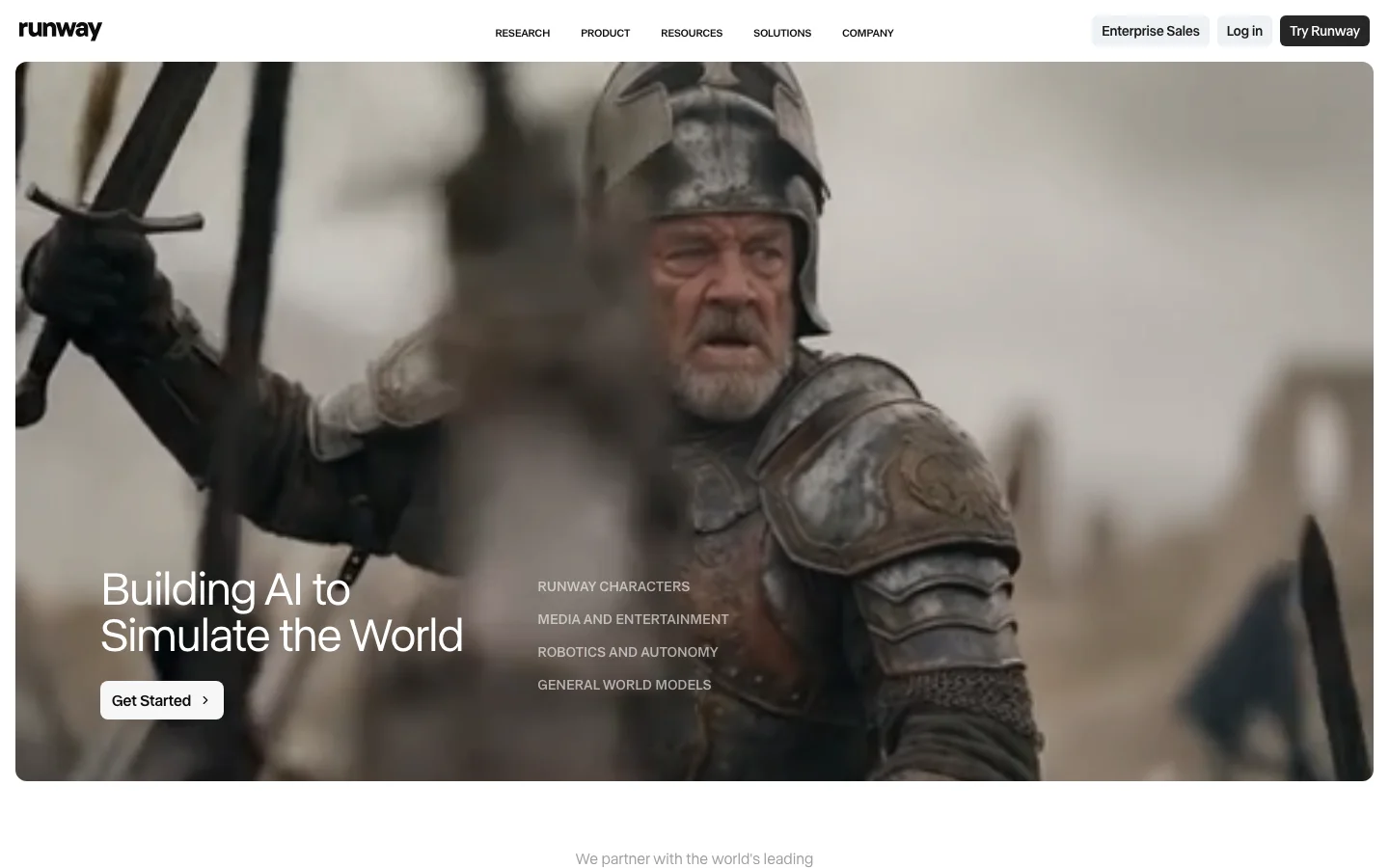
RunwayML is the filmmaker's tool of record for narrative video work. Where Kling AI and Luma Dream Machine generate video from prompts with limited directorial control, Runway gives you compositional intent encoded at generation time. The camera control system is the clearest competitive moat: specify dolly in, dolly out, pan left, pan right, tilt, zoom, orbit, or static at defined intensity, and the model applies that camera movement while maintaining subject coherence across the clip. This is not a post-generation filter; it is shot language specified before the model runs. Narrative filmmakers, music video directors, and commercial video teams use Runway for shots that require specific camera vocabulary in a way that pure text-to-video generators simply cannot deliver. No competitor in the hosted category matches this feature depth for cinematically intentional work.
Gen-4 is the current stable model and the one most production workflows rely on. It introduced the References feature: upload reference images to lock character appearance or visual style across multiple shots, enabling narrative consistency that single-clip generators cannot provide. A reported workflow illustrates what the feature enables: a complete music video produced entirely in Gen-4 in two hours using References for character lock. Gen-4.5 added Image-to-Video with API support launching on the same day as the consumer release, a developer-first commitment that signals Runway's intent to be infrastructure, not just a consumer tool. Motion Brush (paint movement onto specific image regions), Director Mode (multi-shot sequence planning), and Inpainting are creative editing tools that exist in combination nowhere else in the category. The platform integrates cleanly into Adobe Premiere, DaVinci Resolve, and After Effects through official plugins, fitting directly into professional post-production pipelines. As a US-incorporated company, Runway carries no geopolitical friction in enterprise procurement, an explicit advantage over Kling (Kuaishou/China) in professional and government procurement contexts.
The credit math is the primary friction and it is worth modeling before subscribing. Gen-4 costs approximately 50 credits per 5-second clip. The Pro plan at $35/month includes 2,250 credits, yielding roughly 45 Gen-4 clips per month before overage. A short-form content creator needing 100+ generations per month burns through Pro in the first week and faces either overage charges or an upgrade to the Unlimited plan at $95/month, which is labelled misleadingly, as throttling and fair-use caps apply and advanced features still consume credits even on Unlimited. For production pipelines with deadline pressure and unpredictable generation volume, this creates real budget uncertainty. The second material gap is audio: Gen-4.5 generates silent video. Kling 2.6 ships with native audio generation; Veo 3 ships with native audio. Runway requires separate audio post-production for every clip, adding a workflow step that competitors have eliminated. Generation length is currently capped at 10 seconds; Kling and Luma are pushing toward longer native clip lengths.
Runway is the right platform for narrative filmmakers, commercial directors, and music video producers who need specific camera language, character consistency across shots, and clean integration into professional post-production software. It is not the right platform for high-volume social content creators who need cheap rapid iteration, developers building audio-visual pipelines who cannot absorb a separate audio step, or teams with restrictive enterprise procurement policies around Chinese-origin software who nevertheless need physics-heavy animation (Kling's actual strength). Pricing: Free (125 one-time credits), Standard $15/month, Pro $35/month, Unlimited $95/month. Verify current generation costs and credit allocations at runwayml.com as pricing has changed with each model release.
RunwayML Director Mode
Director Mode is RunwayML's multi-shot sequencing tool. It lets you plan a sequence of individual clips before generating anything, define camera movements for each shot, and assemble a narrative arc rather than a collection of unrelated generations. The practical result is that you can specify a push-in on shot one, a pan across on shot two, and a static close-up on shot three, and Runway treats them as a coherent sequence rather than three separate prompts.
Gen-4.5 integrates directly with Director Mode, so the camera vocabulary you specify translates into the model's generation parameters at runtime. This is not a timeline editor applied after the fact; the directorial intent is encoded before the model runs. Combined with the References feature, which locks character appearance across shots using uploaded images, Director Mode makes RunwayML the only accessible tool that lets you work like a director rather than a prompt engineer.
Filmmakers use it for music videos where character consistency matters across 20 to 30 shots. Commercial video teams use it to pre-visualize scene structure before committing to a full generation budget. If you have compared RunwayML to Sora, Kling AI, or Luma Labs and felt the others lack precision, Director Mode is the specific reason Runway is different.
How Director Mode Works: Step by Step
Director Mode operates as Runway's multi-shot pre-production interface. Here is how a typical session runs:
Start a new sequence. From the Runway dashboard, open Director Mode and create a new project. Each project holds a series of shots you plan before any generation runs.
Define each shot. For every clip in your sequence, you set the camera movement type: dolly in, dolly out, pan left, pan right, tilt up, tilt down, zoom, orbit, truck, or static. Each movement has an intensity slider, and the convention is to start conservative (0.5 to 1.0 range) and increase only if the motion reads as too subtle on playback.
Add reference images for character lock. Upload reference images of your subject using the References feature before generating. Gen-4.5 uses these to lock character appearance across every shot in the sequence, so the same person or object reads consistently even when the camera angle and framing change between clips.
Use Motion Brush for region-specific movement. On image-to-video shots where you want only part of the frame to move, Motion Brush 3.0 lets you paint the specific area and assign a direction vector and speed to that region. A character's hair moves; the background stays still. This is a separate tool from camera control and works at the object level rather than the shot level.
Generate and chain. Each clip renders at 5 to 10 seconds. Director Mode treats the sequence as a unit rather than isolated generations, which keeps camera grammar consistent across cuts. Clips stitch in the in-browser timeline editor before export.
The core difference between Director Mode and the camera controls in Kling 3.0 and Luma Dream Machine is where the control lives. Kling 3.0's storyboard tool and Luma's Camera Motion Concepts both work primarily through natural language at prompt time: you describe the camera move in text and the model interprets it. Runway's Director Mode encodes the camera instruction as a structured parameter before the model runs, which gives more predictable output when you need a specific move to land exactly right. Luma's 3D volumetric architecture produces excellent parallax on orbit and dolly shots, and Kling 3.0 added native lip-synced audio to its storyboard pipeline that Runway does not currently match. The practical advantage of Director Mode is precision and repeatability across a planned sequence rather than any single shot type.
RunwayML Pricing Plans 2026
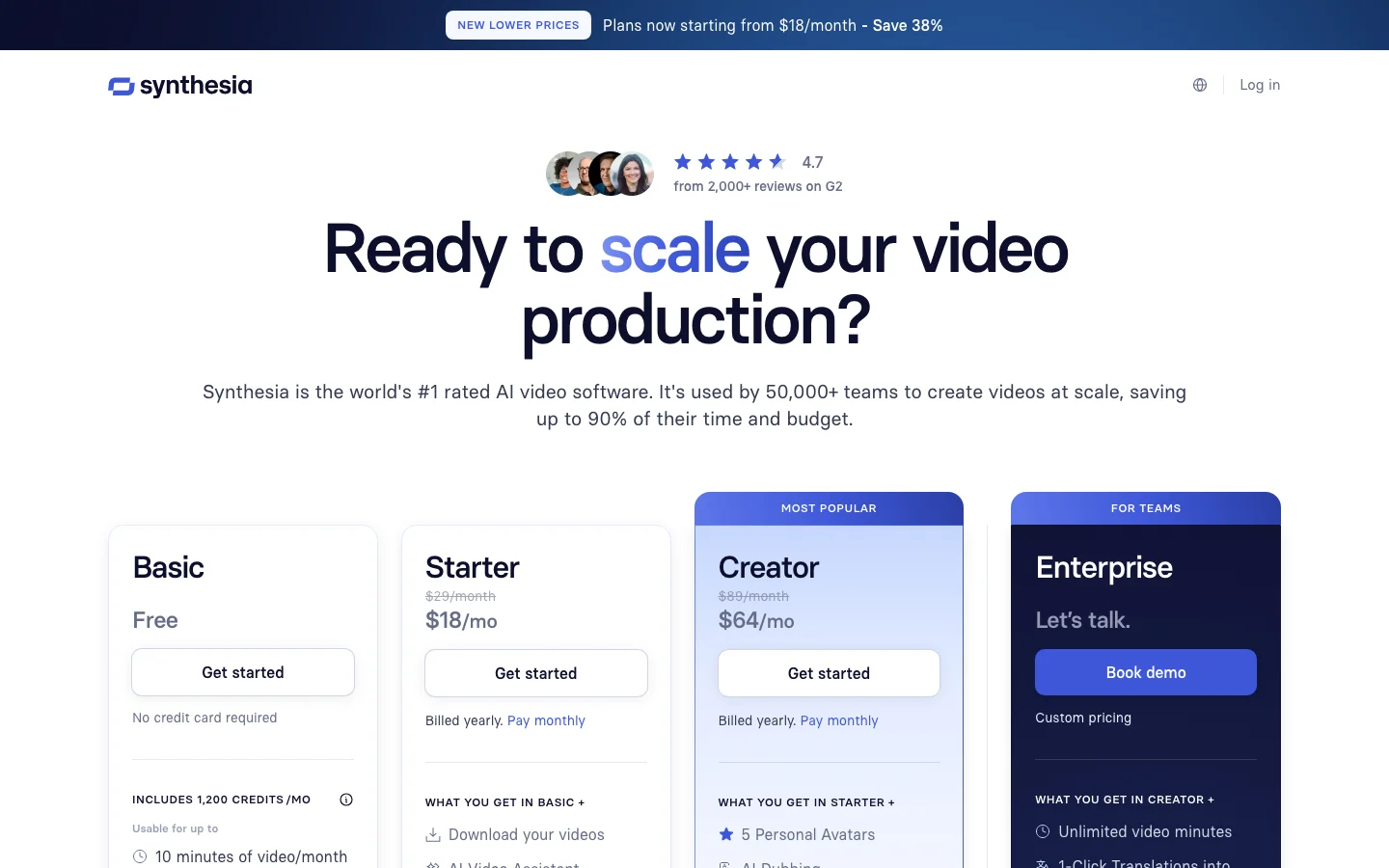
RunwayML offers five tiers. The Free plan provides 125 one-time credits with watermarked output, enough to test the interface but not enough for production work. Standard at $15/month adds roughly 625 credits per month, which covers about 12 to 15 Gen-4.5 clips, and is the minimum subscription tier for casual creators who generate infrequently.
Pro at $35/month is the practical entry point for regular use. It includes around 2,250 credits monthly, yielding approximately 45 five-second Gen-4.5 clips before overage. Community consensus is that Standard burns through too quickly for anyone iterating seriously. Unlimited at $95/month removes the hard credit cap but applies fair-use throttling and lower generation priority, so the "unlimited" label is not literal under deadline conditions.
Enterprise pricing is negotiated directly and covers dedicated capacity, custom data handling, and SLA commitments, primarily relevant for studios and post-production houses.
For comparison, Kling AI charges roughly $0.12 per five-second clip on pay-as-you-go, which is more cost-efficient for high-volume work. Luma Labs offers a free tier with no watermark. Runway's pricing reflects its positioning as a professional tool rather than a high-volume generation engine. Verify current credit costs at runwayml.com before subscribing, as pricing has changed with each model release.
Frequently Asked Questions
What is RunwayML Director Mode?
Director Mode is RunwayML's multi-shot planning tool that lets you design a sequence of camera movements before generation runs. Available in Gen-4.5, it lets you specify push-ins, pull-outs, pans, and tracking shots for each clip in a sequence, then generate them with consistent camera language and character appearance using the References feature.
How much does RunwayML cost in 2026?
RunwayML pricing in 2026: Free (125 one-time credits, watermarked), Standard at $15/month (~625 credits), Pro at $35/month (~2,250 credits, roughly 45 Gen-4.5 clips), Unlimited at $95/month (fair-use throttled), and Enterprise at custom pricing. Credits are consumed per generation; Gen-4.5 costs approximately 50 credits per five-second clip. Check runwayml.com for current rates.
Is RunwayML worth it for solo creators?
It depends on what you are making. If you need precise camera control for narrative or commercial video, the Pro plan at $35/month is hard to replace. If you primarily need high-volume social content or photorealistic generation without specific camera intent, Luma Labs or Kling offer better cost-per-clip ratios. RunwayML earns its price for creators who treat it like a cinematography tool, not a generation machine.
Does RunwayML have a free trial?
Yes. RunwayML's Free plan includes 125 one-time credits with watermarked output. That is enough for eight to ten test clips using Gen-4.5. There is no time limit on the free tier, but the credit pool does not replenish monthly. If you exhaust the 125 credits and want to continue, you need to subscribe to Standard or above.