I Tested 10 AI Video Generators in 2026 (Here's What Actually Happened)
A Reddit thread titled "I tried 18 AI video generators so you don't have to" pulled 420 upvotes and 686 comments. That framing dominates because it's what people actually need: someone who sat down with the tools, hit the walls, found the workarounds, and wrote it up straight. This is Belreos's version of that for the tools we cover.
The criteria I used: output quality at the stated price, free tier usefulness (specifically: does it watermark, how many clips do you actually get, can you use it commercially), speed, and watermarking policy since that came up repeatedly in community threads. The tools covered: Luma Labs, RunwayML, Kling AI, Higgsfield, DomoAI, Pollo AI, Vozo AI, HeyGen, Descript, and Grok Imagine. Sora was covered in earlier passes of this roundup; OpenAI shut down the consumer product in April 2026, and the developer API closes September 24, 2026, so it has been dropped from the lineup below.
The short version of what I found: the free tiers are mostly worse than advertised, watermarks are near-universal unless you pay, and the "best" tool depends entirely on whether you need text-to-video generation, style transfer, or dubbing. These are different products that happen to share a category name.
The Three Categories You Are Actually Choosing Between
Text-to-video means generating new clips from scratch using a text prompt or reference image. Most people mean this when they search for an AI video maker. Luma Labs, RunwayML, Kling AI, Higgsfield, and Grok Imagine all compete here. The differentiators are photorealism, clip length, camera control, audio-native output, and free-tier access.
Style transfer means taking existing footage or images and converting them into a different visual style: anime, cartoon, oil painting, Ukiyo-e. DomoAI owns this corner. RunwayML and Kaiber also do it, but it is not their core product.
Video dubbing and localization means translating and redubbing existing video into other languages with lip sync to match. HeyGen owns this category. Vozo AI is a newer alternative without the annual subscription commitment. Descript approaches it from the editing side, not the dubbing side.
Pollo AI is an outlier: an aggregator that lets you run Kling, Veo 3, and other models from one dashboard. No native model. Whether that matters depends on how you weigh aggregator convenience against the billing problems documented in 2025.
Quick Comparison Table
| Tool | Category | Free Tier? | Watermark on Free? | Starting Paid Price | Best For |
|---|---|---|---|---|---|
| Luma Labs | Text-to-video | No | N/A | $30/mo (Plus) | Photorealism, Ray3 model quality |
| RunwayML | Text-to-video | Limited trial | Yes | $15/mo (Standard) | Directorial camera control |
| Kling AI | Text-to-video | Yes (66 credits/day) | Yes, permanent | $8.80/mo (Standard, $6.99 first month) | Physics, character animation, volume |
| Higgsfield | Aggregator + own tools | No | N/A | From $9/mo (entry plan) | Camera control, character consistency across 15+ hosted models |
| DomoAI | Style transfer | No | N/A | $9/mo (Basic, billed annually) | Anime, illustration, VTuber content |
| Pollo AI | Aggregator | Yes (~10 credits/mo) | Yes | $10/mo (Lite) | Model comparison only |
| HeyGen | Dubbing/localization | Limited (1 min/mo) | Yes | $29/mo | Avatar video, enterprise dubbing |
| Vozo AI | Dubbing/localization | Yes (limited) | Yes | $29/mo | Monthly dubbing without annual lock-in |
| Descript | Video editing/overdub | Yes (freemium) | Watermark on free exports | $24/mo (Creator) | Transcript-based editing, AI overdub |
| Grok Imagine | Text-to-video | Inconsistent, account-dependent | Unknown | $30/mo (SuperGrok) | Cost-efficient generation with native audio |
Best Free AI Video Generators (2026)
The honest framing upfront: "free AI video generator" usually means "watermarked, low-res, very limited credits, non-commercial use only." The tools below are the best free options given those constraints, ranked by how usable the free tier actually is.
Kling AI Free Tier
Kling AI gives you 66 credits per day that reset at midnight and do not roll over. At that allocation, you can generate roughly 6 five-second clips per day on the standard model. The catch: every free-tier video carries a visible Kling AI watermark and maxes out at 720p resolution. That makes it unsuitable for client-facing work or anything commercial, but genuinely useful for learning the tool, previewing concepts, or producing content where watermarks are acceptable.
The watermark on Kling's free tier is not subtle. If you are building a portfolio or testing output quality before committing to a paid plan, it works. If you need clean output, you need a paid plan (Standard is $8.80/month, $6.99 for the first month, or about $6.60/month if you pay annually).
Pollo AI Free Tier
Pollo AI's free plan gives you approximately 10 credits per month, which translates to a handful of video generations across multiple model choices (Kling, Veo 3, Wan, Seedream). All free-tier output carries a Pollo AI watermark. The value of the free tier is not in production volume; it is in model comparison. You can run the same prompt through Kling and Veo 3 side by side without managing separate accounts, which is the only thing the Pollo free tier is genuinely good for.
Paid tiers start at $10/month (Lite, 300 credits, watermark-free). The credit math at Lite is still tight for regular production. See the full Pollo AI review below for the billing history context before subscribing to any paid tier.
If you want no-watermark free output on text-to-video in 2026, the honest answer is there is not a good option in this tier. Kling's daily credits are the closest thing to a usable free option, and even that comes with a permanent watermark and a 720p cap. Luma Labs no longer has a free tier -- as of August 2026, all Luma plans require a paid subscription starting at $30/month (Plus).
The Watermarking Reality
Every free tier in this category watermarks output as of mid-2026. This comes up constantly in community threads and it is worth naming directly: if you need clean video for commercial use, free AI video generators are not a viable production option. They are evaluation tools. Budget $7-$30/month for the lowest paid tier of whichever model fits your workflow, or accept the watermark and use the output accordingly.
Luma Labs Review -- 3.0/5
Best for: Photorealistic text-to-video, animating Midjourney images, high-volume social content
See our full review
Luma Labs is a 3D computer vision company that built its reputation on NeRF photogrammetry before Dream Machine existed. That background shows in the output: materials behave like materials, depth reads correctly, and motion in natural environments carries a photorealism that working creators in r/midjourney consistently single out as the best accessible tool produces at this price. The 2025 research paper "Beyond Diffusion: Inductive Moment Matching" pulled 202 points on HackerNews. That is a technical community validating the engineering, not a marketing announcement.
The current model, Ray3, generates 5- and 10-second clips from text or reference images, with start/end keyframe control. The paid Plus plan starts at $30/month. As of August 2026, Luma Labs has no free tier -- Plus is the entry-level plan.
The honest limitation is camera control. Where RunwayML lets you specify push-ins, pull-outs, pans, and tracking shots with real adherence, Luma's model has its own creative instinct. Output is often beautiful. It is rarely exactly what you directed. One r/lumalabsai user: "The AI just does whatever it wants and doesn't respect the instructions you give it." Luma rewards creative latitude. It frustrates directors who need compositional precision.
In 2026 community rankings, Luma sits behind Veo 3.1 and Gen-4.5, and solidly ahead of Pika and Hailuo. Stable mid-tier position at a price that makes sense for solo creators.
One important note: dream-machine-ai.com is a scam copycat site. The legitimate platform is at lumalabs.ai. Billing complaints in some forums trace to the lookalike domain, not Luma itself.
RunwayML -- The Professional Benchmark
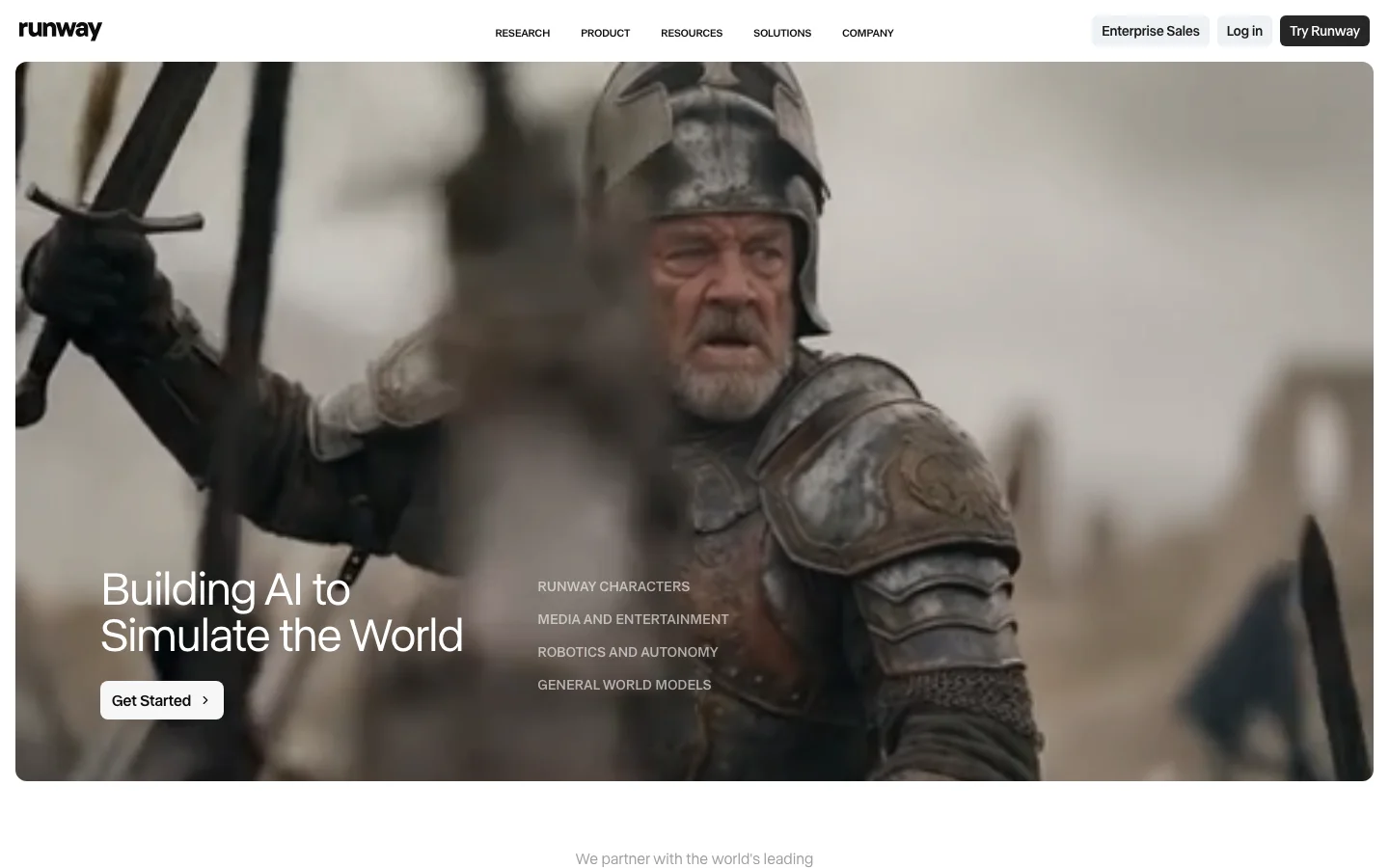
Gen-4.5 is the benchmark other tools get measured against in professional community threads, for one specific reason: camera control. Runway lets you specify camera movements with directional adherence that no other accessible tool currently matches. If you are directing a shot rather than prompting for a vibe, this is what the community reaches for.
Pricing: Standard at $15/month, Pro at $35/month, Unlimited at $95/month. Community consensus is that Pro ($35) is the minimum viable tier for regular use. Standard burns through credits fast. Unlimited's "unlimited" label comes with lower priority queuing and fair-use caps that make it unreliable for deadline-driven production.
The widening weakness is audio. Gen-4 and Gen-4.5 generate silent video. Kling 2.6 and Veo 3 both ship with native audio. For music video creators and UGC producers, adding audio requires a separate step. That workflow friction is noticed and cited with increasing frequency in comparison threads.
Community framing: Runway is the filmmaker's tool. Kling is the physics and volume tool. Working creators regularly use both in the same project.
Kling AI -- The Value Competitor
Where Runway wins on directorial control and Luma wins on photorealism, Kling wins on physics simulation, character animation, and credit-per-dollar at volume. Free tier: 66 credits per day (watermarked, 720p). The Standard plan runs $6.99 for the first month, then $8.80/month recurring, or about $6.60/month if you pay $79.20 upfront for the year.
The most consistent community complaint is not about quality. It is about credit allocation stifling iteration. Direct quote from r/KlingAI_Videos: "KLING is amazing but exceptionally predatory with constant increase in costs and credit allocation, it's pure greed." Users paying for Kling are frustrated about how much they are paying, not about whether the output is good. Worth knowing before you commit.
Kling 2.6 added native audio generation and 1080p output. Kling 3.0 added multi-shot sequences with spatial continuity. The roadmap cadence is fast and the community takes it seriously.
For HeyGen vs Synthesia users who also do text-to-video work, see our HeyGen vs Synthesia comparison for how the avatar video market sits alongside these generation tools.
Higgsfield Review -- 3.5/5
Best for: Camera control and character consistency across multiple hosted models, without managing separate subscriptions
See our full review
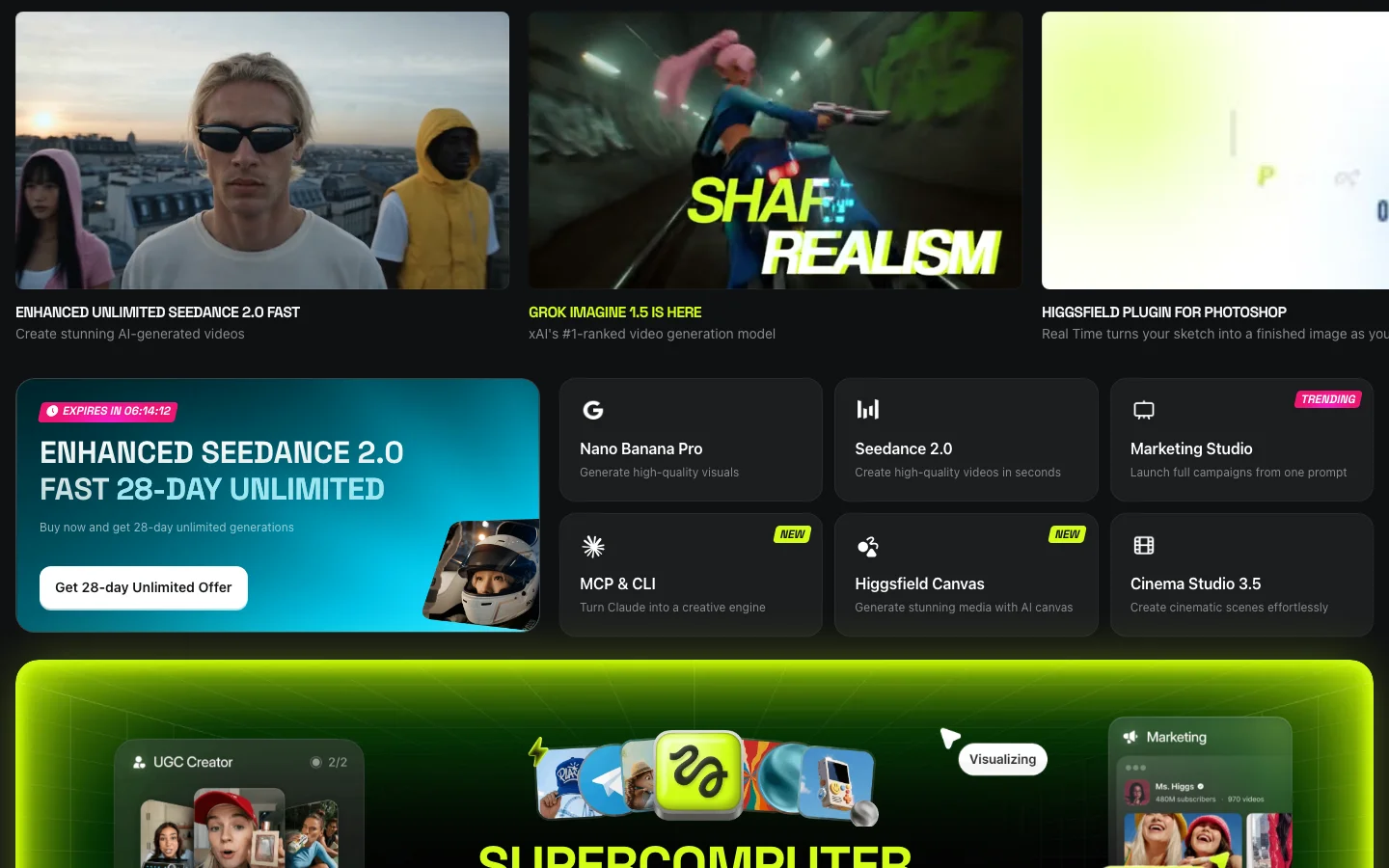
Higgsfield is not a single model. It is a San Francisco-based aggregator that hosts more than 15 third-party models, including Kling 3.0, Veo 3.1, and Seedance 2.0, under one subscription, and layers its own tools on top: Soul ID for face and character lock across generations, Cinema Studio for camera-move control, a LipSync Studio, and a Claude MCP connector for prompting from other apps. Creators on r/aivideo and the dedicated r/HiggsfieldAI and r/Higgsfield_AI communities describe running Kling generations through Higgsfield specifically for the added camera control and character continuity, not because Higgsfield trained its own base model.
That puts Higgsfield in the same category as Pollo AI: an aggregator, not a native model. The difference is depth. Pollo's free tier is genuinely useful for side-by-side model comparison, then you're expected to leave. Higgsfield has no free tier at all, and the pitch is that you stay: Soul ID and Cinema Studio are reasons to keep paying for the aggregator layer instead of going direct to Kling or Veo once you've picked a model.
Pricing is the messiest part of researching this tool. Belreos's own pricing data lists an entry plan around $9/month. Multiple third-party review sites (Creatify, imagine.art, mcstarters) report a $19/month Starter plan with 270 credits as the entry point, and other sources land anywhere between $5 and $19 for what's described as the same plan. Higgsfield's pricing page is a client-rendered app that doesn't expose plan prices in its raw page source, which made that number impossible to independently confirm this pass. Check higgsfield.ai/pricing directly before subscribing rather than trusting any single figure, including this one.
HeyGen and Synthesia -- The Avatar/Dubbing Pair
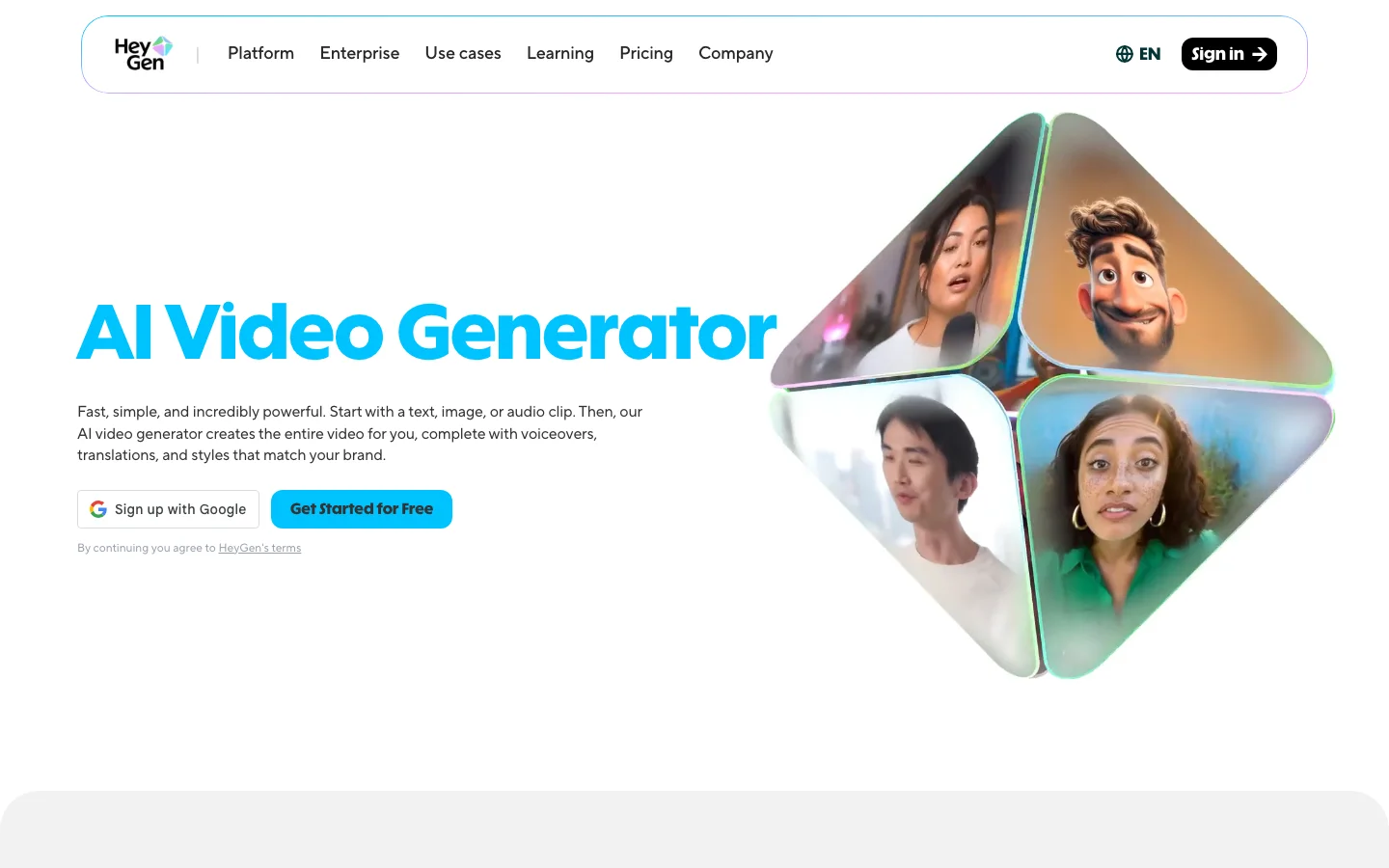
HeyGen and Synthesia are not text-to-video generators in the same sense as Luma or Runway. They are avatar video platforms and dubbing tools. HeyGen and Synthesia both let you create talking-head video from a script using an AI avatar, and both offer multilingual dubbing. The distinction matters: if you need a spokesperson video for a product walkthrough or a training module, these are the right tools. If you need to generate a scene from a text prompt, they are not.
For a full breakdown of which one fits which workflow, see HeyGen vs Synthesia 2026.
DomoAI Review -- 3.5/5
Best for: Anime and illustration style transfer, content repurposing, VTubers, social video at volume
See our full review
DomoAI owns a specific, defensible corner: anime and illustration-style transfer. The top posts on r/DomoAI are creators sharing output, not product announcements. "Bleach Reimagined" hit 544 upvotes. A Medusa character transfer hit 415. One creator documented converting Instagram Reels to anime-style video and selling through WHOP bounties, reporting $2,039 in a single month. That is a real production workflow with a specific sourced number.
Style transfer covers 70+ models including anime, Ukiyo-e, 3D cartoon, and realistic aesthetics, plus Image-to-Video animation, Character Animation, lip sync, and a 4K video upscaler. Standard and Pro plans include Relax mode, which processes at slower queue speeds without burning credits.
The main friction is pricing transparency. "1,500 credits" means 300 generations in Faster mode, 214 at mid-tier models, or 100 at high-quality models. The plan markets as "300 image to videos" which is only true for Faster mode. New users surface this discrepancy regularly.
Pollo AI Review -- 2.8/5
Best for: Free-tier model comparison only. Do not subscribe to paid tiers.
See our full review
The aggregator concept is genuinely good. One dashboard, multiple video models (Kling, Veo 3, Wan, Seedream), no separate accounts. On product merit, it would score around 3.8.
The billing situation is why the rating is 2.8.
At the Lite tier ($10/month, 300 credits), a single 5-to-10 second clip costs 30-37 credits: roughly 8-10 videos before hitting the wall. OpenArt at $7/month delivers around 50 videos. That is not close.
The more serious issue: in late 2025, multiple subscribers reported unauthorized recurring charges continuing months after cancellation. Support went unresponsive from October 4, 2025. Formal complaints were filed with the FTC, the ACCC, Stripe, and Apple. Separately, 15 or more Creator Partner Program members reported that September and October 2025 credit distributions were never issued; the company acknowledged the credits were "naturally not issued." Pollo is well-funded and not a fly-by-night operation. But documented unauthorized charges and a period of complete support abandonment are material risks.
Use the free tier (~10 credits/month) to compare model outputs. Then go direct to the model you preferred.
Vozo AI -- 3.0/5
Best for: One-time video dubbing projects, HeyGen alternatives without annual lock-in
See our full review
Vozo is solving a different problem than the text-to-video tools above. It is a video localization and dubbing platform: upload a clip, select a target language, review the translated script line by line, export with lip sync and voice cloning applied. Claims 110+ languages and a proprietary lip sync system called LipREAL.
The honest caveat: almost none of this has been independently verified by real users in professional communities. In threads where HeyGen is mentioned by name, Vozo does not appear unprompted. The Reddit posts that do mention Vozo are concentrated in r/bestai2025 and show the pattern of coordinated marketing. This does not mean the product is bad. It means the lip sync claims cannot yet be verified from real user experience.
Where Vozo has a verifiable edge: pricing structure. HeyGen requires an annual subscription for 4K export. Vozo's $29/month Pro tier has no annual lock-in. For a one-time dubbing project or a creator testing multilingual reach before scaling, the monthly option alone makes it worth trialing.
Descript -- The Editor's Entry Point
Descript approaches video from the editing side rather than the generation side. Its core feature is transcript-based editing: you edit video by editing the text transcript, and the tool handles the corresponding cuts, fills gaps with AI-generated speech (Overdub), and removes filler words automatically. The free tier is freemium (watermarks on exports, limited project storage). Paid Creator plan starts at $24/month.
Descript belongs in this roundup because it captures a real use case that pure text-to-video tools do not address: you already have footage and need to edit it efficiently. If you are a podcaster, YouTuber, or corporate video producer who records talking-head content, Descript is the AI-powered workflow tool. It is not competing with Runway or Kling. It is competing with Premiere Pro for the non-professional editor.
What Happened to Sora
OpenAI discontinued Sora as a consumer product on April 26, 2026, and the developer API closes entirely on September 24, 2026 -- after that date it will no longer be available at any price, through ChatGPT or otherwise. Luma Labs and RunwayML are the closest currently-available text-to-video tools covered in this roundup.
Grok Imagine Review -- 3.5/5
Best for: Cost-efficient generation with native audio, if you're already paying for SuperGrok
See our full review
Grok Imagine is xAI's video generation model, running on the Aurora autoregressive engine. It launched in August 2025 at version 1.0 (720p, 24fps, 6-15 second clips). xAI shipped Video 1.5 in May 2026, which moved output to 1080p and improved lip-sync and long-clip motion coherence: a real generation jump from the version most roundups still cite.
Cost and native audio remain the differentiators. At $0.07 per second (720p) via API, Grok Imagine generates a minute of video for roughly $4.20 including background music and sound effects. Google Veo 3.1 Preview runs about $12 per minute with audio by comparison. Access is either an X Premium subscription with SuperGrok ($30/month) or the API.
The caveat is the free tier, not the paid product. X's free-tier video access for Grok Imagine has changed several times in 2026: restricted in January after a wave of deepfake incidents, effectively removed in March, and reinstated August 21 at one video per day. By September 5, some free accounts were reporting zero video generations while others still had access. If you're evaluating this on a free account, expect it to be inconsistent depending on which account you're on, not a reliable daily allotment.
HN discussion volume for Grok Imagine stays low (single-digit-to-low-double-digit point threads), which means most of what's known comes from xAI's own announcements and third-party capability write-ups rather than a large independent user base. If cost-per-second with native audio is your decision axis and you're already in the xAI ecosystem, evaluate it. If you're not, Kling AI gives similar price points with a larger community and better documentation.
Who Should Use What
You need photorealistic video from text prompts or images, and price matters.
Start with Luma Labs. The Ray3 model produces strong photorealism at $30/month, the entry-level Plus plan (no free tier is available as of August 2026). Luma into RunwayML is the sensible upgrade path if you later need camera control.
You need directorial control: push-ins, pans, tracking shots.
RunwayML Gen-4.5. No other accessible tool comes close on this specific axis. Budget for Pro ($35/month); Standard burns too fast for regular use.
You need high-volume production output on a creator budget.
Kling AI, accessed directly. Better credit math than anything else at this level. Free tier: 66 credits/day, watermarked, non-commercial. Paid Standard: $8.80/month recurring ($6.99 first month, or about $6.60/month billed annually). Do not pay aggregator markup to access Kling through Pollo.
You want camera control and character consistency without picking one model forever.
Higgsfield. Hosts Kling, Veo, and Seedance under one subscription and adds Soul ID for character lock and Cinema Studio for camera moves. No free tier, entry plan around $9/month per Belreos's pricing data (verify current pricing directly, third-party reports run as high as $19/month).
You make anime content, VTuber videos, or repurpose existing footage into stylized clips.
DomoAI. Learn the credit math before buying, enable Relax mode once you are in. Not for photorealistic work.
You want to try multiple video models before committing to one.
Use Pollo AI's free tier (~10 credits) to compare outputs side by side. Then go direct to the model you preferred. Do not subscribe to Pollo for production work.
You need to dub existing video into another language.
HeyGen for enterprise-grade avatar video and dubbing. Vozo AI at $29/month if you need monthly billing without annual lock-in. See HeyGen vs Synthesia 2026 for the full comparison including Synthesia.
You have existing footage to edit, not generate.
Descript. Transcript-based editing with AI overdub is a different workflow than anything else in this roundup.
You want the lowest cost-per-second with native audio.
Grok Imagine, now on Video 1.5 (1080p). $30/month via SuperGrok or $0.07/second via API. Skip the free tier for anything you're relying on: it has been turned on, off, and back on for different accounts throughout 2026.
The Bottom Line
The AI video category is not one market pretending to be three. It genuinely is three. The mistake most buyers make is treating "best AI video tool" as a single question with a single answer.
For photorealistic generation, Luma Labs is the accessible entry point and RunwayML is the professional upgrade for directorial work. For camera control and character continuity across multiple hosted models, Higgsfield is the aggregator that actually adds tooling instead of just reselling access. For stylized and anime content, DomoAI owns the niche with real creator results. For video dubbing, HeyGen leads the category and Vozo AI is the monthly-billing alternative. For transcript-based editing, Descript is the right tool. Grok Imagine is the cost-per-second pick if you're already in the xAI ecosystem. And Pollo AI works best as a free comparison tool, not a subscription.
On free tiers specifically: every free tier in this category watermarks output, limits resolution, and restricts commercial use. If clean video matters, free AI video generators are evaluation tools, not production tools.
FAQ
What is the best free AI video generator in 2026?
Kling AI offers the most generous free tier in 2026 at 66 credits per day (roughly 6 five-second clips), though all free-tier output carries a permanent watermark at 720p resolution and is non-commercial. Pollo AI also has a free tier (~10 credits/month) with tighter limits, useful mainly for model comparison. Luma Labs no longer has a free tier as of August 2026 -- Plus at $30/month is the entry point. No free tier in this category produces watermark-free commercial output.
Do free AI video generators add watermarks?
Yes, the free tiers that exist watermark output. Kling AI and Pollo AI apply permanent watermarks on free plans that cannot be removed retroactively by upgrading. Luma Labs no longer offers a free tier as of August 2026 -- all Luma output requires a paid Plus plan starting at $30/month. If you need clean commercial output, a paid plan is required.
What is the difference between Runway and Kling AI?
RunwayML Gen-4.5 excels at directorial camera control (push-ins, pans, tracking shots) and is the tool professional filmmakers reach for when shot direction matters. Kling AI excels at physics simulation, character animation, and credit-per-dollar volume. Many working creators use both in the same project: Runway for controlled close-ups, Kling for action sequences.
Is Pollo AI safe to subscribe to?
The product itself is functional, but Pollo AI had documented billing issues in late 2025, including unauthorized recurring charges after cancellation and a period of complete support unresponsiveness. The free tier is safe to use for model comparison. Subscribing to a paid tier carries risk given that history, and the credit math at the Lite tier is also unfavorable compared to direct tool subscriptions.
What is Grok Imagine?
Grok Imagine is xAI's video generation model (Aurora engine), running on the SuperGrok plan at $30/month or via API at $0.07/second for 720p video. It launched at version 1.0 and moved to Video 1.5 in May 2026, adding 1080p output and improved lip-sync. It includes native audio (background music and sound effects) in generated video and is cost-efficient relative to Google Veo 3.1. Its free tier on X has been inconsistent through 2026 and should not be relied on.
What is the best AI video generator for dubbing?
HeyGen is the category leader for professional avatar video and multilingual dubbing. Vozo AI is an alternative at $29/month with no annual subscription requirement. For a full comparison, see HeyGen vs Synthesia 2026.
Luma Labs, Kling AI, Higgsfield, and Grok Imagine pricing and free-tier details were reverified against vendor pricing pages and current reporting on September 18, 2026. RunwayML, DomoAI, Pollo AI, HeyGen, Vozo AI, and Descript figures reflect earlier passes and were not independently reverified this round. Free tier terms change frequently; verify directly on each tool's pricing page before committing. All Belreos ratings reflect editorial assessment based on verified community intelligence, not vendor claims.
Related Comparisons
- HeyGen vs Synthesia 2026: Which AI Video Platform Actually Delivers?
- Best AI Writing Tools 2026
- Best AI Art Generators 2026
- Best AI Voice Generators 2026
Browse more: AI Video Generators | All AI Tools