AI Coding Tools
AI-native code editors, copilot-style assistants, and AI pair programmers that help developers write, refactor, and understand code faster. Covers tools with deep editor integration, codebase-aware context, and multi-model support.
verdict
AI-native code editors, copilot-style assistants, and AI pair programmers that help developers write, refactor, and understand code faster. Covers tools with deep editor integration, codebase-aware context, and multi-model support.
The three we'd actually pay for.

GitHub Copilot is Microsoft and GitHub's AI coding assistant, and it remains the incumbent enterprise tool with the largest installed base in 2026. Tested across VS Code, JetBrains, and the GitHub web UI, it faces a wave…

What is Devin Desktop? Devin Desktop is an AI-powered coding environment built on a VS Code fork. You may know it as Windsurf, or before that, as the Codeium IDE. On June 2, 2026, Windsurf was officially renamed Devin De…

Update (June 2026): SpaceX exercised its option to acquire Anysphere, the parent company of Cursor, in an all-stock transaction announced June 16, 2026, valuing the deal at approximately $60 billion. The deal is signed a…
 4.0/5
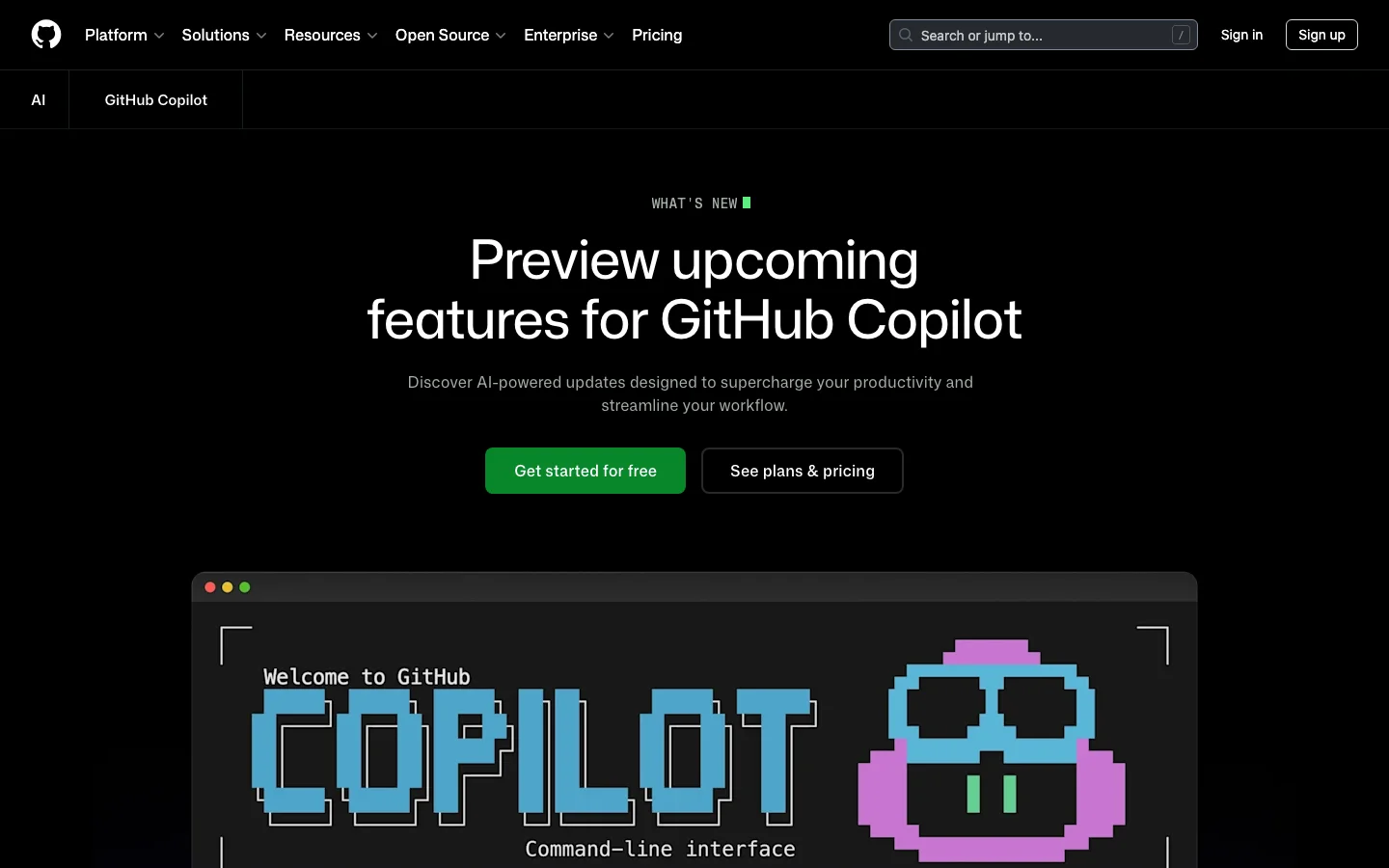
4.0/5GitHub Copilot is Microsoft and GitHub's AI coding assistant, and it remains the incumbent enterprise tool with the largest installed base in 2026. Tested across VS Code, JetBrains, and the GitHub web UI, it faces a wave of AI-first competitors - but its platform integration remains a genuine moat. It provides inline code completions, chat assistance, PR summaries, code review, and a newer agentic coding mode (the Copilot Coding Agent) powered by top models from Anthropic, OpenAI, Google, and xAI. For teams already embedded in the GitHub ecosystem, Copilot offers integration depth that no competitor can replicate. The strongest case for Copilot is its GitHub platform integration. PR summaries, AI-assisted code review, issue assistance, and web UI chat are features baked directly into github.com. Multi-IDE support across VS Code, Visual Studio, JetBrains, Neovim, and Xcode (beta) is broader than any competitor. For enterprise buyers, IP indemnification, SOC 2 compliance, FedRAMP authorization, data residency options, and audit logs check every box that procurement teams require before signing off. The Coding Agent - which can autonomously take an issue, open a branch, write code, and submit a PR - is a meaningful capability upgrade that brings agentic development to the platform. The honest picture for individual developers is more complicated. Rate limit changes introduced in early 2026, pricing adjustments made without adequate communication, and a legal disclaimer calling Copilot "for entertainment purposes only" (a thread that hit 7,500+ upvotes on r/github) have eroded community trust. Pro trials were paused in April 2026. The r/GithubCopilot subreddit has become a venue for developers announcing their switch to Cursor. The product is improving, but the community experience has declined. What GitHub Copilot Does Differently GitHub Copilot is not just another AI plugin layered on top of a code editor. It is woven into the GitHub platform itself, which creates capabilities that standalone AI coding tools cannot match. The Copilot Coding Agent can be assigned directly from a GitHub issue. You open an issue, assign it to Copilot, and the agent opens a branch, writes code, runs validation tools, and submits a pull request - all without leaving github.com. As of April 2026, this flow supports multi-agent subagents for complex tasks, and you can manage and monitor agent sessions directly from issues and projects. Remote control of CLI sessions from the web and mobile went to public preview in April 2026, meaning you can monitor and steer running agent tasks from your phone. Copilot Spaces - now generally available - are persistent project context environments. A Space remembers your files, custom instructions, and teammates. Unlike a standard chat session that starts fresh every time, a Space accumulates context over weeks of work. This is particularly useful for teams with shared codebases and consistent conventions. Agent mode in the IDE handles multi-step code changes, terminal commands, and browser interactions. Edit mode lets Copilot make direct file changes without requiring manual confirmation for each step. Inline agent mode arrived in JetBrains IDEs in preview in April 2026, bringing parity with VS Code. VS Code users also get access to a bring-your-own-model-key option (GA April 2026), where you can route Copilot completions through your own API keys for OpenAI, Anthropic, or other providers. Model Context Protocol (MCP) support is available across VS Code, JetBrains, and the GitHub CLI. Business and Enterprise plans support custom registry-based MCP allowlists, giving administrators control over which external tools agents can call. As of April 2026, GPT-5.5 is generally available in Copilot, joining Claude Opus 4.7, Gemini 3.1 Pro, and Grok Code Fast 1 in a model lineup that is the broadest of any AI coding tool currently available. Copilot Coding Agent - assign issues directly on GitHub, agent branches, codes, and opens PRs autonomously Copilot Spaces - persistent project workspaces with shared context for teams (GA 2026) Agent mode and Edit mode - multi-step file changes in VS Code and JetBrains without per-step confirmation MCP server support - connect external tools to Copilot in IDE and CLI; allowlists for enterprise Model choice - GPT-5.5, Claude Opus 4.7, Gemini 3.1 Pro, Grok Code Fast 1, and more selectable per task Bring your own key - route Copilot through your own model API keys in VS Code Code review - AI-suggested review comments on pull requests; now includes PR merge metrics in usage API PR summaries - auto-generated descriptions directly on github.com GitHub CLI integration - auto model selection, MCP allowlists, C++ code intelligence (preview) FedRAMP and data residency - US and EU data residency available since April 2026 GitHub Copilot Pricing Plans 2026 GitHub Copilot has six pricing tiers as of April 2026. The structure has become more complex with the introduction of "premium requests" - a metered pool consumed by agent mode, code review, Copilot cloud agent, and chat using frontier models. Standard completions and basic chat remain unlimited on paid plans. Individual Plans Free ($0/mo) - 2,000 completions per month, 50 chat messages per month, limited premium requests. Genuinely usable for evaluation; covers light daily coding. Pro ($10/mo) - Unlimited completions, unlimited chat, 300 premium requests per month. Access to Claude Sonnet 4, GPT-5 mini, Gemini 2.5 Pro, and other mid-tier models. Claude and Codex on GitHub and in VS Code. This is the starting point for serious daily use. Pro+ ($39/mo) - All Pro features plus a higher premium request quota and access to a broader model selection. Rate multipliers apply - heavier models like Opus consume more premium request units per call. Max ($99/mo) - 1,500 premium requests per month, access to all available models including Claude Opus 4.7, GPT-5.5, and Gemini 3.1 Pro. Positioned for developers who run agent mode heavily or work with the largest frontier models. Team and Enterprise Plans Business ($19/user/mo) - All Pro+ features plus team administration, centralized billing, SSO, IP indemnification, and 300 premium requests per user per month. Note: new self-serve signups for Business were paused in April 2026 - contact GitHub sales. Enterprise ($39/user/mo) - All Business features plus fine-tuning on internal codebases, knowledge bases for organizational documentation, audit logs, SCIM provisioning, and 1,000 premium requests per user per month. FedRAMP-authorized models and data residency options available. Pricing note: GitHub periodically adjusts premium request allocations and model availability per plan without advance notice. Before committing to a plan, verify current quotas at github.com/features/copilot/plans. Annual subscriptions were removed at some point in 2025; all individual plans are currently month-to-month. GitHub Copilot vs Cursor The comparison between GitHub Copilot and Cursor is the dominant conversation in AI coding communities in 2026. Both support multiple frontier models, agentic coding flows, and VS Code-based workflows - but they optimize for different things. Cursor is a standalone VS Code fork designed around agentic editing from the ground up. Its Composer agent handles complex multi-file refactors with strong context awareness, and its community is evangelical. Cursor 3, launched in April 2026, introduced cloud agents, multi-agent parallel execution, and a dedicated agents window. Pricing starts at $20/mo for Pro and $40/user/mo for Teams - higher than Copilot at the individual level. Copilot is a plugin and platform service. Its strength is not the editor experience itself, but the GitHub ecosystem around it: PR summaries, issue-driven coding agent, code review suggestions, and web UI chat all live inside github.com. These are features Cursor cannot replicate because Cursor is not the platform hosting your code. For individual developers doing intensive agentic coding, Cursor's editing experience is generally rated higher in community comparisons. For enterprise teams embedded in GitHub with compliance requirements - IP indemnification, FedRAMP, audit logs, SSO - Copilot is the clearer choice. The $10/mo vs $20/mo Pro pricing also makes Copilot the lower-friction entry point for teams that just need capable completions and chat. Cursor wins: agentic editing depth, community sentiment, VS Code-native editing speed, model transparency Copilot wins: GitHub platform integration, IDE breadth, enterprise compliance, free tier, model variety Tied: model selection quality, MCP support, multi-file editing capability Is GitHub Copilot Worth It in 2026? For enterprise teams, the answer is still yes. The GitHub platform integration is real and unmatched. No other AI coding tool gives you autonomous PR submission from issues, AI code review built into your existing PR workflow, and fine-tuning on your internal codebase - all under one subscription with IP indemnification and audit logs. Enterprise procurement teams know and trust GitHub; the procurement cycle is shorter than for newer tools. For individual developers, the answer depends on your workflow. If most of your work happens inside GitHub - reviewing PRs, working from issues, using the GitHub web UI - Copilot at $10/mo is strong value. The Coding Agent, Copilot Spaces, and the model selection are genuinely capable. If you spend most of your time in the editor doing intensive multi-file coding work, Cursor's editing experience is rated higher by the community, despite the higher price. The main risk with Copilot in 2026 is trust. Rate limit changes, plan changes, and quota adjustments have happened without consistent advance communication. Developers who built their workflow around specific model access have found it removed or restricted. If pricing stability matters to you, read the changelog regularly and do not assume that what the plan offers today will be unchanged in three months. Frequently Asked Questions Is GitHub Copilot worth $10 per month? For most developers who already use GitHub for code hosting and PR workflows, yes. The Pro plan at $10/mo gives unlimited completions, 300 premium requests for agent mode and chat, and access to Claude Sonnet 4, GPT-5 mini, and Gemini 2.5 Pro. That model lineup at $10/mo is competitive with anything in the market. The main caveat: premium request quotas can run out mid-month if you use agent mode heavily, at which point you are limited to standard completions until the monthly reset. How does Copilot pricing compare to Cursor? Copilot Pro is $10/mo vs Cursor Pro at $20/mo. For teams, Copilot Business is $19/user/mo vs Cursor Teams at $40/user/mo. Copilot is cheaper at every tier. However, Cursor Pro includes more generous usage on frontier models relative to Copilot Pro's 300 premium request limit. If you use agent mode daily on complex tasks, the effective cost difference narrows. Both tools have higher tiers for heavier usage: Copilot Max at $99/mo and Cursor Ultra at $200/mo. Does GitHub Copilot work outside VS Code? Yes. GitHub Copilot has official support across VS Code, Visual Studio, JetBrains IDEs (IntelliJ, PyCharm, WebStorm, GoLand, etc.), Neovim, Xcode (beta), and Eclipse (beta). The GitHub CLI also supports Copilot completions and agent mode. This IDE breadth is a genuine differentiator over tools like Cursor, which is a standalone VS Code fork and does not natively support JetBrains or Visual Studio. What models does Copilot support in 2026? As of April 2026, Copilot supports models across four providers: Anthropic (Claude Haiku 4.5, Sonnet 4, Sonnet 4.5, Sonnet 4.6, Opus 4.5, Opus 4.6, Opus 4.7), OpenAI (GPT-5 mini, GPT-5.2, GPT-5.2-Codex, GPT-5.3-Codex, GPT-5.4, GPT-5.4 mini, GPT-5.5), Google (Gemini 2.5 Pro, Gemini 3 Flash preview, Gemini 3.1 Pro preview), and xAI (Grok Code Fast 1). Not all models are available on all plans. Opus 4.7 and GPT-5.5 require higher-tier plans. Model availability can change - GitHub retired Opus 4.6 Fast from Pro+ in April 2026 without advance notice. Is my code used to train future models? No, if you use a paid plan. GitHub's policy for paid Copilot plans (Pro, Business, Enterprise) explicitly excludes your code and prompts from being used to train the underlying models. The free tier has different telemetry settings. Business and Enterprise plans offer additional controls, including the ability to disable Copilot suggestions for specific file types or repositories. For regulated industries, the Enterprise plan adds audit logs and admin controls over data handling. Can Copilot handle multi-file refactors? Yes, with caveats. The Copilot Coding Agent can handle multi-step, multi-file tasks when assigned from a GitHub issue - it opens a branch, writes code across files, and submits a PR. In-IDE agent mode in VS Code and JetBrains also supports multi-file editing sequences. However, community comparisons consistently rate Cursor's Composer agent as more capable for complex refactors done directly in the editor, particularly for tasks where you need iterative back-and-forth. Copilot's agentic strength is in the GitHub platform workflow (issue to PR), not in the editor-native refactoring experience. If you want unlimited autocomplete for free GitHub Copilot's free plan caps completions at 2,000 per month -- enough for light use, but it runs out fast in an active project. Devin Desktop (formerly Windsurf, formerly Codeium) offers unlimited tab autocomplete on its free tier with no credit card required. It works as a standalone VS Code fork or as a plugin for VS Code and JetBrains. The agentic features are limited on the free plan, but for pure autocomplete it removes the monthly cap entirely. Before you switch: Devin Desktop went through an acquisition by Cognition in December 2025 and was rebranded from Windsurf to Devin Desktop in June 2026. The product is functional and the free autocomplete offer has stayed consistent through those changes, but it is a younger company with less stability track record than Copilot. There is no Belreos review yet -- Cursor is the catalog alternative if you want a reviewed agentic coding tool, though Cursor's free tier is trial-style rather than ongoing.
 3.5/5
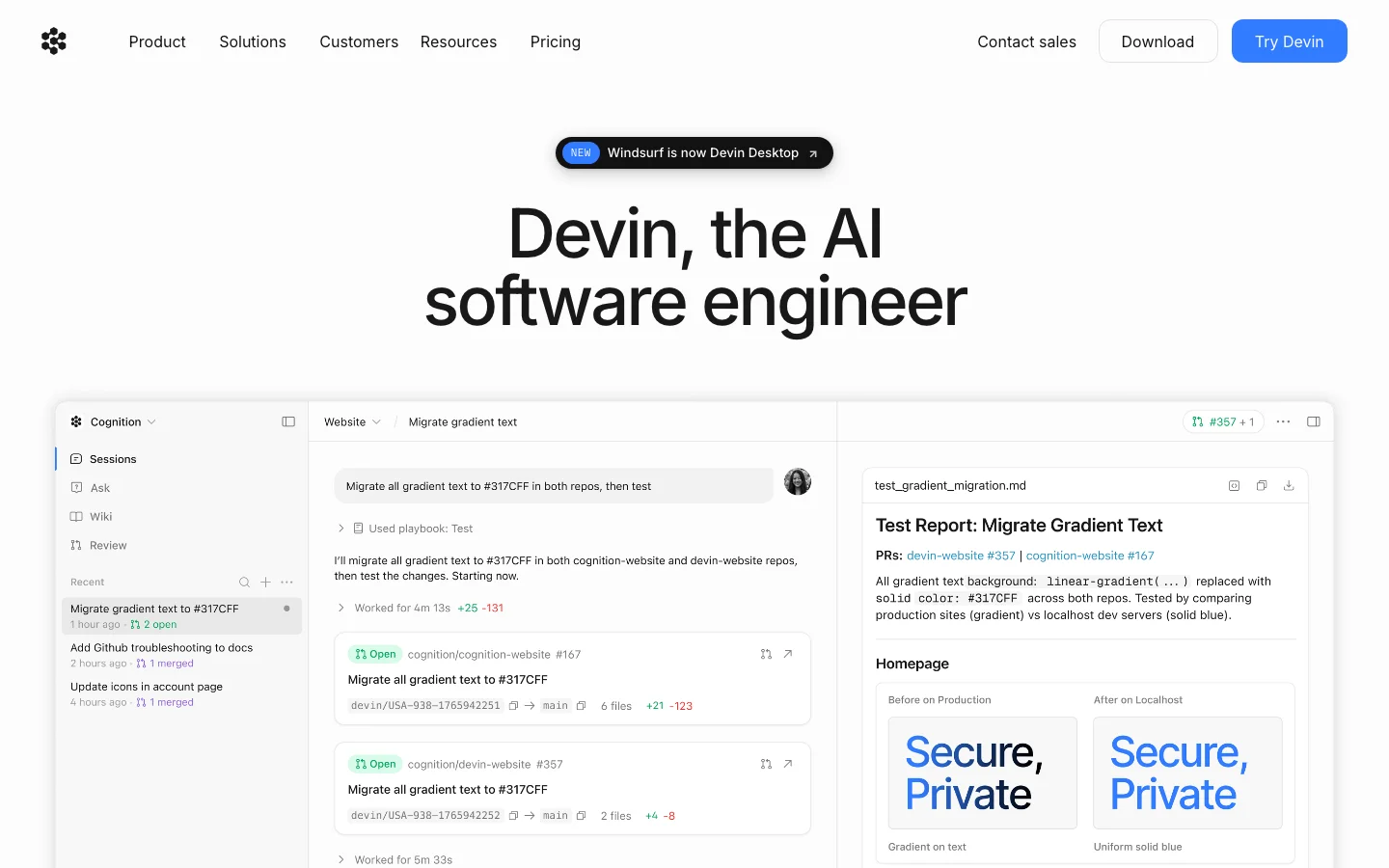
3.5/5What is Devin Desktop? Devin Desktop is an AI-powered coding environment built on a VS Code fork. You may know it as Windsurf, or before that, as the Codeium IDE. On June 2, 2026, Windsurf was officially renamed Devin Desktop following its acquisition by Cognition AI (the company behind the Devin autonomous coding agent). If you've been searching for "Windsurf IDE" or "Codeium editor," this is the same product. The core pitch has stayed consistent through three name changes: unlimited tab autocomplete with no credit card, competitive with GitHub Copilot but free at the baseline. The agentic layer has changed more significantly. The built-in Cascade agent, which handled multi-file editing tasks, was sunset on July 1, 2026 and replaced by Devin Local, a Rust rewrite that Cognition claims is up to 30% more token-efficient. Independent testing by developer Danila Danilchenko showed roughly 18,000 tokens on a task where Cascade previously burned 24,000 - the efficiency claim holds up in at least one real-world comparison. Who it is for Devin Desktop works well for developers who want: Copilot-style autocomplete in a standalone IDE without paying $10-20/month for it An agentic editor in the same category as Cursor, with multi-file task handling A way to run Claude, Codex, and other agents from one environment (via Agent Client Protocol support) It is a weaker choice if you need long-term stability guarantees. The founding team departed for Google after the acquisition fell through at the expected valuation. The product now belongs to Cognition AI, a company that built its reputation on a different product (cloud-based autonomous coding agents, not an IDE). That organizational mismatch is a real consideration for developers who invest heavily in IDE muscle memory and tooling. Free tier The free plan gives you: Unlimited tab autocomplete across 70+ programming languages Unlimited inline edits Light agent quota (Devin Local sessions; exact daily limit not published, but designed for light agentic work, not full task runs) Limited model selection No credit card required The autocomplete is the headline. GitHub Copilot's free plan caps at 2,000 completions per month. Devin Desktop's free plan has no such cap. For developers who primarily want completion suggestions and occasional inline edits, the free tier is a genuine value proposition that has survived the branding changes intact. The agent sessions on the free tier are metered. If you need to run multiple multi-file agentic tasks in a day, you will hit the limit. For that kind of usage, the paid plan is the intended path. The Windsurf plugins for VS Code and JetBrains still exist and provide autocomplete within your existing editor. These are in maintenance mode per official documentation: no new features are being added. If you do not want to switch editors, the plugin works, but it will not get the agentic capabilities that Devin Desktop receives. Paid plans PlanPriceWhat you get Free$0/monthUnlimited autocomplete and inline edits; light agent quota; limited models Pro$20/monthStandard daily/weekly agent quota; full model access (SWE-1.6, Claude, GPT-5, Gemini); cloud agents; up to 10 concurrent sessions Max$200/monthHeavy agent quota; all Pro features; for teams running intensive agent workloads Teams$80/month + $40/userUnlimited concurrent sessions; centralized billing; admin dashboard; priority support EnterpriseCustomSSO/SAML/SCIM; VPC deployment; dedicated support Pro is $20/month, the same price as Cursor Pro. The free-vs-paid comparison with GitHub Copilot remains meaningful (unlimited vs capped autocomplete), but the price advantage over Cursor no longer exists at the Pro level. The Pro price was raised from $15 in March 2026. What changed with the Devin Desktop rebrand For existing users, the June 2026 rebrand was technically invisible. Settings, extensions, and keybindings carried over automatically. The IDE icon changed. The product URL changed from windsurf.com to devin.ai. The functional changes: Devin Local replaces Cascade. Cascade is retired. Devin Local is a Rust rewrite with improved token efficiency and subagent support. Early reports suggest it loops less than Cascade did, though it can occasionally skip validation steps like running tests that Cascade would have caught. Agent Command Center. A new Kanban interface shows all running local and cloud agents. Useful for teams running parallel agents; potentially distracting for solo developers who spend most of their time in the editor view. Spaces. Context-sharing across agents, organizing sessions alongside pull requests and files. As of the rebrand, missing templates and team-sharing features, per early reviews. Work in progress. ACP support. The Agent Client Protocol allows Claude Agent, Codex, OpenCode, and custom in-house agents to run inside Devin Desktop alongside Devin Local. For teams already invested in Claude or Codex workflows, this matters. Pros Unlimited tab autocomplete on the free plan, no credit card required Devin Local is measurably more efficient than Cascade was (30% token reduction confirmed in at least one independent test) ACP support means you can bring your own agent (Claude, Codex) and run it from the same IDE Settings and extensions from Windsurf carry over automatically for existing users Multi-model access on Pro: Claude, GPT-5, Gemini, and Cognition's own SWE-1.6 Cons Free tier agent quota is limited and the exact daily cap is not published; you will hit it doing real agentic work The founding team that built Windsurf left for Google; Cognition acquired the product for roughly $250M after an expected ~$3B OpenAI deal fell through. This is a legitimate long-term adoption risk. Cascade was deprecated with under four weeks' notice, signaling how quickly the product direction can change under new ownership Agent Command Center and Spaces are in early form; the Kanban-first default feels misaligned for developers who mostly want a code editor with autocomplete Windsurf VS Code and JetBrains plugins are in maintenance mode; no new features are coming to them Pro pricing is now $20/month, identical to Cursor Pro, removing the pricing edge Stability and the ownership question Windsurf's founding team left for Google after the OpenAI acquisition fell through. Cognition AI bought the product at a significant discount to the rumored valuation. That context matters when evaluating whether to adopt Devin Desktop as a core tool. Cognition built its name on Devin, an autonomous cloud agent. Running an IDE is a different business. Whether Cognition invests in Devin Desktop with the same intensity that Codeium's original team did is an open question. The free autocomplete tier and the Devin Local agent are genuine improvements, but the product is 18 days into a rebrand with a new owner and a recent key-team departure. This does not mean the tool is not worth using. The free tier works well for developers who want unlimited autocomplete without paying for Copilot. But if you are comparing Devin Desktop to Cursor for a multi-year team commitment, the organizational stability of Cursor's team (Anysphere) is a factor worth naming. How it compares to the alternatives Devin Desktop competes directly with Cursor and GitHub Copilot in the AI coding IDE category. The free-tier comparison in the Cursor vs GitHub Copilot breakdown is worth reading alongside this review: Devin Desktop fills a gap those two leave open. GitHub Copilot's free plan caps completions; Cursor's free plan is trial-style rather than an ongoing tier. Devin Desktop's free plan is designed for sustained daily use with no credit limit on autocomplete. At the $20/month Pro level, all three charge the same price. The differentiator becomes feature set and which agentic model you prefer: Cursor uses its own model plus Claude; Devin Desktop uses SWE-1.6 plus Claude, GPT-5, and Gemini with ACP support. FAQ Is Devin Desktop the same as Windsurf?Yes. Windsurf was officially renamed Devin Desktop on June 2, 2026, after Cognition AI acquired the product (previously known as Codeium). Existing users saw an automatic update. The URL changed from windsurf.com to devin.ai. Is the free plan really unlimited for autocomplete?Tab completions and inline edits are unlimited on the free plan with no credit card required. Agent sessions (multi-file task runs via Devin Local) are limited to a light daily quota. If you need heavy agentic use, the free tier will not cover it. What happened to Cascade?Cascade, the original agentic layer in Windsurf, was retired on July 1, 2026. It was replaced by Devin Local, a Rust rewrite with better token efficiency and subagent support. Is Devin Desktop or Cursor better?At $20/month Pro, they are priced identically. Cursor has a more stable team and a longer track record as a standalone product. Devin Desktop has a stronger free tier and ACP support for running multiple agent types from one IDE. The right choice depends on whether the free tier is important to you and how you weigh the ownership uncertainty on Devin's side. Do the Windsurf VS Code / JetBrains plugins still work?Yes, but they are in maintenance mode. No new features are being added. For basic autocomplete in your existing editor they still function, but Cognition's documentation recommends Devin Desktop for full agentic capabilities.
 3.5/5
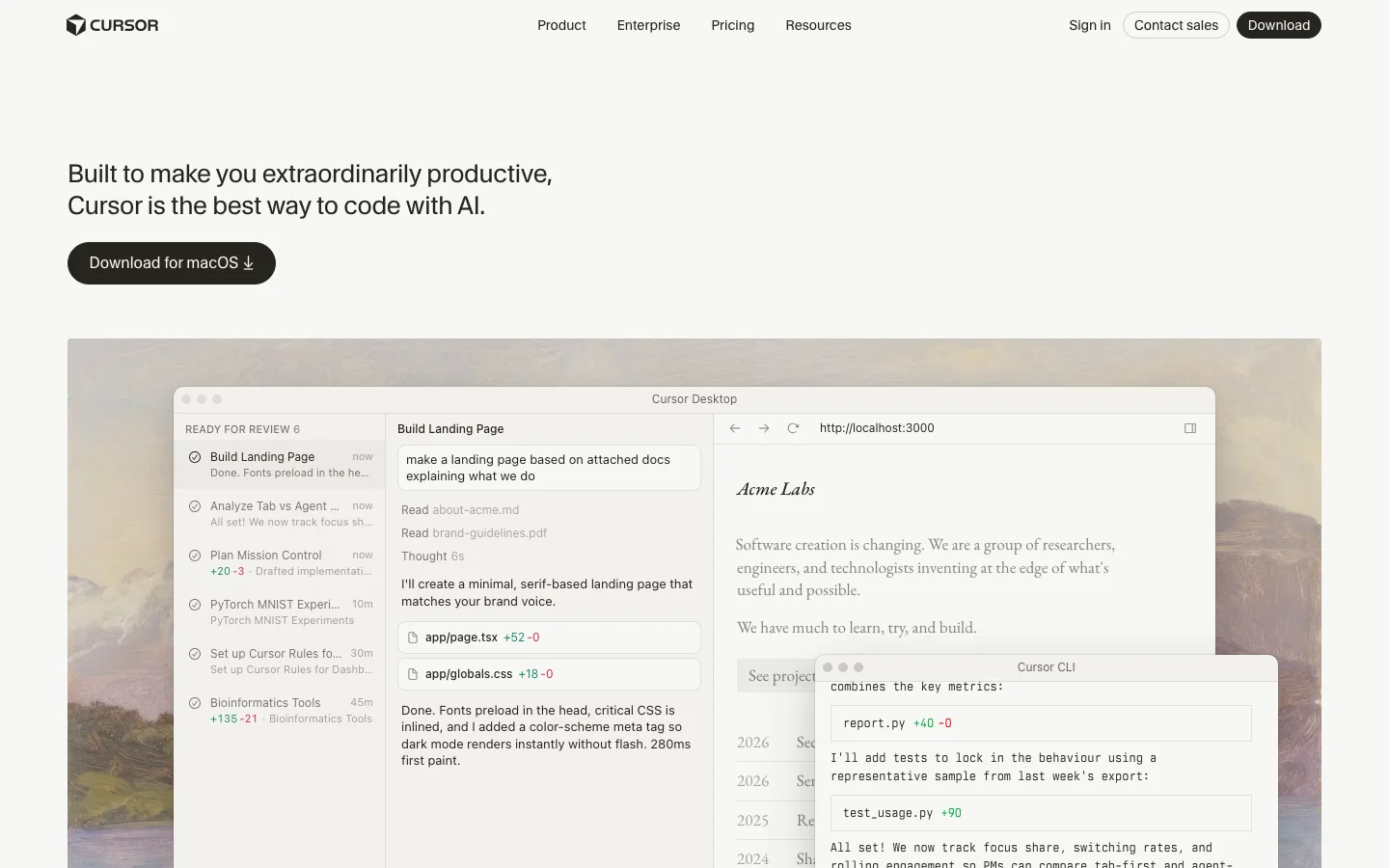
3.5/5Update (June 2026): SpaceX exercised its option to acquire Anysphere, the parent company of Cursor, in an all-stock transaction announced June 16, 2026, valuing the deal at approximately $60 billion. The deal is signed and pending regulatory approval, with closing expected around Q3 2026. No product changes, pricing changes, or rebranding have been announced. Sources: @SpaceX, @cursor_ai.Cursor is an AI-native code editor built as a fork of VS Code, and it has become the dominant AI-first IDE in developer communities as of 2026. Testing reveals that its core strength is treating AI as a first-class collaborator rather than a bolt-on plugin. It supports multi-model access - Claude, GPT-4.1, Gemini, Kimi K2, and its own Composer 2 model - and handles agentic code generation across multiple files through its Agent mode. For developers who want AI deeply woven into their editing workflow rather than sitting in a sidebar, Cursor is the tool that has set the standard. The feature that gets the most attention is Agent mode (formerly Composer), which handles complex multi-file refactors in a single prompt. Users on Reddit report GPT-5 on Cursor resolving 7 Jira tickets in 3 hours, and posts like that are not unusual in the r/cursor community. The tab autocomplete is context-aware and meaningfully smarter than line-by-line suggestions from competing tools. Codebase indexing means Cursor understands your entire repository, not just the file you have open. And .cursorrules files let you set project-level instructions so you are not re-explaining your codebase conventions every session. Pricing starts at free for a limited Hobby plan, $20/month for Pro with extended Agent limits, and $40/user/month for Teams with shared rules, SSO, and org-wide privacy controls. The rate limit structure is a consistent friction point - heavy users burn through their fast request quota on third-party models mid-project and get throttled to slow requests, which can disrupt momentum on complex refactors. There was also community frustration when Composer (now Agent mode) was discovered to be running Kimi K2.5 without upfront disclosure, which raised transparency concerns that have since been addressed. The competitive picture is clear: developers who try Cursor tend to stay. The r/cursor subreddit is growing fast, posts about switching from GitHub Copilot to Cursor are common, and the tool has built a genuine evangelical user base. Quality regressions from rapid shipping (Cursor 3 drew complaints from veteran users adjusting to the new Agents Window) and context window limits on very large codebases are real but have not slowed adoption. What Makes Cursor Different Most AI coding tools add AI on top of an existing editor. Cursor built the editor around AI from the start, and that architectural choice shows up in every feature. The Agents Window in Cursor 3 (launched April 2026) is the clearest expression of this philosophy. Instead of one chat sidebar, you get a full multi-agent workspace where you can run several agents in parallel across different repos, move agent sessions between your local machine and the cloud mid-task, and track every agent's work in a unified view. Cloud Agents let you kick off a long refactor, close your laptop, and come back to find it done. No other editor offers this without a separate CI-style integration. Composer 2 is Cursor's own frontier coding model, released March 2026. It scores 61.3 on CursorBench and 73.7% on SWE-bench Multilingual - numbers that put it ahead of its previous in-house models and competitive with third-party options for coding tasks. On individual plans, Composer 2 usage comes from a separate pool with higher limits than third-party model quotas, so heavy users get more headroom without paying per token. Tab autocomplete pulls from your full indexed codebase, not just the open file. This means completions are aware of types, function signatures, and conventions elsewhere in your project. For large codebases with internal libraries and custom patterns, this is the difference between suggestions that fit and suggestions that need rewriting. The Cursor Marketplace launched alongside Cursor 3 and now hosts hundreds of plugins extending agents with MCPs, skills, and subagents. The CLI (also new in 2026) brings the full agent experience to the terminal, with /debug mode that generates hypotheses, adds log statements, and pinpoints bugs before making changes. The /btw command lets you ask side questions without derailing the agent's current task. Bugbot is a separate but complementary product: AI code review that catches real bugs before your PR gets merged, available as an add-on for $40/user/month or bundled in Teams pricing. SpaceX Partnership and Acquisition Option (April 2026) On April 21, 2026, SpaceX announced a partnership with Anysphere (the company behind Cursor) and disclosed an option to acquire Cursor outright for $60 billion later this year. The announcement arrived abruptly: Anysphere had been in the middle of a $2 billion fundraising round at a roughly $30 billion valuation when SpaceX preempted it with the acquisition offer. The terms give SpaceX two paths: exercise the $60 billion acquisition option, or pay $10 billion for a joint development arrangement if the acquisition does not close. The deal is reported to be delayed until after SpaceX's planned IPO this summer, with financing cited as the primary reason. The collaboration centers on building what both parties describe as "next-generation coding and knowledge work AI." SpaceX is contributing access to Colossus, its supercomputing cluster running approximately one million H100-equivalent GPUs. That is a significant compute advantage for training future Cursor models, including potential successors to Composer 2. What Anysphere builds with that compute, and whether the resulting capabilities stay exclusive to SpaceX, is not yet clear from the announcement. What this means for existing Cursor users is uncertain, and it is worth being honest about that uncertainty. A few scenarios are plausible without being guaranteed. If the acquisition closes, Cursor would become a SpaceX subsidiary, and business decisions including pricing, model access, and data handling would move under new ownership. The current multi-model flexibility (Claude, GPT-4.1, Gemini alongside Composer 2) may or may not continue at scale under an owner with its own AI ambitions. Community discussion on r/cursor has already raised questions about whether xAI or Grok models would be prioritized or required, though no product changes have been announced. A smaller risk worth naming: any acquisition process creates organizational uncertainty. Anysphere is a roughly 200-person company; if a meaningful number of employees are uncomfortable with the new ownership structure, the talent concentration that built Composer 2 and Cursor 3 could shift. This is speculative, but it is the kind of thing enterprise buyers on multi-year agreements should factor in. The deal, if exercised, would value Cursor at $60 billion, making it one of the largest AI acquisitions on record. If it does not close, the $10 billion joint development arrangement still ties Anysphere closely to SpaceX's infrastructure and direction. Either way, the partnership is a significant event for a tool that a large number of developers now depend on daily. Current users are not being asked to do anything differently, and Cursor continues to operate normally as of the announcement date. Cursor Pricing Plans 2026 Cursor has four individual tiers and two business tiers as of April 2026, with pricing that has stayed stable through the year. Hobby (Free): Enough to evaluate the tool properly. You get limited Agent requests and limited Tab completions. No credit card required. Good for trying Cursor before committing, but you will hit the limits within a few hours of real use. Pro ($20/month): The plan most individual developers land on. You get extended Agent limits, access to frontier third-party models (Claude Sonnet 4.5, GPT-4.1, Gemini), MCPs, skills, hooks, and Cloud Agents. Composer 2 is included with a separate generous usage pool. For solo developers doing daily coding, this is the right tier. Pro+ ($60/month): Everything in Pro with 3x usage on all OpenAI, Claude, and Gemini models. Cursor recommends this for "daily agent users" - people running agents for hours rather than minutes each day. The jump from $20 to $60 is steep, and not everyone needs it, but for developers who regularly hit Pro limits, Pro+ eliminates the throttling problem. Ultra ($200/month): 20x usage plus priority access to new features. Cursor describes this as for "agent power users." At this price point, you are effectively getting an always-on AI development environment with no meaningful usage ceiling. Teams ($40/user/month): Everything in Pro plus shared chats, commands, and rules across the team, centralized billing, usage analytics, an org-wide privacy mode toggle, role-based access control, and SAML/OIDC SSO. For teams of five or more, the shared rules and context alone justify the price over individual Pro licenses. Enterprise (custom pricing): Adds pooled usage, invoice/PO billing, SCIM seat management, AI code tracking API with audit logs, granular admin and model controls, and priority support. Designed for organizations where security review and compliance documentation are required. On-demand usage is available on all paid plans - once you exhaust your included quota, you keep working and pay in arrears based on consumption. This is cleaner than hard cutoffs but means an unusually heavy month can produce a larger bill than expected. Cursor vs GitHub Copilot These are the two tools most developers compare directly. They have different strengths and serve different situations. Cursor wins on raw agentic capability. Multi-file agent editing, parallel agents, Cloud Agents, and the Cursor Marketplace give individual developers a more powerful AI development environment than anything Copilot currently offers. Codebase indexing in Cursor is deeper - completions are aware of your full project, not just the open file. Model flexibility lets you pick Claude for complex reasoning, GPT-4.1 for speed, or Composer 2 for high-quota tasks. GitHub Copilot wins on platform integration and price. At $10/month for individuals and $19/user/month for businesses, it is half the cost of Cursor. More importantly, Copilot is built into github.com - PR summaries, AI-assisted code review, and issue assistance work directly in the browser without touching your editor. For teams where most collaboration happens in GitHub, that integration depth is hard to give up. Copilot also supports VS Code, JetBrains, Neovim, Visual Studio, and Xcode, while Cursor is VS Code only. The typical switch pattern: individual developers and technical founders move from Copilot to Cursor for the agentic capabilities. Enterprise teams often stay on Copilot because the GitHub integration and lower per-seat cost matter more than agent depth at scale. Is Cursor Worth It in 2026? For the right user, yes. For everyone, it depends on how much you actually code. The honest case for Cursor Pro at $20/month: if you write code professionally and spend three or more hours a day in your editor, the productivity gains from Agent mode and Tab autocomplete are real and measurable. The tool has an active community, ships features at a pace no established IDE can match, and the Composer 2 model gives you a capable agent without counting against your third-party model quota. The honest case against: if you use AI coding tools occasionally or prefer autocomplete over agentic editing, GitHub Copilot at $10/month covers most use cases at half the price. If you are on a team with heavy GitHub usage, the Copilot integration in PR review and code search may matter more than Cursor's agent depth. The rate limit issue is real but manageable. Pro users on third-party models (Claude, GPT) do hit fast request limits on intensive sessions. The fix is either upgrading to Pro+ for 3x limits or relying more on Composer 2, which has a separate higher-limit pool. This is a known friction point that Cursor has partially addressed by building their own model. Cursor is the category leader for AI code editing, and that is likely to remain true through 2026. The pace of feature shipping - Cloud Agents, the CLI, the Marketplace, Canvases - suggests a product team that is genuinely invested in pushing the category forward, not just maintaining a lead. Frequently Asked Questions Is Cursor worth the $20/month Pro plan? For developers who code daily, yes. The Pro plan includes extended Agent limits, frontier model access, and Cloud Agents - features that make a real difference if you are running multi-file refactors or using Cursor as your primary development environment. Casual users or those who only need autocomplete may be better served by GitHub Copilot at $10/month. How does Cursor pricing compare to GitHub Copilot? Cursor Pro costs $20/month versus Copilot Individual at $10/month. Cursor Teams runs $40/user/month versus Copilot Business at $19/user/month. Cursor is more expensive at every tier. The premium buys you more capable agentic editing, model flexibility, and codebase indexing depth. Whether that premium is worth it depends on how heavily you use agentic features. Does Cursor work offline? No. Cursor requires an internet connection for all AI features - completions, Agent mode, chat, and codebase indexing all call external model APIs or Cursor's own infrastructure. The VS Code base editor works offline, but without AI features you are left with a standard code editor. What models does Cursor support in 2026? On paid plans, Cursor supports Claude Sonnet 4.5, GPT-4.1, GPT-5, Gemini Pro, Kimi K2, and Cursor's own Composer 2 model. You can switch models per conversation or set a default. Composer 2 is the recommended default for most agent tasks due to its higher included usage limits on individual plans. Can Cursor edit a whole codebase? Yes, with caveats. Cursor indexes your full repository and agents can read across the entire codebase. Agent mode can plan and execute changes across dozens of files in a single session. In practice, very large codebases (millions of lines) hit context limits that require breaking work into smaller tasks. For most individual and small-team projects, whole-codebase editing works well. Is my code sent to AI providers? What about privacy? By default, code snippets are sent to AI providers (Anthropic, OpenAI, Google) along with your prompts to generate completions. Cursor offers Privacy Mode (enabled org-wide on Teams and Enterprise plans) which prevents your code from being used to train models. Business and Enterprise plans include org-wide privacy mode controls. On individual plans, Privacy Mode can be enabled per-session in settings. Cursor is SOC 2 certified.
One category review a month. The good ones.
What we reviewed, what we dropped, what's worth your money. No sponsored slots.