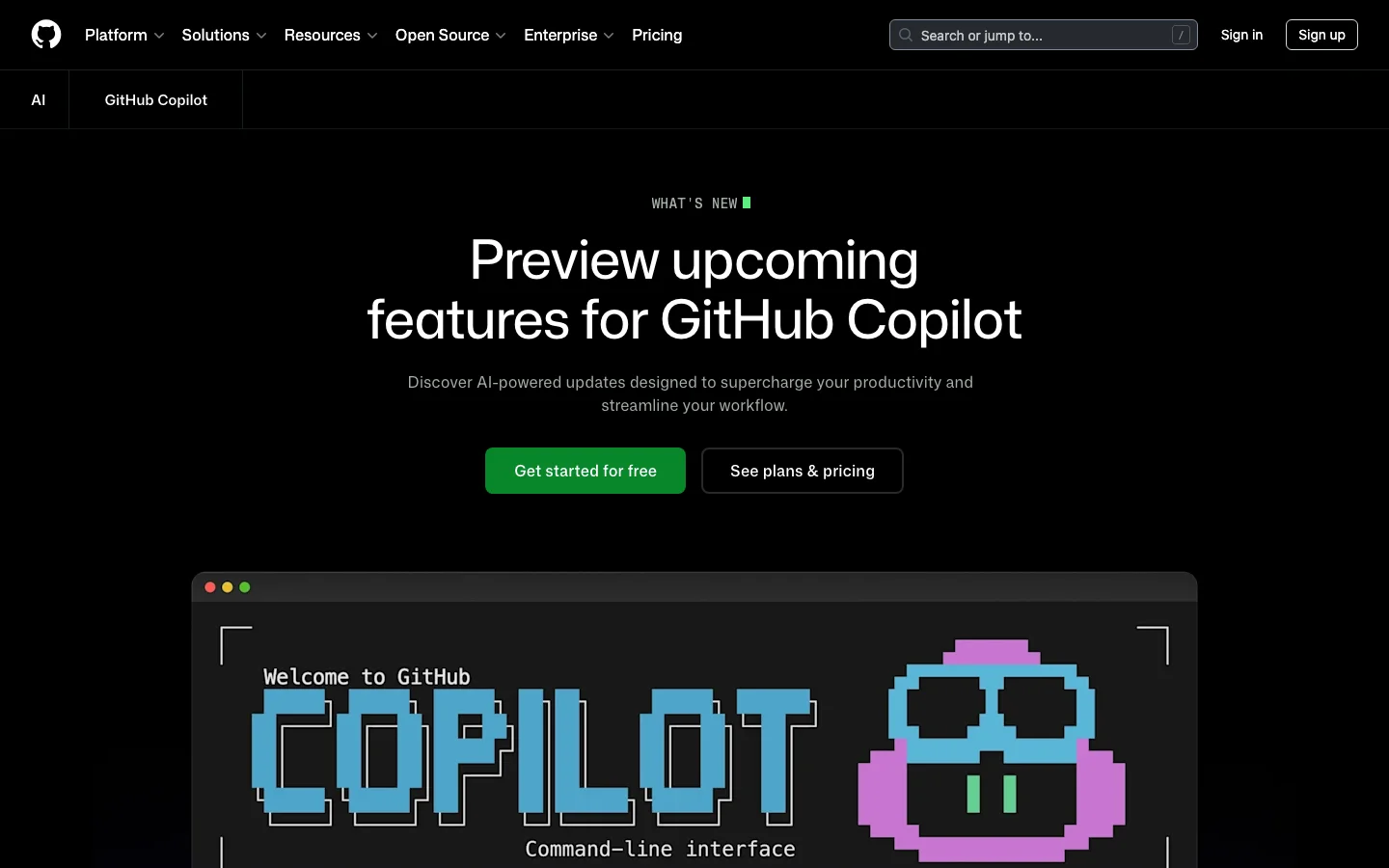
GitHub Copilot is Microsoft and GitHub's AI coding assistant, and it remains the incumbent enterprise tool with the largest installed base in 2026. Tested across VS Code, JetBrains, and the GitHub web UI, it faces a wave of AI-first competitors - but its platform integration remains a genuine moat. It provides inline code completions, chat assistance, PR summaries, code review, and a newer agentic coding mode (the Copilot Coding Agent) powered by top models from Anthropic, OpenAI, Google, and xAI. For teams already embedded in the GitHub ecosystem, Copilot offers integration depth that no competitor can replicate.
The strongest case for Copilot is its GitHub platform integration. PR summaries, AI-assisted code review, issue assistance, and web UI chat are features baked directly into github.com. Multi-IDE support across VS Code, Visual Studio, JetBrains, Neovim, and Xcode (beta) is broader than any competitor. For enterprise buyers, IP indemnification, SOC 2 compliance, FedRAMP authorization, data residency options, and audit logs check every box that procurement teams require before signing off. The Coding Agent - which can autonomously take an issue, open a branch, write code, and submit a PR - is a meaningful capability upgrade that brings agentic development to the platform.
The honest picture for individual developers is more complicated. Rate limit changes introduced in early 2026, pricing adjustments made without adequate communication, and a legal disclaimer calling Copilot "for entertainment purposes only" (a thread that hit 7,500+ upvotes on r/github) have eroded community trust. Pro trials were paused in April 2026. The r/GithubCopilot subreddit has become a venue for developers announcing their switch to Cursor. The product is improving, but the community experience has declined.
What GitHub Copilot Does Differently
GitHub Copilot is not just another AI plugin layered on top of a code editor. It is woven into the GitHub platform itself, which creates capabilities that standalone AI coding tools cannot match.
The Copilot Coding Agent can be assigned directly from a GitHub issue. You open an issue, assign it to Copilot, and the agent opens a branch, writes code, runs validation tools, and submits a pull request - all without leaving github.com. As of April 2026, this flow supports multi-agent subagents for complex tasks, and you can manage and monitor agent sessions directly from issues and projects. Remote control of CLI sessions from the web and mobile went to public preview in April 2026, meaning you can monitor and steer running agent tasks from your phone.
Copilot Spaces - now generally available - are persistent project context environments. A Space remembers your files, custom instructions, and teammates. Unlike a standard chat session that starts fresh every time, a Space accumulates context over weeks of work. This is particularly useful for teams with shared codebases and consistent conventions.
Agent mode in the IDE handles multi-step code changes, terminal commands, and browser interactions. Edit mode lets Copilot make direct file changes without requiring manual confirmation for each step. Inline agent mode arrived in JetBrains IDEs in preview in April 2026, bringing parity with VS Code. VS Code users also get access to a bring-your-own-model-key option (GA April 2026), where you can route Copilot completions through your own API keys for OpenAI, Anthropic, or other providers.
Model Context Protocol (MCP) support is available across VS Code, JetBrains, and the GitHub CLI. Business and Enterprise plans support custom registry-based MCP allowlists, giving administrators control over which external tools agents can call. As of April 2026, GPT-5.5 is generally available in Copilot, joining Claude Opus 4.7, Gemini 3.1 Pro, and Grok Code Fast 1 in a model lineup that is the broadest of any AI coding tool currently available.
- Copilot Coding Agent - assign issues directly on GitHub, agent branches, codes, and opens PRs autonomously
- Copilot Spaces - persistent project workspaces with shared context for teams (GA 2026)
- Agent mode and Edit mode - multi-step file changes in VS Code and JetBrains without per-step confirmation
- MCP server support - connect external tools to Copilot in IDE and CLI; allowlists for enterprise
- Model choice - GPT-5.5, Claude Opus 4.7, Gemini 3.1 Pro, Grok Code Fast 1, and more selectable per task
- Bring your own key - route Copilot through your own model API keys in VS Code
- Code review - AI-suggested review comments on pull requests; now includes PR merge metrics in usage API
- PR summaries - auto-generated descriptions directly on github.com
- GitHub CLI integration - auto model selection, MCP allowlists, C++ code intelligence (preview)
- FedRAMP and data residency - US and EU data residency available since April 2026
GitHub Copilot Pricing Plans 2026
GitHub Copilot has six pricing tiers as of April 2026. The structure has become more complex with the introduction of "premium requests" - a metered pool consumed by agent mode, code review, Copilot cloud agent, and chat using frontier models. Standard completions and basic chat remain unlimited on paid plans.
Individual Plans
- Free ($0/mo) - 2,000 completions per month, 50 chat messages per month, limited premium requests. Genuinely usable for evaluation; covers light daily coding.
- Pro ($10/mo) - Unlimited completions, unlimited chat, 300 premium requests per month. Access to Claude Sonnet 4, GPT-5 mini, Gemini 2.5 Pro, and other mid-tier models. Claude and Codex on GitHub and in VS Code. This is the starting point for serious daily use.
- Pro+ ($39/mo) - All Pro features plus a higher premium request quota and access to a broader model selection. Rate multipliers apply - heavier models like Opus consume more premium request units per call.
- Max ($99/mo) - 1,500 premium requests per month, access to all available models including Claude Opus 4.7, GPT-5.5, and Gemini 3.1 Pro. Positioned for developers who run agent mode heavily or work with the largest frontier models.
Team and Enterprise Plans
- Business ($19/user/mo) - All Pro+ features plus team administration, centralized billing, SSO, IP indemnification, and 300 premium requests per user per month. Note: new self-serve signups for Business were paused in April 2026 - contact GitHub sales.
- Enterprise ($39/user/mo) - All Business features plus fine-tuning on internal codebases, knowledge bases for organizational documentation, audit logs, SCIM provisioning, and 1,000 premium requests per user per month. FedRAMP-authorized models and data residency options available.
Pricing note: GitHub periodically adjusts premium request allocations and model availability per plan without advance notice. Before committing to a plan, verify current quotas at github.com/features/copilot/plans. Annual subscriptions were removed at some point in 2025; all individual plans are currently month-to-month.
GitHub Copilot vs Cursor
The comparison between GitHub Copilot and Cursor is the dominant conversation in AI coding communities in 2026. Both support multiple frontier models, agentic coding flows, and VS Code-based workflows - but they optimize for different things.
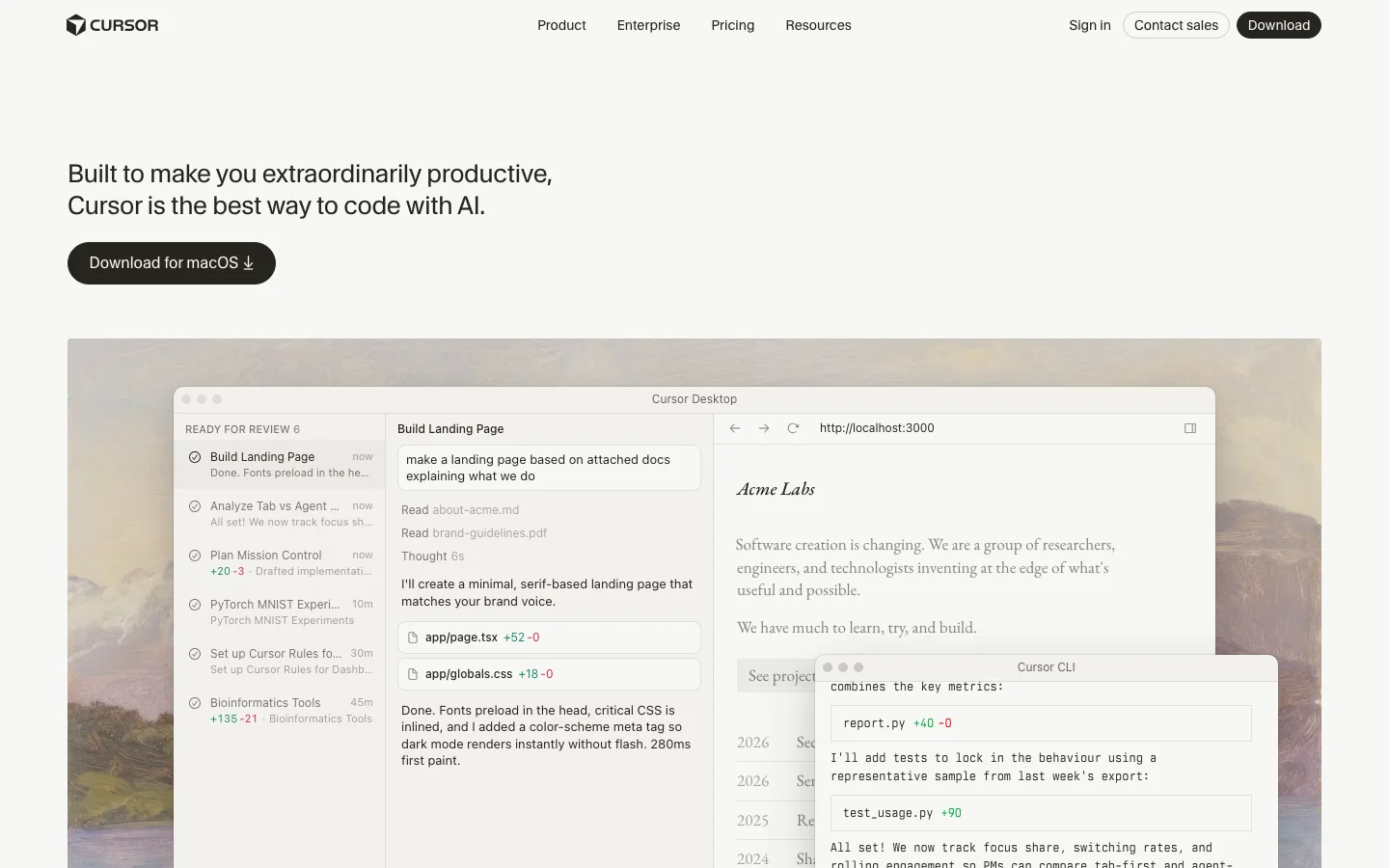
Cursor is a standalone VS Code fork designed around agentic editing from the ground up. Its Composer agent handles complex multi-file refactors with strong context awareness, and its community is evangelical. Cursor 3, launched in April 2026, introduced cloud agents, multi-agent parallel execution, and a dedicated agents window. Pricing starts at $20/mo for Pro and $40/user/mo for Teams - higher than Copilot at the individual level.
Copilot is a plugin and platform service. Its strength is not the editor experience itself, but the GitHub ecosystem around it: PR summaries, issue-driven coding agent, code review suggestions, and web UI chat all live inside github.com. These are features Cursor cannot replicate because Cursor is not the platform hosting your code.
For individual developers doing intensive agentic coding, Cursor's editing experience is generally rated higher in community comparisons. For enterprise teams embedded in GitHub with compliance requirements - IP indemnification, FedRAMP, audit logs, SSO - Copilot is the clearer choice. The $10/mo vs $20/mo Pro pricing also makes Copilot the lower-friction entry point for teams that just need capable completions and chat.
- Cursor wins: agentic editing depth, community sentiment, VS Code-native editing speed, model transparency
- Copilot wins: GitHub platform integration, IDE breadth, enterprise compliance, free tier, model variety
- Tied: model selection quality, MCP support, multi-file editing capability
Is GitHub Copilot Worth It in 2026?
For enterprise teams, the answer is still yes. The GitHub platform integration is real and unmatched. No other AI coding tool gives you autonomous PR submission from issues, AI code review built into your existing PR workflow, and fine-tuning on your internal codebase - all under one subscription with IP indemnification and audit logs. Enterprise procurement teams know and trust GitHub; the procurement cycle is shorter than for newer tools.
For individual developers, the answer depends on your workflow. If most of your work happens inside GitHub - reviewing PRs, working from issues, using the GitHub web UI - Copilot at $10/mo is strong value. The Coding Agent, Copilot Spaces, and the model selection are genuinely capable. If you spend most of your time in the editor doing intensive multi-file coding work, Cursor's editing experience is rated higher by the community, despite the higher price.
The main risk with Copilot in 2026 is trust. Rate limit changes, plan changes, and quota adjustments have happened without consistent advance communication. Developers who built their workflow around specific model access have found it removed or restricted. If pricing stability matters to you, read the changelog regularly and do not assume that what the plan offers today will be unchanged in three months.
Frequently Asked Questions
Is GitHub Copilot worth $10 per month?
For most developers who already use GitHub for code hosting and PR workflows, yes. The Pro plan at $10/mo gives unlimited completions, 300 premium requests for agent mode and chat, and access to Claude Sonnet 4, GPT-5 mini, and Gemini 2.5 Pro. That model lineup at $10/mo is competitive with anything in the market. The main caveat: premium request quotas can run out mid-month if you use agent mode heavily, at which point you are limited to standard completions until the monthly reset.
How does Copilot pricing compare to Cursor?
Copilot Pro is $10/mo vs Cursor Pro at $20/mo. For teams, Copilot Business is $19/user/mo vs Cursor Teams at $40/user/mo. Copilot is cheaper at every tier. However, Cursor Pro includes more generous usage on frontier models relative to Copilot Pro's 300 premium request limit. If you use agent mode daily on complex tasks, the effective cost difference narrows. Both tools have higher tiers for heavier usage: Copilot Max at $99/mo and Cursor Ultra at $200/mo.
Does GitHub Copilot work outside VS Code?
Yes. GitHub Copilot has official support across VS Code, Visual Studio, JetBrains IDEs (IntelliJ, PyCharm, WebStorm, GoLand, etc.), Neovim, Xcode (beta), and Eclipse (beta). The GitHub CLI also supports Copilot completions and agent mode. This IDE breadth is a genuine differentiator over tools like Cursor, which is a standalone VS Code fork and does not natively support JetBrains or Visual Studio.
What models does Copilot support in 2026?
As of April 2026, Copilot supports models across four providers: Anthropic (Claude Haiku 4.5, Sonnet 4, Sonnet 4.5, Sonnet 4.6, Opus 4.5, Opus 4.6, Opus 4.7), OpenAI (GPT-5 mini, GPT-5.2, GPT-5.2-Codex, GPT-5.3-Codex, GPT-5.4, GPT-5.4 mini, GPT-5.5), Google (Gemini 2.5 Pro, Gemini 3 Flash preview, Gemini 3.1 Pro preview), and xAI (Grok Code Fast 1). Not all models are available on all plans. Opus 4.7 and GPT-5.5 require higher-tier plans. Model availability can change - GitHub retired Opus 4.6 Fast from Pro+ in April 2026 without advance notice.
Is my code used to train future models?
No, if you use a paid plan. GitHub's policy for paid Copilot plans (Pro, Business, Enterprise) explicitly excludes your code and prompts from being used to train the underlying models. The free tier has different telemetry settings. Business and Enterprise plans offer additional controls, including the ability to disable Copilot suggestions for specific file types or repositories. For regulated industries, the Enterprise plan adds audit logs and admin controls over data handling.
Can Copilot handle multi-file refactors?
Yes, with caveats. The Copilot Coding Agent can handle multi-step, multi-file tasks when assigned from a GitHub issue - it opens a branch, writes code across files, and submits a PR. In-IDE agent mode in VS Code and JetBrains also supports multi-file editing sequences. However, community comparisons consistently rate Cursor's Composer agent as more capable for complex refactors done directly in the editor, particularly for tasks where you need iterative back-and-forth. Copilot's agentic strength is in the GitHub platform workflow (issue to PR), not in the editor-native refactoring experience.
If you want unlimited autocomplete for free
GitHub Copilot's free plan caps completions at 2,000 per month -- enough for light use, but it runs out fast in an active project.
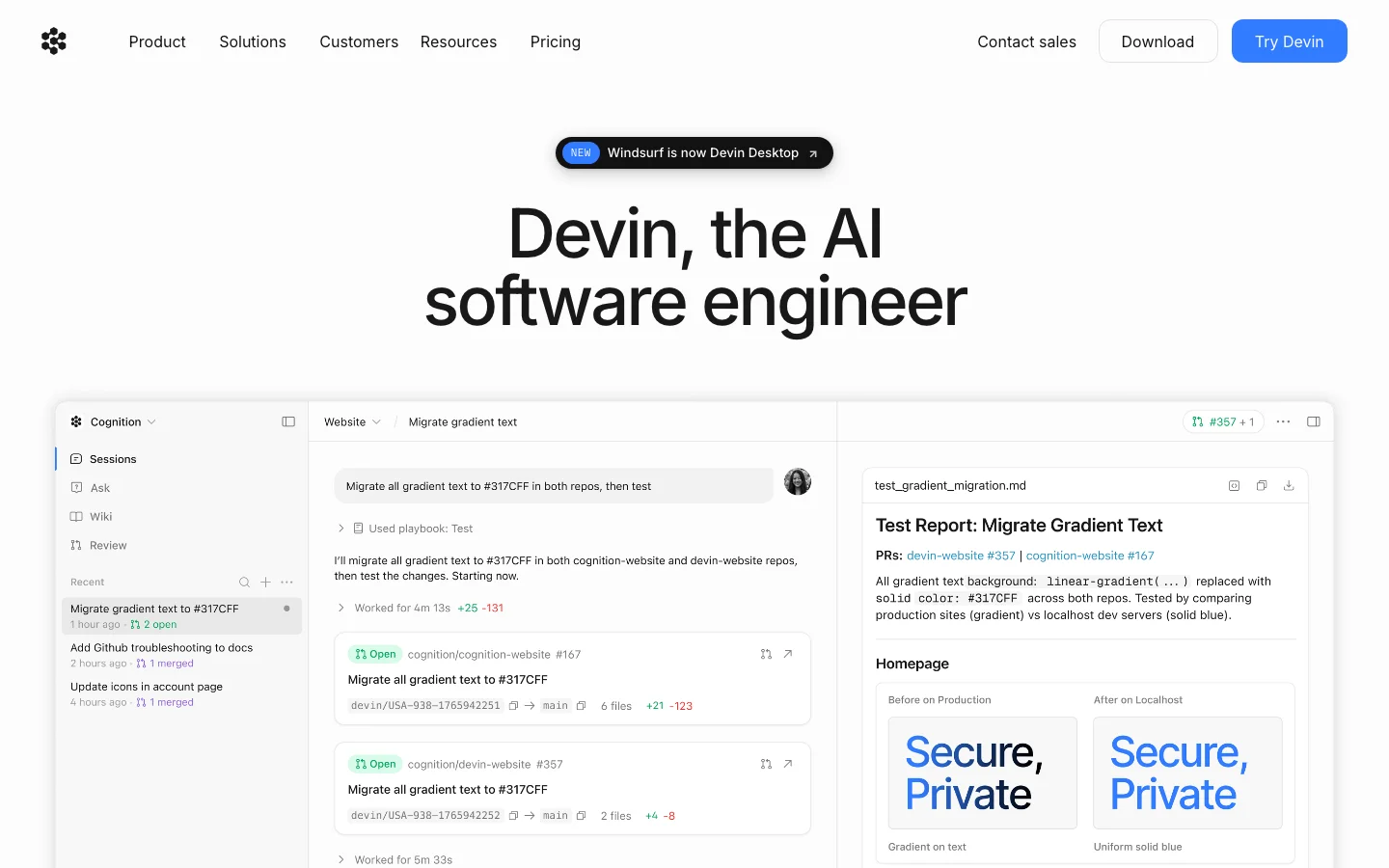
Devin Desktop (formerly Windsurf, formerly Codeium) offers unlimited tab autocomplete on its free tier with no credit card required. It works as a standalone VS Code fork or as a plugin for VS Code and JetBrains. The agentic features are limited on the free plan, but for pure autocomplete it removes the monthly cap entirely.
Before you switch: Devin Desktop went through an acquisition by Cognition in December 2025 and was rebranded from Windsurf to Devin Desktop in June 2026. The product is functional and the free autocomplete offer has stayed consistent through those changes, but it is a younger company with less stability track record than Copilot. There is no Belreos review yet -- Cursor is the catalog alternative if you want a reviewed agentic coding tool, though Cursor's free tier is trial-style rather than ongoing.
- Deepest GitHub ecosystem integration: PR summaries, code review, issue-to-PR agent, and web UI chat are features no competitor can match
- Broadest IDE support: VS Code, JetBrains, Visual Studio, Neovim, Xcode (beta), Eclipse (beta) vs Cursor being VS Code-only
- Widest model selection: GPT-5.5, Claude Opus 4.7, Gemini 3.1 Pro, Grok Code Fast 1 all available; more providers than any competitor
- Copilot Coding Agent: assigns issues, opens branches, writes code, submits PRs autonomously from github.com
- Competitive pricing: Pro at $10/mo is half the price of Cursor Pro; Business at $19/user is less than half of Cursor Teams
- Enterprise compliance: IP indemnification, SOC 2, FedRAMP, data residency, audit logs, SCIM; checks every procurement box
- Free tier: 2,000 completions and 50 chat messages per month is genuinely usable for evaluation
- MCP support with enterprise allowlists: teams can control which external tools agents can call
- Rate limit changes made without adequate communication: multiple high-score community posts about throttling and surprise quota changes
- Goodbye Copilot posts trending: users with hundreds of upvotes actively switching to Cursor over pricing and trust issues
- Premium request system adds complexity: 300 requests/mo on Pro runs out for heavy agent mode users; model costs vary by tier
- Pro trials paused (April 2026) and Business new signups paused: signals tightening access and Microsoft monetization pressure
- Student plan degraded: removal of top Claude and OpenAI models triggered significant community backlash
- Legal disclaimer thread: Copilot called for entertainment purposes only (7,500+ upvote post) has not helped credibility
- Agentic editing in-editor lags Cursor: Copilot Coding Agent is cloud/GitHub workflow; Cursor Composer is stronger for in-editor multi-file refactors
- Microsoft baggage: perception of Copilot being pushed aggressively across unrelated Microsoft products
Enterprise software teams already embedded in the GitHub ecosystem who need compliance features, multi-IDE support, and IP indemnification
Rate limit changes made without adequate communication: multiple high-score community posts about throttling and surprise quota changes. Goodbye Copilot posts trending: users with hundreds of upvotes actively switching to Cursor over pricing and trust issues.
Pricing
As of Oct 2026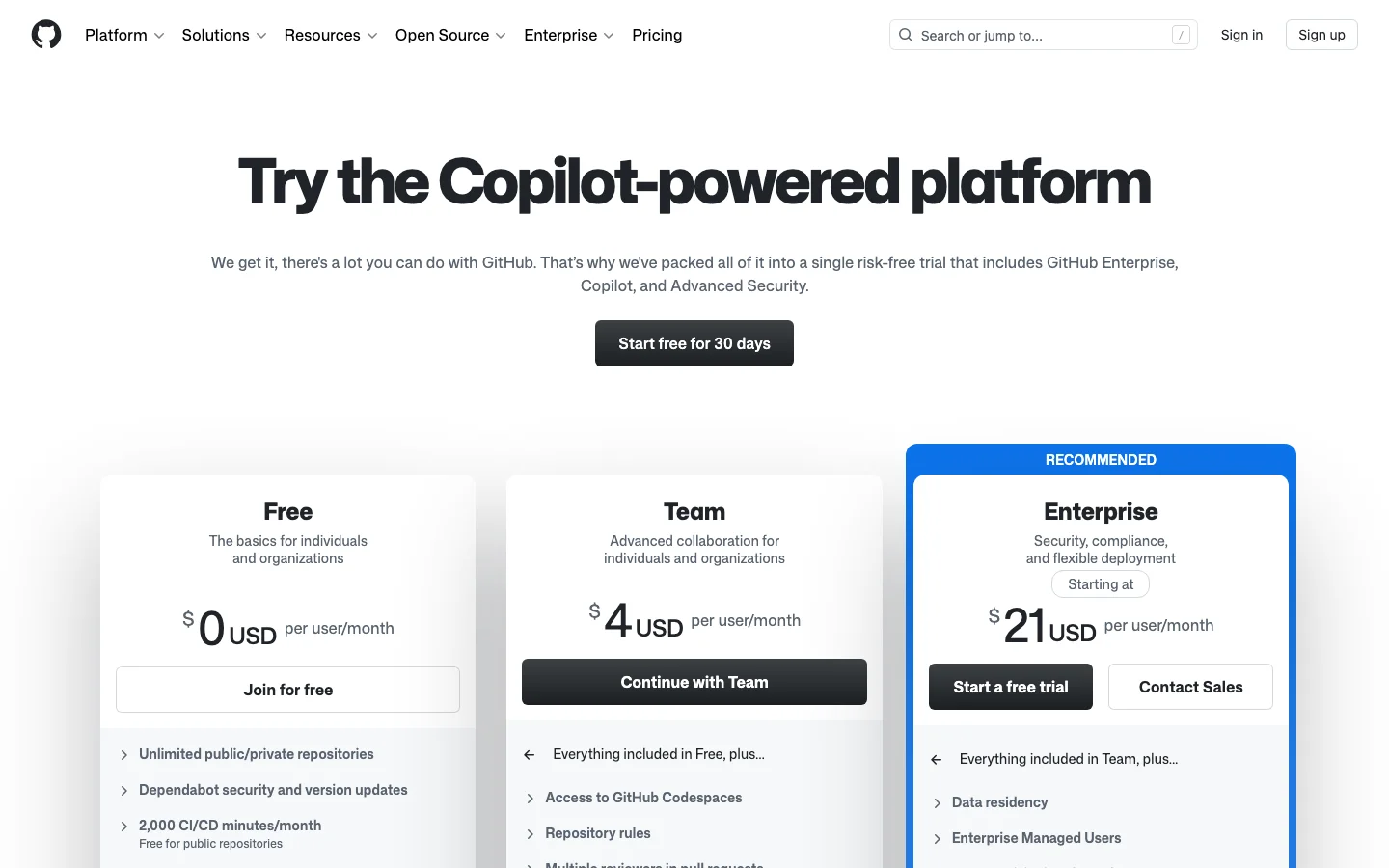
This review was produced independently by the Belreos editorial team. See how we score and test AI tools. Looking for more options? Browse all AI Coding Tools tools on Belreos.