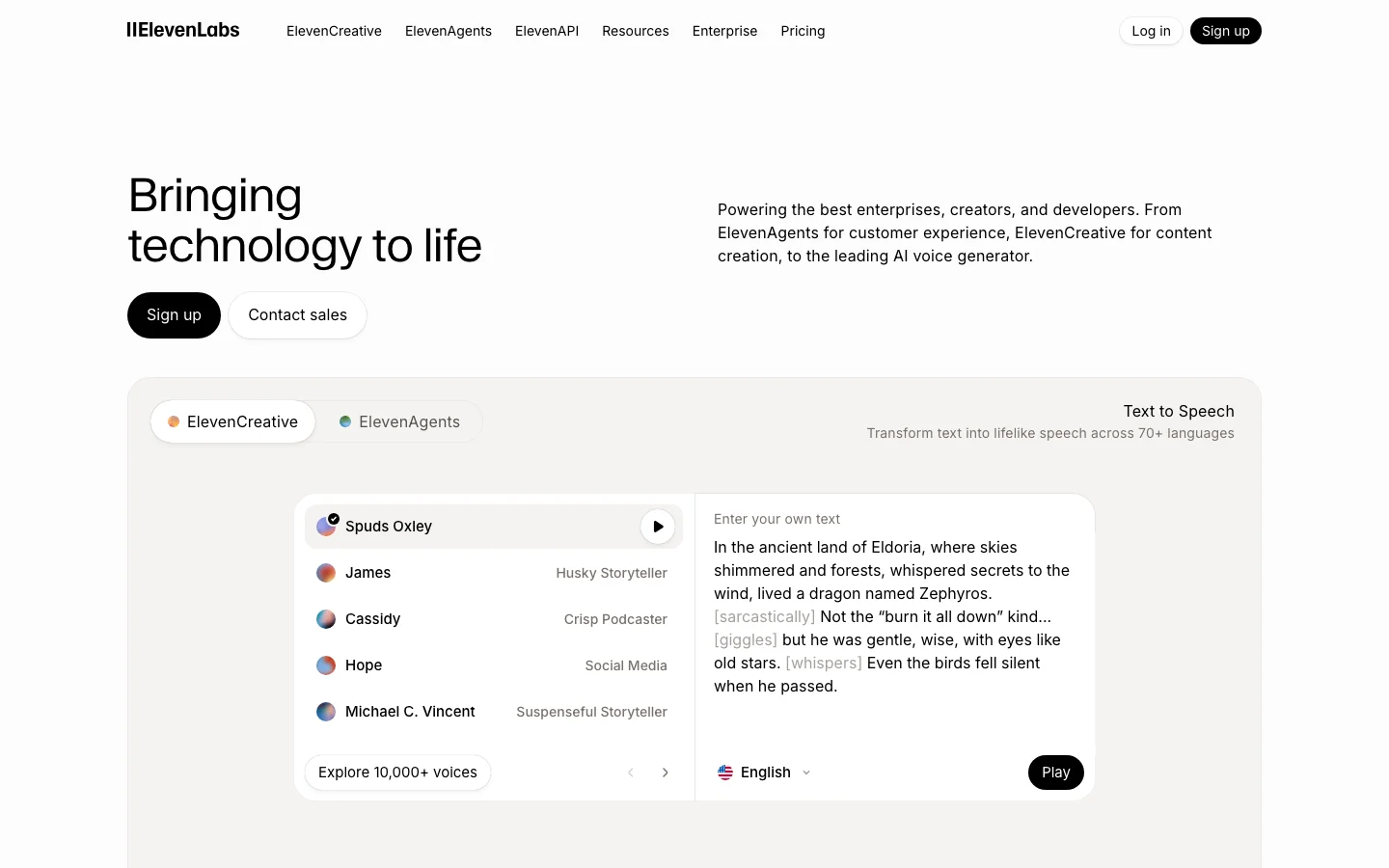

ElevenLabs is the quality benchmark for AI text-to-speech, and that sentence is not marketing copy -- it is just how the market is positioned. Every competitor in the AI voice generation category is defined by how close it gets to ElevenLabs. Not the other way around. We have tested a lot of voice tools across this category, and the gap at the top is real. The Eleven v3 model handles emotional range, accent control, multi-character dialogue, and symbol reading -- numbers, URLs, phone numbers -- at a level that nothing else in cloud TTS currently matches. An indie filmmaker cloned an actor's voice from 20 minutes of clean dialogue and used the output for ADR in a production film. A Skyrim modding community called the v3 upgrade "massive" for narrative emphasis and multi-character scenes. These are production users publishing results publicly, not beta testers praising a press release. One meaningful update entering 2026: ElevenLabs expanded the Creator plan character allowance from 110,000 to approximately 440,000 characters per month on Flash and Turbo models. That changes the value calculation for mid-volume creators who previously found Creator too limiting. The tool that was cost-competitive only for lower-output users is now viable for substantially higher monthly volumes. What Makes ElevenLabs Different Voice quality is the obvious answer, but it understates what is actually happening at the model level. The Eleven v3 model produces output that handles prosody -- the rhythm, stress, and intonation of natural speech -- in a way that other TTS systems approach but do not match. The practical effect: ElevenLabs narration holds listener attention longer because it does not sound like narration. It sounds like a person speaking with intent. The Voice Library marketplace is a differentiator with no direct equivalent in the category. Voice clone creators upload their voices, set a royalty rate, and earn passive income per 1,000 characters generated using their voice. Multiple creators have confirmed payouts exceeding $1,000 over five months from a portfolio of eight clones. This creates a revenue angle that makes ElevenLabs interesting not just as a tool but as a platform with network effects. The developer ecosystem is the third differentiator that matters. The full REST API on Creator plan and above gives programmatic access to voice generation, voice cloning, speech-to-speech, and conversational AI. No other TTS tool at this price point has the same API surface area. The MCP server integration -- which enables ElevenLabs voices to be called directly from Claude and other AI assistant workflows -- is something no competitor currently offers. ElevenCreative and ElevenAgents have expanded significantly through 2026. ElevenCreative now includes Music Generation alongside voice, positioning ElevenLabs as a broader audio platform. ElevenAgents supports production phone agent deployments with SIP trunking, batch calling, Pronunciation Dictionaries, and webhook-driven workflows -- a full conversational AI platform built on top of the TTS core. If you are building a voice-first product, ElevenLabs is the platform, not just the API. ElevenLabs Pricing 2026: Every Plan Explained ElevenLabs pricing in 2026 runs from $0 (Free) to $990/month (Business), with a custom Enterprise tier above that. Starter at $6/month is the entry point for commercial use. The Free plan covers non-commercial work only. Plan Monthly price Characters/mo Seats Key feature Free $0 10,000 1 Non-commercial only. No voice cloning. Hard cap at 10K chars. Starter $6/mo 30,000 1 Commercial license, Instant Voice Cloning, API access, 20 Studio projects. Creator $22/mo ($11 first month) 121,000 (standard models; ~440,000 on Flash/Turbo at 0.5 credits/char) 1 Professional Voice Cloning (1 slot), 192 kbps output, overage billing enabled. Pro $99/mo 600,000 1 44.1 kHz PCM output, priority processing, 160 custom voice slots. Scale $299/mo 1,800,000 3 3 workspace seats, 3 Pro Voice Clones, team collaboration features. Business $990/mo 6,000,000 10 Low-latency TTS endpoint, 10 Pro Voice Clones, 10 seats. Enterprise Custom Negotiated Custom HIPAA BAAs, custom SSO, SLAs, dedicated support. Credits roll over for up to 2 months (maximum balance: 3x your monthly quota). They are shared across all ElevenLabs products: TTS, speech-to-text, dubbing, and sound effects. Flash and Turbo models consume 0.5 to 1 credit per character; Multilingual v2 and v3 models consume 1 credit per character. That difference matters when planning your monthly usage. Annual billing discounts exist for Pro and Scale. Specific annual figures are not surfaced on the official pricing page, so those rates are not stated here. Check elevenlabs.io/pricing for current annual pricing before committing. What changed in November 2025 ElevenLabs went through three pricing restructurings in 2025, which explains the volume of "elevenlabs pricing" searches. In January 2025, credits were split by model, creating billing confusion. August 2025 reunified credits across models. The most significant change came in November 2025: Conversational AI / Agents minutes shifted from pure per-minute billing into the plan structure at each tier. If you use ElevenAgents for phone or voice chatbot applications, that change affects how your usage is billed. In December 2025, ElevenLabs also cut API and Agents pricing substantially, with Flash model costs dropping by roughly 55% for API usage. Which plan do you actually need? Free works for evaluation and non-monetized personal projects. The moment you put audio on a monetized YouTube channel, sell an audiobook, or use ElevenLabs output for client work, Starter at $6/month is the minimum. Creator at $22/month is the practical choice for most individual content creators: 121,000 characters per month at standard quality, Professional Voice Cloning (one slot), full API access, and commercial rights. The first month is available at 50% off ($11), making it low-risk to test. Pro at $99/month makes sense for high-volume producers, developers who need broadcast-quality 44.1 kHz PCM output, and production studios where processing speed matters. Scale at $299/month adds two extra seats and roughly 3x the character quota versus Pro. It is the first team tier. Hidden costs on ElevenLabs Four things the pricing page does not make obvious: Overage billing on Creator and above. Free and Starter plans hard-cap at their character limits. Creator, Pro, Scale, and Business allow overages. Rates vary by model. Variable production months create unpredictable bills. Model credit rates differ. Flash v2.5 uses half the credits of Multilingual v2. Using a higher-quality model by default can exhaust your monthly quota faster than expected. LLM costs on Agents are separate. When using ElevenAgents with GPT-4, Claude, or another LLM backbone, you pay the LLM provider separately through your own API keys. The ElevenLabs plan covers voice synthesis only. Professional Voice Cloning requires real recording time. Creator gives you one PVC slot. The quality that makes PVC worthwhile requires roughly 30 minutes of clean audio and multiple processing rounds. A 2-minute clip produces Instant Voice Cloning fidelity, not PVC fidelity. Switching from PlayHT to ElevenLabs? PlayHT discontinued data exports on December 31, 2025, with accounts locked in 2026. ElevenLabs is the most common migration target. For equivalent commercial functionality, Creator at $22/month covers the voice quality and cloning capability that PlayHT's paid tiers provided, with a more mature developer API and a larger voice library. Instant Voice Cloning means you can recreate a voice from a recording sample without waiting for the Professional Voice Cloning pipeline. ElevenLabs Pricing: Is It Worth It? A lot of people arrive here after searching for ElevenLabs alternatives. At $22/month for the Creator plan, ElevenLabs is not free and not cheap. One Reddit thread in r/ElevenLabs titled "ElevenLabs is killing my budget" collected 241 upvotes and 181 comments in the past year. The frustration is real and widely shared. Before writing it off on price, here is where the money actually goes. The v3 model produces voice output with prosody, emotional range, and accent control that no competing cloud TTS product currently matches at this price point. That gap matters most for two use cases: voice cloning and long-form narration where the output will face a real audience. If you are producing audiobooks, podcast episodes, YouTube narration, or documentary voiceover, listeners will notice the difference. If you are generating error messages for a software UI, they probably will not. The credit system is the legitimate source of frustration. Character-to-credit conversion varies by model, which creates planning friction. The v3 model is non-deterministic: the same input can produce noticeably different output on consecutive generations, so batch workflows for audiobooks or training series require QA time and regeneration budget. That is a real cost on top of the subscription fee. One update that changes the value calculation for mid-volume creators: ElevenLabs expanded the Creator plan to approximately 440,000 characters per month on Flash and Turbo models. That is enough for a full audiobook per month, a weekly podcast with room to spare, or consistent YouTube narration at volume. The first month is available at 50% off ($11 instead of $22), making evaluation low-risk. If the price does not work for your volume or budget, here are the alternatives worth your time: Murf AI ($19/month annual, or $29/month on monthly billing): cleaner billing model, predictable generation hours, no credit anxiety. The voice quality is below ElevenLabs but solid for corporate e-learning, training modules, and business narration. The right call if you need a team workflow and do not need expressive narration or voice cloning. Lovo AI (Genny) ($24/month, paid plans): TTS plus a built-in video editor, stock footage library, and AI scriptwriter under one subscription. The English naturalness ceiling is lower than ElevenLabs, but if you are currently paying for four separate tools to produce narrated video content, the consolidation saves money. Note the active class action lawsuit context in our full voice generator comparison. Vozo AI: aimed at video dubbing and translation workflows rather than standalone TTS. Worth evaluating if your use case is primarily video redubbing rather than original narration. For users who are not ready to pay at all, see our free AI voice generator guide. It covers what the free tiers of ElevenLabs and alternatives actually give you, including the limits you will hit within the first week of production use. The honest summary: ElevenLabs is the correct answer if voice quality matters and you produce content at $22/month scale or above. It is not the correct answer if you need predictable flat-rate billing, an all-in-one video tool, or a free tier that handles real production volume. The alternatives above cover those cases. See the full ElevenLabs vs Murf AI breakdown for a head-to-head comparison. ElevenLabs Pricing FAQ How much does ElevenLabs cost per month? ElevenLabs plans run from $0 (Free) to $990/month (Business), with custom Enterprise above that. Starter is $6/month and is the minimum tier for commercial use. Creator at $22/month (first month $11) is the most common choice for individual creators. Is ElevenLabs free? There is a permanent Free plan with 10,000 characters per month. The Free plan is non-commercial only. You cannot use free-tier output on monetized YouTube channels, for client work, or in products you sell. For commercial use, Starter at $6/month is the entry point. What is the cheapest ElevenLabs plan for commercial use? Starter at $6/month. It includes 30,000 characters per month, a commercial license, Instant Voice Cloning, and API access. What happened to ElevenLabs pricing in 2025? Three restructurings: January 2025 split credits by model and created billing confusion. August 2025 reunified credits across models. November 2025 moved Conversational AI / Agents from pure per-minute billing into the plan tier structure. December 2025 cut Flash model API costs by roughly 55% and introduced pay-as-you-go for the API. Is ElevenLabs worth it vs Murf AI on price? Murf AI charges $19/month on annual billing, or $29/month on monthly billing. ElevenLabs Starter is $6/month but covers lighter use; Creator at $22/month is the real comparison point for Murf Creator. The $3 gap between them is not the meaningful question. ElevenLabs charges by character with overage rates; Murf charges by generation hours, which is more predictable for steady-volume work. On voice quality, ElevenLabs wins. For L&D teams producing consistent batch training content, Murf's model is often more economical. For variable production or audience-facing content, ElevenLabs Creator is competitive. See the full ElevenLabs vs Murf AI breakdown. What happened to PlayHT? PlayHT discontinued data exports on December 31, 2025, and accounts were locked in 2026. ElevenLabs has become the default migration destination for former PlayHT users. Creator at $22/month covers equivalent voice cloning and commercial use capability. ElevenLabs vs Murf AI In head-to-head testing against Murf AI, ElevenLabs wins on voice quality and emotional range without contest. Murf wins on interface simplicity, predictable billing, and e-learning workflows. The quality gap is real and verifiable. Running the same narration scripts through both tools across corporate explainer, emotional narrative, and technical documentation categories, ElevenLabs won all three. The gap is most visible in emotional content -- ElevenLabs can hit genuine warmth, urgency, and authority in the same voice. Murf's voices are clean and consistent, but "corporate" is the word that appears constantly in community feedback for a reason. Where Murf makes a legitimate argument: L&D teams producing corporate training modules at steady monthly volume. Murf's $19/month pricing charges by audio hours generated rather than characters, which is more predictable for batch production. The built-in video editor means you can go from script to voiced video without a separate NLE. For that specific workflow, the case for Murf is real. Check Lovo AI if you want a middle-ground option with strong studio workflow features. For developer access, voice cloning, and expressive narration, ElevenLabs is not a close call. Our detailed breakdown is in the AI voice tools comparison. Against Vozo AI and other budget alternatives: Vozo targets the lower-cost segment with flat-rate pricing and no credit anxiety. For creators who need consistent monthly output without QA overhead and do not require voice cloning or developer API access, Vozo is worth evaluating. ElevenLabs wins on output quality; Vozo wins on billing simplicity at lower price points. Is ElevenLabs Worth It in 2026? For most users who need high-quality voice output commercially, yes -- and the case is stronger in 2026 than it was in 2025. The Creator plan at $22/month is the pivot point. At roughly 440,000 characters per month on Flash/Turbo models, you can produce a full-length audiobook per month, a weekly podcast series with room for experimentation. The first month at $11 makes evaluation nearly free. Commercial license is included at Creator and above. Instant Voice Cloning means you can have a custom voice on the platform in minutes. The criticisms are consistent and worth taking seriously before you subscribe. The v3 model is non-deterministic -- the same prompt can produce excellent output one generation and noticeably off output the next. For batch workflows producing 40 to 60 files for an audiobook or training series, that QA burden adds up. Budget time for regeneration and review cycles in long-form production. Voice drift in large batches is documented. ElevenReader's 2025 paywall rollout was poorly handled and damaged trust with power users. Open-source alternatives including Kokoro, F5-TTS, and Orpheus are closing the quality gap and are a credible long-term cost alternative for developers who can self-host. For podcasters, audiobook authors, content creators, and developers building voice-first products, ElevenLabs is the correct answer in 2026. For corporate e-learning teams that need predictable billing and do not require expressive narration or voice cloning, Murf AI is a legitimate alternative worth evaluating. For budget-sensitive creators who primarily need basic TTS without voice cloning, the Starter plan at $6/month or the expanded free tier may cover your needs. Frequently Asked Questions How much does ElevenLabs cost in 2026? Free plan includes 10,000 credits per month. Starter is $6/month (30,000 credits). Creator is $22/month (121,000 credits, approximately 440,000 characters on Flash/Turbo models). Pro is $99/month (600,000 credits). First Creator month is available at 50% off. Verify current pricing at elevenlabs.io/pricing. Is ElevenLabs worth $22 per month? For most creators doing commercial voice work, yes. The Creator plan at $22/month includes approximately 440,000 characters per month on Flash/Turbo models (up from 110,000 previously), commercial license, Instant Voice Cloning, and Voice Library marketplace access. The first month at $11 makes evaluation low-risk. If you need expressive narration, voice cloning, or developer API access, Creator is the correct starting point. How does ElevenLabs compare to Murf AI for podcasters? ElevenLabs is the better choice for podcasters who need expressive narration and voice cloning. The Creator plan's character allowance covers a full monthly podcast slate with room for experimentation. Murf is better for corporate e-learning teams that need predictable billing and built-in video editing. For narration quality that holds listener attention, ElevenLabs wins this comparison clearly. What are ElevenAgents and ElevenCreative? ElevenAgents is ElevenLabs' conversational AI and phone agent platform, supporting production deployments with SIP trunking, batch calling, Pronunciation Dictionaries, Guardrails 2.0, and webhook-driven workflows. ElevenCreative is the broader creative platform that now includes Music Generation alongside voice. Together they position ElevenLabs as a full audio AI platform, not just a TTS API. Is voice cloning legal and what are the consent requirements? ElevenLabs requires users to confirm they have the rights and consent to clone any voice before saving a clone to the platform. Cloning your own voice is straightforward. Cloning another person's voice without their consent violates ElevenLabs' terms of service. Celebrity voice licenses (Michael Caine, Matthew McConaughey, and others) are available through ElevenLabs' official partner program under commercial terms. For any professional application, read the Terms of Service and AI Safety guidance at elevenlabs.io.
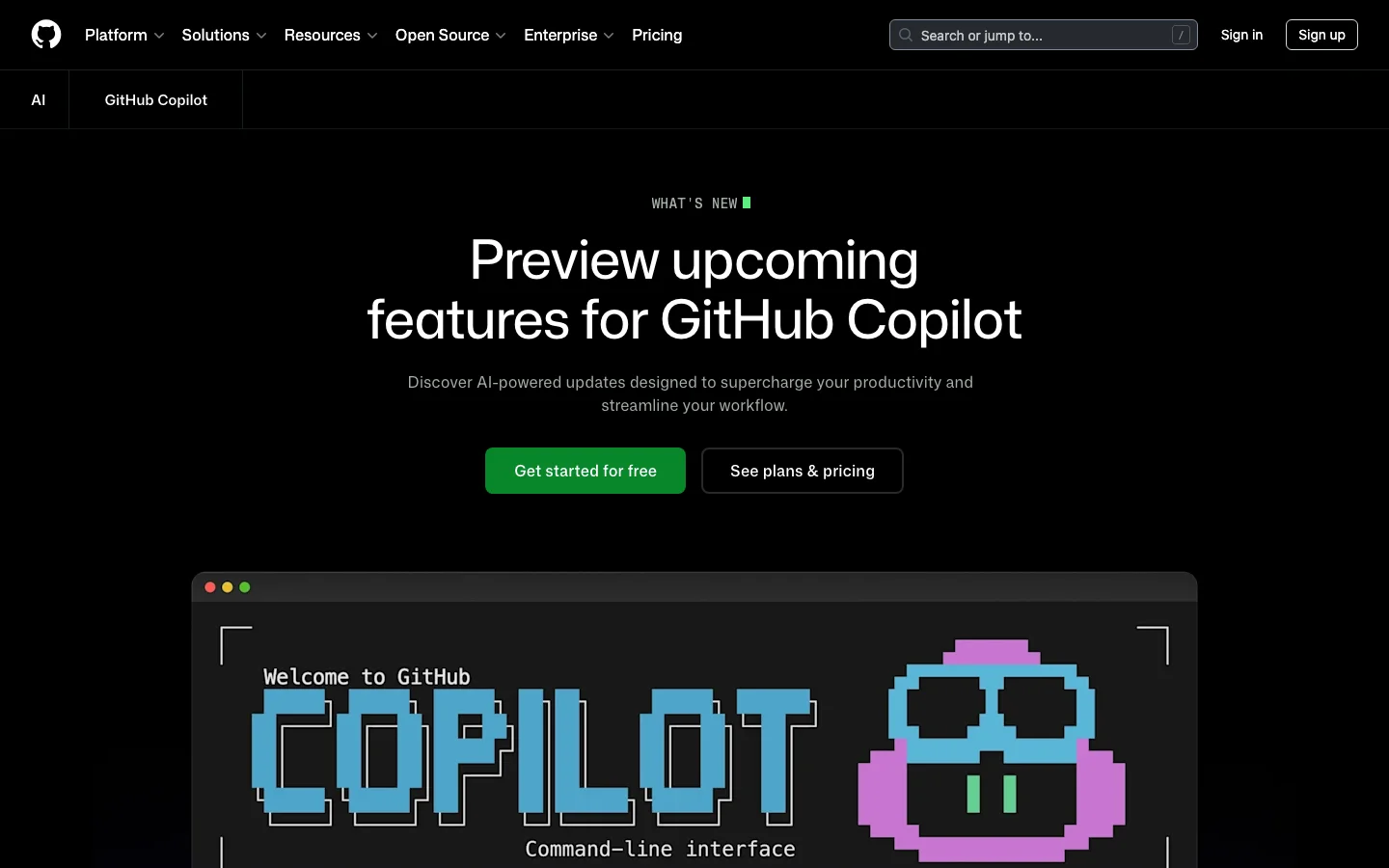

GitHub Copilot is Microsoft and GitHub's AI coding assistant, and it remains the incumbent enterprise tool with the largest installed base in 2026. Tested across VS Code, JetBrains, and the GitHub web UI, it faces a wave of AI-first competitors - but its platform integration remains a genuine moat. It provides inline code completions, chat assistance, PR summaries, code review, and a newer agentic coding mode (the Copilot Coding Agent) powered by top models from Anthropic, OpenAI, Google, and xAI. For teams already embedded in the GitHub ecosystem, Copilot offers integration depth that no competitor can replicate. The strongest case for Copilot is its GitHub platform integration. PR summaries, AI-assisted code review, issue assistance, and web UI chat are features baked directly into github.com. Multi-IDE support across VS Code, Visual Studio, JetBrains, Neovim, and Xcode (beta) is broader than any competitor. For enterprise buyers, IP indemnification, SOC 2 compliance, FedRAMP authorization, data residency options, and audit logs check every box that procurement teams require before signing off. The Coding Agent - which can autonomously take an issue, open a branch, write code, and submit a PR - is a meaningful capability upgrade that brings agentic development to the platform. The honest picture for individual developers is more complicated. Rate limit changes introduced in early 2026, pricing adjustments made without adequate communication, and a legal disclaimer calling Copilot "for entertainment purposes only" (a thread that hit 7,500+ upvotes on r/github) have eroded community trust. Pro trials were paused in April 2026. The r/GithubCopilot subreddit has become a venue for developers announcing their switch to Cursor. The product is improving, but the community experience has declined. What GitHub Copilot Does Differently GitHub Copilot is not just another AI plugin layered on top of a code editor. It is woven into the GitHub platform itself, which creates capabilities that standalone AI coding tools cannot match. The Copilot Coding Agent can be assigned directly from a GitHub issue. You open an issue, assign it to Copilot, and the agent opens a branch, writes code, runs validation tools, and submits a pull request - all without leaving github.com. As of April 2026, this flow supports multi-agent subagents for complex tasks, and you can manage and monitor agent sessions directly from issues and projects. Remote control of CLI sessions from the web and mobile went to public preview in April 2026, meaning you can monitor and steer running agent tasks from your phone. Copilot Spaces - now generally available - are persistent project context environments. A Space remembers your files, custom instructions, and teammates. Unlike a standard chat session that starts fresh every time, a Space accumulates context over weeks of work. This is particularly useful for teams with shared codebases and consistent conventions. Agent mode in the IDE handles multi-step code changes, terminal commands, and browser interactions. Edit mode lets Copilot make direct file changes without requiring manual confirmation for each step. Inline agent mode arrived in JetBrains IDEs in preview in April 2026, bringing parity with VS Code. VS Code users also get access to a bring-your-own-model-key option (GA April 2026), where you can route Copilot completions through your own API keys for OpenAI, Anthropic, or other providers. Model Context Protocol (MCP) support is available across VS Code, JetBrains, and the GitHub CLI. Business and Enterprise plans support custom registry-based MCP allowlists, giving administrators control over which external tools agents can call. As of April 2026, GPT-5.5 is generally available in Copilot, joining Claude Opus 4.7, Gemini 3.1 Pro, and Grok Code Fast 1 in a model lineup that is the broadest of any AI coding tool currently available. Copilot Coding Agent - assign issues directly on GitHub, agent branches, codes, and opens PRs autonomously Copilot Spaces - persistent project workspaces with shared context for teams (GA 2026) Agent mode and Edit mode - multi-step file changes in VS Code and JetBrains without per-step confirmation MCP server support - connect external tools to Copilot in IDE and CLI; allowlists for enterprise Model choice - GPT-5.5, Claude Opus 4.7, Gemini 3.1 Pro, Grok Code Fast 1, and more selectable per task Bring your own key - route Copilot through your own model API keys in VS Code Code review - AI-suggested review comments on pull requests; now includes PR merge metrics in usage API PR summaries - auto-generated descriptions directly on github.com GitHub CLI integration - auto model selection, MCP allowlists, C++ code intelligence (preview) FedRAMP and data residency - US and EU data residency available since April 2026 GitHub Copilot Pricing Plans 2026 GitHub Copilot has six pricing tiers as of April 2026. The structure has become more complex with the introduction of "premium requests" - a metered pool consumed by agent mode, code review, Copilot cloud agent, and chat using frontier models. Standard completions and basic chat remain unlimited on paid plans. Individual Plans Free ($0/mo) - 2,000 completions per month, 50 chat messages per month, limited premium requests. Genuinely usable for evaluation; covers light daily coding. Pro ($10/mo) - Unlimited completions, unlimited chat, 300 premium requests per month. Access to Claude Sonnet 4, GPT-5 mini, Gemini 2.5 Pro, and other mid-tier models. Claude and Codex on GitHub and in VS Code. This is the starting point for serious daily use. Pro+ ($39/mo) - All Pro features plus a higher premium request quota and access to a broader model selection. Rate multipliers apply - heavier models like Opus consume more premium request units per call. Max ($99/mo) - 1,500 premium requests per month, access to all available models including Claude Opus 4.7, GPT-5.5, and Gemini 3.1 Pro. Positioned for developers who run agent mode heavily or work with the largest frontier models. Team and Enterprise Plans Business ($19/user/mo) - All Pro+ features plus team administration, centralized billing, SSO, IP indemnification, and 300 premium requests per user per month. Note: new self-serve signups for Business were paused in April 2026 - contact GitHub sales. Enterprise ($39/user/mo) - All Business features plus fine-tuning on internal codebases, knowledge bases for organizational documentation, audit logs, SCIM provisioning, and 1,000 premium requests per user per month. FedRAMP-authorized models and data residency options available. Pricing note: GitHub periodically adjusts premium request allocations and model availability per plan without advance notice. Before committing to a plan, verify current quotas at github.com/features/copilot/plans. Annual subscriptions were removed at some point in 2025; all individual plans are currently month-to-month. GitHub Copilot vs Cursor The comparison between GitHub Copilot and Cursor is the dominant conversation in AI coding communities in 2026. Both support multiple frontier models, agentic coding flows, and VS Code-based workflows - but they optimize for different things. Cursor is a standalone VS Code fork designed around agentic editing from the ground up. Its Composer agent handles complex multi-file refactors with strong context awareness, and its community is evangelical. Cursor 3, launched in April 2026, introduced cloud agents, multi-agent parallel execution, and a dedicated agents window. Pricing starts at $20/mo for Pro and $40/user/mo for Teams - higher than Copilot at the individual level. Copilot is a plugin and platform service. Its strength is not the editor experience itself, but the GitHub ecosystem around it: PR summaries, issue-driven coding agent, code review suggestions, and web UI chat all live inside github.com. These are features Cursor cannot replicate because Cursor is not the platform hosting your code. For individual developers doing intensive agentic coding, Cursor's editing experience is generally rated higher in community comparisons. For enterprise teams embedded in GitHub with compliance requirements - IP indemnification, FedRAMP, audit logs, SSO - Copilot is the clearer choice. The $10/mo vs $20/mo Pro pricing also makes Copilot the lower-friction entry point for teams that just need capable completions and chat. Cursor wins: agentic editing depth, community sentiment, VS Code-native editing speed, model transparency Copilot wins: GitHub platform integration, IDE breadth, enterprise compliance, free tier, model variety Tied: model selection quality, MCP support, multi-file editing capability Is GitHub Copilot Worth It in 2026? For enterprise teams, the answer is still yes. The GitHub platform integration is real and unmatched. No other AI coding tool gives you autonomous PR submission from issues, AI code review built into your existing PR workflow, and fine-tuning on your internal codebase - all under one subscription with IP indemnification and audit logs. Enterprise procurement teams know and trust GitHub; the procurement cycle is shorter than for newer tools. For individual developers, the answer depends on your workflow. If most of your work happens inside GitHub - reviewing PRs, working from issues, using the GitHub web UI - Copilot at $10/mo is strong value. The Coding Agent, Copilot Spaces, and the model selection are genuinely capable. If you spend most of your time in the editor doing intensive multi-file coding work, Cursor's editing experience is rated higher by the community, despite the higher price. The main risk with Copilot in 2026 is trust. Rate limit changes, plan changes, and quota adjustments have happened without consistent advance communication. Developers who built their workflow around specific model access have found it removed or restricted. If pricing stability matters to you, read the changelog regularly and do not assume that what the plan offers today will be unchanged in three months. Frequently Asked Questions Is GitHub Copilot worth $10 per month? For most developers who already use GitHub for code hosting and PR workflows, yes. The Pro plan at $10/mo gives unlimited completions, 300 premium requests for agent mode and chat, and access to Claude Sonnet 4, GPT-5 mini, and Gemini 2.5 Pro. That model lineup at $10/mo is competitive with anything in the market. The main caveat: premium request quotas can run out mid-month if you use agent mode heavily, at which point you are limited to standard completions until the monthly reset. How does Copilot pricing compare to Cursor? Copilot Pro is $10/mo vs Cursor Pro at $20/mo. For teams, Copilot Business is $19/user/mo vs Cursor Teams at $40/user/mo. Copilot is cheaper at every tier. However, Cursor Pro includes more generous usage on frontier models relative to Copilot Pro's 300 premium request limit. If you use agent mode daily on complex tasks, the effective cost difference narrows. Both tools have higher tiers for heavier usage: Copilot Max at $99/mo and Cursor Ultra at $200/mo. Does GitHub Copilot work outside VS Code? Yes. GitHub Copilot has official support across VS Code, Visual Studio, JetBrains IDEs (IntelliJ, PyCharm, WebStorm, GoLand, etc.), Neovim, Xcode (beta), and Eclipse (beta). The GitHub CLI also supports Copilot completions and agent mode. This IDE breadth is a genuine differentiator over tools like Cursor, which is a standalone VS Code fork and does not natively support JetBrains or Visual Studio. What models does Copilot support in 2026? As of April 2026, Copilot supports models across four providers: Anthropic (Claude Haiku 4.5, Sonnet 4, Sonnet 4.5, Sonnet 4.6, Opus 4.5, Opus 4.6, Opus 4.7), OpenAI (GPT-5 mini, GPT-5.2, GPT-5.2-Codex, GPT-5.3-Codex, GPT-5.4, GPT-5.4 mini, GPT-5.5), Google (Gemini 2.5 Pro, Gemini 3 Flash preview, Gemini 3.1 Pro preview), and xAI (Grok Code Fast 1). Not all models are available on all plans. Opus 4.7 and GPT-5.5 require higher-tier plans. Model availability can change - GitHub retired Opus 4.6 Fast from Pro+ in April 2026 without advance notice. Is my code used to train future models? No, if you use a paid plan. GitHub's policy for paid Copilot plans (Pro, Business, Enterprise) explicitly excludes your code and prompts from being used to train the underlying models. The free tier has different telemetry settings. Business and Enterprise plans offer additional controls, including the ability to disable Copilot suggestions for specific file types or repositories. For regulated industries, the Enterprise plan adds audit logs and admin controls over data handling. Can Copilot handle multi-file refactors? Yes, with caveats. The Copilot Coding Agent can handle multi-step, multi-file tasks when assigned from a GitHub issue - it opens a branch, writes code across files, and submits a PR. In-IDE agent mode in VS Code and JetBrains also supports multi-file editing sequences. However, community comparisons consistently rate Cursor's Composer agent as more capable for complex refactors done directly in the editor, particularly for tasks where you need iterative back-and-forth. Copilot's agentic strength is in the GitHub platform workflow (issue to PR), not in the editor-native refactoring experience. If you want unlimited autocomplete for free GitHub Copilot's free plan caps completions at 2,000 per month -- enough for light use, but it runs out fast in an active project. Devin Desktop (formerly Windsurf, formerly Codeium) offers unlimited tab autocomplete on its free tier with no credit card required. It works as a standalone VS Code fork or as a plugin for VS Code and JetBrains. The agentic features are limited on the free plan, but for pure autocomplete it removes the monthly cap entirely. Before you switch: Devin Desktop went through an acquisition by Cognition in December 2025 and was rebranded from Windsurf to Devin Desktop in June 2026. The product is functional and the free autocomplete offer has stayed consistent through those changes, but it is a younger company with less stability track record than Copilot. There is no Belreos review yet -- Cursor is the catalog alternative if you want a reviewed agentic coding tool, though Cursor's free tier is trial-style rather than ongoing.
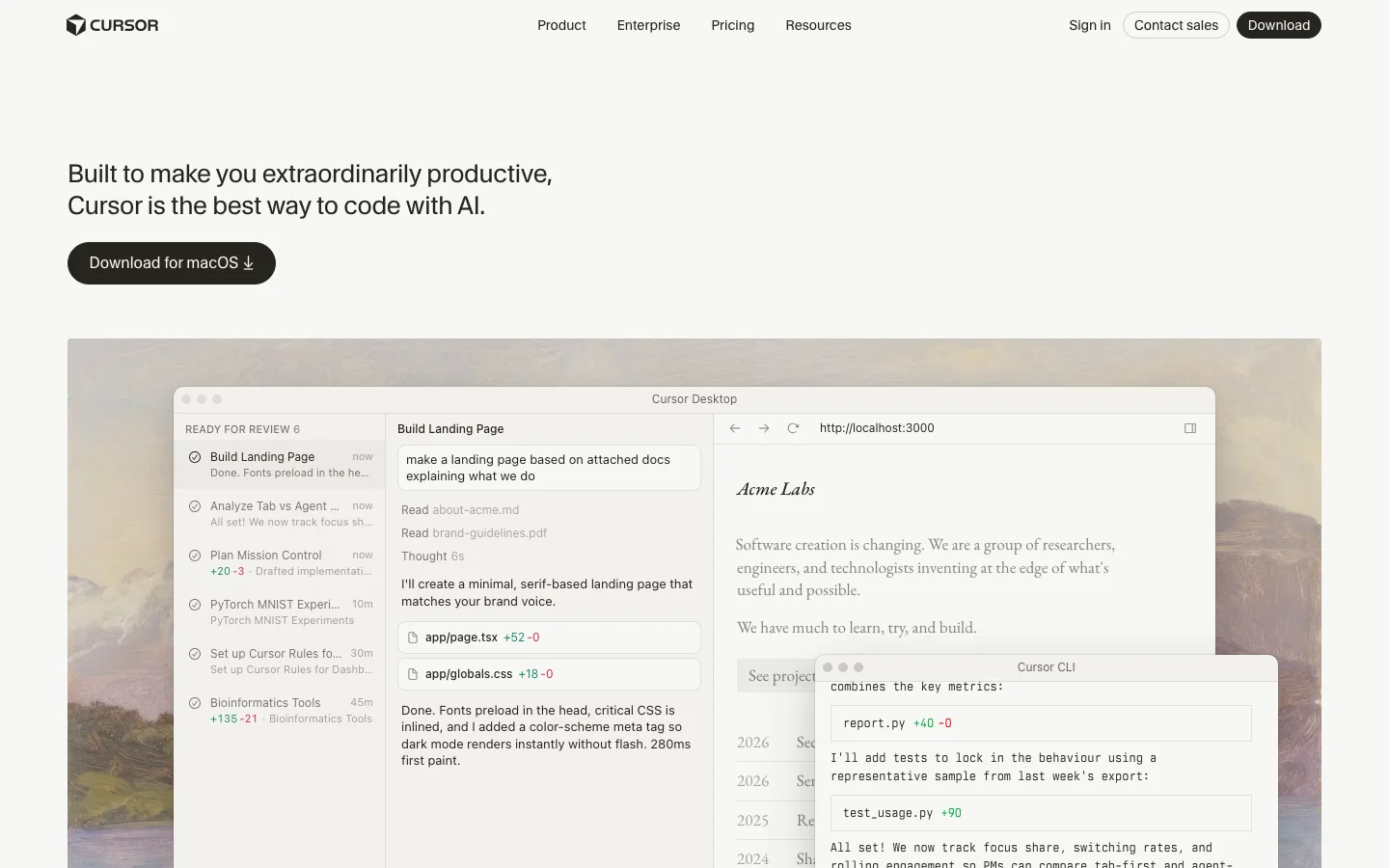

Update (June 2026): SpaceX exercised its option to acquire Anysphere, the parent company of Cursor, in an all-stock transaction announced June 16, 2026, valuing the deal at approximately $60 billion. The deal is signed and pending regulatory approval, with closing expected around Q3 2026. No product changes, pricing changes, or rebranding have been announced. Sources: @SpaceX, @cursor_ai.Cursor is an AI-native code editor built as a fork of VS Code, and it has become the dominant AI-first IDE in developer communities as of 2026. Testing reveals that its core strength is treating AI as a first-class collaborator rather than a bolt-on plugin. It supports multi-model access - Claude, GPT-4.1, Gemini, Kimi K2, and its own Composer 2 model - and handles agentic code generation across multiple files through its Agent mode. For developers who want AI deeply woven into their editing workflow rather than sitting in a sidebar, Cursor is the tool that has set the standard. The feature that gets the most attention is Agent mode (formerly Composer), which handles complex multi-file refactors in a single prompt. Users on Reddit report GPT-5 on Cursor resolving 7 Jira tickets in 3 hours, and posts like that are not unusual in the r/cursor community. The tab autocomplete is context-aware and meaningfully smarter than line-by-line suggestions from competing tools. Codebase indexing means Cursor understands your entire repository, not just the file you have open. And .cursorrules files let you set project-level instructions so you are not re-explaining your codebase conventions every session. Pricing starts at free for a limited Hobby plan, $20/month for Pro with extended Agent limits, and $40/user/month for Teams with shared rules, SSO, and org-wide privacy controls. The rate limit structure is a consistent friction point - heavy users burn through their fast request quota on third-party models mid-project and get throttled to slow requests, which can disrupt momentum on complex refactors. There was also community frustration when Composer (now Agent mode) was discovered to be running Kimi K2.5 without upfront disclosure, which raised transparency concerns that have since been addressed. The competitive picture is clear: developers who try Cursor tend to stay. The r/cursor subreddit is growing fast, posts about switching from GitHub Copilot to Cursor are common, and the tool has built a genuine evangelical user base. Quality regressions from rapid shipping (Cursor 3 drew complaints from veteran users adjusting to the new Agents Window) and context window limits on very large codebases are real but have not slowed adoption. What Makes Cursor Different Most AI coding tools add AI on top of an existing editor. Cursor built the editor around AI from the start, and that architectural choice shows up in every feature. The Agents Window in Cursor 3 (launched April 2026) is the clearest expression of this philosophy. Instead of one chat sidebar, you get a full multi-agent workspace where you can run several agents in parallel across different repos, move agent sessions between your local machine and the cloud mid-task, and track every agent's work in a unified view. Cloud Agents let you kick off a long refactor, close your laptop, and come back to find it done. No other editor offers this without a separate CI-style integration. Composer 2 is Cursor's own frontier coding model, released March 2026. It scores 61.3 on CursorBench and 73.7% on SWE-bench Multilingual - numbers that put it ahead of its previous in-house models and competitive with third-party options for coding tasks. On individual plans, Composer 2 usage comes from a separate pool with higher limits than third-party model quotas, so heavy users get more headroom without paying per token. Tab autocomplete pulls from your full indexed codebase, not just the open file. This means completions are aware of types, function signatures, and conventions elsewhere in your project. For large codebases with internal libraries and custom patterns, this is the difference between suggestions that fit and suggestions that need rewriting. The Cursor Marketplace launched alongside Cursor 3 and now hosts hundreds of plugins extending agents with MCPs, skills, and subagents. The CLI (also new in 2026) brings the full agent experience to the terminal, with /debug mode that generates hypotheses, adds log statements, and pinpoints bugs before making changes. The /btw command lets you ask side questions without derailing the agent's current task. Bugbot is a separate but complementary product: AI code review that catches real bugs before your PR gets merged, available as an add-on for $40/user/month or bundled in Teams pricing. SpaceX Partnership and Acquisition Option (April 2026) On April 21, 2026, SpaceX announced a partnership with Anysphere (the company behind Cursor) and disclosed an option to acquire Cursor outright for $60 billion later this year. The announcement arrived abruptly: Anysphere had been in the middle of a $2 billion fundraising round at a roughly $30 billion valuation when SpaceX preempted it with the acquisition offer. The terms give SpaceX two paths: exercise the $60 billion acquisition option, or pay $10 billion for a joint development arrangement if the acquisition does not close. The deal is reported to be delayed until after SpaceX's planned IPO this summer, with financing cited as the primary reason. The collaboration centers on building what both parties describe as "next-generation coding and knowledge work AI." SpaceX is contributing access to Colossus, its supercomputing cluster running approximately one million H100-equivalent GPUs. That is a significant compute advantage for training future Cursor models, including potential successors to Composer 2. What Anysphere builds with that compute, and whether the resulting capabilities stay exclusive to SpaceX, is not yet clear from the announcement. What this means for existing Cursor users is uncertain, and it is worth being honest about that uncertainty. A few scenarios are plausible without being guaranteed. If the acquisition closes, Cursor would become a SpaceX subsidiary, and business decisions including pricing, model access, and data handling would move under new ownership. The current multi-model flexibility (Claude, GPT-4.1, Gemini alongside Composer 2) may or may not continue at scale under an owner with its own AI ambitions. Community discussion on r/cursor has already raised questions about whether xAI or Grok models would be prioritized or required, though no product changes have been announced. A smaller risk worth naming: any acquisition process creates organizational uncertainty. Anysphere is a roughly 200-person company; if a meaningful number of employees are uncomfortable with the new ownership structure, the talent concentration that built Composer 2 and Cursor 3 could shift. This is speculative, but it is the kind of thing enterprise buyers on multi-year agreements should factor in. The deal, if exercised, would value Cursor at $60 billion, making it one of the largest AI acquisitions on record. If it does not close, the $10 billion joint development arrangement still ties Anysphere closely to SpaceX's infrastructure and direction. Either way, the partnership is a significant event for a tool that a large number of developers now depend on daily. Current users are not being asked to do anything differently, and Cursor continues to operate normally as of the announcement date. Cursor Pricing Plans 2026 Cursor has four individual tiers and two business tiers as of April 2026, with pricing that has stayed stable through the year. Hobby (Free): Enough to evaluate the tool properly. You get limited Agent requests and limited Tab completions. No credit card required. Good for trying Cursor before committing, but you will hit the limits within a few hours of real use. Pro ($20/month): The plan most individual developers land on. You get extended Agent limits, access to frontier third-party models (Claude Sonnet 4.5, GPT-4.1, Gemini), MCPs, skills, hooks, and Cloud Agents. Composer 2 is included with a separate generous usage pool. For solo developers doing daily coding, this is the right tier. Pro+ ($60/month): Everything in Pro with 3x usage on all OpenAI, Claude, and Gemini models. Cursor recommends this for "daily agent users" - people running agents for hours rather than minutes each day. The jump from $20 to $60 is steep, and not everyone needs it, but for developers who regularly hit Pro limits, Pro+ eliminates the throttling problem. Ultra ($200/month): 20x usage plus priority access to new features. Cursor describes this as for "agent power users." At this price point, you are effectively getting an always-on AI development environment with no meaningful usage ceiling. Teams ($40/user/month): Everything in Pro plus shared chats, commands, and rules across the team, centralized billing, usage analytics, an org-wide privacy mode toggle, role-based access control, and SAML/OIDC SSO. For teams of five or more, the shared rules and context alone justify the price over individual Pro licenses. Enterprise (custom pricing): Adds pooled usage, invoice/PO billing, SCIM seat management, AI code tracking API with audit logs, granular admin and model controls, and priority support. Designed for organizations where security review and compliance documentation are required. On-demand usage is available on all paid plans - once you exhaust your included quota, you keep working and pay in arrears based on consumption. This is cleaner than hard cutoffs but means an unusually heavy month can produce a larger bill than expected. Cursor vs GitHub Copilot These are the two tools most developers compare directly. They have different strengths and serve different situations. Cursor wins on raw agentic capability. Multi-file agent editing, parallel agents, Cloud Agents, and the Cursor Marketplace give individual developers a more powerful AI development environment than anything Copilot currently offers. Codebase indexing in Cursor is deeper - completions are aware of your full project, not just the open file. Model flexibility lets you pick Claude for complex reasoning, GPT-4.1 for speed, or Composer 2 for high-quota tasks. GitHub Copilot wins on platform integration and price. At $10/month for individuals and $19/user/month for businesses, it is half the cost of Cursor. More importantly, Copilot is built into github.com - PR summaries, AI-assisted code review, and issue assistance work directly in the browser without touching your editor. For teams where most collaboration happens in GitHub, that integration depth is hard to give up. Copilot also supports VS Code, JetBrains, Neovim, Visual Studio, and Xcode, while Cursor is VS Code only. The typical switch pattern: individual developers and technical founders move from Copilot to Cursor for the agentic capabilities. Enterprise teams often stay on Copilot because the GitHub integration and lower per-seat cost matter more than agent depth at scale. Is Cursor Worth It in 2026? For the right user, yes. For everyone, it depends on how much you actually code. The honest case for Cursor Pro at $20/month: if you write code professionally and spend three or more hours a day in your editor, the productivity gains from Agent mode and Tab autocomplete are real and measurable. The tool has an active community, ships features at a pace no established IDE can match, and the Composer 2 model gives you a capable agent without counting against your third-party model quota. The honest case against: if you use AI coding tools occasionally or prefer autocomplete over agentic editing, GitHub Copilot at $10/month covers most use cases at half the price. If you are on a team with heavy GitHub usage, the Copilot integration in PR review and code search may matter more than Cursor's agent depth. The rate limit issue is real but manageable. Pro users on third-party models (Claude, GPT) do hit fast request limits on intensive sessions. The fix is either upgrading to Pro+ for 3x limits or relying more on Composer 2, which has a separate higher-limit pool. This is a known friction point that Cursor has partially addressed by building their own model. Cursor is the category leader for AI code editing, and that is likely to remain true through 2026. The pace of feature shipping - Cloud Agents, the CLI, the Marketplace, Canvases - suggests a product team that is genuinely invested in pushing the category forward, not just maintaining a lead. Frequently Asked Questions Is Cursor worth the $20/month Pro plan? For developers who code daily, yes. The Pro plan includes extended Agent limits, frontier model access, and Cloud Agents - features that make a real difference if you are running multi-file refactors or using Cursor as your primary development environment. Casual users or those who only need autocomplete may be better served by GitHub Copilot at $10/month. How does Cursor pricing compare to GitHub Copilot? Cursor Pro costs $20/month versus Copilot Individual at $10/month. Cursor Teams runs $40/user/month versus Copilot Business at $19/user/month. Cursor is more expensive at every tier. The premium buys you more capable agentic editing, model flexibility, and codebase indexing depth. Whether that premium is worth it depends on how heavily you use agentic features. Does Cursor work offline? No. Cursor requires an internet connection for all AI features - completions, Agent mode, chat, and codebase indexing all call external model APIs or Cursor's own infrastructure. The VS Code base editor works offline, but without AI features you are left with a standard code editor. What models does Cursor support in 2026? On paid plans, Cursor supports Claude Sonnet 4.5, GPT-4.1, GPT-5, Gemini Pro, Kimi K2, and Cursor's own Composer 2 model. You can switch models per conversation or set a default. Composer 2 is the recommended default for most agent tasks due to its higher included usage limits on individual plans. Can Cursor edit a whole codebase? Yes, with caveats. Cursor indexes your full repository and agents can read across the entire codebase. Agent mode can plan and execute changes across dozens of files in a single session. In practice, very large codebases (millions of lines) hit context limits that require breaking work into smaller tasks. For most individual and small-team projects, whole-codebase editing works well. Is my code sent to AI providers? What about privacy? By default, code snippets are sent to AI providers (Anthropic, OpenAI, Google) along with your prompts to generate completions. Cursor offers Privacy Mode (enabled org-wide on Teams and Enterprise plans) which prevents your code from being used to train models. Business and Enterprise plans include org-wide privacy mode controls. On individual plans, Privacy Mode can be enabled per-session in settings. Cursor is SOC 2 certified.


Luma Labs (Dream Machine) is not just an AI video generator. It is a 3D computer vision company that learned to generate video. The team built its reputation on NeRF photogrammetry and Gaussian splatting: iPhone-based 3D scene capture that the technical community on HackerNews received with 69+ points and genuine interest in 2023. That spatial understanding heritage is the reason Dream Machine's output looks different from what Runway, Kling, and Pika produce: materials behave like materials, depth reads as depth, and physical motion in natural environments carries a photorealism that users in r/midjourney and r/AIToolTesting consistently describe as the best in class. When Luma published "Beyond Diffusion: Inductive Moment Matching" on HackerNews in 2025 (202 points, 31 comments). The ML community took it seriously as original research, not a product announcement. This is what a 3D-native model lineage looks like from the outside. Dream Machine (currently on the Ray3 model, following Dream Machine → Ray2 → Ray3) generates 5- and 10-second clips from text prompts or reference images, with start/end keyframe controls that gave creators meaningful new workflow options when Luma shipped them in 2025. Luma no longer offers a free tier: individual plans start at Plus ($30/month, 10,000 credits), rising to Pro ($90/month, 40,000 credits) and Ultra ($300/month, 150,000 credits); commercial API tiers (Build and Scale) are available for developer integrations. In a Luma Labs vs RunwayML comparison, Luma is the value play at volume, which users consistently flag as expensive at scale. In the most-cited 18-tool best AI video generator comparison on r/aipromptprogramming, Luma ranks 6th, behind Google Veo 3.1, Sora 2, Higgsfield, Runway Gen-4.5, and Kling 2.6, and solidly ahead of Pika, Hailuo, and Minimax. Luma's primary users are visual artists animating Midjourney images, music video creators, and marketing teams producing high-volume social content, not filmmakers who need frame-precise camera direction. A separate but important note: dream-machine-ai.com is a scam copycat of Luma Dream Machine. Always access the real platform at lumalabs.ai. The product's honest limitation is camera control. Where RunwayML lets you specify push-ins, pull-outs, pans, and tracking shots with meaningful adherence, Luma's model has a creative instinct that runs parallel to yours. The output is often beautiful. It is rarely exactly what you directed. In 2026, Luma sits in a well-defined competitive niche: fastest photorealistic generation, weakest camera control of the serious mid-tier tools. That is a stable position worth knowing before you buy. Luma Dream Machine is benchmarked in our AI video generation tools roundup. Compare every serious option in the AI video generators category. Frequently Asked Questions Is Luma Labs legit and safe to use? Luma Labs is a legitimate AI research and product company. The team behind the Dream Machine video generator originally built Luma AI, the NeRF-based 3D capture platform used by professional filmmakers and developers. Their technical research ("Beyond Diffusion: Inductive Moment Matching") was received seriously on Hacker News (202 points), which signals a company doing original ML work rather than wrapping existing models. One significant safety note: a scam copycat domain (dream-machine-ai.com) has deceived users. Always access the platform through lumalabs.ai directly. How much does Luma Labs cost in 2026? Luma Labs does not currently offer a free tier. Individual plans start at Plus ($30/month, 10,000 credits), then Pro ($90/month, 40,000 credits) and Ultra ($300/month, 150,000 credits). A developer API with separate Build and Scale pricing covers Ray2, Ray3, and Photon model access. Verify current plan pricing at lumalabs.ai. Is Luma Labs worth the subscription? For users who want photorealistic AI video output and are comfortable with the model choosing camera movement, Luma Labs is worth it. Ray3 produces materials, lighting, and physical motion that consistently rank as the most photorealistic of any accessible tool. The fastest generation speed in its class and genuine start/end keyframe control add real utility. The key limitation is structural: you do not have meaningful camera control. If directorial camera movement is important to your project, RunwayML is the more appropriate choice. Luma rewards creative latitude; it does not reward compositional precision. Does Luma Labs have a free trial or free plan? No, Luma Labs does not currently offer a free tier or free trial. Individual plans start at Plus ($30/month, 10,000 credits). Access the real platform at lumalabs.ai, not through any third-party or lookalike domain.
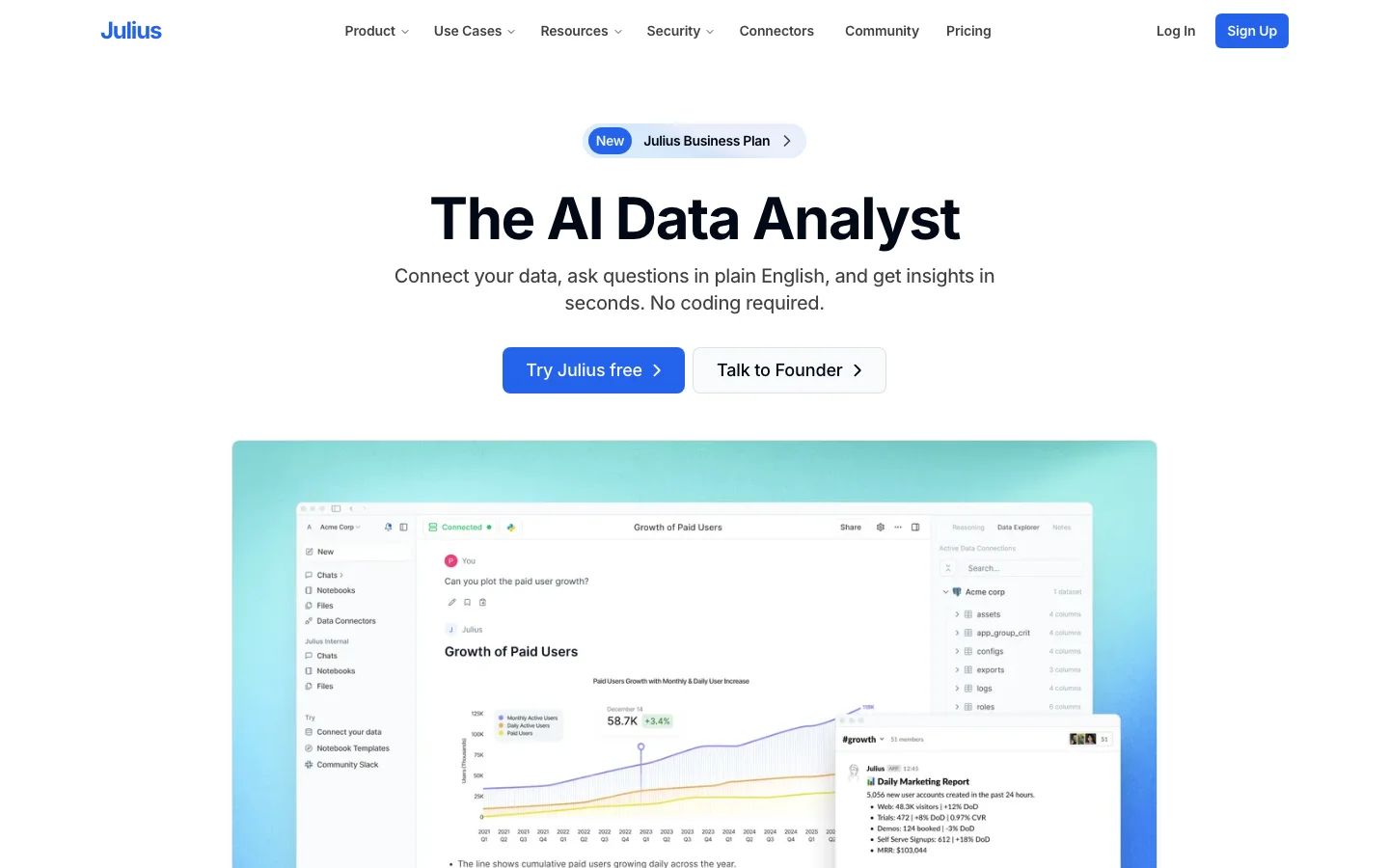

Julius AI, an AI data analysis tool, divides the room. Ask a PhD student grinding through dissertation regressions and you'll hear genuine relief: it debugs its own Python code and handles iterative analysis without requiring users to write manually. Ask a professional data scientist and you'll hear dismissal. The community consensus is that it's probably only good for generating ad hoc charts for PMs and non-technical users. Both reactions are accurate. Julius is not a data science tool pretending to be something it isn't. It is a statistics assistant built for the large population of researchers, social scientists, and non-technical professionals who need analysis done but cannot write the code to do it. That population is real, it is active, and Julius AI pricing has a free tier plus paid Pro plans with database connectors. The tool's core loop is deliberately simple: upload a CSV or connect a database, ask a question in plain English, and get a chart or statistical summary back in seconds. Julius writes and executes Python behind the scenes, self-debugs when the code fails, and returns clean output without requiring you to know what pandas is. Its Notebooks product extends this into a persistent, collaborative workspace where teams mix natural language prompts with auto-generated code and visualizations. In practice, regular users say the iterative chat interface works well for academic stats work: the back-and-forth of "now run a chi-square" and "break it down by cohort" feels native in Julius in a way a general-purpose chat thread does not. The limits are real and worth naming clearly. In a Julius AI vs ChatGPT Code Interpreter comparison, both handle the same jobs; Julius costs extra unless the UX for iterative academic stats justifies it. More critically: Julius requires uploading your data to its servers, which is a Julius AI data privacy limitation. For anyone under IRB approval, GDPR, or corporate governance, that is a structural blocker, not a preference. Community members in research subreddits flagged this sharply: "I hope you aren't doing this with identifiable data." One additional flag worth transparency: Julius has $8M in seed funding and a hiring controversy: a job posting promised a $4K/week contract to extract product strategy from applicants with no intent to hire, circulating on r/recruitinghell with 86 upvotes. It does not affect the product's functionality, but it is a company ethics signal that readers doing due diligence will encounter. Julius AI is listed in the AI data analysis tools category. It also appears in our best AI tools for small business guide as a pick for operators who need lightweight data analysis without a data science background. Frequently Asked Questions Is Julius AI legit and safe to use? Julius AI is a legitimate, seed-funded ($8M) data analysis product with real production users: IO psychologists, PhD students, and non-technical analysts who use it for genuine statistical work. One documented credibility concern: a r/recruitinghell thread (score 86) alleged Julius used a job posting to extract free product strategy from candidates with no hiring intent. For data safety, Julius AI operates on a cloud-upload model, which means your data leaves your environment. This is a hard block for IRB-regulated research, GDPR contexts, and corporate data governance. It is not a preference issue; it is the product's architecture. Evaluate this constraint before any sensitive data workflow. How much does Julius AI cost in 2026? Julius AI offers a free tier with limited monthly queries and a Plus plan for individual analysts. Pro and Teams plans add database connectors (Snowflake, BigQuery, PostgreSQL), advanced reasoning mode, and live collaboration. The Max tier includes access to all models including Claude Opus 4. Custom Enterprise pricing is available for organizations needing on-premise data governance or unlimited usage. Verify current plan pricing at julius.ai. The tier structure and model availability have evolved since launch. Is Julius AI worth the subscription? For non-technical users (PhD students, IO psychologists, operations managers) who need to run legitimate statistical analysis without Python or R, Julius AI is genuinely useful. The self-debugging execution loop (writes code, runs it, catches errors, retries without user intervention) is the feature that earns the most organic praise, and it differentiates Julius from manually prompting ChatGPT for analysis. For data professionals and engineers, the answer is clearly no. The r/datascience consensus is that Julius is primarily for non-technical users, and ChatGPT Code Interpreter handles most of the same tasks for anyone already paying for ChatGPT Plus. Does Julius AI have a free trial or free plan? Yes, Julius AI has a free tier that allows you to upload a CSV and run analysis queries without a credit card. The free tier limits the number of monthly queries and the context size (2,400 characters vs. 10,000 on Max/Enterprise). It is enough to test whether the interface matches your workflow. Upload a real dataset you work with and run a few analyses. If the free tier's query limit is too restrictive for proper evaluation, the Plus plan is the natural next step.