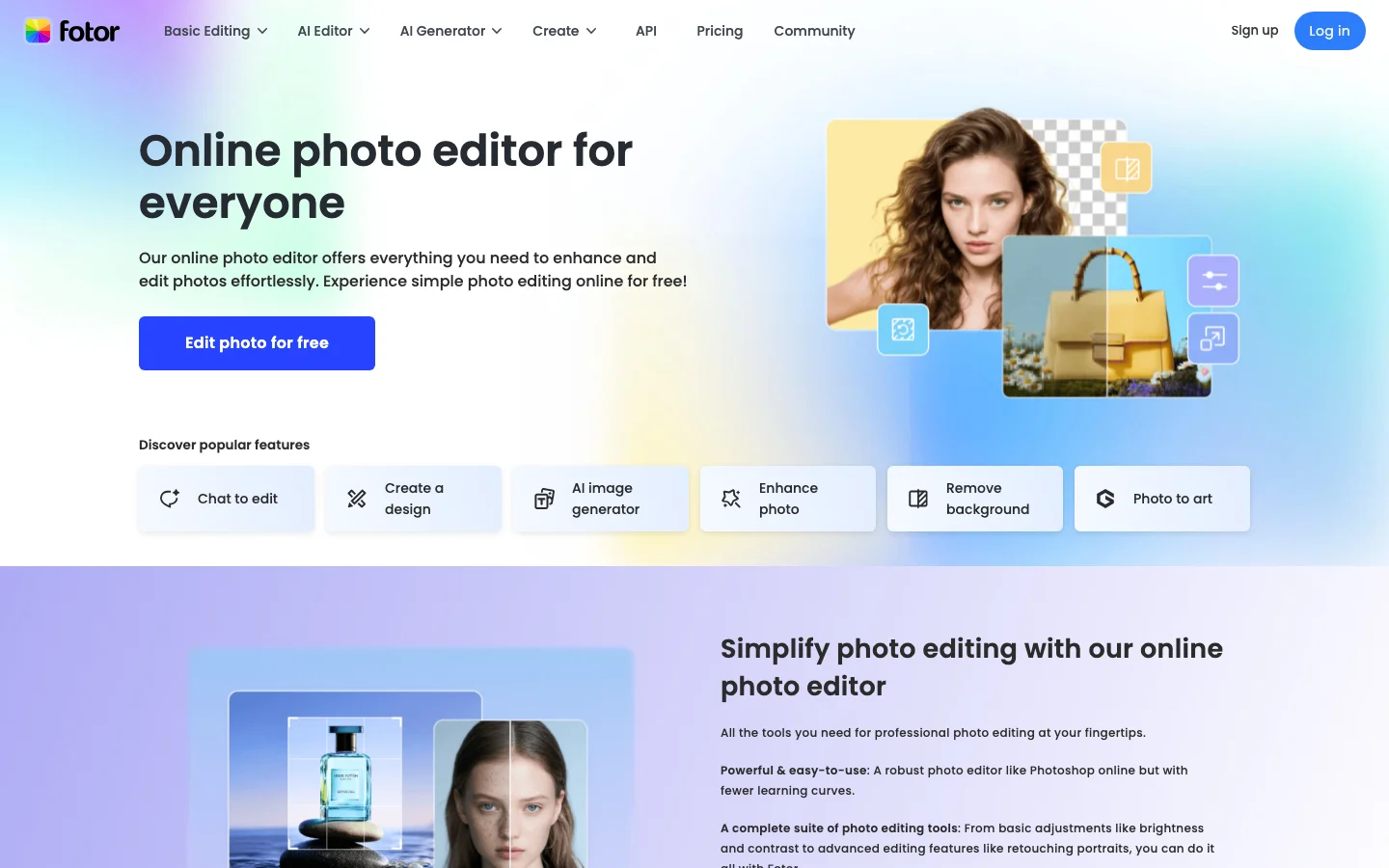
Fotor is a browser-based AI photo editor that has existed since 2012, which gives it name recognition, a large template library, and a feature set that genuinely covers the basics: sliders for brightness and contrast, AI background remover, batch crop editor, collage builder, and Canva-style social media templates. The interface is clean enough that users with no editing experience can produce a presentable image without reading a manual. In a Fotor vs Canva or Fotor vs Adobe Express comparison, the editing feature set is roughly even. No tool in this tier dramatically outperforms the others on core editing, and Fotor's web-first design means nothing to install and access from any machine.
The AI features are where the story gets complicated. Fotor has pivoted hard toward AI gimmicks: dance video generators, cartoon filters, viral template effects aimed at TikTok and Instagram creators, which leaves its original photo-editing audience in an awkward product fit. Users who want AI enhancement for old family photos find the results mixed at best: one user described the free-tier AI as "honestly a lot cleaner than I expected" on an old scan, while another called Fotor's paid enhancer "junk - very plasticy" and switched to ComfyUI and SeedVR2 for quality upscaling. The credit system creates a secondary frustration: there are not enough credits on a free trial to properly evaluate the AI features, so the evaluation loop is broken by design. For AI-quality enhancement, Let's Enhance or Luminar AI are more serious options.
The dominant Reddit narrative for Fotor is not about photo editing at all. It is about billing. A 1,721-upvote r/assholedesign post documents why canceling a Fotor subscription is blocked by design, with top comments advising users to replace their payment method with a disposable card and then cancel that card. Be aware that a chargeback will result in a permanent account ban. This is the trade-off to understand before pursuing that route. Multiple independent r/Scams threads confirm the same playbook: charges fire after stated cancellation, "network error" excuses are given for cancellation failures, and refunds are refused. A 2020 data breach reportedly exposed 13 million user records. If you try Fotor, use PayPal or a virtual card you control. Do not give them a real credit card without an independent cancellation mechanism.
Fotor is listed in the AI photo editor category alongside stronger alternatives. It also appears in our best AI tools for small business roundup for teams that need basic image editing on a tight budget.
Frequently Asked Questions
Is Fotor legit and safe to use?
Fotor is a real photo editing product with a large user base, but it carries documented safety concerns that are worth understanding before signing up. A 2020 data breach reportedly exposed 13 million user records. More immediately relevant: cancellation is technically blocked on the platform. A 1,721-upvote Reddit thread documents this, and the top community advice is to use a disposable payment method. Unauthorized charges after stated cancellation have been confirmed in multiple independent reports, and attempting a chargeback results in a permanent account ban. The tool works, but the billing practices are a significant red flag.
How much does Fotor cost in 2026?
Fotor operates on a freemium model with a free tier and paid Pro and Pro+ plans. The free tier provides access to basic editing tools; AI-powered features require a paid subscription. Pricing has varied over time. Verify current rates at fotor.com. Given the documented cancellation issues, if you do purchase a subscription, the community strongly recommends using a virtual card or disposable payment method rather than a primary credit card, so you can cancel payment-side if the in-app cancellation flow does not work.
Is Fotor worth the subscription?
For casual, one-off photo touchups and social media template creation, Fotor's editing tools do the job well enough. The AI portrait enhancement and background removal work reliably for standard use cases, and the browser-based interface means no installation required. However, the combination of billing misconduct, a past data breach, and AI upscaling quality that users describe as "very plasticy" compared to alternatives like ComfyUI means the subscription is hard to recommend confidently. If you proceed, use a virtual card and treat it as a month-to-month experiment.
Does Fotor have a free trial or free plan?
Yes, Fotor has a free plan with access to basic photo editing, templates, and some AI tools. The free tier credit system is intentionally restrictive. The evaluation loop is designed to push you toward purchase before you can fully test the AI features. Fotor is browser-based with no download required, so testing the free tier costs nothing but time. Given the billing concerns, fully exploring the free tier before any payment is the recommended approach.