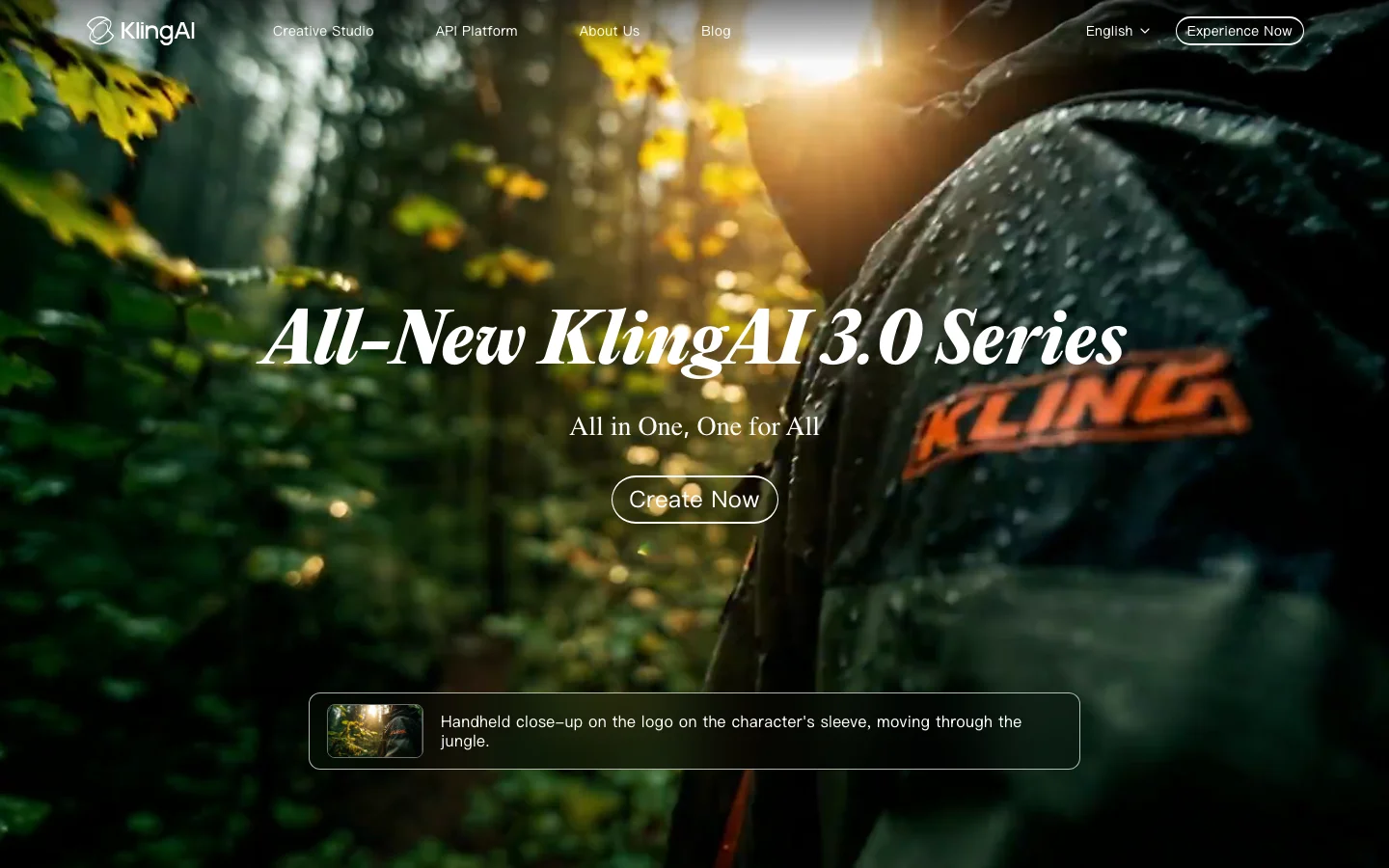
Kling AI is one of the top-three AI video generators by community mention volume and the tool the indie filmmaking community reaches for when physics accuracy and high-volume production economics matter more than camera control precision. Developed by Kuaishou, China's short-video platform competing with ByteDance, Kling iterated from version 1.0 to 3.0 within a single year, a release cadence that no Western competitor has matched. Kling 2.6 introduced native audio generation (the first major AI video tool to ship it), 1080p output, and motion control that applies physics-driven animation from a single reference image. Kling 3.0, fully rolled out in January 2026, added multi-shot sequences with spatial continuity, advanced camera tracking including macro close-ups, and character consistency across multiple camera angles. As of October 2026, Kling 4.0 Flash, a 720p model, is in early access on the yearly Ultra plan. That plan costs about $1,430 a year. Kling's release notes say the full Kling 4.0 launches in October. Community quality comparisons consistently place Kling in the top tier alongside Veo 3, Hailuo 2.0, and RunwayML Gen-4, with particular consensus on physics simulation superiority over RunwayML.
Physics simulation is Kling's most concrete competitive differentiator. Cloth dynamics, liquid behavior, and realistic object physics consistently outperform RunwayML in published direct comparisons, not marginally but visibly. Users building production workflows report a division of labor: Kling handles action sequences and physics-heavy shots while Runway handles close-up editorial work requiring specific camera language. Character consistency across shots is among the strongest in the category, with the start-to-end frame feature enabling long-form cinematic sequences by chaining frames with maintained subject identity. Motion control in version 2.6 goes further: it can match movement from a reference video and apply it to a new character, a production feature that indie filmmakers are actively using for reference-based blocking.
What Makes Kling AI Different
Most AI video tools optimize for prompt-following fidelity. Kling optimizes for physical plausibility. That is a deliberate and consequential design choice that explains why the tool performs differently from RunwayML, Sora, and Luma Labs across different shot types.
The physics engine handles cloth dynamics, liquid behavior, hair movement, and object weight in a way that nothing else in the consumer AI video space currently matches at this price point. When you generate a pouring liquid shot, the fluid behaves like fluid. When fabric moves, it wrinkles and flows with mass. This is not a marginal improvement over competing tools. It is the difference between a shot that reads as real and one that reads as generated.
Character consistency is the second major differentiator. The start-to-end frame feature, introduced in Kling 2.1, lets you specify both a starting frame and an ending frame. The model generates the sequence between them while maintaining subject identity throughout. For indie filmmakers cutting between shots, this eliminates the character drift that plagues every other AI video tool in the category.
Native audio is the third. Kling 2.6 shipped audio generation built into the video pipeline, not as a post-production step. Competitors including RunwayML still require you to add audio after export. For solo creators without a separate audio workflow, this matters practically.
RunwayML remains the stronger choice for directors who need precise camera control language: dolly, pan, orbit, and specific focal behavior. Kling's camera system is less expressive in that dimension. But for physics-heavy content, Kling is the correct answer and the community knows it.
Kling AI Pricing Plans 2026
Kling operates on a credit-based model that is the source of both its pricing advantage and its most consistent criticism. Credits are the currency for every generation on the platform.
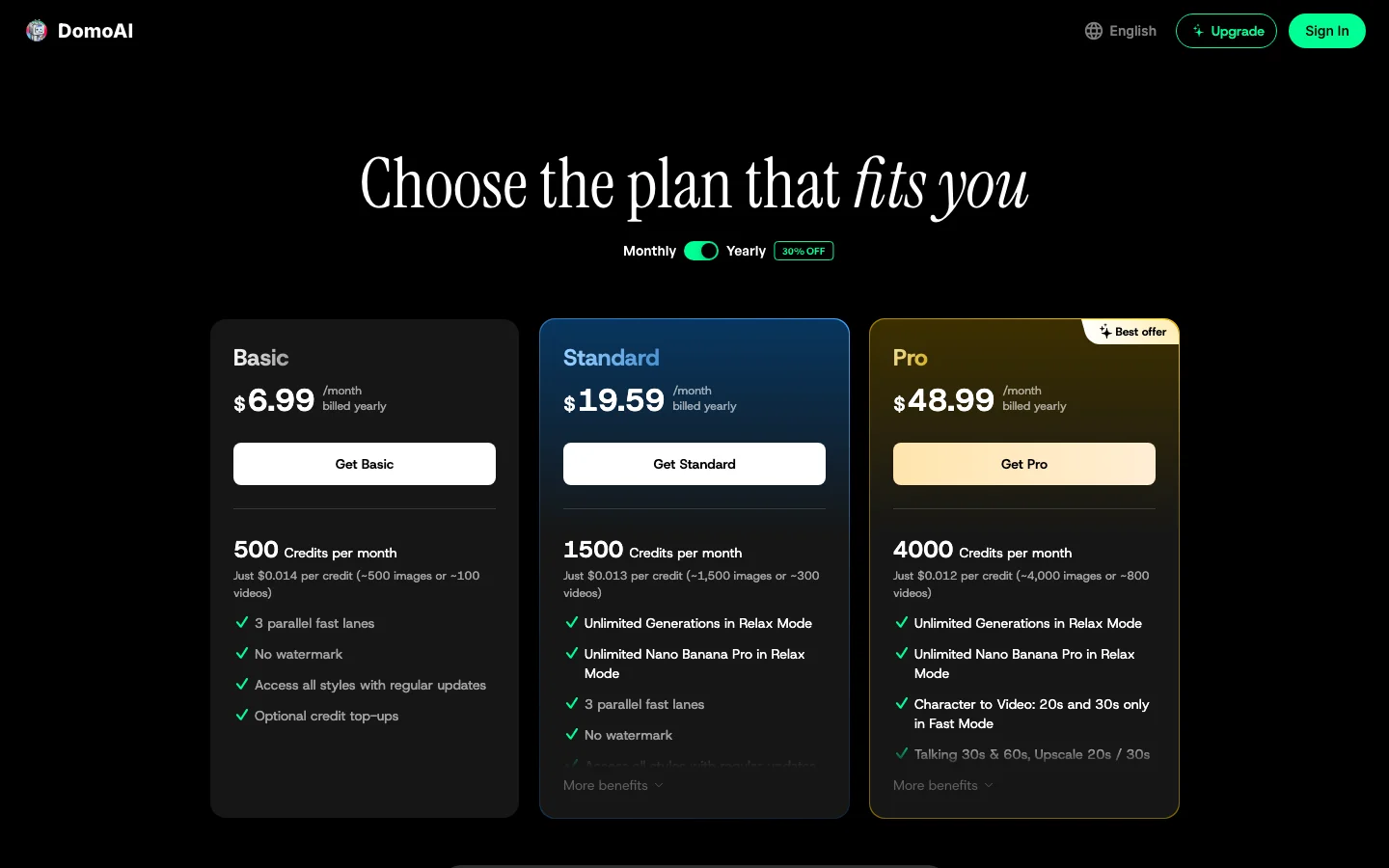
The free plan provides a monthly allocation of credits with standard-quality output. The Standard plan ($10 a month at list price) and the Pro plan ($37 a month at list price) increase credit volume, add higher quality outputs, priority generation, and higher resolution. New subscribers currently get about 30% off the first month. kling.ai shows monthly renewals about 12% below list. Kling 3.0 is also sold inside Higgsfield, which bills in credits and has plans starting at $9 a month.
The credit math is the thing to understand before committing. Per Kling's 3.0 user guide, a 5-second clip at 720p with no native audio costs 30 credits. On the Standard plan at list price, that works out to about 45 cents. A 5-second clip at 1080p with native audio costs 60 credits. The credit model punishes iterative experimentation. Users report pre-planning every generation rather than exploring freely, which is the opposite workflow of how video production actually develops.
Third-party access through Higgsfield or OpenArt prices credits differently from the per-credit purchases on klingai.com, which can matter for high-volume users. If you are a high-volume producer, price out both options before deciding where to run your pipeline. Kling 3.0 is also available directly from Kling.
One specific caution for API developers: the cheapest API credit bundle is a buy-once offer with no renewal at that price. Minimum purchase requirements on subsequent buys jump significantly. This has no analogy in competing platforms and creates real planning problems for developers building production tools on Kling's API. Check the current API pricing page before designing a billing model around it.
Always verify current credit pricing at klingai.com before committing. Prices have changed with each major model release.
Kling AI vs RunwayML
RunwayML is Kling's primary comparison target in community discussion, and the two tools have genuinely different strengths that make the choice straightforward once you know your use case.
Kling wins on: physics accuracy across cloth, liquid, and object dynamics; character consistency across shots; native audio generation; per-generation cost for most shot types; and iteration speed at the model level (Kling 1.0 to 3.0 in one year versus RunwayML's slower cadence).
RunwayML wins on: camera control language (dolly, pan, orbit, specific focal lengths); interface polish and workflow integration; enterprise procurement comfort (RunwayML is a US company, Kuaishou is Chinese, which matters for some procurement teams); and editorial close-up work where specific camera behavior drives the shot.
The production workflow that emerges in community threads: Kling for action sequences, wide shots, physics-heavy content, and audio integration. RunwayML for close-up editorial work, camera-language-driven sequences, and enterprise contexts. Both tools appear in production pipelines of serious indie filmmakers more often than either alone.
Against Sora, Kling is significantly cheaper per generation and more accessible (Sora is gated behind ChatGPT Plus or Pro tiers). Sora's prompt adherence is stronger, but Kling's physics are comparable and the economics favor Kling for anyone doing volume. Against Luma Labs Dream Machine, Kling outperforms on physics and character consistency; Luma's strength is camera movement quality and scene realism in nature and environment shots.
See the full AI video tools comparison for a side-by-side of all major platforms.
Is Kling AI Worth It in 2026?
The answer depends almost entirely on what you are making and how you work.
Kling is worth it for indie filmmakers and video producers who prioritize physics accuracy, native audio, and cost efficiency at scale over cinematographic camera control precision. It is particularly strong for action sequences, product animation, liquid and fabric dynamics, and character-consistent long-form sequences. The community consensus on Kling's physics quality is not contested, and this is the tool when physics matter.
Kling is not worth it for narrative directors who need RunwayML's camera language system, for enterprise teams whose procurement policies exclude Chinese-origin software (Kuaishou is a Chinese company and this is a real procurement consideration for some teams), or for API developers who need predictable per-generation pricing without punitive minimum purchase requirements after the initial bundle.
The credit system frustration is real and documented extensively. "KLING is amazing but exceptionally predatory with constant increase in costs and credit allocation" is a quote that circulates in review threads and reflects genuine community sentiment. If iterative experimentation is core to your creative process, the credit economics create friction that competing subscription-based tools do not. If you pre-plan your generations and execute efficiently, the per-generation cost is competitive.
The Higgsfield alternative is worth considering if you also want other video models under one subscription. In our Higgsfield review, a short Kling 3.0 clip cost 30 to 38 cents at the extra-credit rate. The catch is platform dependency on a third-party service, which adds risk if Higgsfield changes its terms or pricing. Going by both companies' plan pages, Kling Pro and Higgsfield Pro cost about the same for a short Kling 3.0 clip on monthly billing, and Kling Pro costs less on yearly billing.
Frequently Asked Questions
How much does Kling AI cost in 2026? Kling operates on credits. The free plan includes a monthly credit allocation with standard quality. Paid plans ($10 a month Standard, $37 a month Pro, both at list price) increase credit volume and quality. A 5-second Kling 3.0 clip at 720p with no native audio costs 30 credits, about 45 cents on the Standard plan at list price. Higgsfield also offers Kling 3.0, billed in credits, with plans starting at $9 a month. Verify current pricing at klingai.com as credit costs have changed with each major release.
What is new in Kling 2.0 and Kling 3.0? Kling 2.1 introduced start-to-end frame chaining for character-consistent long-form sequences. Kling 2.6 shipped native audio generation (the first major AI video tool to include audio), 1080p output, and motion control that applies movement from a reference video to a new character. Kling 3.0, available on Kling's own site and through Higgsfield, added multi-shot sequences with spatial continuity, advanced camera tracking including macro close-ups, and improved character consistency across complex multi-angle scenes.
How does Kling compare to Sora and RunwayML? Against Sora: Kling is significantly cheaper per generation and more accessible without a ChatGPT subscription. Sora's prompt adherence is stronger; Kling's physics are comparable. Against RunwayML: Kling wins on physics accuracy, character consistency, native audio, and per-generation cost. RunwayML wins on camera control language, interface polish, and US-company procurement comfort. Many production workflows use both tools for different shot types.
Can I use Kling AI commercially? Yes. Paid plan generations include commercial use rights. Free plan outputs have more restrictive terms. Check the current terms of service at klingai.com for specifics on permitted uses, particularly for broadcast or large-scale distribution. Content policy is restrictive relative to some Western competitors and is inconsistently applied.
Does Kling AI have a free tier? Yes. The free plan provides a monthly credit allocation sufficient for limited experimentation. Standard quality output only. Priority generation is reserved for paid plans. The free tier is adequate for evaluating the tool's physics and quality before committing to a paid plan, but not sufficient for production volume.