AI Music
AI-powered tools for generating, composing, and producing original music — from royalty-free background tracks to full songs with vocals, stems, and custom styles.
verdict
AI-powered tools for generating, composing, and producing original music — from royalty-free background tracks to full songs with vocals, stems, and custom styles.
The two we'd actually pay for.

What Is Suno? Suno is an AI music generator that turns text descriptions into complete audio tracks, vocals included. You describe a song - a genre, a mood, a lyric, a reference point - and Suno produces a finished-sound…

What Soundraw Does Soundraw is an AI music generator for background tracks. You pick a genre, mood, tempo, and length, and the tool assembles a royalty-free instrumental. There are no lyrics to write and no vocals to gen…
 4.0/5
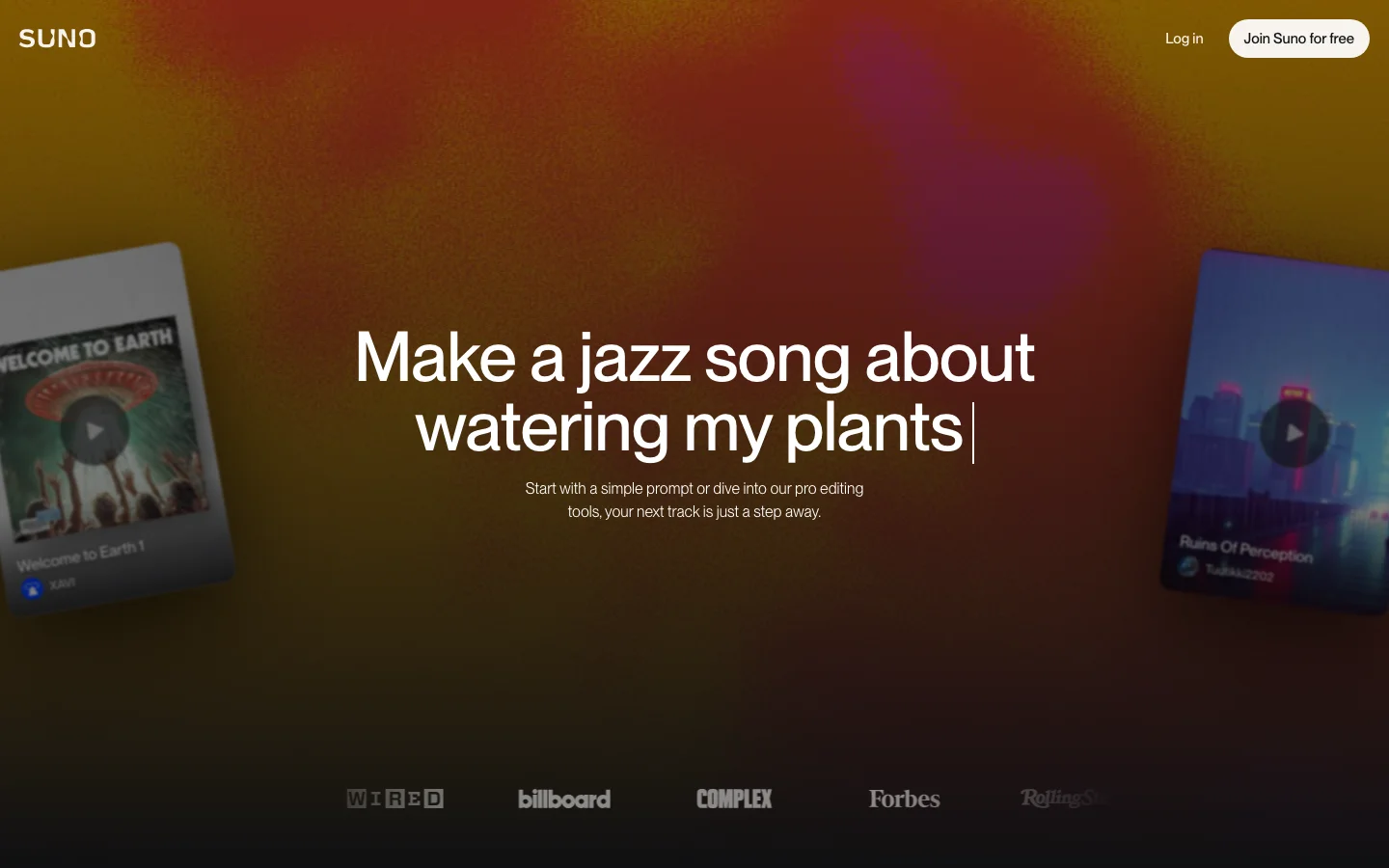
4.0/5What Is Suno? Suno is an AI music generator that turns text descriptions into complete audio tracks, vocals included. You describe a song - a genre, a mood, a lyric, a reference point - and Suno produces a finished-sounding track with instrumentation, mixing, and a vocal performance, usually in under a minute. It launched publicly in 2023 and has become the dominant name in consumer AI music generation. The brand recognition is real: searches for "suno ai" run at 100k to 1 million monthly queries, up roughly 900% year-over-year as of early 2026. That does not happen for a product people are not actively using. The current model is v5.5, available to paid subscribers. Free users run on v4.5, which is the previous generation but still produces results that would have been impossible from any tool two years ago. Features Text-to-music generationDescribe what you want in plain language. "A melancholic indie folk song about driving at night" or "uptempo hip-hop with a sample-heavy production and boastful lyrics" both work. Suno interprets genre, mood, tempo, and lyrical tone from a single prompt. You do not need to know music theory or production vocabulary. Custom lyrics modeIn advanced mode, you supply the actual lyrics and Suno generates vocals for them. You can also provide genre tags, set the tempo, specify instrumental sections, and toggle vocals off entirely if you want a backing track without a singer. Song extensionAny generated track can be extended past its original endpoint. If Suno produced a 90-second intro that works but stops too early, you can continue it forward rather than regenerating from scratch. Stem separationPro plan includes two stem types; Premier plan includes all three (auto, split from mix, advanced split). This lets you pull individual elements of a generated track for use in a DAW or for remixing. Voice modelsUpload your own voice and Suno can generate tracks that sound like you singing. See the cons section for a significant privacy caveat on this feature. Audio uploadUpload reference audio of up to 8 minutes on the free plan, up to 30 minutes on paid plans. Suno can use the uploaded audio as a starting point or stylistic reference. Suno StudioAvailable on Premier only, Suno Studio is a beat and stem editing workspace launched in early 2026. It provides more granular control over the production elements of generated tracks rather than the generation-then-done workflow of the standard interface. Pricing Verified at suno.com/pricing on 2026-06-20. PlanMonthly priceAnnual priceCredits/periodSongs approx.Commercial rightsModel access Free$0$050/day~10/dayNov4.5 only Pro$8/mo$6.40/mo2,500/month~500/monthYes (new songs only)v5.5 + all earlier Premier$24/mo$19.20/mo10,000/month~2,000/monthYesv5.5 + all earlier + Suno Studio Free tier details: 50 credits renew daily (do not accumulate). Songs can be downloaded. No audio watermark. Shared generation queue (slower during peak hours). Audio upload limited to 8 minutes. Commercial use prohibited on free-generated tracks, even if you later upgrade. Credit consumption: Suno generates two track variations per prompt by default, consuming 10 credits per generation. This means 50 daily free credits produce roughly 5 generation runs, each yielding two options to choose from. Add-on credits are available on Pro and Premier plans. Credits do not carry over between periods. Pros Generous free tier for personal use. Ten songs per day, every day, with actual download access is a meaningful amount of free output. Most AI music tools on the free tier give you previews only. Suno gives you files you can keep. Speed. A full song with vocals typically generates in 30 to 60 seconds. The feedback loop is fast enough that you can iterate through several variations in a few minutes. Vocal quality at this price point. AI-generated vocals are still an uncanny valley situation for a lot of tools. Suno's output does not always clear the bar for professional release, but it is noticeably better than what the category produced a year ago, and the free tier quality is high enough to evaluate the tool without paying. $8/month Pro is priced reasonably. 500 songs per month with commercial rights, priority queue, and v5.5 access is a real value if you need the output volume. Well-funded and operationally stable. Suno raised $400 million at a $5.4 billion valuation in mid-2026. It has runway. A tool with this much funding and an active user base is not going away, which matters if you are building creative workflows around it. Cons No folder organization. The most consistent complaint in r/SunoAI, by a significant margin, is that there is no way to organize generated tracks into folders or collections. If you make music regularly, your library becomes a flat chronological dump. Suno's own subreddit has had folder management as the top community feature request for months. For light users this is an inconvenience; for anyone doing volume it becomes a real productivity problem. Generation consistency is unpredictable. A track can start strong and fall apart in the final third. The same prompt can produce outputs that vary significantly in quality between runs. Experienced Suno users report expecting to regenerate two to three times before landing on a track they are happy with, which eats into your credit budget faster than the headline numbers suggest. Commercial rights do not apply retroactively. Songs generated while on the free plan remain non-commercial even if you later upgrade. If you have been using the free tier to build a catalog you plan to monetize, those tracks stay unlicensed for commercial use. Voice model privacy concern. The Voice Model feature collects voice recordings and creates a model of your vocal characteristics. Per Suno's Terms of Service (verified June 2026), uploading your voice grants Suno a worldwide, perpetual, irrevocable, royalty-free license covering your voice recordings and the resulting voice model, including the right to use, reproduce, store, modify, and distribute that data. Suno notes that depending on your jurisdiction this may involve biometric data. If you are considering using the Voice Model feature, read the current ToS before uploading your voice. Legal situation carries ongoing uncertainty. Suno settled its copyright lawsuit with Warner Music Group in November 2025 by forming a licensing partnership with them. A separate lawsuit, filed by the RIAA on behalf of Sony Music and other labels, has a significant hearing scheduled in a Massachusetts federal court in July 2026. In Germany, a separate GEMA case against Suno is due for a ruling on July 31, 2026. These cases will not necessarily shut Suno down, but the outcome could affect how the platform operates, what content it can generate, or what rights users actually hold over the output. The WMG deal comes with caveats for users. The November 2025 Warner settlement included changes to how Suno defines music ownership for subscribers and outlines plans for new licensed AI models that will replace current versions. What those future models will or will not generate, and how ownership terms will read after the transition, is not yet fully defined. Who It's For Creative hobbyists and experimenters. If you want to make music and have no background in production or theory, Suno's free tier gives you a genuinely powerful sandbox. The results are real enough to share with people. Content creators who need original music. Podcasters, YouTubers, and video producers who need background tracks that are not stock library music and do not want to pay per-track sync licensing fees. You need the Pro plan for commercial use. Musicians and songwriters using AI as a starting point. Several posts in r/SunoAI describe the tool as a demo-generation or inspiration engine rather than a finished-product machine. Not ideal for: Anyone who needs guaranteed commercially safe music without legal complexity, anyone who requires stems and professional production formats on a budget, or anyone who needs to organize a large library of generated tracks. Verdict Suno is the best general-purpose AI music generator available in 2026 for most users. Nothing else at this price point produces complete songs with vocals from a text prompt and lets you download them on a free tier. The output quality has improved meaningfully with v5.5, the $8/month Pro plan is reasonably priced, and the company is well-funded enough that it will still be around next year. The real question with Suno is the legal and policy trajectory. The ongoing Sony/RIAA lawsuit and the German GEMA case are not existential in isolation, but the outcome of one or both could affect what Suno can do and what rights users hold. The voice model privacy terms are a legitimate concern for anyone considering that specific feature. And the WMG partnership, while good for Suno's stability, carries future uncertainty about what the post-settlement "licensed AI model" era will look like. For casual and semi-professional use today, those concerns are manageable. For anyone building a serious commercial music workflow around Suno's output, they are worth understanding before you commit. Rating: 4.1/5. Excellent output quality and free tier, dragged down by missing organizational tools, generation inconsistency, genuine legal uncertainty, and voice model privacy terms that are easy to miss. Frequently Asked Questions Is Suno free to use?Yes. The free plan gives you 50 credits per day, which works out to roughly 10 songs. You can download the audio, but commercial use requires a paid plan starting at $8/month. Free-tier credits reset daily and do not accumulate. Can I use Suno-generated music on YouTube?Not on the free plan. Commercial use, including YouTube channel monetization, requires a Pro or Premier subscription. Note that tracks generated while on the free plan do not become commercially licensed if you later upgrade. Each plan's commercial rights apply only to songs created while subscribed to that paid plan. What is Suno v5.5?Version 5.5 is the current generation model available to Pro and Premier subscribers. Free users have access to v4.5, the previous generation. The quality difference is noticeable in complex arrangements and vocal clarity; for casual use and experimentation, v4.5 is functional. Is Suno involved in any copyright lawsuits?Yes. Suno settled with Warner Music Group in November 2025 through a licensing partnership. A separate case filed by the RIAA on behalf of Sony Music and others is active in US federal court, with a significant hearing scheduled for July 2026. A German copyright case (GEMA vs. Suno) has a ruling scheduled for July 31, 2026. These cases may affect Suno's operations and users' rights over generated content. What is Suno's Voice Model feature and is it safe?The Voice Model feature lets you upload your own voice to generate tracks in your vocal style. Suno's Terms of Service grants them a perpetual, irrevocable license to your uploaded voice data and the resulting model. This data may qualify as biometric information depending on your jurisdiction. Read the current Terms of Service at suno.com/terms-of-service before using this feature. The rest of Suno does not require voice uploads. Does Suno add watermarks to free-tier tracks?Suno's pricing page does not mention audio watermarks, and community usage confirms no audible watermark on free-tier downloads. The restriction on free-tier output is a commercial rights limitation, not a watermark.Related reading: See how Suno compares to other top AI music generators in our Best AI Music Generators 2026 roundup.
 3.5/5
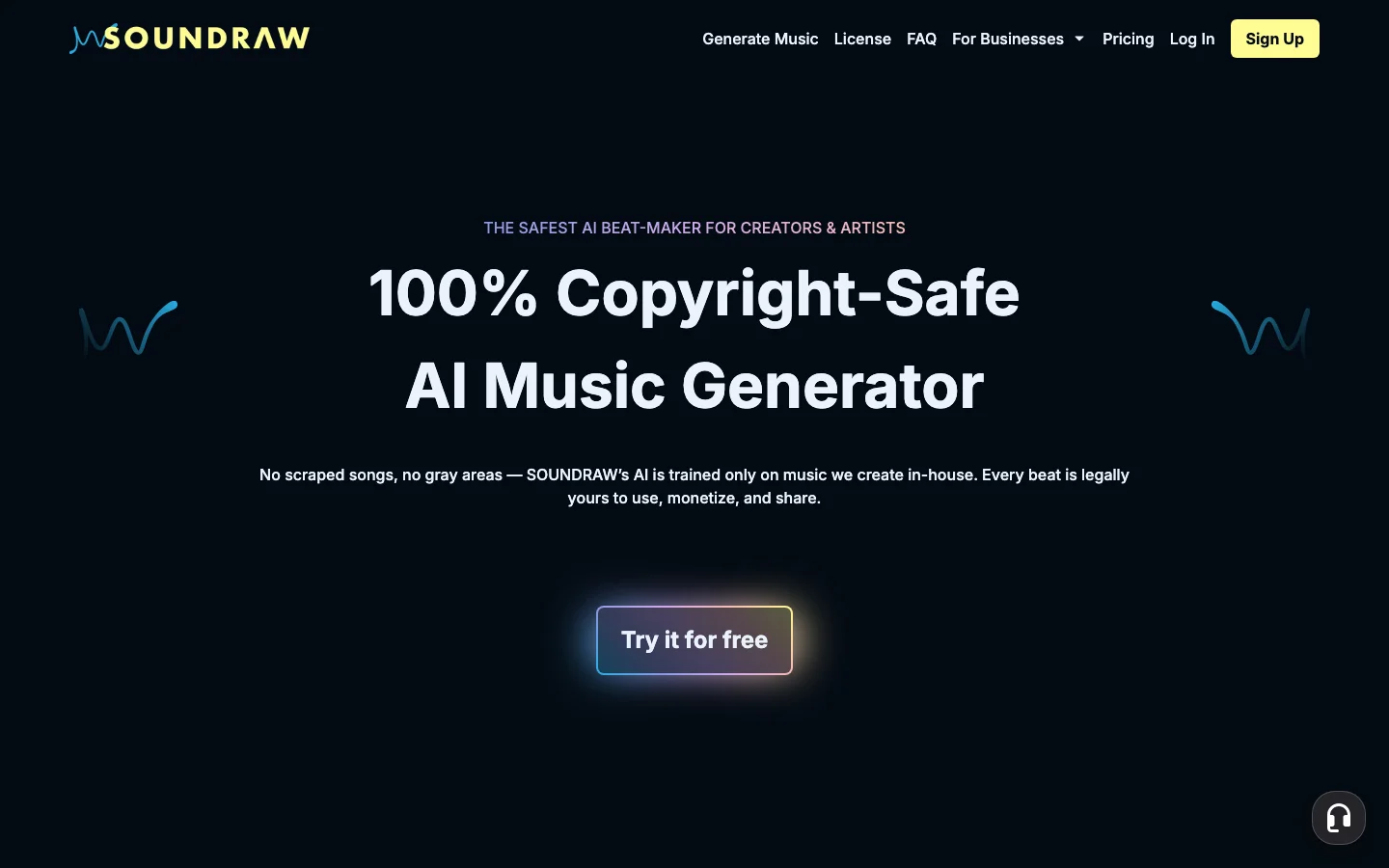
3.5/5What Soundraw Does Soundraw is an AI music generator for background tracks. You pick a genre, mood, tempo, and length, and the tool assembles a royalty-free instrumental. There are no lyrics to write and no vocals to generate. The output is a backing track. That distinction matters. Soundraw is not a text-to-song generator in the way Suno is. You are not describing a song in natural language. You are selecting style parameters from a menu of 30-plus genres including Hip-Hop, Lo-Fi, Acoustic, Drill, EDM, and Orchestral, then letting the system assemble something that fits those parameters. The results are consistently usable for background applications. They are not consistently distinctive. The primary reason someone chooses Soundraw in 2026 is not the output quality or the generation speed. It is the copyright model. Soundraw trains on in-house produced music rather than scraped recordings, and every paid plan includes full commercial rights with 100 percent of royalties going to you. If your use case involves distributing music on Spotify, publishing ads on YouTube, or licensing music for client work, Soundraw's clean rights position is genuinely valuable in a market where two of its larger competitors (Suno and Udio) both struck deals with major music labels in 2025, generating ongoing community anxiety about what those relationships could mean for users. Pricing Soundraw displays annual billing prices by default on its homepage. Monthly billing costs significantly more. PlanBilled annually (per month)Billed monthlyDownloadsFormatsCommercial Creator$5.99/mo$9.99/moUnlimitedMP3Yes Artist Starter$10.49/mo$19.99/mo10/moMP3Yes Artist Pro$12.59/mo$29.99/mo20/moMP3, WAV, StemsYes Artist Unlimited$17.49/mo$49.99/moUnlimitedMP3, WAV, StemsYes EnterpriseCustomCustomUnlimitedAllYes Prices verified at soundraw.io on 2026-06-20. Annual column shows the per-month equivalent when billed annually. Monthly column shows the price when billed month-to-month. Free tier: You can generate and preview unlimited tracks in-browser without creating a paid account. You cannot download anything on the free tier. Think of it as a try-before-you-buy preview mode rather than a functional free plan. The Creator plan is the odd one out in the lineup. At $5.99 per month (annual), it is the cheapest entry point and includes unlimited MP3 downloads. But it gives you MP3 only, no WAV, no stems. If you need stems for DAW production or WAV for broadcast-quality delivery, you are starting at Artist Pro. The Artist Starter plan ($10.49/mo annual, 10 downloads/month, MP3 only) is the least compelling option in the lineup. You pay more than Creator but get fewer downloads and still no WAV or stems. It exists for artists who want distribution rights to release on streaming platforms, which Creator does not include. Features Bar-level editing (Mixer): After generating a track, you can toggle instruments on and off, adjust intensity, change the tempo, and modify the song structure at specific points in the timeline. This does not require a DAW. It is a meaningful differentiator over tools that give you a static output file with no adjustment options. Genre blending: You can combine two genre options, such as Hip-Hop and Orchestra, to generate something in between. Results vary but the feature is real and occasionally produces something that works precisely because it does not sound like either source genre. Stems export: Available on Artist Pro and Artist Unlimited plans. If you plan to use the generated track in professional production, stems let you pull individual instrument layers into your editing software. Unlimited previews: The free experience lets you iterate through style combinations without a credit system. You can generate dozens of tracks, hear what works, and decide before paying. This is more useful than a credit-limited free tier. Streaming distribution: Artist plans (Starter, Pro, Unlimited) include rights to distribute generated music on Spotify and Apple Music under your name. Creator plan does not include distribution rights. Pros Clean commercial rights with no copyright uncertainty - no major label deals in the supply chain Unlimited MP3 downloads on the cheapest paid plan ($5.99/mo annual) Bar-level editing lets you adjust the track without a DAW Free preview tier lets you evaluate the quality before committing Stems available on mid-tier plans for producers who need them No credit system on the Creator plan - generate as much as you want Cons Not a text-to-song tool. You cannot input lyrics or describe a song in natural language. If you need vocals or AI-generated singing, Soundraw is not the right tool. Output variety is limited. Multiple generations with similar parameters produce tracks that sound alike. This is the most-cited complaint from users who stay subscribed for more than a few months. The free tier gives you zero downloads. To actually use any audio you generate, you need a paid plan. Artist Starter ($10.49/mo annual) caps you at 10 downloads per month with no WAV or stems, making it the hardest plan to justify versus Creator. Billing practices on cancellation have generated complaints. Some users reported unexpected charges after cancelling. Document your cancellation date and check your statement. Declining search interest. Soundraw's branded search volume has dropped significantly over the past year (-90% YoY), which does not directly affect the tool's usefulness but does indicate the category leaders are pulling more oxygen. No dedicated mobile app with full editing features. Who Soundraw Is For YouTube creators and podcasters who need background music for commercial content and want a clear license without legal ambiguity. The Creator plan at $5.99 per month (annual) with unlimited MP3 downloads is competitively priced for this use case. Ad producers and e-commerce brands who need volume of commercially-usable music tracks for client campaigns. The stems export on Artist Pro adds flexibility for post-production. Music artists who want to distribute AI-generated tracks on streaming platforms. Artist plans include those distribution rights; the Creator plan does not. Soundraw is not the right tool for creators who want full songs with vocals, natural-language prompting, or the ability to describe a song concept and hear it realized. That is Suno's use case. The Copyright Story (Why It Matters in 2026) In late 2025, both Suno and Udio struck deals with major music labels. Suno settled a copyright lawsuit with Warner Music Group. Udio partnered with Universal Music Group and simultaneously disabled all track downloads from the platform. Soundraw's training data is different. The company built its music library using in-house produced compositions rather than scraping existing recordings. This removes the central risk that the Suno and Udio settlements created: the possibility that generated output could contain copyrighted material that a label now has a licensing relationship with. For commercial work where you need to distribute music across platforms or deliver to clients, the rights position matters. Soundraw's offer is simple: you own the commercial rights on any paid plan, you keep all royalties, and the underlying training data does not have major label encumbrances. That is a narrower but cleaner guarantee than competitors currently offer. Compared to Suno Suno generates full songs with vocals from a text prompt. Soundraw generates instrumental background tracks from style parameters. They are not direct competitors for most use cases. If you need music for a YouTube video background, a podcast intro, or a commercial ad bed, Soundraw is the simpler, more copyright-certain option. If you want to generate a song with lyrics and singing, Suno is the choice. FAQ Is Soundraw free?Soundraw has a free tier that lets you generate and preview unlimited tracks in-browser. You cannot download any tracks on the free tier. To export audio, you need a paid plan starting at $5.99 per month (billed annually). Can you use Soundraw music commercially?Yes. Every paid Soundraw plan includes full commercial rights and you keep 100 percent of the royalties. Soundraw trains on in-house produced music rather than scraped recordings, which removes the copyright uncertainty that has affected other AI music tools in 2025-2026. Does Soundraw have vocals?No. Soundraw generates instrumental tracks only. It selects style parameters (genre, mood, tempo, length) rather than processing text prompts or lyrics. If you need AI-generated vocals or a full song with singing, Suno is the tool to look at. What formats does Soundraw export?MP3 on the Creator and Artist Starter plans. MP3, WAV, and individual stems on Artist Pro and Artist Unlimited plans. How is Soundraw different from Suno?Suno takes a text description or lyrics and generates a complete song with vocals and instrumentation. Soundraw takes style parameters (genre, mood, tempo) and generates instrumental background music. Soundraw's commercial rights are cleaner - no major label deals affect the licensing. Suno's free tier is more useful (you can download tracks for free, just not for commercial use).Related reading: See how Soundraw compares to other top AI music generators in our Best AI Music Generators 2026 roundup.
One category review a month. The good ones.
What we reviewed, what we dropped, what's worth your money. No sponsored slots.