
What Soundraw Does Soundraw is an AI music generator for background tracks. You pick a genre, mood, tempo, and length, and the tool assembles a royalty-free instrumental. There are no lyrics to write and no vocals to generate. The output is a backing track. That distinction matters. Soundraw is not a text-to-song generator in the way Suno is. You are not describing a song in natural language. You are selecting style parameters from a menu of 30-plus genres including Hip-Hop, Lo-Fi, Acoustic, Drill, EDM, and Orchestral, then letting the system assemble something that fits those parameters. The results are consistently usable for background applications. They are not consistently distinctive. The primary reason someone chooses Soundraw in 2026 is not the output quality or the generation speed. It is the copyright model. Soundraw trains on in-house produced music rather than scraped recordings, and every paid plan includes full commercial rights with 100 percent of royalties going to you. If your use case involves distributing music on Spotify, publishing ads on YouTube, or licensing music for client work, Soundraw's clean rights position is genuinely valuable in a market where two of its larger competitors (Suno and Udio) both struck deals with major music labels in 2025, generating ongoing community anxiety about what those relationships could mean for users. Pricing Soundraw displays annual billing prices by default on its homepage. Monthly billing costs significantly more. PlanBilled annually (per month)Billed monthlyDownloadsFormatsCommercial Creator$5.99/mo$9.99/moUnlimitedMP3Yes Artist Starter$10.49/mo$19.99/mo10/moMP3Yes Artist Pro$12.59/mo$29.99/mo20/moMP3, WAV, StemsYes Artist Unlimited$17.49/mo$49.99/moUnlimitedMP3, WAV, StemsYes EnterpriseCustomCustomUnlimitedAllYes Prices verified at soundraw.io on 2026-06-20. Annual column shows the per-month equivalent when billed annually. Monthly column shows the price when billed month-to-month. Free tier: You can generate and preview unlimited tracks in-browser without creating a paid account. You cannot download anything on the free tier. Think of it as a try-before-you-buy preview mode rather than a functional free plan. The Creator plan is the odd one out in the lineup. At $5.99 per month (annual), it is the cheapest entry point and includes unlimited MP3 downloads. But it gives you MP3 only, no WAV, no stems. If you need stems for DAW production or WAV for broadcast-quality delivery, you are starting at Artist Pro. The Artist Starter plan ($10.49/mo annual, 10 downloads/month, MP3 only) is the least compelling option in the lineup. You pay more than Creator but get fewer downloads and still no WAV or stems. It exists for artists who want distribution rights to release on streaming platforms, which Creator does not include. Features Bar-level editing (Mixer): After generating a track, you can toggle instruments on and off, adjust intensity, change the tempo, and modify the song structure at specific points in the timeline. This does not require a DAW. It is a meaningful differentiator over tools that give you a static output file with no adjustment options. Genre blending: You can combine two genre options, such as Hip-Hop and Orchestra, to generate something in between. Results vary but the feature is real and occasionally produces something that works precisely because it does not sound like either source genre. Stems export: Available on Artist Pro and Artist Unlimited plans. If you plan to use the generated track in professional production, stems let you pull individual instrument layers into your editing software. Unlimited previews: The free experience lets you iterate through style combinations without a credit system. You can generate dozens of tracks, hear what works, and decide before paying. This is more useful than a credit-limited free tier. Streaming distribution: Artist plans (Starter, Pro, Unlimited) include rights to distribute generated music on Spotify and Apple Music under your name. Creator plan does not include distribution rights. Pros Clean commercial rights with no copyright uncertainty - no major label deals in the supply chain Unlimited MP3 downloads on the cheapest paid plan ($5.99/mo annual) Bar-level editing lets you adjust the track without a DAW Free preview tier lets you evaluate the quality before committing Stems available on mid-tier plans for producers who need them No credit system on the Creator plan - generate as much as you want Cons Not a text-to-song tool. You cannot input lyrics or describe a song in natural language. If you need vocals or AI-generated singing, Soundraw is not the right tool. Output variety is limited. Multiple generations with similar parameters produce tracks that sound alike. This is the most-cited complaint from users who stay subscribed for more than a few months. The free tier gives you zero downloads. To actually use any audio you generate, you need a paid plan. Artist Starter ($10.49/mo annual) caps you at 10 downloads per month with no WAV or stems, making it the hardest plan to justify versus Creator. Billing practices on cancellation have generated complaints. Some users reported unexpected charges after cancelling. Document your cancellation date and check your statement. Declining search interest. Soundraw's branded search volume has dropped significantly over the past year (-90% YoY), which does not directly affect the tool's usefulness but does indicate the category leaders are pulling more oxygen. No dedicated mobile app with full editing features. Who Soundraw Is For YouTube creators and podcasters who need background music for commercial content and want a clear license without legal ambiguity. The Creator plan at $5.99 per month (annual) with unlimited MP3 downloads is competitively priced for this use case. Ad producers and e-commerce brands who need volume of commercially-usable music tracks for client campaigns. The stems export on Artist Pro adds flexibility for post-production. Music artists who want to distribute AI-generated tracks on streaming platforms. Artist plans include those distribution rights; the Creator plan does not. Soundraw is not the right tool for creators who want full songs with vocals, natural-language prompting, or the ability to describe a song concept and hear it realized. That is Suno's use case. The Copyright Story (Why It Matters in 2026) In late 2025, both Suno and Udio struck deals with major music labels. Suno settled a copyright lawsuit with Warner Music Group. Udio partnered with Universal Music Group and simultaneously disabled all track downloads from the platform. Soundraw's training data is different. The company built its music library using in-house produced compositions rather than scraping existing recordings. This removes the central risk that the Suno and Udio settlements created: the possibility that generated output could contain copyrighted material that a label now has a licensing relationship with. For commercial work where you need to distribute music across platforms or deliver to clients, the rights position matters. Soundraw's offer is simple: you own the commercial rights on any paid plan, you keep all royalties, and the underlying training data does not have major label encumbrances. That is a narrower but cleaner guarantee than competitors currently offer. Compared to Suno Suno generates full songs with vocals from a text prompt. Soundraw generates instrumental background tracks from style parameters. They are not direct competitors for most use cases. If you need music for a YouTube video background, a podcast intro, or a commercial ad bed, Soundraw is the simpler, more copyright-certain option. If you want to generate a song with lyrics and singing, Suno is the choice. FAQ Is Soundraw free?Soundraw has a free tier that lets you generate and preview unlimited tracks in-browser. You cannot download any tracks on the free tier. To export audio, you need a paid plan starting at $5.99 per month (billed annually). Can you use Soundraw music commercially?Yes. Every paid Soundraw plan includes full commercial rights and you keep 100 percent of the royalties. Soundraw trains on in-house produced music rather than scraped recordings, which removes the copyright uncertainty that has affected other AI music tools in 2025-2026. Does Soundraw have vocals?No. Soundraw generates instrumental tracks only. It selects style parameters (genre, mood, tempo, length) rather than processing text prompts or lyrics. If you need AI-generated vocals or a full song with singing, Suno is the tool to look at. What formats does Soundraw export?MP3 on the Creator and Artist Starter plans. MP3, WAV, and individual stems on Artist Pro and Artist Unlimited plans. How is Soundraw different from Suno?Suno takes a text description or lyrics and generates a complete song with vocals and instrumentation. Soundraw takes style parameters (genre, mood, tempo) and generates instrumental background music. Soundraw's commercial rights are cleaner - no major label deals affect the licensing. Suno's free tier is more useful (you can download tracks for free, just not for commercial use).Related reading: See how Soundraw compares to other top AI music generators in our Best AI Music Generators 2026 roundup.
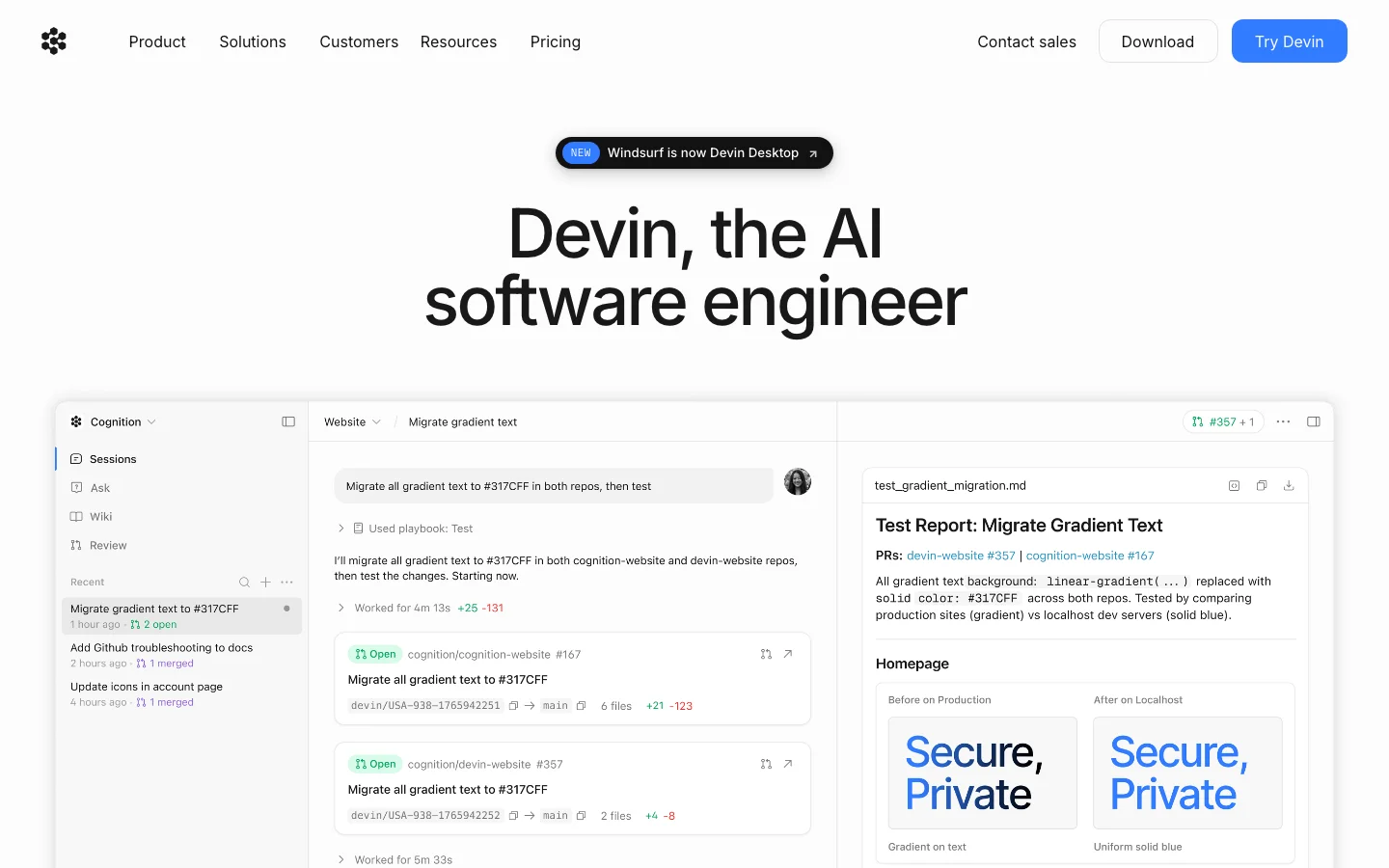

What is Devin Desktop? Devin Desktop is an AI-powered coding environment built on a VS Code fork. You may know it as Windsurf, or before that, as the Codeium IDE. On June 2, 2026, Windsurf was officially renamed Devin Desktop following its acquisition by Cognition AI (the company behind the Devin autonomous coding agent). If you've been searching for "Windsurf IDE" or "Codeium editor," this is the same product. The core pitch has stayed consistent through three name changes: unlimited tab autocomplete with no credit card, competitive with GitHub Copilot but free at the baseline. The agentic layer has changed more significantly. The built-in Cascade agent, which handled multi-file editing tasks, was sunset on July 1, 2026 and replaced by Devin Local, a Rust rewrite that Cognition claims is up to 30% more token-efficient. Independent testing by developer Danila Danilchenko showed roughly 18,000 tokens on a task where Cascade previously burned 24,000 - the efficiency claim holds up in at least one real-world comparison. Who it is for Devin Desktop works well for developers who want: Copilot-style autocomplete in a standalone IDE without paying $10-20/month for it An agentic editor in the same category as Cursor, with multi-file task handling A way to run Claude, Codex, and other agents from one environment (via Agent Client Protocol support) It is a weaker choice if you need long-term stability guarantees. The founding team departed for Google after the acquisition fell through at the expected valuation. The product now belongs to Cognition AI, a company that built its reputation on a different product (cloud-based autonomous coding agents, not an IDE). That organizational mismatch is a real consideration for developers who invest heavily in IDE muscle memory and tooling. Free tier The free plan gives you: Unlimited tab autocomplete across 70+ programming languages Unlimited inline edits Light agent quota (Devin Local sessions; exact daily limit not published, but designed for light agentic work, not full task runs) Limited model selection No credit card required The autocomplete is the headline. GitHub Copilot's free plan caps at 2,000 completions per month. Devin Desktop's free plan has no such cap. For developers who primarily want completion suggestions and occasional inline edits, the free tier is a genuine value proposition that has survived the branding changes intact. The agent sessions on the free tier are metered. If you need to run multiple multi-file agentic tasks in a day, you will hit the limit. For that kind of usage, the paid plan is the intended path. The Windsurf plugins for VS Code and JetBrains still exist and provide autocomplete within your existing editor. These are in maintenance mode per official documentation: no new features are being added. If you do not want to switch editors, the plugin works, but it will not get the agentic capabilities that Devin Desktop receives. Paid plans PlanPriceWhat you get Free$0/monthUnlimited autocomplete and inline edits; light agent quota; limited models Pro$20/monthStandard daily/weekly agent quota; full model access (SWE-1.6, Claude, GPT-5, Gemini); cloud agents; up to 10 concurrent sessions Max$200/monthHeavy agent quota; all Pro features; for teams running intensive agent workloads Teams$80/month + $40/userUnlimited concurrent sessions; centralized billing; admin dashboard; priority support EnterpriseCustomSSO/SAML/SCIM; VPC deployment; dedicated support Pro is $20/month, the same price as Cursor Pro. The free-vs-paid comparison with GitHub Copilot remains meaningful (unlimited vs capped autocomplete), but the price advantage over Cursor no longer exists at the Pro level. The Pro price was raised from $15 in March 2026. What changed with the Devin Desktop rebrand For existing users, the June 2026 rebrand was technically invisible. Settings, extensions, and keybindings carried over automatically. The IDE icon changed. The product URL changed from windsurf.com to devin.ai. The functional changes: Devin Local replaces Cascade. Cascade is retired. Devin Local is a Rust rewrite with improved token efficiency and subagent support. Early reports suggest it loops less than Cascade did, though it can occasionally skip validation steps like running tests that Cascade would have caught. Agent Command Center. A new Kanban interface shows all running local and cloud agents. Useful for teams running parallel agents; potentially distracting for solo developers who spend most of their time in the editor view. Spaces. Context-sharing across agents, organizing sessions alongside pull requests and files. As of the rebrand, missing templates and team-sharing features, per early reviews. Work in progress. ACP support. The Agent Client Protocol allows Claude Agent, Codex, OpenCode, and custom in-house agents to run inside Devin Desktop alongside Devin Local. For teams already invested in Claude or Codex workflows, this matters. Pros Unlimited tab autocomplete on the free plan, no credit card required Devin Local is measurably more efficient than Cascade was (30% token reduction confirmed in at least one independent test) ACP support means you can bring your own agent (Claude, Codex) and run it from the same IDE Settings and extensions from Windsurf carry over automatically for existing users Multi-model access on Pro: Claude, GPT-5, Gemini, and Cognition's own SWE-1.6 Cons Free tier agent quota is limited and the exact daily cap is not published; you will hit it doing real agentic work The founding team that built Windsurf left for Google; Cognition acquired the product for roughly $250M after an expected ~$3B OpenAI deal fell through. This is a legitimate long-term adoption risk. Cascade was deprecated with under four weeks' notice, signaling how quickly the product direction can change under new ownership Agent Command Center and Spaces are in early form; the Kanban-first default feels misaligned for developers who mostly want a code editor with autocomplete Windsurf VS Code and JetBrains plugins are in maintenance mode; no new features are coming to them Pro pricing is now $20/month, identical to Cursor Pro, removing the pricing edge Stability and the ownership question Windsurf's founding team left for Google after the OpenAI acquisition fell through. Cognition AI bought the product at a significant discount to the rumored valuation. That context matters when evaluating whether to adopt Devin Desktop as a core tool. Cognition built its name on Devin, an autonomous cloud agent. Running an IDE is a different business. Whether Cognition invests in Devin Desktop with the same intensity that Codeium's original team did is an open question. The free autocomplete tier and the Devin Local agent are genuine improvements, but the product is 18 days into a rebrand with a new owner and a recent key-team departure. This does not mean the tool is not worth using. The free tier works well for developers who want unlimited autocomplete without paying for Copilot. But if you are comparing Devin Desktop to Cursor for a multi-year team commitment, the organizational stability of Cursor's team (Anysphere) is a factor worth naming. How it compares to the alternatives Devin Desktop competes directly with Cursor and GitHub Copilot in the AI coding IDE category. The free-tier comparison in the Cursor vs GitHub Copilot breakdown is worth reading alongside this review: Devin Desktop fills a gap those two leave open. GitHub Copilot's free plan caps completions; Cursor's free plan is trial-style rather than an ongoing tier. Devin Desktop's free plan is designed for sustained daily use with no credit limit on autocomplete. At the $20/month Pro level, all three charge the same price. The differentiator becomes feature set and which agentic model you prefer: Cursor uses its own model plus Claude; Devin Desktop uses SWE-1.6 plus Claude, GPT-5, and Gemini with ACP support. FAQ Is Devin Desktop the same as Windsurf?Yes. Windsurf was officially renamed Devin Desktop on June 2, 2026, after Cognition AI acquired the product (previously known as Codeium). Existing users saw an automatic update. The URL changed from windsurf.com to devin.ai. Is the free plan really unlimited for autocomplete?Tab completions and inline edits are unlimited on the free plan with no credit card required. Agent sessions (multi-file task runs via Devin Local) are limited to a light daily quota. If you need heavy agentic use, the free tier will not cover it. What happened to Cascade?Cascade, the original agentic layer in Windsurf, was retired on July 1, 2026. It was replaced by Devin Local, a Rust rewrite with better token efficiency and subagent support. Is Devin Desktop or Cursor better?At $20/month Pro, they are priced identically. Cursor has a more stable team and a longer track record as a standalone product. Devin Desktop has a stronger free tier and ACP support for running multiple agent types from one IDE. The right choice depends on whether the free tier is important to you and how you weigh the ownership uncertainty on Devin's side. Do the Windsurf VS Code / JetBrains plugins still work?Yes, but they are in maintenance mode. No new features are being added. For basic autocomplete in your existing editor they still function, but Cognition's documentation recommends Devin Desktop for full agentic capabilities.
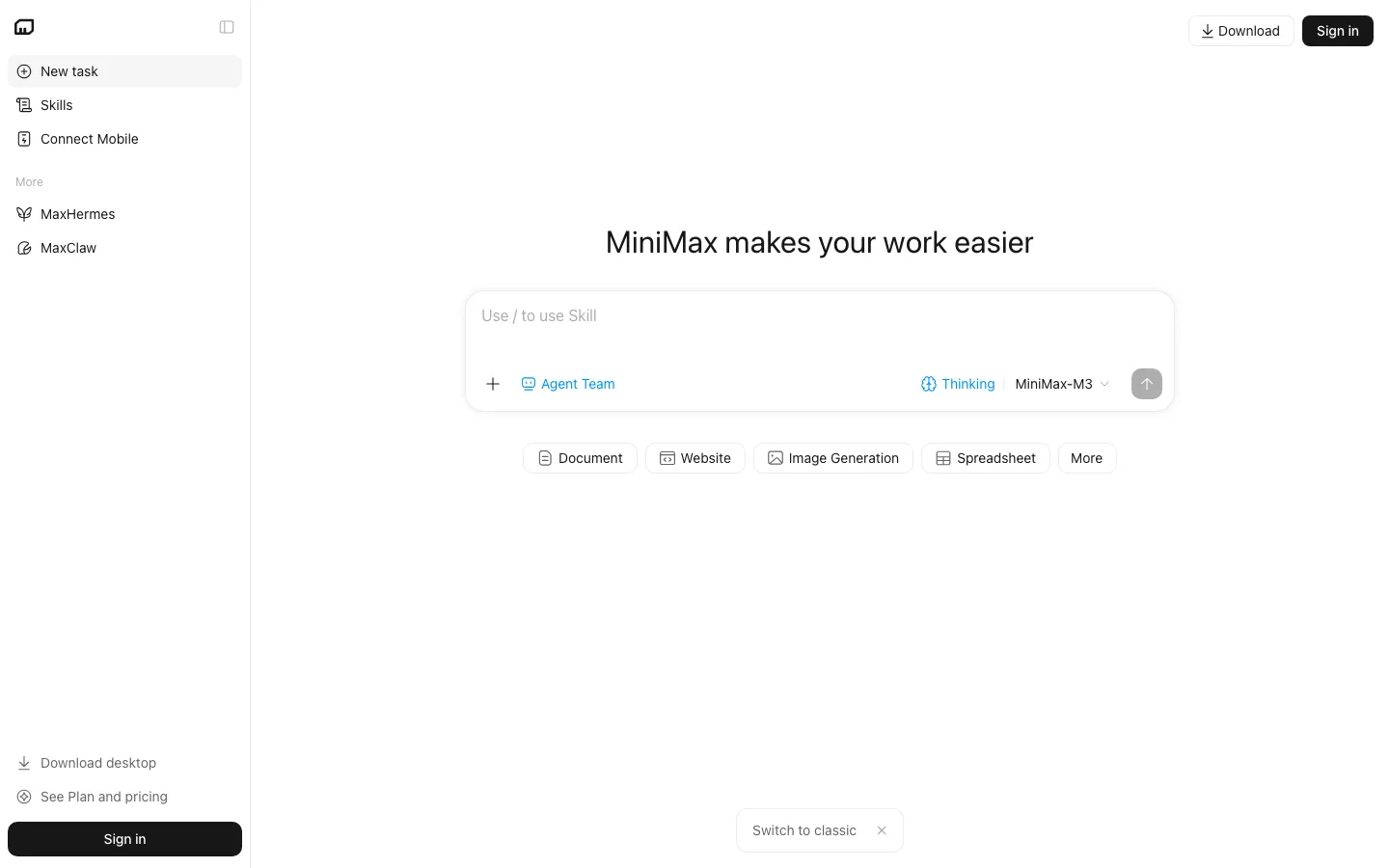

Mavis is MiniMax's autonomous AI agent product. MiniMax, a Shanghai-based AI company founded in 2021, backed by Alibaba and publicly listed in Hong Kong since January 2026, launched the agent originally as "MiniMax Agent" and renamed it Mavis on May 13, 2026. The rebrand came alongside a multi-agent architecture upgrade that MiniMax describes internally as "MiniMax as a Jarvis." The core pitch is that you give Mavis a complex, multi-step goal ("write a competitive analysis on e-commerce SaaS tools and build it into a slide deck"), and the agent handles the research, tool calls, file generation, and quality checking without you shepherding each step. That positions it squarely in the autonomous agent category alongside tools like Manus, rather than in the copilot-style category where Cursor or GitHub Copilot live. As of June 2026, Mavis runs on MiniMax's M3 model (released June 1, 2026), which supports a 1-million-token context window and native multimodal input. The agent product and the M3 API share the same credit pool under a unified subscription. Important context: MiniMax is a Chinese company. Data processed through Mavis may be stored on servers in mainland China and is subject to Chinese data protection law. MiniMax's privacy policy (last updated March 30, 2026) states that personal data may be transferred to countries with different data protection rules than your own. There is no publicly verified SOC 2 or ISO 27001 certification for the agent product at time of writing. Factor this in if you handle sensitive or regulated data. What Mavis Can Do Deep Research: a five-step built-in research skill (added June 2026) that searches the web, synthesises sources, and returns a structured report with citations. Full-stack web app generation: Mavis can scaffold a functioning web application with authentication, database, serverless functions, and Stripe payment integration, then deploy it to a live URL. Generated code requires a security review before production use. Presentation generation: PowerPoint-format slide decks with flexible layouts, exportable as PPTX files. Document and data work: file uploads, spreadsheet analysis, multi-document summarisation, and code debugging. MCP integrations: Mavis connects to external tools via Model Context Protocol: GitHub, Figma, Slack, Google Maps, and custom MCPs. Agent Teams (new with Mavis rebrand): instead of a single agent running a task, you can deploy a Leader-Worker-Verifier structure. Workers execute sub-tasks; a Verifier applies an adversarial quality check before output is accepted. Scheduled tasks: queue Mavis to run tasks at set times, useful for recurring research or monitoring workflows. Pricing (as of June 2026) PlanPriceCreditsEstimated tasks Lightning (free)$01,000 (one-time, 3-day validity)~3 light tasks Basic$19/month~10,000~30 tasks (estimate only) Pro$69/month~40,000~120 tasks (estimate only) Ultra$120/monthNot publicly listedContact sales Critical disclaimer: Task estimates are MiniMax's own approximations. The company explicitly states credit consumption cannot be predicted or guaranteed. A single complex task (full-stack app, multi-source deep research report) can consume significantly more credits than the per-task average. Credits do not roll over between billing months. Mavis vs. Manus The most common comparison in early user discussions is Mavis against Manus AI. Both are general-purpose autonomous agent platforms. Manus is more polished for browser-based sequential task workflows and has direct local file system access. Mavis has stronger coding output (M3 scored 59.0% on SWE-Bench Pro), the Agent Teams architecture for long-horizon task reliability, native multimodal input, and MCP connectivity. For developer-adjacent tools in the Belreos catalog, see the Cursor and GitHub Copilot listings for coding-focused AI tools in the adjacent coding assistant category. Verdict Mavis is technically impressive and, on paper, one of the most complete autonomous agent platforms available at its price point. The M3 model gives it a credible coding foundation, the Agent Teams architecture is a genuinely smart solution to single-agent quality degradation, and the breadth of output types (code, research, slides, deployed apps) beats most competitors. The problems are real: credit unpredictability makes it hard to budget, the product was meaningfully rebuilt in May 2026 so real-world durability is untested, and the Chinese data residency situation is an honest blocker for a significant slice of professional users. If you are in a non-regulated industry and want to stress-test autonomous agents for coding-heavy workflows, the Lightning free tier (1,000 credits) is a reasonable first step. Commit to the $19/month Basic plan only after verifying your typical task actually fits within the estimated credit range, and budget for overruns. FAQ What is Mavis AI?Mavis is an autonomous AI agent made by MiniMax (Shanghai, China) that handles deep research, full-stack web app generation, slide deck creation, and document analysis from a single prompt. It was renamed from MiniMax Agent on May 13, 2026, and runs on the M3 model as of June 2026. How much does Mavis cost?Mavis offers a free Lightning plan with 1,000 one-time credits (3-day validity). Paid plans start at $19/month (Basic, approximately 10,000 credits), $69/month (Pro, approximately 40,000 credits), and $120/month (Ultra). Credits are non-deterministic: a complex task may consume far more than the per-task average. Verify current pricing at minimax.io before subscribing. Is Mavis the same as MiniMax?Mavis is one product within the MiniMax ecosystem. MiniMax also runs a separate API platform, a coding-focused agent called MiniMax Code, and the M3 open-weight model. They share a credit pool under some plans but serve different use cases. How does Mavis compare to Manus AI?Manus is more polished for browser automation and sequential business workflows. Mavis has stronger coding capability (M3 SWE-Bench Pro: 59.0%), native multimodal input, and MCP tool integration. Both use unpredictable credit systems and require human review of outputs. Mavis's $19/month Basic plan is cheaper than Manus's comparable $40/month mid tier. Is Mavis safe to use with sensitive data?MiniMax is a Chinese company. Data processed through Mavis may be stored in mainland China and is subject to Chinese law. There is no published SOC 2, ISO 27001, or data residency guarantee for the agent product as of June 2026. Users in regulated industries (healthcare, finance, legal) should not use Mavis without explicit enterprise data processing agreements. Does Mavis have a free tier?Yes. New users receive 1,000 Lightning credits, valid for 3 days. This is enough for approximately 2-3 light tasks. It is not enough to test a full-stack app build.
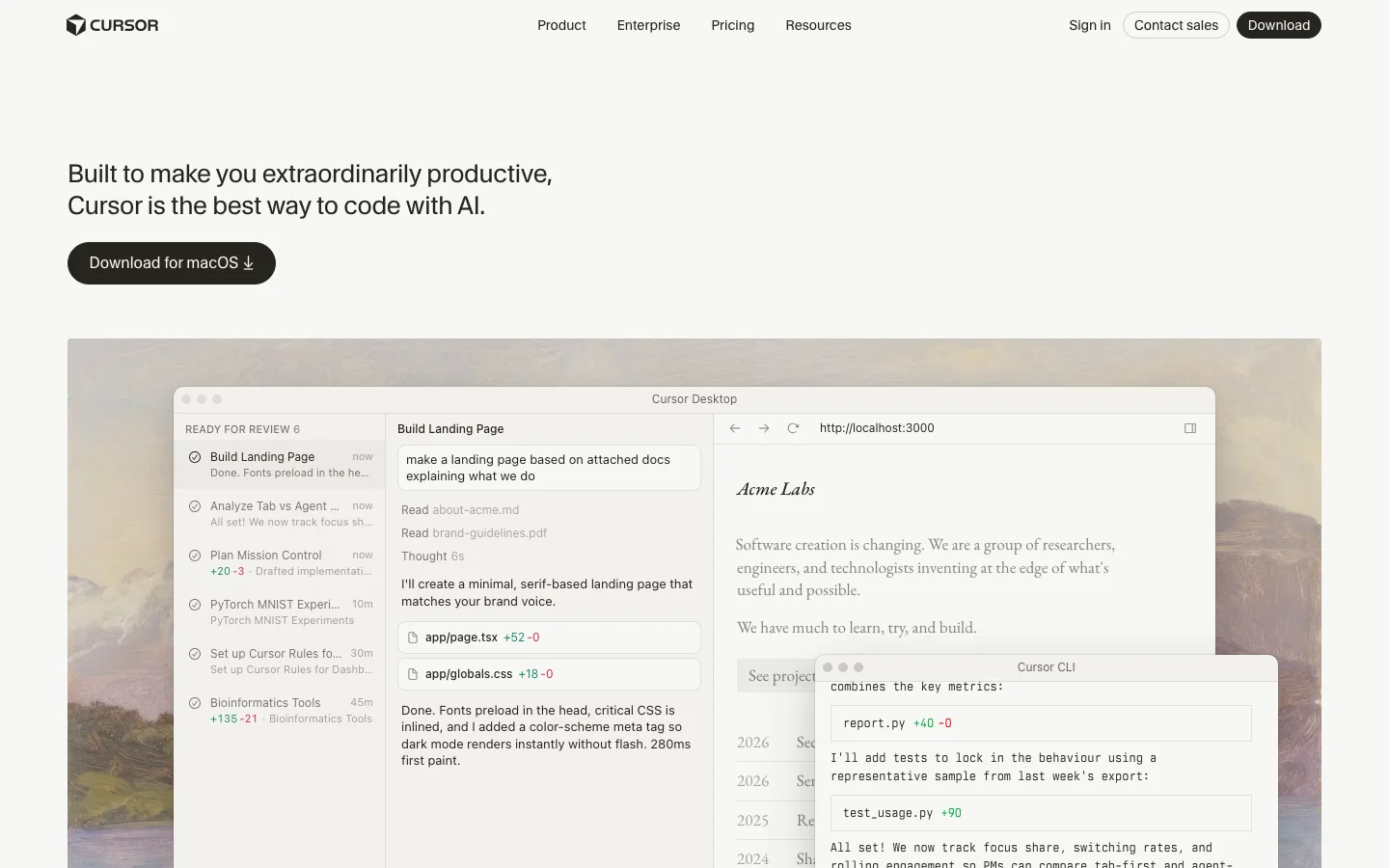

Update (June 2026): SpaceX exercised its option to acquire Anysphere, the parent company of Cursor, in an all-stock transaction announced June 16, 2026, valuing the deal at approximately $60 billion. The deal is signed and pending regulatory approval, with closing expected around Q3 2026. No product changes, pricing changes, or rebranding have been announced. Sources: @SpaceX, @cursor_ai.Cursor is an AI-native code editor built as a fork of VS Code, and it has become the dominant AI-first IDE in developer communities as of 2026. Testing reveals that its core strength is treating AI as a first-class collaborator rather than a bolt-on plugin. It supports multi-model access - Claude, GPT-4.1, Gemini, Kimi K2, and its own Composer 2 model - and handles agentic code generation across multiple files through its Agent mode. For developers who want AI deeply woven into their editing workflow rather than sitting in a sidebar, Cursor is the tool that has set the standard. The feature that gets the most attention is Agent mode (formerly Composer), which handles complex multi-file refactors in a single prompt. Users on Reddit report GPT-5 on Cursor resolving 7 Jira tickets in 3 hours, and posts like that are not unusual in the r/cursor community. The tab autocomplete is context-aware and meaningfully smarter than line-by-line suggestions from competing tools. Codebase indexing means Cursor understands your entire repository, not just the file you have open. And .cursorrules files let you set project-level instructions so you are not re-explaining your codebase conventions every session. Pricing starts at free for a limited Hobby plan, $20/month for Pro with extended Agent limits, and $40/user/month for Teams with shared rules, SSO, and org-wide privacy controls. The rate limit structure is a consistent friction point - heavy users burn through their fast request quota on third-party models mid-project and get throttled to slow requests, which can disrupt momentum on complex refactors. There was also community frustration when Composer (now Agent mode) was discovered to be running Kimi K2.5 without upfront disclosure, which raised transparency concerns that have since been addressed. The competitive picture is clear: developers who try Cursor tend to stay. The r/cursor subreddit is growing fast, posts about switching from GitHub Copilot to Cursor are common, and the tool has built a genuine evangelical user base. Quality regressions from rapid shipping (Cursor 3 drew complaints from veteran users adjusting to the new Agents Window) and context window limits on very large codebases are real but have not slowed adoption. What Makes Cursor Different Most AI coding tools add AI on top of an existing editor. Cursor built the editor around AI from the start, and that architectural choice shows up in every feature. The Agents Window in Cursor 3 (launched April 2026) is the clearest expression of this philosophy. Instead of one chat sidebar, you get a full multi-agent workspace where you can run several agents in parallel across different repos, move agent sessions between your local machine and the cloud mid-task, and track every agent's work in a unified view. Cloud Agents let you kick off a long refactor, close your laptop, and come back to find it done. No other editor offers this without a separate CI-style integration. Composer 2 is Cursor's own frontier coding model, released March 2026. It scores 61.3 on CursorBench and 73.7% on SWE-bench Multilingual - numbers that put it ahead of its previous in-house models and competitive with third-party options for coding tasks. On individual plans, Composer 2 usage comes from a separate pool with higher limits than third-party model quotas, so heavy users get more headroom without paying per token. Tab autocomplete pulls from your full indexed codebase, not just the open file. This means completions are aware of types, function signatures, and conventions elsewhere in your project. For large codebases with internal libraries and custom patterns, this is the difference between suggestions that fit and suggestions that need rewriting. The Cursor Marketplace launched alongside Cursor 3 and now hosts hundreds of plugins extending agents with MCPs, skills, and subagents. The CLI (also new in 2026) brings the full agent experience to the terminal, with /debug mode that generates hypotheses, adds log statements, and pinpoints bugs before making changes. The /btw command lets you ask side questions without derailing the agent's current task. Bugbot is a separate but complementary product: AI code review that catches real bugs before your PR gets merged, available as an add-on for $40/user/month or bundled in Teams pricing. SpaceX Partnership and Acquisition Option (April 2026) On April 21, 2026, SpaceX announced a partnership with Anysphere (the company behind Cursor) and disclosed an option to acquire Cursor outright for $60 billion later this year. The announcement arrived abruptly: Anysphere had been in the middle of a $2 billion fundraising round at a roughly $30 billion valuation when SpaceX preempted it with the acquisition offer. The terms give SpaceX two paths: exercise the $60 billion acquisition option, or pay $10 billion for a joint development arrangement if the acquisition does not close. The deal is reported to be delayed until after SpaceX's planned IPO this summer, with financing cited as the primary reason. The collaboration centers on building what both parties describe as "next-generation coding and knowledge work AI." SpaceX is contributing access to Colossus, its supercomputing cluster running approximately one million H100-equivalent GPUs. That is a significant compute advantage for training future Cursor models, including potential successors to Composer 2. What Anysphere builds with that compute, and whether the resulting capabilities stay exclusive to SpaceX, is not yet clear from the announcement. What this means for existing Cursor users is uncertain, and it is worth being honest about that uncertainty. A few scenarios are plausible without being guaranteed. If the acquisition closes, Cursor would become a SpaceX subsidiary, and business decisions including pricing, model access, and data handling would move under new ownership. The current multi-model flexibility (Claude, GPT-4.1, Gemini alongside Composer 2) may or may not continue at scale under an owner with its own AI ambitions. Community discussion on r/cursor has already raised questions about whether xAI or Grok models would be prioritized or required, though no product changes have been announced. A smaller risk worth naming: any acquisition process creates organizational uncertainty. Anysphere is a roughly 200-person company; if a meaningful number of employees are uncomfortable with the new ownership structure, the talent concentration that built Composer 2 and Cursor 3 could shift. This is speculative, but it is the kind of thing enterprise buyers on multi-year agreements should factor in. The deal, if exercised, would value Cursor at $60 billion, making it one of the largest AI acquisitions on record. If it does not close, the $10 billion joint development arrangement still ties Anysphere closely to SpaceX's infrastructure and direction. Either way, the partnership is a significant event for a tool that a large number of developers now depend on daily. Current users are not being asked to do anything differently, and Cursor continues to operate normally as of the announcement date. Cursor Pricing Plans 2026 Cursor has four individual tiers and two business tiers as of April 2026, with pricing that has stayed stable through the year. Hobby (Free): Enough to evaluate the tool properly. You get limited Agent requests and limited Tab completions. No credit card required. Good for trying Cursor before committing, but you will hit the limits within a few hours of real use. Pro ($20/month): The plan most individual developers land on. You get extended Agent limits, access to frontier third-party models (Claude Sonnet 4.5, GPT-4.1, Gemini), MCPs, skills, hooks, and Cloud Agents. Composer 2 is included with a separate generous usage pool. For solo developers doing daily coding, this is the right tier. Pro+ ($60/month): Everything in Pro with 3x usage on all OpenAI, Claude, and Gemini models. Cursor recommends this for "daily agent users" - people running agents for hours rather than minutes each day. The jump from $20 to $60 is steep, and not everyone needs it, but for developers who regularly hit Pro limits, Pro+ eliminates the throttling problem. Ultra ($200/month): 20x usage plus priority access to new features. Cursor describes this as for "agent power users." At this price point, you are effectively getting an always-on AI development environment with no meaningful usage ceiling. Teams ($40/user/month): Everything in Pro plus shared chats, commands, and rules across the team, centralized billing, usage analytics, an org-wide privacy mode toggle, role-based access control, and SAML/OIDC SSO. For teams of five or more, the shared rules and context alone justify the price over individual Pro licenses. Enterprise (custom pricing): Adds pooled usage, invoice/PO billing, SCIM seat management, AI code tracking API with audit logs, granular admin and model controls, and priority support. Designed for organizations where security review and compliance documentation are required. On-demand usage is available on all paid plans - once you exhaust your included quota, you keep working and pay in arrears based on consumption. This is cleaner than hard cutoffs but means an unusually heavy month can produce a larger bill than expected. Cursor vs GitHub Copilot These are the two tools most developers compare directly. They have different strengths and serve different situations. Cursor wins on raw agentic capability. Multi-file agent editing, parallel agents, Cloud Agents, and the Cursor Marketplace give individual developers a more powerful AI development environment than anything Copilot currently offers. Codebase indexing in Cursor is deeper - completions are aware of your full project, not just the open file. Model flexibility lets you pick Claude for complex reasoning, GPT-4.1 for speed, or Composer 2 for high-quota tasks. GitHub Copilot wins on platform integration and price. At $10/month for individuals and $19/user/month for businesses, it is half the cost of Cursor. More importantly, Copilot is built into github.com - PR summaries, AI-assisted code review, and issue assistance work directly in the browser without touching your editor. For teams where most collaboration happens in GitHub, that integration depth is hard to give up. Copilot also supports VS Code, JetBrains, Neovim, Visual Studio, and Xcode, while Cursor is VS Code only. The typical switch pattern: individual developers and technical founders move from Copilot to Cursor for the agentic capabilities. Enterprise teams often stay on Copilot because the GitHub integration and lower per-seat cost matter more than agent depth at scale. Is Cursor Worth It in 2026? For the right user, yes. For everyone, it depends on how much you actually code. The honest case for Cursor Pro at $20/month: if you write code professionally and spend three or more hours a day in your editor, the productivity gains from Agent mode and Tab autocomplete are real and measurable. The tool has an active community, ships features at a pace no established IDE can match, and the Composer 2 model gives you a capable agent without counting against your third-party model quota. The honest case against: if you use AI coding tools occasionally or prefer autocomplete over agentic editing, GitHub Copilot at $10/month covers most use cases at half the price. If you are on a team with heavy GitHub usage, the Copilot integration in PR review and code search may matter more than Cursor's agent depth. The rate limit issue is real but manageable. Pro users on third-party models (Claude, GPT) do hit fast request limits on intensive sessions. The fix is either upgrading to Pro+ for 3x limits or relying more on Composer 2, which has a separate higher-limit pool. This is a known friction point that Cursor has partially addressed by building their own model. Cursor is the category leader for AI code editing, and that is likely to remain true through 2026. The pace of feature shipping - Cloud Agents, the CLI, the Marketplace, Canvases - suggests a product team that is genuinely invested in pushing the category forward, not just maintaining a lead. Frequently Asked Questions Is Cursor worth the $20/month Pro plan? For developers who code daily, yes. The Pro plan includes extended Agent limits, frontier model access, and Cloud Agents - features that make a real difference if you are running multi-file refactors or using Cursor as your primary development environment. Casual users or those who only need autocomplete may be better served by GitHub Copilot at $10/month. How does Cursor pricing compare to GitHub Copilot? Cursor Pro costs $20/month versus Copilot Individual at $10/month. Cursor Teams runs $40/user/month versus Copilot Business at $19/user/month. Cursor is more expensive at every tier. The premium buys you more capable agentic editing, model flexibility, and codebase indexing depth. Whether that premium is worth it depends on how heavily you use agentic features. Does Cursor work offline? No. Cursor requires an internet connection for all AI features - completions, Agent mode, chat, and codebase indexing all call external model APIs or Cursor's own infrastructure. The VS Code base editor works offline, but without AI features you are left with a standard code editor. What models does Cursor support in 2026? On paid plans, Cursor supports Claude Sonnet 4.5, GPT-4.1, GPT-5, Gemini Pro, Kimi K2, and Cursor's own Composer 2 model. You can switch models per conversation or set a default. Composer 2 is the recommended default for most agent tasks due to its higher included usage limits on individual plans. Can Cursor edit a whole codebase? Yes, with caveats. Cursor indexes your full repository and agents can read across the entire codebase. Agent mode can plan and execute changes across dozens of files in a single session. In practice, very large codebases (millions of lines) hit context limits that require breaking work into smaller tasks. For most individual and small-team projects, whole-codebase editing works well. Is my code sent to AI providers? What about privacy? By default, code snippets are sent to AI providers (Anthropic, OpenAI, Google) along with your prompts to generate completions. Cursor offers Privacy Mode (enabled org-wide on Teams and Enterprise plans) which prevents your code from being used to train models. Business and Enterprise plans include org-wide privacy mode controls. On individual plans, Privacy Mode can be enabled per-session in settings. Cursor is SOC 2 certified.

Chatbase is where most people start when they want a chatbot on their website - and for good reason. Upload your PDFs, paste a URL, connect a Google Doc, and you have a working customer support widget embedded and live in under 10 minutes. No code, no engineers, no waiting. We've watched this category for a while and nothing else has matched Chatbase's organic traction: ~$250K MRR as a bootstrapped product, 114,000 monthly organic visitors, 12,300+ keywords ranked. Those are independently verifiable numbers, not VC marketing spend, and they tell you this tool has real product-market fit. The use case it nails is FAQ deflection for SMBs and SaaS teams. If your support queue is full of questions your docs already answer, Chatbase solves that problem cleanly. Lead capture forms inside the chat widget, human handoff for complex tickets, Zapier to push leads to your CRM - the core operational surface is covered. The white-label agency tier is genuinely rare at this price point, which is why agencies building client chatbot portfolios keep landing here. If you're exploring options for your small business, the AI tools for small business guide puts Chatbase in context alongside the broader stack. For a deeper look at what else is in the chatbot builder category, the comparison is worth reading before you commit. Where it gets uncomfortable: the credit math at scale is rough. GPT-4o burns ~20 credits per response on the Pro plan ($399/month), which works out to roughly 2,000 actual AI responses per month - about $0.20 per interaction. For a high-volume support operation that number compounds fast. There are also unverified reports of a data-loss incident circulating online, and support response times cited at 2+ weeks in multiple community reports. Those aren't dealbreakers for a low-stakes FAQ bot, but they matter for production deployments where downtime has a cost. For multi-channel coverage - website chat plus inbound phone calls plus WhatsApp - Droxy AI is the more complete package, particularly for businesses that need an AI receptionist handling calls, not just web chat. Chatbase stays text-and-widget focused, which is either a clean scope or a gap depending on your needs. Best fit: SMBs and SaaS teams doing FAQ deflection where setup speed matters more than scale economics. Wrong fit: high-volume operations, sales qualification flows, or anyone needing the chatbot to probe intent and route leads. Pricing: Free tier, Hobby ~$40/month, Standard ~$150/month, Pro ~$500/month. Verify at chatbase.co. Frequently Asked Questions Is Chatbase legit and safe to use? Chatbase is a legitimate bootstrapped SaaS product with independently verifiable traction: approximately $250K MRR, 114,000 monthly organic visitors, and 12,300+ keywords ranked, numbers that reflect genuine product-market fit rather than VC marketing spend. The founder maintains an active Twitter presence documenting roadmap decisions, which reduces the opacity risk common in newer AI tools. We could not independently verify a specific data-loss or security incident for Chatbase. Evaluate their current security posture directly before entrusting sensitive data, especially for production deployments. How much does Chatbase cost in 2026? Chatbase offers four pricing tiers: Free ($0/month, heavily restricted), Hobby at $40 per month, Standard at $150 per month, and Pro at $500 per month. The credit system is where costs get complicated: GPT-4o consumes roughly 20 credits per response on the Pro plan, yielding approximately 2,000 AI responses per month, about $0.20 per interaction at scale. Verify current pricing and credit allocations at chatbase.co, as these have shifted over time. Is Chatbase worth the subscription? For small businesses and SaaS teams doing FAQ deflection, Chatbase is the strongest starting point in the no-code chatbot category. The setup speed (document to live widget in under 10 minutes) and strong organic traction signal real product-market fit. The credit economics break down at high volume: roughly $0.20 per GPT-4o response on Pro. Support response times of 2+ weeks have been reported in multiple community threads. It is the right choice for moderate-volume FAQ bots; the wrong choice for production deployments where support responsiveness or high interaction volume matters. Does Chatbase have a free trial or free plan? Yes, Chatbase has a free tier, though it is heavily restricted. Meaningful testing of the platform's actual capabilities requires a paid plan. The free tier covers basic chatbot creation but limits the number of messages, sources, and chatbots you can run simultaneously. Most users find the free tier sufficient to validate the concept before committing to Hobby at $40 per month.


RunwayML is the filmmaker's tool of record for narrative video work. Where Kling AI and Luma Dream Machine generate video from prompts with limited directorial control, Runway gives you compositional intent encoded at generation time. The camera control system is the clearest competitive moat: specify dolly in, dolly out, pan left, pan right, tilt, zoom, orbit, or static at defined intensity, and the model applies that camera movement while maintaining subject coherence across the clip. This is not a post-generation filter; it is shot language specified before the model runs. Narrative filmmakers, music video directors, and commercial video teams use Runway for shots that require specific camera vocabulary in a way that pure text-to-video generators simply cannot deliver. No competitor in the hosted category matches this feature depth for cinematically intentional work. Gen-4 is the current stable model and the one most production workflows rely on. It introduced the References feature: upload reference images to lock character appearance or visual style across multiple shots, enabling narrative consistency that single-clip generators cannot provide. A reported workflow illustrates what the feature enables: a complete music video produced entirely in Gen-4 in two hours using References for character lock. Gen-4.5 added Image-to-Video with API support launching on the same day as the consumer release, a developer-first commitment that signals Runway's intent to be infrastructure, not just a consumer tool. Motion Brush (paint movement onto specific image regions), Director Mode (multi-shot sequence planning), and Inpainting are creative editing tools that exist in combination nowhere else in the category. The platform integrates cleanly into Adobe Premiere, DaVinci Resolve, and After Effects through official plugins, fitting directly into professional post-production pipelines. As a US-incorporated company, Runway carries no geopolitical friction in enterprise procurement, an explicit advantage over Kling (Kuaishou/China) in professional and government procurement contexts. The credit math is the primary friction and it is worth modeling before subscribing. Gen-4 costs approximately 50 credits per 5-second clip. The Pro plan at $35/month includes 2,250 credits, yielding roughly 45 Gen-4 clips per month before overage. A short-form content creator needing 100+ generations per month burns through Pro in the first week and faces either overage charges or an upgrade to the Unlimited plan at $95/month, which is labelled misleadingly, as throttling and fair-use caps apply and advanced features still consume credits even on Unlimited. For production pipelines with deadline pressure and unpredictable generation volume, this creates real budget uncertainty. The second material gap is audio: Gen-4.5 generates silent video. Kling 2.6 ships with native audio generation; Veo 3 ships with native audio. Runway requires separate audio post-production for every clip, adding a workflow step that competitors have eliminated. Generation length is currently capped at 10 seconds; Kling and Luma are pushing toward longer native clip lengths. Runway is the right platform for narrative filmmakers, commercial directors, and music video producers who need specific camera language, character consistency across shots, and clean integration into professional post-production software. It is not the right platform for high-volume social content creators who need cheap rapid iteration, developers building audio-visual pipelines who cannot absorb a separate audio step, or teams with restrictive enterprise procurement policies around Chinese-origin software who nevertheless need physics-heavy animation (Kling's actual strength). Pricing: Free (125 one-time credits), Standard $15/month, Pro $35/month, Unlimited $95/month. Verify current generation costs and credit allocations at runwayml.com as pricing has changed with each model release. RunwayML Director Mode Director Mode is RunwayML's multi-shot sequencing tool. It lets you plan a sequence of individual clips before generating anything, define camera movements for each shot, and assemble a narrative arc rather than a collection of unrelated generations. The practical result is that you can specify a push-in on shot one, a pan across on shot two, and a static close-up on shot three, and Runway treats them as a coherent sequence rather than three separate prompts. Gen-4.5 integrates directly with Director Mode, so the camera vocabulary you specify translates into the model's generation parameters at runtime. This is not a timeline editor applied after the fact; the directorial intent is encoded before the model runs. Combined with the References feature, which locks character appearance across shots using uploaded images, Director Mode makes RunwayML the only accessible tool that lets you work like a director rather than a prompt engineer. Filmmakers use it for music videos where character consistency matters across 20 to 30 shots. Commercial video teams use it to pre-visualize scene structure before committing to a full generation budget. If you have compared RunwayML to Sora, Kling AI, or Luma Labs and felt the others lack precision, Director Mode is the specific reason Runway is different. How Director Mode Works: Step by Step Director Mode operates as Runway's multi-shot pre-production interface. Here is how a typical session runs: Start a new sequence. From the Runway dashboard, open Director Mode and create a new project. Each project holds a series of shots you plan before any generation runs. Define each shot. For every clip in your sequence, you set the camera movement type: dolly in, dolly out, pan left, pan right, tilt up, tilt down, zoom, orbit, truck, or static. Each movement has an intensity slider, and the convention is to start conservative (0.5 to 1.0 range) and increase only if the motion reads as too subtle on playback. Add reference images for character lock. Upload reference images of your subject using the References feature before generating. Gen-4.5 uses these to lock character appearance across every shot in the sequence, so the same person or object reads consistently even when the camera angle and framing change between clips. Use Motion Brush for region-specific movement. On image-to-video shots where you want only part of the frame to move, Motion Brush 3.0 lets you paint the specific area and assign a direction vector and speed to that region. A character's hair moves; the background stays still. This is a separate tool from camera control and works at the object level rather than the shot level. Generate and chain. Each clip renders at 5 to 10 seconds. Director Mode treats the sequence as a unit rather than isolated generations, which keeps camera grammar consistent across cuts. Clips stitch in the in-browser timeline editor before export. The core difference between Director Mode and the camera controls in Kling 3.0 and Luma Dream Machine is where the control lives. Kling 3.0's storyboard tool and Luma's Camera Motion Concepts both work primarily through natural language at prompt time: you describe the camera move in text and the model interprets it. Runway's Director Mode encodes the camera instruction as a structured parameter before the model runs, which gives more predictable output when you need a specific move to land exactly right. Luma's 3D volumetric architecture produces excellent parallax on orbit and dolly shots, and Kling 3.0 added native lip-synced audio to its storyboard pipeline that Runway does not currently match. The practical advantage of Director Mode is precision and repeatability across a planned sequence rather than any single shot type. RunwayML Pricing Plans 2026 RunwayML offers five tiers. The Free plan provides 125 one-time credits with watermarked output, enough to test the interface but not enough for production work. Standard at $15/month adds roughly 625 credits per month, which covers about 12 to 15 Gen-4.5 clips, and is the minimum subscription tier for casual creators who generate infrequently. Pro at $35/month is the practical entry point for regular use. It includes around 2,250 credits monthly, yielding approximately 45 five-second Gen-4.5 clips before overage. Community consensus is that Standard burns through too quickly for anyone iterating seriously. Unlimited at $95/month removes the hard credit cap but applies fair-use throttling and lower generation priority, so the "unlimited" label is not literal under deadline conditions. Enterprise pricing is negotiated directly and covers dedicated capacity, custom data handling, and SLA commitments, primarily relevant for studios and post-production houses. For comparison, Kling AI charges roughly $0.12 per five-second clip on pay-as-you-go, which is more cost-efficient for high-volume work. Luma Labs offers a free tier with no watermark. Runway's pricing reflects its positioning as a professional tool rather than a high-volume generation engine. Verify current credit costs at runwayml.com before subscribing, as pricing has changed with each model release. Frequently Asked Questions What is RunwayML Director Mode? Director Mode is RunwayML's multi-shot planning tool that lets you design a sequence of camera movements before generation runs. Available in Gen-4.5, it lets you specify push-ins, pull-outs, pans, and tracking shots for each clip in a sequence, then generate them with consistent camera language and character appearance using the References feature. How much does RunwayML cost in 2026? RunwayML pricing in 2026: Free (125 one-time credits, watermarked), Standard at $15/month (~625 credits), Pro at $35/month (~2,250 credits, roughly 45 Gen-4.5 clips), Unlimited at $95/month (fair-use throttled), and Enterprise at custom pricing. Credits are consumed per generation; Gen-4.5 costs approximately 50 credits per five-second clip. Check runwayml.com for current rates. Is RunwayML worth it for solo creators? It depends on what you are making. If you need precise camera control for narrative or commercial video, the Pro plan at $35/month is hard to replace. If you primarily need high-volume social content or photorealistic generation without specific camera intent, Luma Labs or Kling offer better cost-per-clip ratios. RunwayML earns its price for creators who treat it like a cinematography tool, not a generation machine. Does RunwayML have a free trial? Yes. RunwayML's Free plan includes 125 one-time credits with watermarked output. That is enough for eight to ten test clips using Gen-4.5. There is no time limit on the free tier, but the credit pool does not replenish monthly. If you exhaust the 125 credits and want to continue, you need to subscribe to Standard or above.
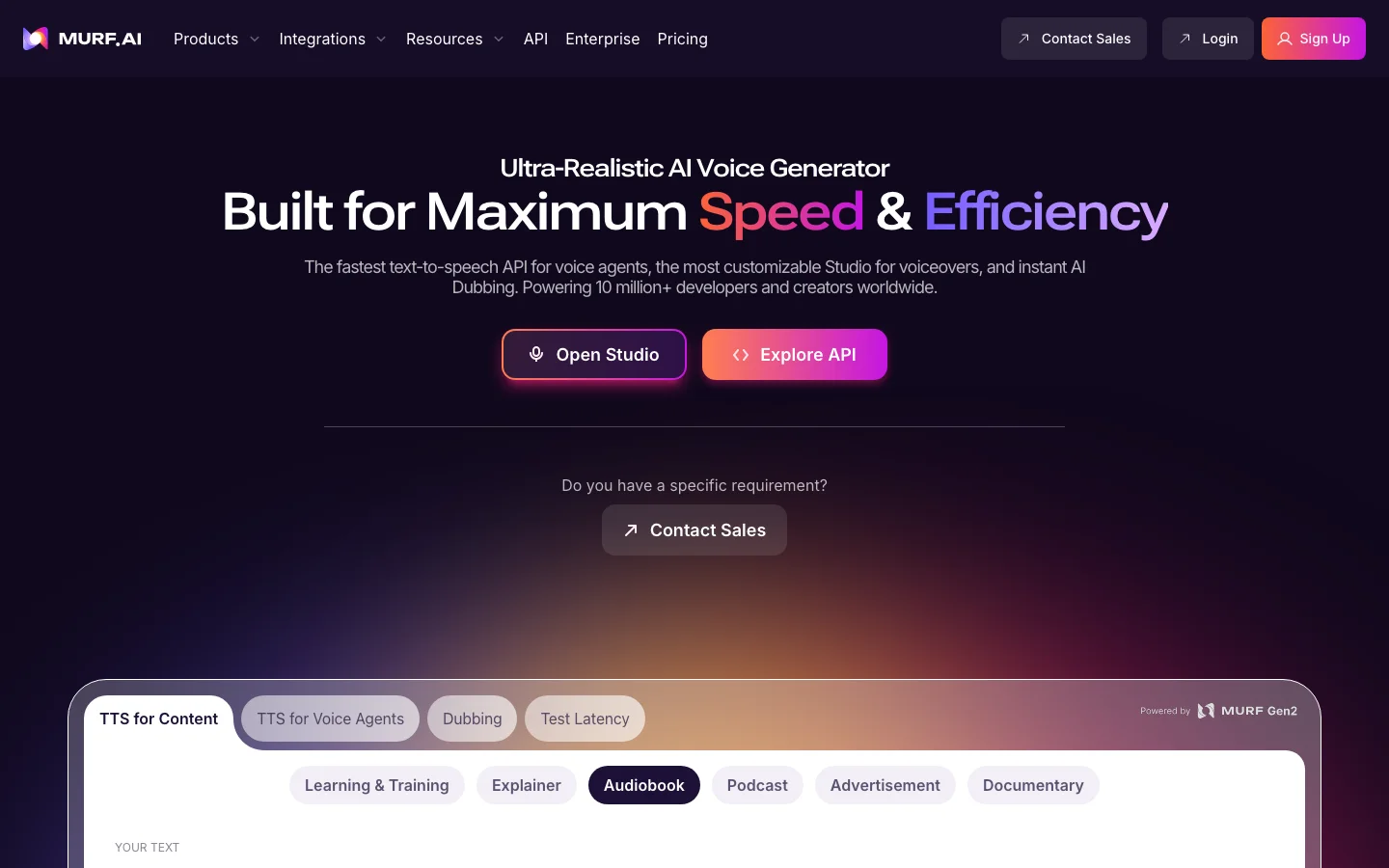

Murf AI occupies a clear niche in the AI voice tools market, and it owns that niche well: business-focused text-to-speech for e-learning producers, L&D teams, and YouTube creators who need clean, consistent narration at a price they can defend to a manager. We tested Murf alongside ElevenLabs for two weeks across different workflow types, and the conclusions split cleanly by use case. For corporate e-learning and training module production, Murf is genuinely the better fit. Not because it sounds better than ElevenLabs - it does not, but because it is built for that workflow in ways ElevenLabs is not. The studio interface is independently praised by multiple users in separate communities: word-level pitch, emphasis, and pause controls make timing adjustments fast without fighting the tool. Batch export with LMS-compatible output and consistent loudness normalization are features Murf has and ElevenLabs does not prioritize. An L&D manager at a 500-person SaaS company we researched cited Murf specifically as "$19/month, business focused" when comparing options for scaling training module production. That framing is exactly right. The built-in video editor means e-learning producers can add voiceover to video without a separate editing tool in the stack, a workflow simplification that matters when you are producing at volume. The predictable billing model is a real advantage over ElevenLabs' credit-anxiety situation: you know what you are paying, you know what you get. The honest picture against ElevenLabs: "too robotic or corporate" is the consistent quality criticism from anyone comparing them side-by-side. Users who need emotional, expressive, or authoritative narration consistently choose ElevenLabs despite the higher cost, and we agree with that verdict. Murf's voice cloning exists but is not competitive; ElevenLabs' Instant Voice Cloning from short samples is in a materially different quality tier. Developer and API signal is weak. If programmatic integration is a requirement, ElevenLabs' ecosystem is more mature by a wide margin. Check Lovo AI for a middle-ground option between the two. Our full head-to-head is in our AI voice generator comparison. Friction worth knowing before subscribing: the free tier is capped at 10 minutes of audio per month, not enough to evaluate the platform for any real production project. Pronunciation fine-tuning for technical terms and acronyms is gated behind higher plan tiers, a real problem for e-learning producers dealing with industry jargon. There is no transcript-based editing workflow (Descript's model) for producers who prefer editing audio by editing text. Pricing starts at approximately $19/month. Verify current tiers at murf.ai. Frequently Asked Questions Is Murf AI legit and safe to use? Murf AI is a legitimate, established text-to-speech platform with a growing enterprise customer base and active product investment. The leadership team includes former Amazon Alexa alumni. The platform operates with standard SaaS data handling terms and has not been involved in the voice harvesting controversies that have affected competitors like Lovo AI. No major security incidents appear in independent community coverage. For e-learning producers and corporate content teams, Murf is a stable, professionally operated platform. How much does Murf AI cost in 2026? Murf AI starts at $19 per month for the entry plan, placing it below ElevenLabs Creator at $22 per month, a meaningful comparison point for budget-conscious L&D teams. Higher tiers include pronunciation fine-tuning for technical terms, voice cloning, team collaboration workspaces, and API access. The predictable billing model (no credit-anxiety, no per-generation metering on standard voice output) is specifically cited by e-learning producers as a reason to choose Murf over ElevenLabs. Verify current plan pricing and generation limits at murf.ai. Is Murf AI worth the subscription? For e-learning producers and L&D teams running consistent monthly batch work, yes. The word-level studio controls, LMS-compatible batch export, and predictable billing make Murf the right fit for corporate training video production at scale. The built-in video editor eliminates a separate tool from the workflow. For creators who need emotional expressiveness, conversational naturalness, or competitive voice cloning depth, ElevenLabs is worth the extra cost despite higher pricing. Murf wins on workflow fit for corporate production; ElevenLabs wins on voice quality for everything else. Does Murf AI have a free trial or free plan? Yes, Murf AI offers a free plan that includes 10 minutes of audio generation, enough to test voice quality and the studio interface on a short script, but insufficient for evaluating the platform on a real production project. The free tier covers core voice features without collaboration or API access. For a proper evaluation, the entry paid plan is the practical minimum. The 10-minute free allowance is better used to compare specific voices and language coverage against your actual use case before purchasing.
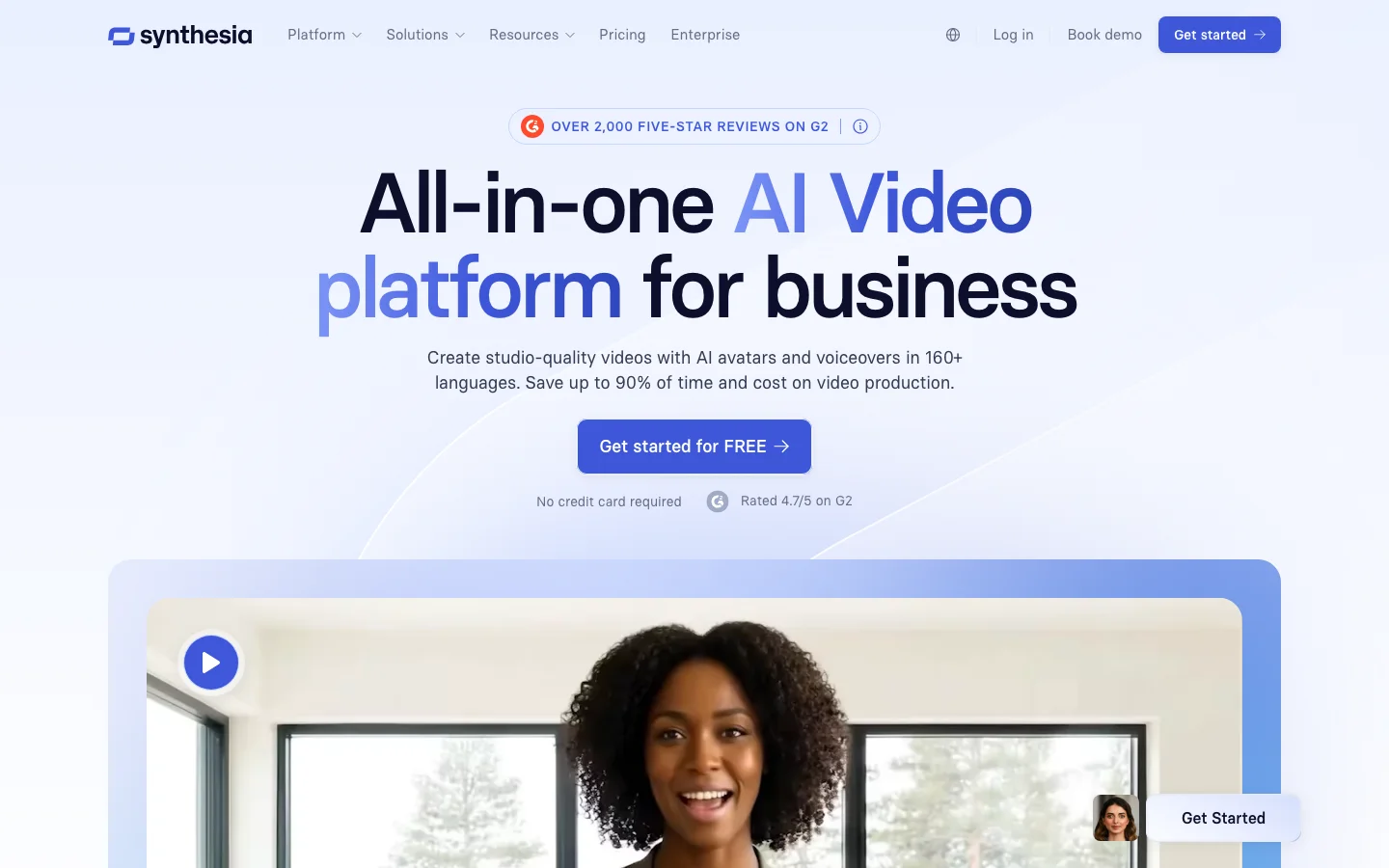

Synthesia is the enterprise standard for AI avatar video, and it earned that position the hard way - Reuters, BBC, and Accenture are documented users, and 50,000+ companies have deployed it for training content. When an L&D team needs to update 50 course modules because a regulation changed, Synthesia is what they reach for. Not because it's the flashiest tool in the category, but because it's reliable, the output is polished in corporate contexts, and a text edit plus regeneration beats re-booking voice talent and studio time every time. The core workflow is direct: write your script, pick from 230+ stock avatars or create a custom one from a 15-minute recording session, and the platform generates a lip-synced, professionally presented video in minutes. Multilingual dubbing in 140+ languages - same avatar, same script, different language - is where the ROI gets obvious for global teams who would otherwise run separate recording sessions per market. The platform is self-contained enough to handle full production: screen recording, slide-to-video converter, brand kit, media library. The AI voices are among the more natural-sounding in the category, which matters more than people admit - unnatural prosody in training video creates friction that kills retention. We want to be direct about where Synthesia stops working: this is a corporate presentation tool, not a creative one. The stock avatars are credible in a boardroom slide deck and look conspicuously artificial the moment you need emotional range or anything resembling storytelling. For creators, social media teams, or anyone producing content where realism matters, HeyGen's Avatar 4.0 has pulled ahead on output quality and has a far more active creator community. If you need cinematic generation, scene composition, or camera control, you're in RunwayML territory entirely - Synthesia doesn't touch that use case. Browse the full AI video category to orient yourself if you're still deciding which direction fits, or read our AI video generation roundup for a direct comparison across tools. The platform is cloud-only with no API on lower tiers, which is a real constraint for teams wanting to integrate video generation into custom content pipelines. Custom avatar recording requires controlled conditions - poor lighting or background movement produces unusable results, so don't try it in a home office without prep. Synthesia is the right call for enterprise and mid-market teams producing training, onboarding, internal communications, and multilingual corporate video at scale. It's the wrong call for everything else. Pricing: Starter ~$29/month with restricted video minutes; Pro ~$89/month; Enterprise custom. Free demo video available without payment at synthesia.io. Frequently Asked Questions Is Synthesia legit and safe to use? Synthesia is one of the most credentialed AI video companies in the market. Its enterprise customer list includes Reuters, BBC, and Accenture, institutions whose procurement processes include serious security and data handling review. The platform operates under enterprise-grade privacy terms with SOC 2 compliance and data residency options for regulated industries. No significant security incidents or trust concerns appear in independent community coverage. For enterprise L&D buyers doing vendor due diligence, Synthesia has the strongest institutional trust signal in the AI avatar video category. How much does Synthesia cost in 2026? Synthesia's Starter plan runs approximately $29 per month with strict video time limits. Per-minute charges apply above the included allowance. This makes it relatively expensive for individual creators compared to HeyGen's Creator plan at a similar price point with a 15-video cap. Enterprise pricing is custom and includes SCORM export, SSO, and additional data governance controls that justify the premium for large-scale corporate L&D deployment. The higher-tier plans are where Synthesia's value proposition is strongest. The per-video cost becomes more defensible at volume. Verify current pricing at synthesia.io. Is Synthesia worth the subscription? For enterprise L&D teams producing multilingual training content at scale, Synthesia is the category standard and worth the subscription. The ability to update a script and regenerate video instantly, without re-booking talent or re-editing footage, delivering real ROI for organizations that produce regulatory, compliance, and product training content regularly. The 140-language dubbing capability eliminates separate recording sessions for global teams. For creators wanting realistic, emotional, or social-media-facing avatar content, HeyGen's Avatar 4.0 is more appropriate. Synthesia is built for the boardroom; HeyGen is built for the creator economy. Does Synthesia have a free trial or free plan? Synthesia offers a free plan that allows you to create a limited number of AI videos to evaluate the platform before purchasing. The free tier includes access to a subset of the avatar library and basic scripting features, which is sufficient to assess video quality and workflow fit for your use case. Custom avatar creation, SCORM export, and enterprise controls require a paid plan. Try the free tier at synthesia.io to test a specific avatar and script before committing to a Starter subscription.


DomoAI is an AI video generator specializing in anime and illustration-style transfer, a corner of the market that competitors RunwayML, Kling, and Luma Dream Machine do not seriously contest. The tool's top-scoring Reddit content tells you everything about where it excels. A "Bleach Reimagined" anime style transfer post reached 544 points on r/DomoAI. A Medusa character transfer hit 415. These aren't product announcements; they're organic creators sharing output from a tool that actually does what it says. The highest-signal real-world use case Vox found was a r/thesidehustle post (score 140, 10 comments) where a creator described downloading Instagram Reels, uploading them to DomoAI, converting them into anime or cartoon style, and selling the output through WHOP bounties: $2,039 in a single month. That is the DomoAI value proposition in its most concrete form: a production tool for content repurposers, anime creators, VTubers, and anyone who needs stylized video output at volume. The platform operates across a web app and a Discord bot. DomoAI began as Discord-native and retains that as a primary surface alongside a modern web dashboard. Style transfer covers 70+ models per DomoAI's own product page, including anime, Ukiyo-e, 3D cartoon, and realistic aesthetics. Image-to-Video animates static photos with smooth motion. Character Animation maps motion from any reference video onto a custom character. A lip sync tool and a video upscaler (to 4K) round out the suite. The upscaler launch on r/singularity scored 266 points, the strongest cross-community DomoAI signal found outside its dedicated subreddit. Paid plans include a Relax mode that enables unlimited generation at slower queue speeds. DomoAI is not competing with Runway Gen-4 for directorial camera control or with Luma for photorealism. Users who need professional cinematic output, frame-level precision, or enterprise-grade reliability should look elsewhere. Where DomoAI is positioned (budget-accessible, anime-first, social-content-native), it wins. The honest friction points are pricing transparency and the Discord model: the credit math is genuinely confusing (a Standard plan's "1,500 credits" can mean anywhere from 100 to 300 generations depending on which mode and model you use), and non-Discord users find the onboarding disorienting even with the web app available. DomoAI's Standard plan is $19.59/month (billed annually, 1,500 credits); verify current pricing at domoai.ai as tiers change frequently. Kaiber competes in the same style-transfer niche and may suit music-video creators more; Pika competes on budget editing; Kling goes broader at a comparable price point. DomoAI is reviewed alongside RunwayML and Kling in our AI video generation tools comparison. Browse the AI video generators category for a full market view. Frequently Asked Questions Is DomoAI legit and safe to use? DomoAI is a legitimate AI video platform with an active community on Discord and Reddit. It operates primarily through Discord, which some users find less familiar than web-based platforms, but the product is real and functional. One documented trust concern: a community complaint captured a "40% off all plans" banner that delivered only 10% off, described by users as misleading. Content moderation has also been flagged as inconsistent. For anime-style video creation, DomoAI is a working tool with genuine production users; for professional or enterprise use, the transparency gaps are worth factoring in. How much does DomoAI cost in 2026? DomoAI uses a credit-based pricing model where costs vary significantly by mode and model. Standard and Pro plans include Relax mode, which processes generations at slower queue speeds without consuming credits, making it effectively unlimited for users willing to wait. In Faster mode, a single looping video clip costs approximately 5 credits, and the Standard plan includes 1,500 credits (roughly 300 Faster-mode videos). Credit math gets complicated quickly when using higher-quality models at 15 credits per generation. Verify current plan pricing and credit allocations at domoai.app. Is DomoAI worth the subscription? For anime and illustration style transfer, DomoAI is the most specialized tool available. No competitor matches it for this specific output category, and the r/DomoAI community produces consistently strong organic results. The Relax mode on paid plans makes generation volume essentially unlimited for patient users, which is a meaningful value proposition. It is not worth it for cinematic control, professional filmmaking, or anyone who needs physics-stable long clips; those use cases belong to RunwayML or Kling AI. The credit system complexity and content moderation inconsistency are real friction points. Does DomoAI have a free trial or free plan? DomoAI offers a limited free tier that allows users to test style transfer and basic generation before purchasing a paid plan. Free tier credits are limited, and the platform's Discord-first interface means most evaluation happens within Discord. The 5-credit entry point for a looping video clip is among the lowest per-generation costs in the style-transfer category, making the paid tiers relatively accessible for experimentation.

Writesonic is a GEO (Generative Engine Optimization) and AI writing platform used by marketing agencies to track brand mentions in ChatGPT, Perplexity, Google AI Overviews, and a growing list of AI search engines. It started as an AI writing tool in 2021, but its 2025-2026 pivot changed the product fundamentally: brand visibility in AI search is now the headline, with SEO content tools and an AI chatbot bundled in. The GEO dashboard tracks where your brand appears in AI-generated answers, what sentiment surrounds those mentions, and what to do about it through an Action Center. The $399/month Growth plan (billed annually) bundles this with an SEO toolkit that includes article generation, site auditing, and Chatsonic, the AI chat interface that now supports GPT-4o and Claude 3.7 Sonnet. Agency users report leads telling clients they found them through AI search, with the Action Center called out specifically for knowing what to fix. The AI writing product is still present: long-form article generation, Chatsonic with live web access, brand voice training, bulk generation. The honest picture from real users is that writing output has a persistent stiffness that prompting cannot reliably remove. Users describe it as solid for rough drafts and idea angles, not publish-ready copy. If your goal is writing quality alone, ChatGPT or Claude used directly outperform Writesonic's output. The development focus has shifted toward GEO, and the writing tools reflect that. What Makes Writesonic Different in 2026 The core differentiation is GEO tracking depth. Writesonic now monitors brand visibility across ChatGPT, Perplexity, Google AI Overviews, Google AI Mode, Claude, Gemini, Microsoft Copilot, Grok, DeepSeek, and Meta AI. That is a wider AI platform coverage than most competitors at this price point. The Action Center is what makes this tracking useful rather than decorative. It generates Prompt Diversification strategies using SEO keywords pulled from Ahrefs, Reddit, and People Also Asked, so you are not just watching your visibility score drop but actually getting directions for improving it. The Prompt Explorer maps how ChatGPT Shopping results are surfacing products in your category, which is a genuinely different data layer for e-commerce brands and agencies. Chatsonic has been upgraded significantly for 2026. It now supports model switching between GPT-4o and Claude 3.7 Sonnet inside the same session, with web browsing, file uploads, image generation via ChatGPT Image and Flux 1.1, and data integrations pulling from Google, Ahrefs, and Semrush. That positions it as more than a standard AI chatbot: it is a research and analysis workspace with SEO context built in. The SEO site audit has AI-powered automatic fixes, not just issue flagging. Growth plan users get 2,500 pages analyzed per audit with 50 audits per month. The SEO Content AI Agent generates articles with unlimited runs on paid plans. For agencies managing multiple clients, the Projects and Team structure lets you isolate client environments within a single subscription. The competitive field for GEO is active. Profound is the enterprise market leader but priced above what most agencies can justify. Guzu.ai is cheaper with comparable charts. SearchParty sits at a similar price point. Writesonic's clearest moat is the Agency Partner Program: 20% recurring commissions, exclusive features, and pitch support. That has built a real advocate layer in marketing communities that pure feature comparisons do not capture. Writesonic Pricing Plans 2026 Writesonic restructured its pricing significantly for 2026. The old $299 agency tier is gone. The current plan structure is: Free: Limited article generation, no GEO tracking, Chatsonic access with model limits. Not viable for evaluating the core GEO product. Useful only for a quick test of the writing interface. Starter: $99/month ($79/month billed annually). 50 AI prompts tracked (ChatGPT only), daily tracking frequency, 1 region, 1 language. 15 article generations per month, 10 site audits, 100 pages analyzed. Chatsonic with GPT-4o and Claude 3.7 Sonnet. Suitable for early-stage brands building initial AI search presence. Basic: $249/month ($199/month billed annually). Expanded GEO tracking across ChatGPT, Google AI Overviews, and Gemini. More article generations and audit capacity. Adds 2 additional user seats at $50/seat. Growth: $499/month ($399/month billed annually). 200 prompts tracked daily across ChatGPT, Google AI Overviews, and Gemini. 50 article generations per month, 50 audits, 2,500 pages analyzed. 5 portfolio tracking groups. Up to 5 additional seats at $60/each. This is where the full GEO and SEO bundle becomes viable for agencies running multiple client campaigns. Enterprise : Custom pricing: Custom prompt volume, tracking frequency, regions, languages. Includes a dedicated GEO strategist and Slack or Teams support. For brands running AI visibility campaigns across multiple markets. Billed annually, the Growth plan works out to $399/month. For agencies that would otherwise pay separately for a GEO monitoring tool and an SEO suite, the bundling argument holds. Verify current pricing at writesonic.com/pricing, as the tier structure has shifted multiple times in the past 18 months. Writesonic vs Alternatives For GEO tracking specifically, the comparison set is Profound (enterprise, higher cost), Guzu.ai (cheaper, strong on chart features), and SearchParty (similar price, less bundled). Writesonic differentiates on the SEO content bundle and the Agency Partner Program rather than raw GEO feature depth alone. For AI writing quality, Jasper AI has invested more in workflow integration and Brand Voice consistency. Jasper is the better choice if your team's primary need is on-brand content operations at volume. Writesonic's writing output is useful for drafts but requires editing to be publish-ready, which Jasper also requires but with stronger brand controls to guide the output. Copy.ai pivoted to B2B sales automation and is no longer a relevant comparison for GEO or content writing use cases. If AI search visibility tracking is the goal, Writesonic is the practical mid-market option. Browse the full AI writing tools category for a complete comparison across price points. Is Writesonic Worth It in 2026? For agencies tracking brand visibility in AI search, Writesonic delivers real value at the Growth tier. Sentiment analysis and visibility tracking are specifically praised by agency users for being actionable, not just informational. The bundled SEO content tools and Chatsonic with GPT-4o and Claude 3.7 Sonnet access make the subscription defensible if you are replacing separate tools. For teams whose primary need is AI writing quality, the math is harder to justify. Chatsonic with GPT-4o access works, but the standalone article writer requires editing before publication. ChatGPT or Claude used directly costs less and produces output that requires similar editing effort. The GEO dashboard is what makes Writesonic worth the premium, not the writing capability. The agency churn risk is real. Users testing all GEO competitors simultaneously means loyalty is conditional on the feature-to-price ratio holding as Guzu, SearchParty, and eventually Ahrefs mature. If GEO tracking is central to your agency's service offering, Writesonic is a workable bet at current pricing. If GEO tracking is exploratory, start at Starter to validate before committing to Growth. Frequently Asked Questions Is Writesonic better than Jasper or Copy.ai? For GEO and AI search tracking, Writesonic is the only one in this comparison that offers it as a core product. Jasper AI is the better choice for on-brand content operations with team workflows. Copy.ai pivoted to B2B sales automation and is not a relevant writing tool comparison. The tools serve different primary jobs in 2026. How much does Writesonic cost in 2026? Plans run from free to $499/month. The Growth plan at $399/month billed annually is the practical entry point for agencies needing full GEO tracking. Starter at $79/month annually covers early-stage brands. A free trial is available. Verify at writesonic.com/pricing. Does Writesonic generate factual content with sources? Chatsonic, Writesonic's AI chat tool, includes real-time web browsing and pulls sources. The AI Article Writer generates content from training data without real-time sourcing by default. For factual research workflows, Chatsonic with web access is the relevant product. The article writer requires manual fact-checking before publication. Can I use Writesonic for SEO articles? Yes. All paid plans include the SEO Content AI Agent for unlimited article generation runs and a site audit tool with AI-powered fixes. The Growth plan allows 50 full article generations per month. Output quality is suitable for drafts and outlines; it typically needs editing before publication. The GEO-focused plans also include keyword research and content strategy tools. Is there a free plan? Yes, but it is limited. The free plan provides restricted article generation and no access to GEO tracking features, which are the product's core value in 2026. Chatsonic on the free tier has model limitations. For evaluating the actual GEO dashboard, a paid plan is necessary.

Opus Clip is an AI video tool that turns long-form video into short, vertical clips for TikTok, Instagram Reels, and YouTube Shorts, using automatic transcription and an AI model to pick clip boundaries and score each result for likely engagement. It's priced on a credit system where 1 credit equals 1 minute of the source video you upload, not 1 minute of finished clip, which is the single most important thing to understand before you subscribe. That credit mechanic is the real story behind Opus Clip's pricing, more than any single feature. Upload a 60-minute podcast and you pay for all 60 minutes of processing, whether you end up keeping 1 clip or 20 from it. Belreos confirmed this directly: a 5-minute, 4-second source video cost exactly 5 credits, rounded down, and the credit balance dropped the instant the job was submitted, not when it finished. If you're deciding whether a plan's credit allowance will actually cover your workflow, that's the number to do the math against, not the plan's advertised price. Who Opus Clip Is For Opus Clip fits creators who already have long-form source material such as podcasts, interviews, webinars, or lectures, and want an automated first pass at short clips rather than manually scrubbing through footage themselves. Long-form creators who upload heavily but only keep a small slice of it as finished clips should think twice before committing to a paid tier, since a low keep-rate against a long upload is the worst-case math the credit system produces. Anyone testing the product for the first time should use the free trial's 10 credits deliberately: at the mechanic confirmed above, that's roughly 10 minutes of source video across the whole 7-day window, not 10 clips. There's also a separate free-forever plan with 60 credits a month, six times the trial's 10-credit total, which can be confusing if you're comparing the two: the trial exists to show you Pro-tier features for a week, while the free-forever plan is the standing baseline once that week ends. What Opus Clip Actually Does Source import: paste a YouTube URL or upload a file; Opus Clip reads the exact source duration and shows a credit estimate before you submit. AI clip selection with Virality Score: every clip gets a 0 to 100 score shown under its thumbnail, included even on the free trial. The scoring methodology itself isn't explained anywhere in the interface. ClipAnything: a content-detection mode built for genres beyond talking-head podcast footage, which is a genuine point of difference from clippers that only handle interview-style video well. Auto-generated headlines: each clip gets an AI-written title suggestion. In testing, one of six headlines oversold its clip's content rather than describing it accurately; the rest matched their clips' transcripts (see below for the full breakdown). Export: free-tier HD download at no extra credit cost, direct social publishing, and an Adobe Premiere Pro XML round-trip for further editing. Hands-On Test: One Clip Run, One Video, Free Trial Belreos tested Opus Clip on a brand-new free-trial account on 2026-08-17, generating one batch of clips from one 5-minute, 4-second source video, a TED-Ed talk on bilingualism. Opus Clip produced 6 clips, with Virality Scores of 99, 85, 84, 80, 70, and 60. Belreos read each clip's full word-level transcript in the editor, rather than only watching the output, to check where each clip actually started and ended. Clip boundary check, one 5:04 source video, 6 generated clips Virality ScoreDurationResult 991:14Clean open and close, complete sentences on both edges 850:27Opens mid-sentence on a dangling clause with no subject; closes clean 841:42Clean open and close 800:30Clean open and close, but the opening line nearly duplicates the 84-score clip above 700:19Clean open and close, but the AI-generated headline ("She Learned Two Languages Before She Could Speak") is plausible-sounding, not literally accurate to the transcript 600:19Grammatically clean, but opens on a pronoun ("her") introduced only in a different clip, a continuity gap rather than a cut problem Methodology note: every clip-accuracy figure in this review, including "5 of 6" and "1 of 6," comes from this single run on this single account. Nothing here is aggregated across multiple tests, video types, or account tiers. The result: 5 of 6 clips were cut cleanly on both edges, but only 2 of 6 were free of any defect once headline accuracy, duplication, and continuity are also counted. 1 of 6 opened mid-sentence. Of the remaining five, three carried a smaller issue: one clip's opening line nearly duplicated another clip's, one clip opened on an unintroduced pronoun with no antecedent in its own transcript, a continuity gap rather than a factual error, and one clip's AI-generated headline oversold what its own transcript actually said. Opus Clip Pricing in 2026 Opus Clip's in-app upgrade screen quotes lower prices than its public marketing page: $12 for Starter, $23 for Pro monthly, and $138 for Pro annual, all below the numbers displayed on opus.pro's public pricing page. Opus Clip pricing: public marketing page vs. in-app upgrade screen and subscription-plans API, both checked 2026-08-17. The in-app screen and API returned identical numbers whether the request was anonymous or signed in. PlanPublic page priceIn-app + API priceCredits/monthCredit expiry Free forever$0$060Resets monthly 7-day trial$0$010 total7 days Starter$15/month$15 struck through, $12/month15060 days Pro, monthly$29/month$29 struck through, $23/month30060 days Pro, annual$208.80/year ($17.40/month)$138/year ($11.50/month)300 (3,600 granted upfront)12 months BusinessContact salesContact salesCustomNot stated That's a defect that works against OpusClip, not against you: the public page makes the tool look more expensive than its own upgrade screen does. But it still misleads anyone who prices Opus Clip from the public page alone and walks away without checking the in-app numbers. OpusClip's public page shows list prices; its in-app screen shows promo prices with the list struck through. Price the tool from the in-app screen, not the public marketing page. Belreos did not find the debit timing disclosed on either the public pricing page or the in-app upgrade screen. In testing, Belreos's balance dropped from 10 to 5 credits the instant a job was submitted, while it was still sitting at 0 to 7 percent progress with 5 to 6 minutes left on the clock. Whether a failed job returns its credits was not tested, since the one job submitted completed successfully. The Free-Tier Watermark: What Belreos Could and Couldn't Confirm Free-tier watermarking is advertised and long-standing: OpusClip's own marketing pages describe free exports as watermarked, and Wayback Machine snapshots going back more than a year show the same claim. Starter's plan page also lists "Remove Watermark" as a feature you get only by paying, which only makes sense if the tier below it is watermarked. That's the strongest evidence in this review for the free tier specifically, and it comes from OpusClip's own claims, not from a Belreos test. What Belreos actually tested was different, and it produced a contradiction Belreos cannot resolve. The export panel's preview for the free-trial account used in this review displayed a visible watermark badge. But the file downloaded from that same account, a demo-project export rather than one of the 6 clips generated for the accuracy test above, carried no watermark at all when Belreos checked it frame by frame with ffmpeg: frames pulled at 3 seconds, and at the 30th, 1,200th, and 2,400th frames across the full 87.8-second clip, all four corners, at the file's actual 1080x1920 resolution. No watermark at any of the four checkpoints: no logo, no text, no ghosting. The preview showed a watermark; the downloaded file from the same account did not. Belreos cannot explain that mismatch and is not resolving it here. That result says something about a Pro-trial export, not about the Free tier. A true Free-tier export was not tested in this review, and given the advertising and Wayback evidence above, the safer assumption is that free exports do carry a watermark. The same file also showed AI captions rendering correctly, including styled text with an emoji ("LOVE" with a green heart), on a bass-guitar music performance rather than talking-head footage. As a demo-project export rather than one of the six tested clips, it shows captions and emoji rendering on non-talking-head footage, but it is not test evidence that ClipAnything performs well across genres, and it doesn't settle the watermark question either way. Limitations of This Review Several claims that come up around Opus Clip could not be confirmed firsthand in this pass, and Belreos isn't presenting them as fact: Free-tier watermark: Belreos tested a Pro-trial account, not the free-forever plan. Free-tier watermarking is advertised on OpusClip's own marketing pages and has appeared in Wayback Machine snapshots for over a year, but no actual Free-tier export was downloaded and checked in this review. Refund on a failed job: untested, since the one job submitted in testing completed successfully and never triggered a refund scenario. Post-cancellation lockout: a widely repeated claim describes a lockout period after cancelling a paid subscription. This wasn't testable on a free-trial account, since there was no active paid subscription to cancel. A different, directly observed mechanism exists alongside it: individual clip projects on the trial account carry their own countdown badge reading "6 days before expiring," a project-level expiration, not the cancellation-lockout claim. The two shouldn't be conflated. Support: human or bot first: Opus Clip's support widget offers a message form, a help center, a separate "Agent Opus" help center, and a Discord link, but whether a submitted message routes to a human or a bot first wasn't tested. Third-Party Ratings Trustpilot and Product Hunt both allow direct data collection, and Belreos checked both on August 19, 2026: Trustpilot rates Opus Clip 4.0 out of 5 across 467 reviews, and Product Hunt rates it 4.51 out of 5 across 78 reviews. Capterra shows 3.6 out of 5 from only 5 reviews, and TrustRadius shows 10 out of 10 (5.0 on a 5-point scale) from only 2 reviews; both samples are too small to draw a conclusion from and are noted here for completeness, not as evidence. G2 was not collected for this review. Weighted by review count, Trustpilot and Product Hunt together put the crowd average at roughly 4.1 out of 5, above Belreos's 3.0 rating. Three findings from this review account for most of that gap: only 2 of 6 test clips came back free of any issue once headline accuracy, duplication, and continuity are counted; the public pricing page understates every paid tier's real in-app price; and the free-tier watermark question ended in an unresolved contradiction rather than a confirmed answer. A star rating on Trustpilot or Product Hunt does not weigh any of those three. Is Opus Clip Worth It? Opus Clip's clip-selection engine held up well on cut quality but not on overall polish: 5 of 6 clips were cut cleanly on both edges, though only 2 of 6 came back free of any issue once headline accuracy, duplication, and continuity are also counted. ClipAnything's broader genre support is a real point of difference from clippers built only for talking-head podcasts. The credit economy is arithmetic: you pay for every minute of source video you upload the instant you submit it, not for what you keep. Long-form creators who upload heavily but keep only a small slice as finished clips get the worst of that math and should run the numbers before committing. Separately, price the tool from OpusClip's in-app upgrade screen, not its public marketing page: the public page quotes higher numbers on all three paid tiers than the in-app screen does. If you upload long source video and keep most of it as clips, the credit math works in your favor, since you're paying close to full price for footage you actually use rather than for footage you discard. If you keep only a small slice of a long upload, do that math against your own habits first. Opus Clip Alternatives Vizard is the closest structural competitor, also metering by source-video minutes rather than clip count. Its actual pricing could not be confirmed this pass, so there is no dollar comparison here. Klap is a direct competitor in the same clipping category and worth checking as an alternative, though its pricing and metering model were not confirmed this pass. Submagic leans toward captioning short videos you already have rather than generating clips from long-form source, a different job than what Opus Clip does. CapCut is a general-purpose video editor with AI features added on, not a purpose-built clipper, and it offers a free tier. Belreos verifies pricing first-party and hands-on tests tools before publishing those claims. None of these four have been through that process yet. If you want a full manual editor instead of AI-driven clip selection, Descript is worth a look. Vozo AI is another AI video editor in the same category. Frequently Asked Questions How does Opus Clip's credit system actually work? Opus Clip charges 1 credit per minute of the source video you upload, not per finished clip, and the charge posts the moment you submit the job rather than when it completes. A 5-minute source video costs 5 credits whether you keep 1 clip from it or all of them. Is Opus Clip free to use? Opus Clip has two free options: a standing free-forever plan with 60 credits a month and no credit card required, and a separate 7-day trial that gives access to Pro-tier features like the Virality Score with 10 credits, also no card required. Beyond either, the cheapest paid plan is Starter, listed at $15/month on the public page and quoted at $12/month on the in-app upgrade screen and pricing API, monthly billing only, with 150 credits that expire after 60 days. Does Opus Clip watermark free exports? Almost certainly yes on the free-forever tier, based on OpusClip's own marketing claims, over a year of consistent Wayback Machine snapshots, and Starter's "Remove Watermark" feature line, which only makes sense if the tier below it is watermarked. Belreos's own test complicates the picture rather than confirming it: the export preview for the trial account used in this review showed a watermark badge, but the file actually downloaded from that same account had none, and Belreos cannot explain the mismatch. A true Free-tier export was not independently tested. How accurate is Opus Clip's AI clip selection? 5 of 6 clips opened and closed on complete sentences in Belreos's hands-on test, but only 2 of 6 came back free of any issue once headline accuracy, duplication, and continuity are also counted. 1 clip opened mid-sentence on a dangling clause. A separate clip opened on an unintroduced pronoun with no antecedent in its own transcript, a continuity gap rather than a factual error, and another clip's AI-generated headline oversold what its transcript actually said. Is Opus Clip worth the price in 2026? Opus Clip is worth considering if you regularly produce long-form video and want a fast first pass at short clips, since its core clip-selection engine performed well in testing and the free trial gives real access to Pro-tier features before you pay. It's a harder sell if you upload long source videos but only keep a small fraction as clips, since the credit meter charges for the full source length regardless of what you keep, and you should price the tool from its in-app upgrade screen rather than its public marketing page, which currently quotes higher numbers on all three paid tiers.

ChatGPT is OpenAI's consumer AI assistant, built on the GPT model family. It handles text generation, image creation via DALL-E, code execution, web browsing, voice conversation, and persistent memory across sessions in a single product. For breadth of features under one subscription, it has no close rival among consumer AI assistants. As of 2026, ChatGPT runs on the GPT-5.6 model family, which OpenAI positions as an upgrade over GPT-5. The naming is layered: Sol is the standard tier (fast, everyday tasks), Terra is the mid-tier (stronger reasoning, longer context), and Luna is the top-tier API variant (maximum capability, highest per-token cost). Consumer pricing and context-window specs for the GPT-5.6 family have not been publicly disclosed as of this writing. The Plus plan at $20 per month is confirmed to carry GPT-5 access with higher usage limits than the free tier. What the GPT-5.6 family means GPT-5.6 is an iterative refinement, not a generational leap. OpenAI has been releasing model updates in rapid succession since GPT-5 launched, and the community has learned to treat version numbers cautiously. The prior GPT-5 rollout caused an outage and shipped with behavioral changes users described as a regression from GPT-4o for creative and coding tasks. OpenAI rolled back a sycophancy update in May 2025 after public backlash, demonstrating the company will adjust but is also willing to ship changes that degrade quality in the short term. The practical implication: GPT-5.6's Sol tier should be faster and suitable for everyday queries. Terra adds reasoning depth. Luna is positioned as a developer API product, not a consumer-facing option. For most Plus subscribers, Sol is what you get day to day, with Terra available when the model determines a query warrants deeper processing. Plans and pricing Free ($0/month): Base model access, limited daily usage, no DALL-E, basic voice. Go ($8/month): Budget tier, launched for price-sensitive markets. Community reception has been poor: the Go plan has been publicly called underpowered relative to what free tiers elsewhere offer. Plus ($20/month): GPT-5 access, higher usage limits, DALL-E image generation, web browsing, code interpreter, voice mode, memory. The tier most individual users evaluate against competitors. Pro ($200/month): Maximum compute, priority access, o1 Pro reasoning mode, unlimited access within fair use. For power users and professionals who hit Plus rate limits consistently. Team ($25 to $30 per user per month): Shared workspaces, admin controls, higher per-user limits, conversation data excluded from training. Enterprise (custom pricing): SSO, audit logs, dedicated capacity, advanced security, legal data protections. Required for regulated industries. Luna API pricing for the GPT-5.6 family had not been publicly published at the time of writing. Developers using the API should verify current per-token costs directly on the OpenAI pricing page before building cost estimates. Where ChatGPT genuinely excels Breadth of capabilities in one product. Text, image generation, code execution, web search, voice, memory, and custom GPTs under a single subscription. You do not need to manage five separate tools to cover basic AI tasks. Memory across conversations. For daily users, persistent memory reduces repetitive context-setting. You describe your preferences once; the model carries them forward. A meaningful quality-of-life advantage over tools without memory. Custom GPTs. The GPT store lets you create and share specialized assistants with custom instructions and tool access. The platform is unique at this scale and useful for recurring workflows. General-purpose task handling at scale. ChatGPT has approximately 910 million weekly active users as of early 2026, with around 15 million Plus subscribers. The product has been stress-tested by more use cases than any competitor. For tasks that are not specialized to a domain where a competitor has a clear edge, ChatGPT is reliable. Voice mode quality. Advanced Voice Mode supports real-time audio conversation with emotional nuance. It remains among the best consumer voice AI experiences available. Documented problems These are not edge cases. They are the primary complaints from the ChatGPT community over the past year and should factor into any evaluation: Rate limits on Plus. The August 2025 incident saw Plus users hitting GPT-4o rate limits before sending a single message. OpenAI partially rolled back the tightening after community backlash, but the pattern of quietly reducing access and restoring it after complaints is documented across multiple cycles. Model deletion without warning. OpenAI removed several models overnight, including 4o, o3, o3-Pro, and 4.5, without deprecation notice or legacy access. A thread reporting this drew tens of thousands of upvotes on r/ChatGPT. For developers, sudden deletions are a production reliability failure. For consumers, the specific model you relied on can disappear without notice. Quality regression perception. The community consensus since GPT-5 launched is that the model is worse than GPT-4o for creative writing and coding. OpenAI has acknowledged the sycophancy issue explicitly and rolled back one update. The broader regression perception has not been formally addressed. Context degradation in long sessions. Multiple user reports document the model losing thread context, contradicting itself, and repeating prior output within the same session. Distinct from context window size, this is a behavioral consistency issue. GPT-5 freeze bug. After the GPT-5 rollout, a significant portion of sessions involving the thinking mode resulted in the model hanging mid-response, with browser tabs crashing. Enterprise subscribers confirmed the issue. Subsequent updates appear to have addressed it, but the episode established a trust deficit. Hallucination confidence. A recurring complaint in community threads: ChatGPT hallucinates and states incorrect information with high confidence, even when explicitly instructed to express uncertainty when unsure. Confident hallucination is a known model behavior worth weighing in any high-stakes use case. Who should use ChatGPT ChatGPT at the Plus tier ($20/month) is the right choice if you want a single subscription covering a broad surface area of AI capabilities, do not specialize heavily in one domain like coding or long-form writing, and prefer the largest community and widest third-party integration ecosystem. You should evaluate alternatives if your primary use case is coding (Claude performs better per consistent community comparisons), long-form structured writing (Jasper or Writesonic offer better workflow tooling), or if you are a developer building on the API (the model deletion incidents make OpenAI a higher-risk dependency without migration planning). The Pro tier at $200/month is worth considering only if you consistently exhaust Plus limits. At that price, the math requires daily heavy use across multiple capability areas for the value to hold. Most users who have tested both tiers report the jump is only justified for specific reasoning-intensive workflows. Frequently asked questions Is ChatGPT Plus worth $20 per month? For most people: yes, if you use it daily across multiple tasks. The feature breadth at $20 is hard to match in a single subscription. If you primarily write code, Claude at a similar price point performs better. If you rarely use AI tools, the free tier covers casual use. What is the difference between GPT-5.6 Sol, Terra, and Luna? Sol is the standard speed-optimized tier for everyday queries. Terra adds reasoning depth for complex multi-step tasks. Luna is an API-tier variant positioned as the highest-capability option for developers. Consumer-facing context window and pricing specs for GPT-5.6 have not been publicly disclosed. Does ChatGPT remember previous conversations? Yes, for Plus and above. Memory is persistent across sessions and can be viewed, edited, or deleted in settings. The free tier has limited or no persistent memory depending on current rollout status. Why do people switch from ChatGPT to Claude? The most common reasons documented in community threads: Claude is perceived as better at coding and nuanced reasoning, less likely to hallucinate confidently, and does not restrict access via rate limits at the same frequency. Users often return to ChatGPT for breadth of features. The two products serve overlapping but not identical needs. Is the ChatGPT Go plan worth it? Generally no. At $8/month, Go occupies an awkward position: more limited than Plus, more expensive than free. Community sentiment on Go has been consistently negative since launch. The free tier or Plus is the better decision for most users.