Google Antigravity is Google's coding agent app: a desktop app, a command-line version and editor extensions where AI models plan and write code across a whole project. It suits developers who already pay for Google AI Pro or Ultra and want a second agent next to Claude Code or Cursor. It doesn't suit anyone who needs predictable usage, because the paid plans run on a quota Google doesn't put numbers on. Posts from Google AI Pro users on X describe it draining fast. The free tier is real, but it leaves out Gemini 4 Neon, the model most of the attention is about.
Everything below about Neon, its sibling Carbon and the paid plans comes from Google's pricing pages, Google's own posts and what users have written on X.
What Antigravity is and how the models are split
Three Gemini 4 models matter here. Hydrogen is the cheapest of the three and the only one on the free tier. Neon and Carbon are listed for Google AI Pro, Google AI Ultra and Business plans, and Google's pricing page doesn't list them for the free tier (as of 2026-11-26). Google's Neon launch post describes an Orchestrator mode that pairs Neon as the planner with Hydrogen as the executor, so the pricey model decides what to do and the cheap one does the typing.
| Plan | Gemini 4 models listed | Quota as Google describes it |
|---|---|---|
| Individuals (free) | Hydrogen | Baseline weekly quota, no number |
| Google AI Pro | Hydrogen, Neon, Carbon | "High", refreshed every 5 hours, plus a weekly limit |
| Google AI Ultra | Hydrogen, Neon, Carbon | "Highest", 5-hour refresh, highest weekly limit |
Users have grumbles beyond quota. Two accounts replying to the Neon launch post, @francogp and @ben_petro_x, said the model picker is confusing and asked for a table showing the differences. Another, @EsionZhu, reported "model unavailable, retry" errors, and @Petrichorf3 said context compression and tool calling are worse than in Codex or Claude Code. Each is one person's report.
The free tier gives you Hydrogen and a weekly quota
The free tier is worth a look if you only want to see how Antigravity works. Google's pricing page lists an Individuals plan at $0 with no subscription, and Google's plans documentation calls the free allowance "a meaningful quota, refreshed weekly". Antigravity's lead, posting as @_mohansolo on 2026-11-23, said Hydrogen "will be available to ALL users" and that quotas had been reset.
Neon is the part that isn't free. The same pricing page doesn't list it for Individuals. The Gemini API's free tier (the route developers use to call Google's models from their own code) marks Neon "Not available" while Hydrogen is "Free of charge". So Neon isn't free in the app or through the API's free tier.
Neon is the draw, and the benchmark claim needs care
Gemini 4 Neon is why people are signing up, and the evidence for it is mixed between a vendor claim and enthusiastic user posts. Google's launch post, published 2026-11-18, says Neon is first on the Artificial Analysis Coding Agent Index, an independent leaderboard for coding agents. On 2026-11-26 that index listed Antigravity CLI with Neon at 58.6. That is one benchmark on one day, and we wouldn't pay for a plan on that number alone.
The user praise is more specific. In a thread on X where a Claude user asked to be convinced to switch, @Jvitela91 and @achronon both said to add Neon instead. Claude would orchestrate and Neon would do the large reads. Others in the thread praised its sense of design and intent. We suspect that pattern, Neon as a second agent and not a replacement, is the safer way to start.
Google lists Neon's API price at $3 per million input tokens, against $1.50 for Hydrogen (a token is a small chunk of text, and API prices are charged per million of them). The full list is in the pricing section.
The Google AI Pro weekly quota is the thing to check first
The quota looks like Antigravity's weak point, and you can't plan around it. Google describes Pro quota as "high", refreshed every five hours until a weekly limit is hit, and describes Ultra as "highest". Neither Google's pricing page nor its plans documentation gives a number for any plan, so you can't work out in advance what a subscription covers.
Users say it doesn't cover much on Pro. @Seikojinsama wrote that one project, with Neon and Hydrogen working together, used 96% of the weekly quota in a day and a half. @Reclyo wrote that a single window between refreshes ate 25 to 35% of the weekly limit.
Google's side of it was moving daily as of 2026-11-26. Antigravity's lead said that caching and changes to the agent software deliver about 75% more Neon usage on the same subscription. That is a vendor self-report with no method behind it. One user, @srikanthvaluri, complained of hitting limits and, later the same day, praised the extra headroom. Quota complaints aren't new either: Google's community forum has had a quota megathread open since 2026-06-10, well before Neon.
If you're thinking of paying, don't cancel another coding subscription until you've watched a full week of your own usage. Pro and Ultra can also buy AI credits to carry on past the quota, billed at Google's standard Gemini Enterprise consumption pricing. Google's documentation describes a setting for overage with options of "Never" or "Always". Setting it to "Never" should give you a wall instead of a bill. For how this quota sits next to Claude and Codex plans, see our Gemini Neon vs Claude Opus vs Codex usage limits comparison.
Antigravity pricing in 2026: what Google publishes and what it leaves out
Google publishes plan names and relative limits, but the Antigravity pages don't show the Google AI Pro price. Check Google's own subscription page for it before you buy. Ultra is $100 or $200 a month, according to Google's announcement in May 2026. The cheaper plan gives 5 times the Pro limit and the dearer one 20 times.
| Plan | Price | Usage as Google states it |
|---|---|---|
| Individuals | $0, no subscription | Baseline weekly quota |
| Google AI Pro | Not stated on Antigravity pages | "High" quota, 5-hour refresh, weekly limit |
| Google AI Ultra | $100 or $200 a month | 5 times or 20 times the Pro limit |
| Business via Google Cloud | Standard and Plus from $30 per seat a month | Pay-as-you-go has no seat fee |
Two limits matter before you commit. Google's plans documentation says you can't bring your own API key or endpoint to get extra limits, and that Workspace accounts don't include Antigravity plans.
If you'd rather call the models through the API than a subscription, these are the Gemini API list prices per million tokens, input then output, from Google's AI Studio pricing page:
- Hydrogen: $1.50 in, $7.50 out
- Neon: $3 in, $15 out
- Carbon: $2 in and $10 out through 2026-11-30, then $4 in and $20 out from 2026-12-01
What Google asked T3 Code to remove
The one third-party episode so far is narrow. On 2026-11-26 the maker of T3 Code, a third-party app for running coding agents, posted that Google had asked it to remove Antigravity usage-limit reporting. The reason given was that the feature didn't comply with Google's terms of service. The maker added that using Antigravity itself through Google's official ACP server (the Agent Client Protocol, a standard way for other apps to talk to a coding agent) is fine. The request covers only the limits shown in T3 Code's Usage tab. T3 Code has asked Google to add limit reporting to ACP so it can come back.
So far the only account of the request is T3 Code's own. If you rely on a third-party app that reads your Antigravity limits, check that it uses the official ACP route.
Antigravity vs Cursor, Copilot and Devin Desktop
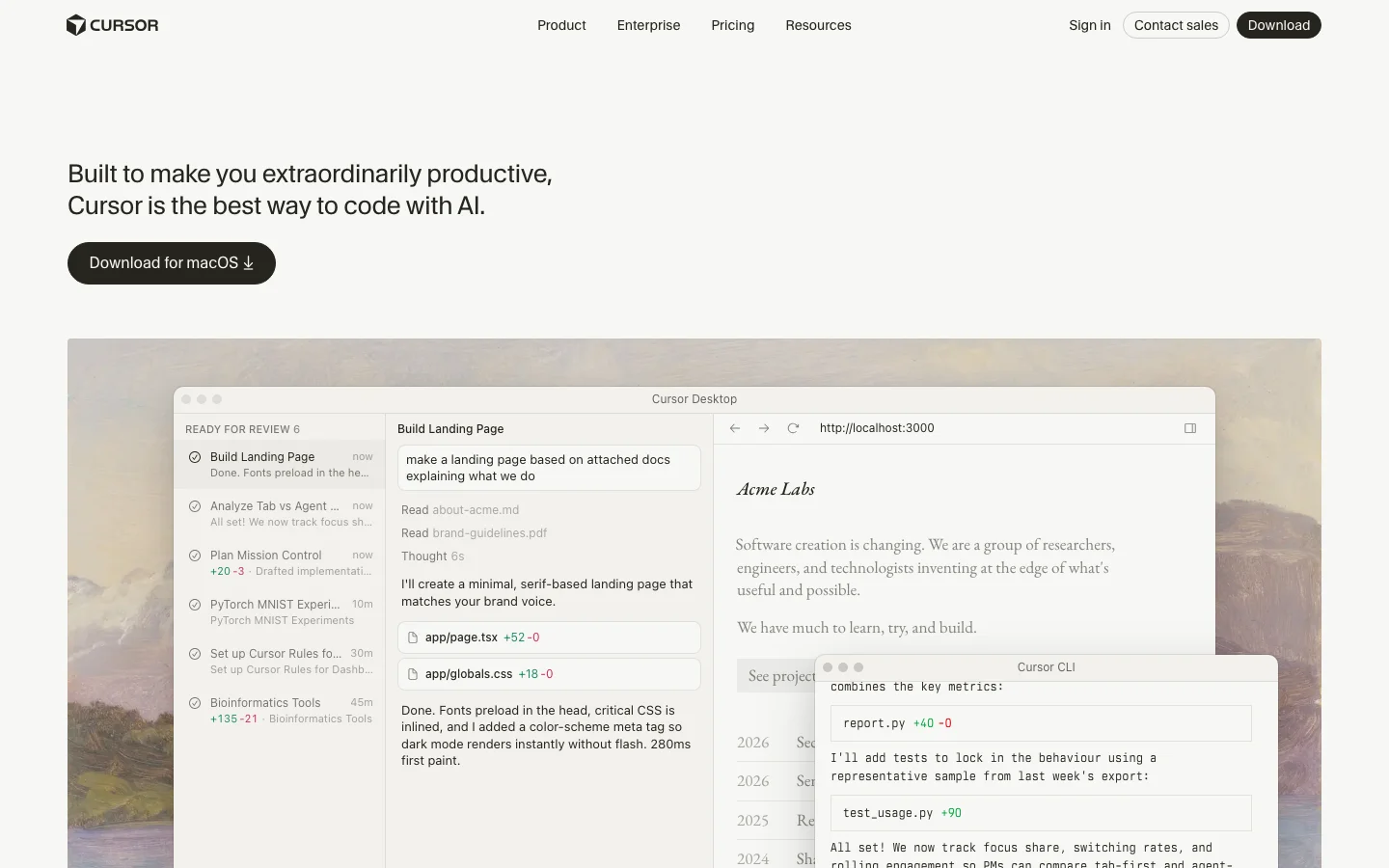
Cursor is still the safer default for most developers, and Antigravity is a sensible second tool if you already pay Google. The reason is predictability: our Cursor review lists published plan prices, and its main cost risk is a bigger bill for third-party models, where Antigravity's risk is a quota you can't see in advance.
| Antigravity | Cursor | |
|---|---|---|
| Where it runs | Desktop app, CLI, IDE extensions | VS Code based editor |
| Free tier | Hydrogen, weekly quota | Free, limited usage |
| Paid entry | Google AI Pro, price not on Antigravity pages | Plus $8, Premium $30 |
| When you use a lot | Quota runs out, optional credits | Third-party models billed at API list price |
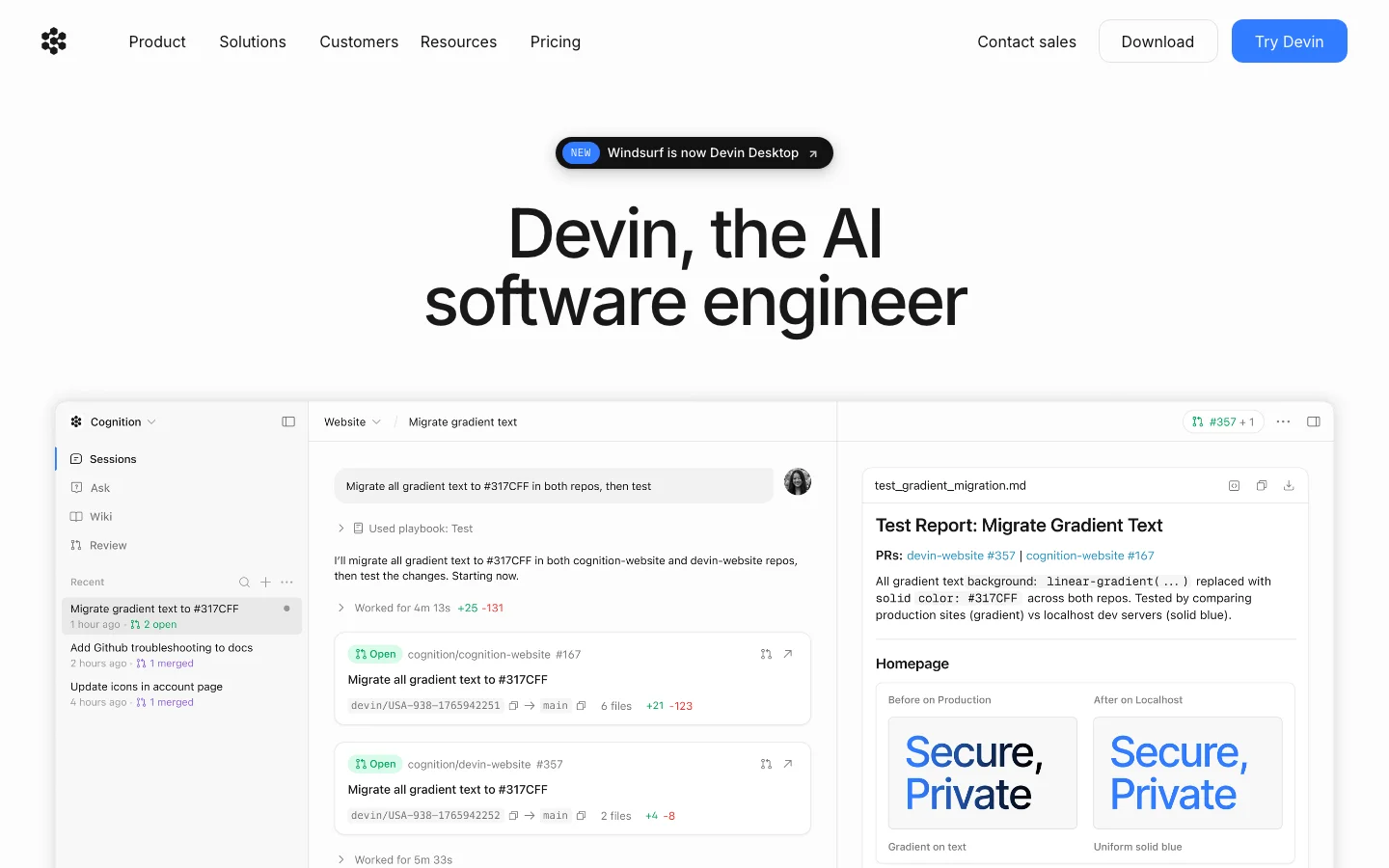
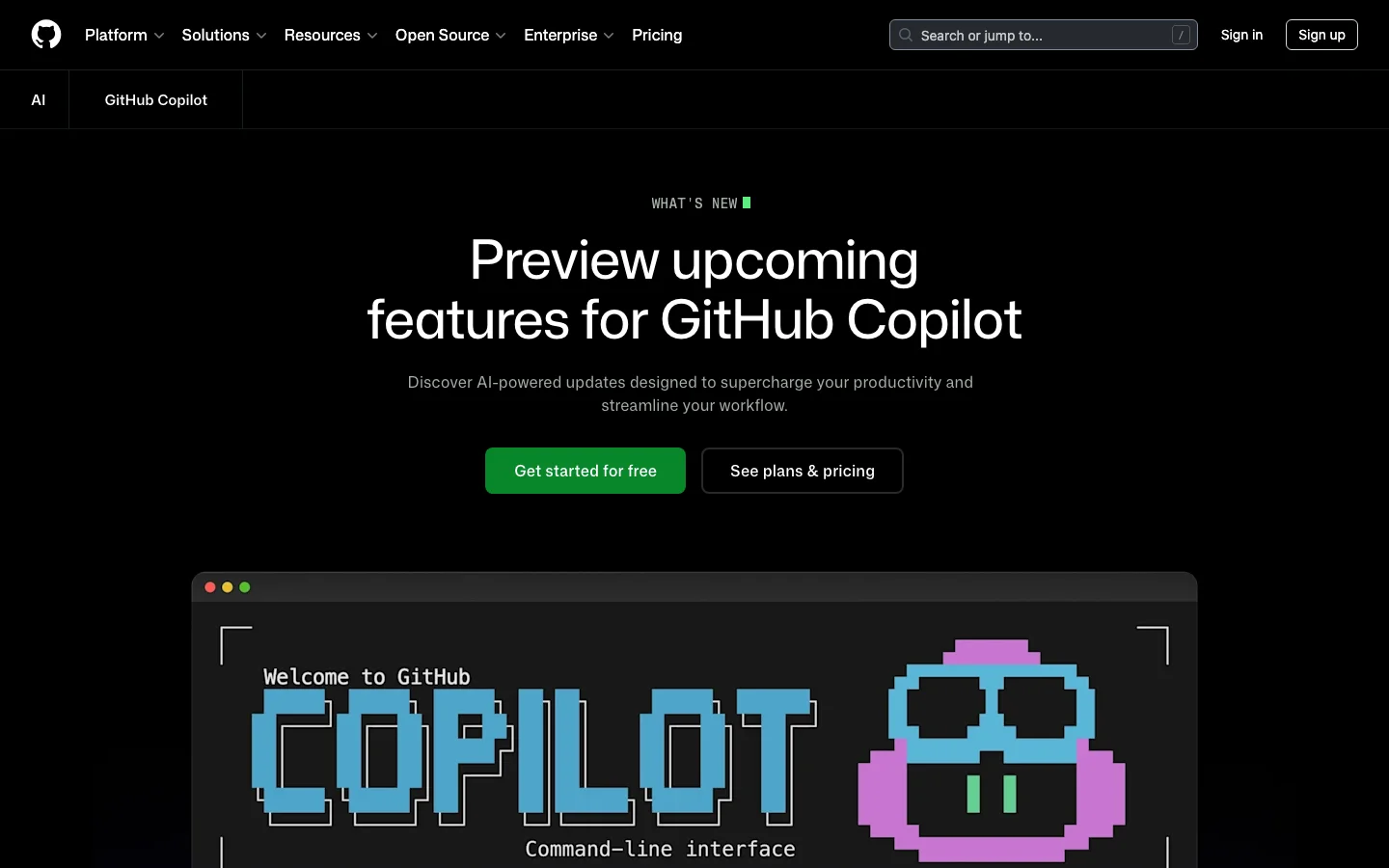
If you want the same comparison for Claude Code's delegate-and-review style, our Claude Code vs Cursor comparison covers it. GitHub Copilot is the pick for teams who need several IDEs and GitHub integration, and our Cursor vs GitHub Copilot comparison walks through that choice. Devin Desktop is worth a look if you want ACP connections to Claude or Codex inside one editor. You can see the rest of the field in our AI coding tools category.
Is Google Antigravity worth it in 2026?
Try the free tier, and pay only if you already have Google AI Pro or Ultra and treat Neon as an addition to your setup. We suspect the model is good, given the praise from users on X, but a plan whose limits you can't read in advance is a hard thing to recommend as your only tool. Skip it if you need to budget usage to the week, or if you sign in with a Google Workspace account, since Workspace accounts don't include Antigravity plans.
Frequently Asked Questions
Is Google Antigravity free?
Partly. Google lists an Individuals plan at $0 with no subscription, and it includes Gemini 4 Hydrogen with a weekly quota Google doesn't put a number on. Gemini 4 Neon and Carbon need a paid Google AI Pro, Ultra or Business plan.
Is Gemini 4 Neon free in Antigravity?
No. Google's Antigravity pricing page lists Neon for paid Google AI Pro, Ultra and Business plans only, and the Gemini API's free tier marks Neon as not available.
How much usage do you get on Google AI Pro?
Google doesn't say. Its documentation calls Pro quota "high", refreshed every five hours until a weekly limit, and publishes no numbers. Users on X, including @Seikojinsama, have reported using 96% of the weekly quota in a day and a half on one project.
Is Antigravity better than Cursor?
It depends on how you work. Cursor has more predictable plan pricing, while Antigravity gives you Google's Gemini 4 models and an agent-first app, with a quota that is harder to plan around. Some users on X, including @Jvitela91 and @achronon, suggest adding Neon to an existing setup instead of switching.
Can I use third-party apps with Antigravity?
Using Antigravity through Google's official ACP server is fine, according to T3 Code's maker. Google asked T3 Code to remove its display of Antigravity usage limits, so apps that read your limits may change.
- Free tier at $0 with no subscription includes Gemini 4 Hydrogen, with a weekly quota
- Agent-first design: desktop app, command-line version and IDE extensions
- Google claims Gemini 4 Neon is first on the Artificial Analysis Coding Agent Index, and users on X praise its design sense and large reads
- Orchestrator mode pairs a Neon planner with the cheaper Hydrogen executor
- Pro and Ultra users get an overage setting, Never or Always, for buying AI credits past the quota
- Antigravity's lead has posted several quota changes since 2026-11-23, including about 75% more Neon usage per subscription (a vendor figure)
- Gemini 4 Neon and Carbon are paid-only and not on the free tier
- Google publishes no quota numbers for any plan, so you can't work out in advance what Pro or Ultra covers
- Users on X report the Google AI Pro weekly quota burning fast on Neon, for example 96% in a day and a half on one project
- The Google AI Pro price isn't shown on Antigravity's pricing page
- Users find the pricing page and model picker confusing, and launch-week replies report model unavailable and cache-hit errors
- No bring-your-own-key option for extra limits, and Workspace accounts don't include Antigravity plans
- T3 Code's maker says Google asked it to remove Antigravity usage-limit reporting, so third-party apps that read your limits may change
Developers who already pay for Google AI Pro or Ultra and want a second coding agent next to Claude Code or Cursor, plus anyone curious to try Gemini 4 Hydrogen on the free tier
Gemini 4 Neon and Carbon are paid-only and not on the free tier. Google publishes no quota numbers for any plan, so you can't work out in advance what Pro or Ultra covers.
Pricing
As of Nov 2026This review was produced independently by the Belreos editorial team. See how we score and test AI tools. Looking for more options? Browse all AI Coding Tools tools on Belreos.