Every few months, a new wave of AI tools lands with promises of automating your marketing, answering your customers, and handling your data. Most of it is noise. Some of it is useful. And a few tools come with serious warnings that nobody puts in the headline.
This guide covers the best AI tools for small business in 2026 - written for entrepreneurs and owners who want a straight read: what each tool actually does, what it costs, who it's realistically for, and where it falls short. Whether you're looking for affordable AI tools for your startup or evaluating small business AI software to replace a manual process, we've tested, researched community feedback, and rated each tool on Belreos. The ratings below are our current scores - not the vendor's self-reported satisfaction numbers.
Marketing and Advertising
Running ads and producing content are where most small business owners first reach for AI. Here's what's actually worth your time.
Writesonic - Best for Tracking Your Brand in AI Search
Belreos rating: 3.5/5 Price: Starts around $16/month (Individual), scales to $299/month (Agency) Read the full review: /tools/writesonic
Writesonic has gone through an identity shift. It started as an AI writing assistant and has since repositioned as a platform for GEO - Generative Engine Optimization, the practice of making your brand visible in ChatGPT, Perplexity, and Google's AI Overviews rather than just in traditional search results.
If you run a business that lives or dies by search visibility, that pivot matters. Writesonic's brand monitoring features track where your business appears (or doesn't appear) in AI-generated answers, and its content tools are designed with AI citation patterns in mind. For agencies and content teams managing multiple brands, that's a meaningful capability that most general-purpose AI writing tools don't offer.
The honest warning: the writing quality has suffered as the product pivoted toward GEO infrastructure. Users who came to Writesonic for polished long-form content have largely been disappointed since the repositioning. If you want a tool to help you understand and improve your AI search presence, Writesonic is one of the few doing it seriously. If you want an AI writing assistant that produces publish-ready copy, you'll need to supplement with heavy editing.
Good for: Businesses focused on content marketing and search visibility, agencies tracking AI search performance across multiple clients. Not for: Anyone who needs clean copy out of the box without significant editing time.
Lexi AI - Proceed with Caution
Belreos rating: 2.6/5 Price: $39.90/month (listed on site; a $200/month figure has appeared in community reports - unexplained) Read the full review: /tools/lexi-ai
Lexi AI's premise is genuinely useful: paste your website URL, let the platform analyze your business, and have a Facebook or Instagram ad campaign live in under a minute. For a solo operator with no ad experience and no agency budget, that's a value proposition.
The problem is trust, and it's not a vague concern. As of early 2026, Lexi AI has almost no independent reviews - no G2 listings, no Capterra profile, no YouTube walkthroughs from real users. When people in marketing subreddits ask "has anyone actually used this?", the answer has been silence. One user who contacted support to verify the company's leadership reported that the named COO appeared to have no business connection to the company - a claim Belreos has not independently confirmed, but which has circulated publicly without any response from Lexi.
The one hands-on test we found described the output as fast but generic: audiences described as "scattered," ad copy as "long," and creatives that needed rewriting before they could run. When you have to rewrite everything the AI produces, the time savings disappear.
There's also a free alternative worth knowing about: Midas Ads Copilot, which the same tester rated higher on UX in a direct comparison, at zero cost.
Lexi AI is not a disqualifying product on concept alone - automating Meta ads for small businesses is solving a real problem. But until the company builds a public track record and addresses the transparency questions, the risk-to-reward calculation doesn't favor paying $39.90 a month when a free competitor exists.
Good for: Solo operators experimenting at low ad budgets who are comfortable being early adopters and understand the current trust questions. Not for: Anyone who needs verified results before spending money on a tool, or who runs campaigns where generic creative output has real cost.
Customer Support
Once you have customers, you need to handle their questions. AI customer support tools range from basic chatbots to full phone agents. Here's the honest breakdown.
Droxy AI - Solid for Phone-Heavy Businesses
Belreos rating: 3.8/5 Price: Basic $16/month, Advanced $80/month, Enterprise $240/month (annual) Read the full review: /tools/droxy-ai
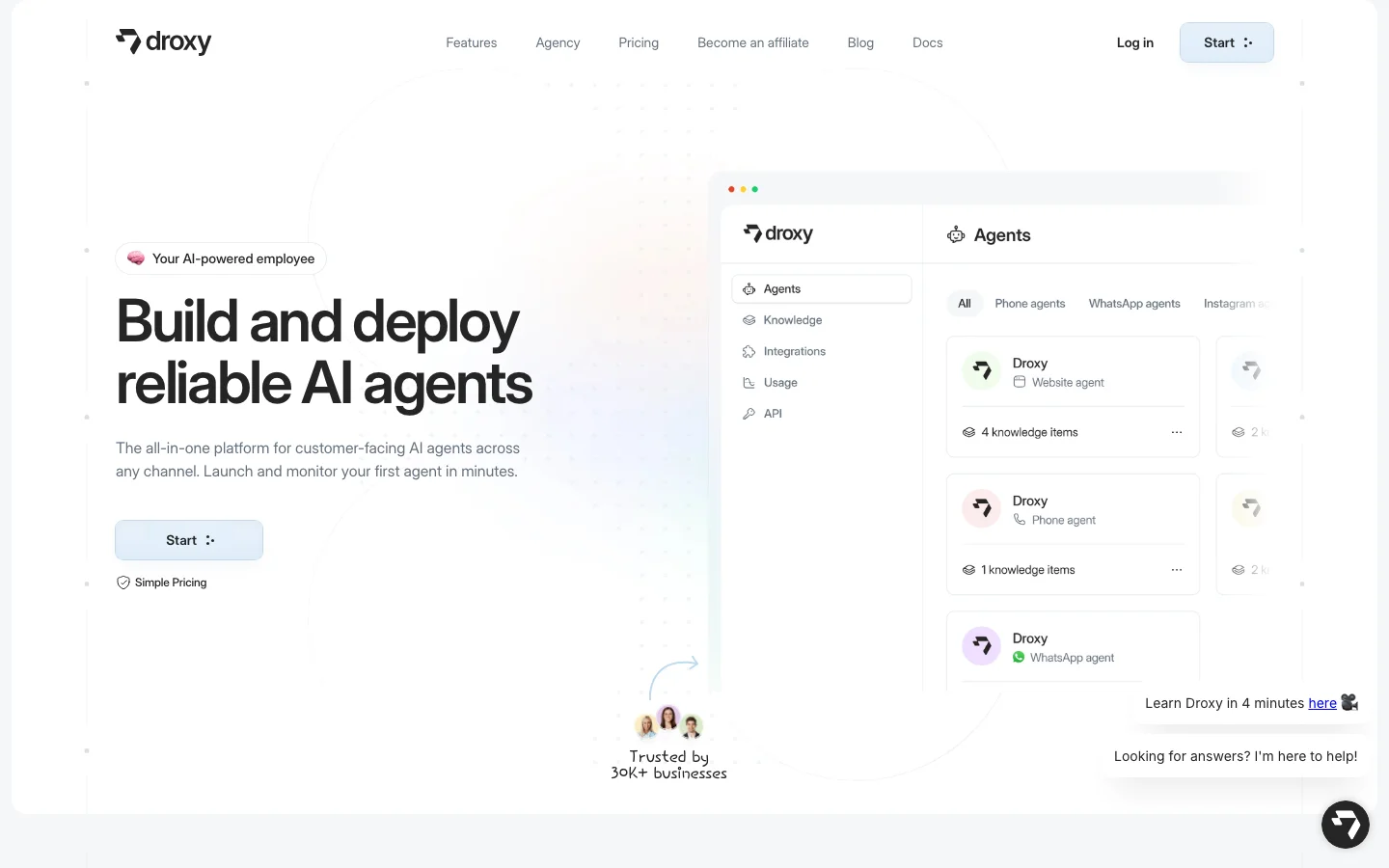
Droxy AI does something most customer support tools don't: it bundles an AI phone agent alongside website chat, WhatsApp, Instagram DMs, and comment replies. For an HVAC company, an auto dealership, a health practice, or a legal office that fields both online inquiries and inbound phone calls, handling everything from one platform without two separate subscriptions is a genuine operational advantage.
The setup is simple. You train the AI by connecting your website URL, PDF documents, Google Drive files, or YouTube videos, and automatic sync keeps the agent current when your content changes. The platform supports 95+ languages, which matters for businesses serving multilingual markets. You can choose between GPT-4o, Claude 3.5, and Gemini models depending on your cost and quality preferences - a flexibility most no-code chatbot builders don't offer.
The limitations are real and specific to your volume. The Basic plan at $16/month caps you at 30 phone call minutes and 100 comment replies per month. A moderately busy business will hit those limits before the month is halfway done. The Advanced plan at $80/month bumps to 175 call minutes and 500 comment replies, which is workable for moderate inbound volume.
The larger caution: Droxy claims 30,000+ business customers, but its organic community footprint is nearly nonexistent. Chatbase, a direct competitor that's been around longer, has multiple independent comparison threads on Reddit. Droxy has almost none. For a platform at that stated scale, the absence of organic user discussion is worth factoring in. The company also left a public data privacy question - whether customer conversation data is used for training - unanswered.
If you run a business where phone calls and web chat are both real channels and you want to handle both without hiring a developer, Droxy is worth evaluating. Just verify current plan limits directly before committing.
Good for: Service businesses in phone-heavy verticals (trades, healthcare, legal, automotive) that want one platform handling web, voice, and messaging. Not for: High-volume call operations on the Basic plan, or buyers who need a large independent user community before they trust a tool.
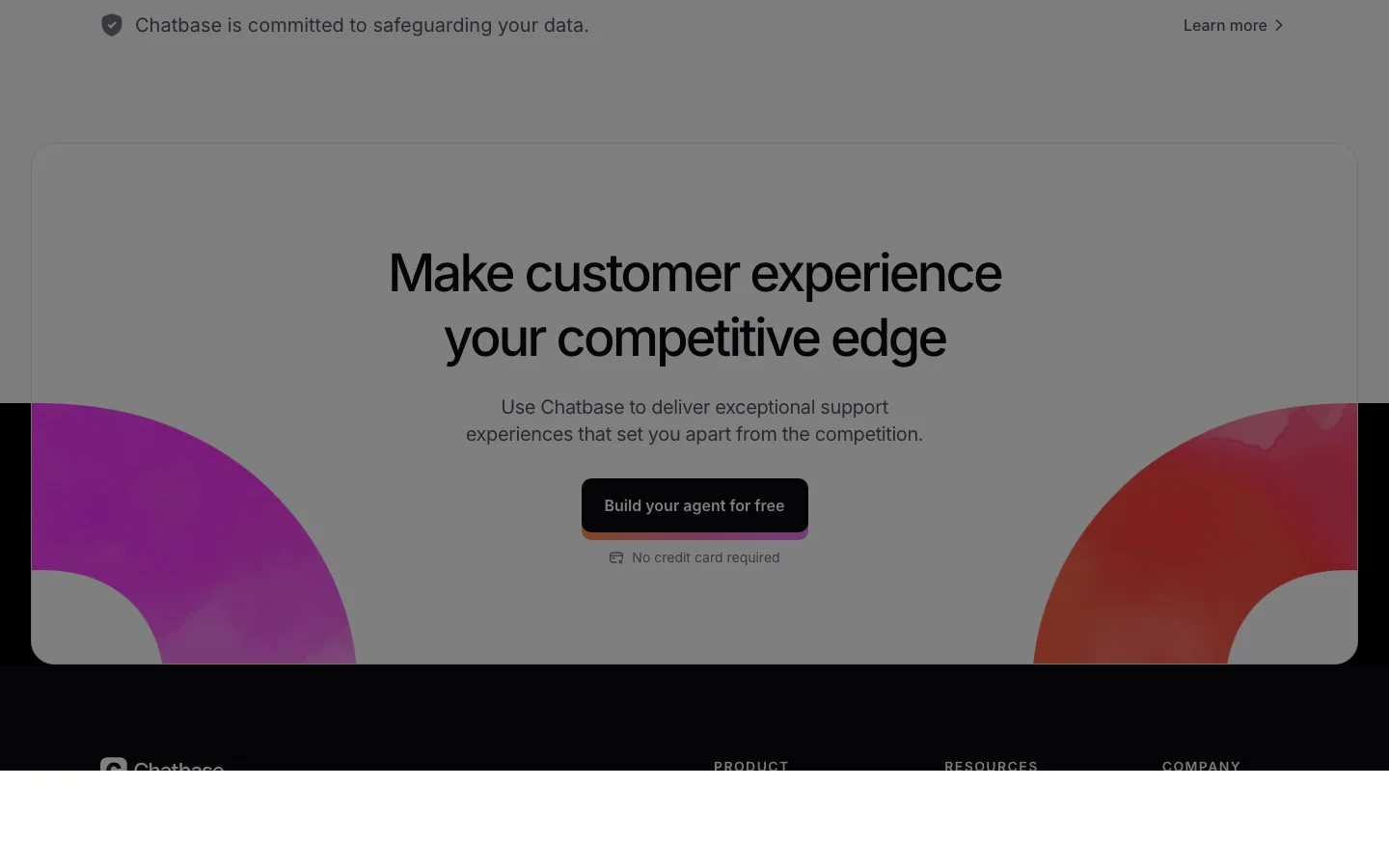
Alternative to know: Chatbase is the category-default no-code chatbot builder for website chat - it has multiple independent Reddit comparison threads where Droxy has almost none, and its brand recognition means most buyers will encounter it first. The honest caveat: the Pro plan ($400-500/month) runs on a credit system where GPT-4 class responses burn through your 40,000 monthly credits fast, with community reports putting effective throughput at roughly 2,000 actual responses at that price point. The typical pattern is that users start with Chatbase, hit a cost or feature ceiling, and then search for alternatives - it's worth knowing going in.
Data and Analytics
You don't need to be a data scientist to use data. The best AI data analysis tools for small business handle the technical side so you can focus on the decision.
Julius AI - Best for Non-Technical Analysis
Belreos rating: 4.0/5 Price: Free (15 messages/month), Plus $20/month, Pro with database connectors (pricing varies) Read the full review: /tools/julius-ai
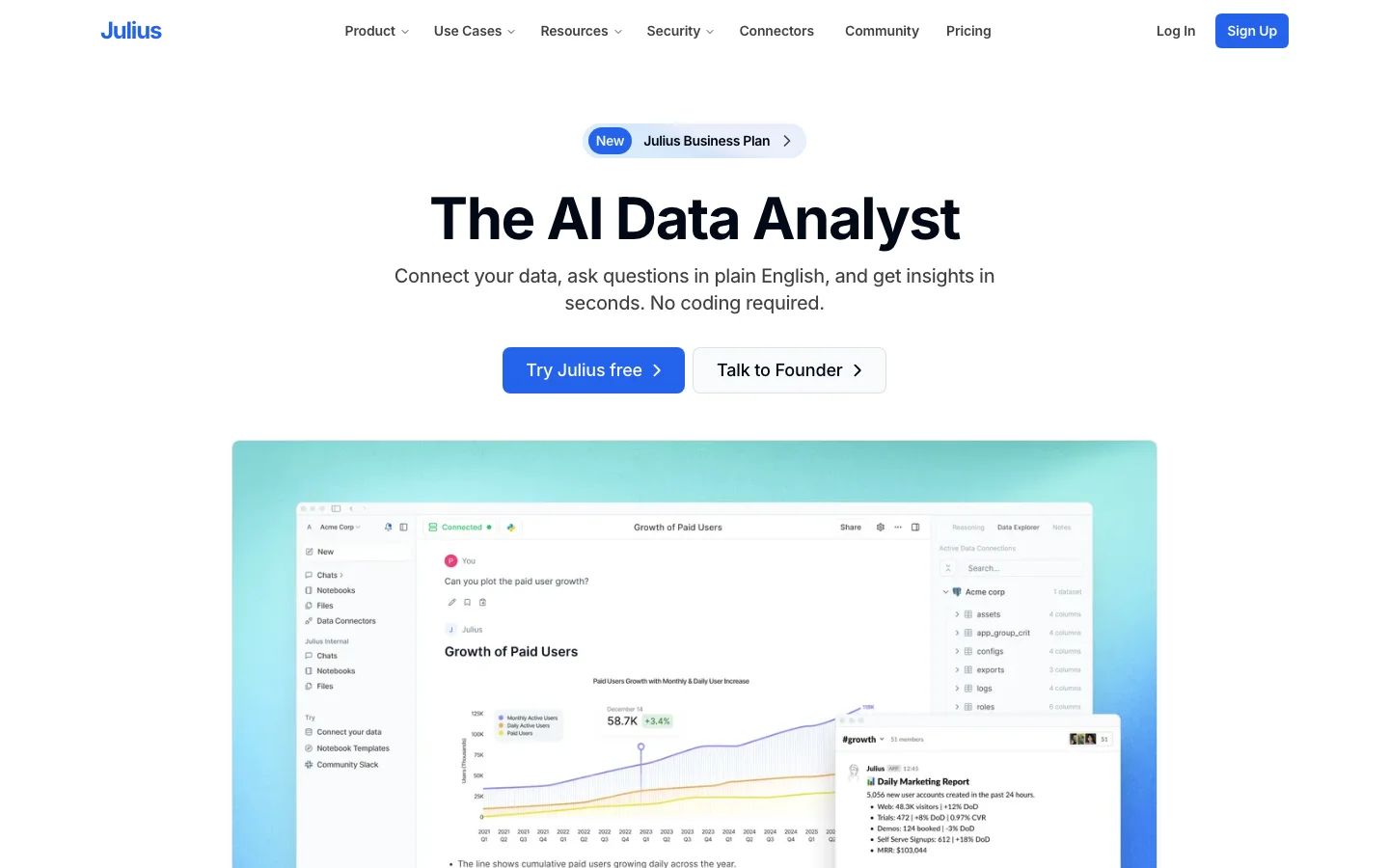
Julius AI's elevator pitch: upload a spreadsheet, ask a question in plain English, get a chart or statistical result back in seconds. No Python, no R, no SQL. Julius writes and runs the code behind the scenes, catches its own errors when the code fails, and returns clean output.
For the right user - a PhD student running dissertation regressions, an operations manager who needs to understand their sales data, an IO psychologist who needs standard statistical tests without setting up an environment - it works. Users consistently describe the iterative conversation flow as better tuned for academic statistics than ChatGPT's Code Interpreter. "Now add a confidence interval" or "break this down by Q3 only" lands naturally in Julius in a way a general-purpose chat thread doesn't.
The Notebooks product extends this into collaborative workspaces where teams mix natural language prompts with auto-generated code and visualizations. For a small team that would never open Jupyter, it's a working environment.
The limits are worth naming clearly. Julius requires uploading your data to its servers. If you're working with customer data under GDPR, with patient records, or with any data governed by institutional review board approval, that's not a preference issue - it's a hard architectural blocker. The free tier's 15-message cap is too restrictive to properly evaluate the tool before hitting the $20/month paywall.
Professional data scientists dismiss Julius as a tool for non-technical users, and that assessment is accurate. The question is whether you are in that non-technical user category, in which case Julius is useful, or whether you need reproducible, auditable analysis, in which case you need something that gives you a traceable methodology.
One additional flag for due diligence: Julius had a 2025 controversy involving a job posting that appeared to extract product strategy from applicants with no hiring intent. It doesn't affect the software, but it's a company conduct signal that shows up when people research the company.
Good for: Non-technical business owners, academic researchers without coding backgrounds, operations and marketing teams who need to analyze data without a BI setup. Not for: Regulated data environments, published research requiring reproducible methodology, or professional data engineers.
Alternative to know: If you already pay for ChatGPT Plus or Claude Pro, Code Interpreter handles many of the same tasks at no additional cost. For serious data science work, Python with pandas remains the more auditable choice.
Design and Visual Content
Visual content touches every part of small business marketing - social media, ads, product photography, presentations. The tools available in 2026 vary wildly in quality and, in one case, in how they handle your billing.
Fotor - Use Only with a Disposable Payment Method
Belreos rating: 2.8/5 Price: Free tier (limited credits), paid plans vary Read the full review: /tools/fotor
Fotor has been around since 2012, which gives it a large template library, a clean editing interface, and genuine competence on the basics: AI background removal, sliders for brightness and contrast, a batch crop editor that handles up to 50 images, and Canva-style social media templates for Instagram, Facebook, and YouTube. For a one-off portrait touchup or quick template production, the tool works.
The reason the Belreos rating sits at 2.8 is not the product - it's the billing. The top organic Reddit signal for Fotor is a 1,721-upvote post in r/assholedesign titled "Fotor does not let me unsubscribe or remove my payment." The top-voted advice in that thread: use a disposable virtual card, cancel the card itself when you want to stop, and accept that filing a chargeback means getting your account banned. Multiple independent threads in r/Scams confirm the same pattern - charges continuing after stated cancellation, "network error" excuses when trying to cancel, and refusals on refund requests. A 2020 data breach exposed 13 million user records.
The AI features are genuinely mixed. Old photo enhancement produces cleaner grain reduction than expected. The paid AI upscaling has been described as "very plasticy" by users who subsequently moved to dedicated tools like Let's Enhance for quality work. Fotor has also pivoted toward viral AI gimmicks - dance video generators, cartoon filters - which doesn't serve its original photo-editing audience.
If you want to try Fotor for a one-time project, use PayPal with auto-payments disabled or a virtual card you can cancel independently. Do not give Fotor a real credit card without an escape hatch that doesn't depend on their cancellation flow.
Good for: Casual one-off edits, social media template production, quick background removal - paid via PayPal or virtual card only. Not for: Anyone who gives Fotor a direct payment method they can't independently cancel, or who needs high-quality AI photo enhancement.
Safer alternative: Canva covers social media templates and basic design with a more reliable subscription model and a free tier that's genuinely usable. For AI photo enhancement specifically, Let's Enhance produces higher quality results without the billing complaints.
Comparison Table
| Tool | Function | Price | Belreos Rating | Key Caveat |
|---|---|---|---|---|
| Writesonic | Content & AI search visibility | From $16/mo | 3.5/5 | Writing quality sacrificed for GEO features |
| Lexi AI | Meta Ads automation | $39.90/mo | 2.6/5 | Near-zero reviews, free competitor exists |
| Droxy AI | Chatbot + phone agent | $16-$80/mo | 3.8/5 | Low plan limits; thin community track record |
| Julius AI | Data analysis (no-code) | Free / $20/mo | 4.0/5 | Cannot upload GDPR or IRB-regulated data |
| Fotor | Photo editing & design | Free / paid | 2.8/5 | Cancellation blocked - use virtual card only |
Where to Start: First-Time AI Adopter Recommendation
If you've never used AI tools for your business and you're trying to figure out where to begin, here's the honest answer: start with one problem, not one tool.
If your biggest problem is answering customer questions - look at Droxy AI on the Advanced plan if you handle both phone and web inquiries, or Chatbase if you only need web chat and want a tool with more public reviews behind it.
If your biggest problem is understanding your business data - Julius AI's free tier (15 messages/month) is enough to run a few real analyses on your actual spreadsheet before you decide whether $20/month is worth it. Don't buy the subscription before you've used the free tier on a real problem.
If your biggest problem is content and visibility - Writesonic is the most serious tool in this list for search visibility, but read the honest caveats on writing quality before you cancel your human editor.
Skip for now: Lexi AI until it has more independent reviews and resolves its transparency questions. Fotor unless your use case is genuinely one-off and you're paying via virtual card.
The best AI tools for small business owners and entrepreneurs in 2026 are the ones that solve a specific, named problem at a price that doesn't require faith in the vendor's billing practices. If you're evaluating affordable AI tools for the first time, start narrow, verify it works for your actual workflow, then expand.
All tools on Belreos are independently researched and rated. Ratings reflect editorial judgment based on community intelligence, hands-on testing reports, and verified user feedback - not vendor relationships. See individual tool pages for full methodology.
Related Comparisons
Looking for more AI tool comparisons? Check out our guides:
Browse more: AI Chatbot Builders | All AI Tools